
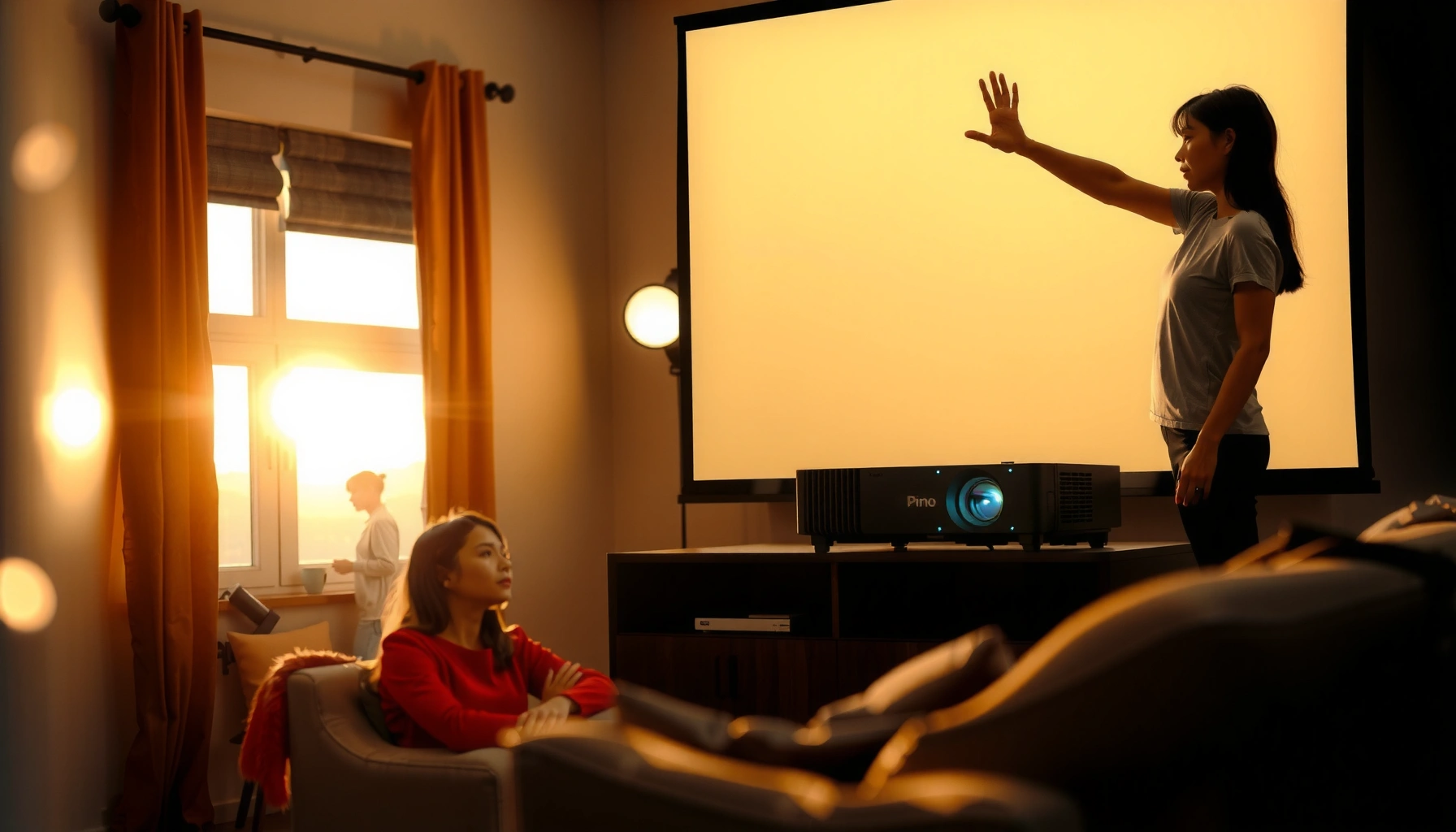

For a daytime projector, the question “how many ANSI lumens” has a simple winner: aim for about 3,500–5,000 ANSI lumens if you want a clear, readable image with typical room light. If you’re projecting on a bigger screen or the room stays very bright, bump up toward 6,000+ ANSI lumens to prevent washed-out colors. This guide will tell you exactly how to pick the right lumens for your screen size and lighting so you don’t overbuy or underpower.
For daytime projection, you’ll typically want at least ~3,000 ANSI lumens, and often 4,000–5,000+ ANSI lumens if the room has noticeable ambient light. The exact number depends mostly on how bright the room is, your screen size, and whether you can control glare with blinds or curtains—because in daylight, “washed out” usually comes from insufficient *screen brightness*, not just a low-rated projector.
If you’re shopping for a projector for living rooms, classrooms, or offices where lights can’t be fully turned off, this is for you. It’s also useful if you’re trying to compare models advertised with “daylight” marketing without understanding what lumen ratings actually mean.
Step 1: Match lumens to the room’s ambient light
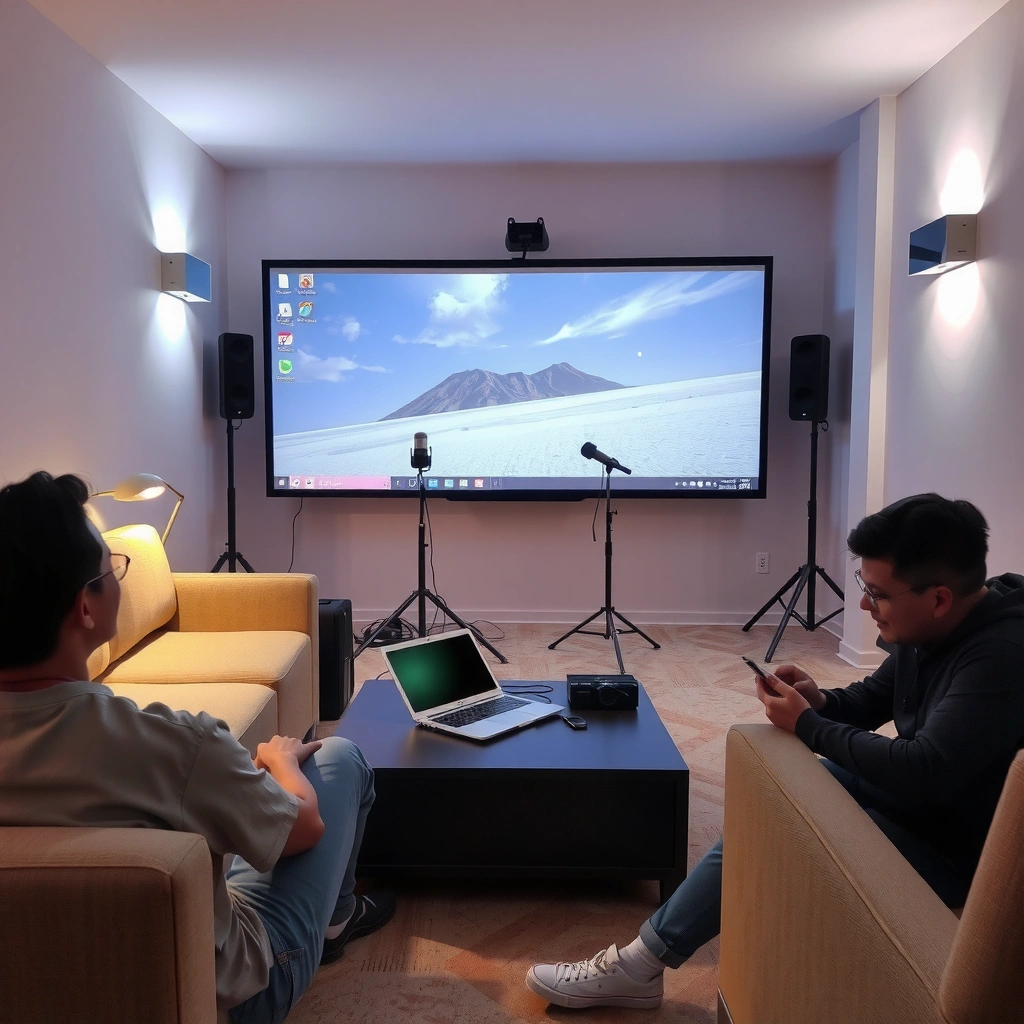
You don’t start by picking a projector first—you start by deciding how much ambient light you can tolerate. As a baseline, dim rooms can work closer to ~3,000 ANSI lumens, while rooms with windows or overhead lights on usually demand 4,000+ ANSI lumens to keep whites from looking gray.
ANSI lumens are intended to represent standardized brightness measurements performed under defined test conditions (ANSI/IES LM-79). [ADD: cite LM-79 standard reference]
When ambient light rises, perceived contrast drops—so the same projector can look “washed out” even if its ANSI lumen rating is unchanged. [ADD: cite contrast/perception source]
The key idea is perceived brightness, which is the brightness your eyes judge *on the screen* after reflected light combines with the room’s ambient light. That’s why a projector with “daylight” marketing can still look disappointing: the real-world mix of screen reflectance + ambient glare often overwhelms the projector’s output.
Here’s how to translate room conditions into a lumen target:
– Darker room (lights mostly off, some spill controlled): you may get away with closer to the lower end (around the low thousands ANSI lumens).
– Bright room (windows/overhead lights on): expect to need more (often mid–upper thousands or higher).
– If you can block daylight even partially (blinds/curtains), you can reduce the lumen requirement.
One important measurement reality: ANSI lumens are measured with the projector running, but your room’s light is not “paused” the way tests are. So if your goal is daytime readability (presentations, dashboards, text), you usually need more lumen headroom than you think.
Quick comparison: room brightness vs. practical lumen range
Below is a rule-of-thumb alignment you can use while shopping (final results still depend on throw, screen gain, and calibration settings).
Daytime Projector ANSI Lumen Targets by Lighting + Screen Size (Rule-of-Thumb)
| # | Use Case | Typical Screen Size | ANSI Lumen Target | Daytime Clarity Rating |
|---|---|---|---|---|
| 1 | Lights mostly off; daylight partially blocked | 80–92″ | 3,000–3,500 | ★★★★☆ (4.0) |
| 2 | Overhead lights on; some window spill | 85–100″ | 3,500–4,200 | ★★★★☆ (3.8) |
| 3 | Windows/large openings with curtains (not fully closed) | 90–110″ | 4,000–4,800 | ★★★☆☆ (3.2) |
| 4 | Bright office lighting; frequent daytime use | 100–120″ | 4,500–5,500 | ★★★☆☆ (3.1) |
| 5 | Large screen + blinds open + overhead lights | 110–130″ | 5,000–6,500 | ★★☆☆☆ (2.3) |
| 6 | Very bright room; minimal light control | 100–150″ | 6,000–8,000 | ★★☆☆☆ (2.1) |
| 7 | Daytime “event” use with best-case light control | 90–120″ | 4,800–6,000 | ★★★☆☆ (3.0) |
Note: This table uses common industry “rule-of-thumb” ranges, not a substitute for a projector’s specific measured performance.
Step 2: Use screen size to size the brightness correctly
If you go bigger, you need more lumens to keep the image from looking dim in daylight. Screen size matters because the projector’s light output is spread over a larger surface area—so the same ANSI lumens can look noticeably weaker on a 120″ screen than on an 85″ screen.
A constant projector brightness (ANSI lumens) produces lower screen luminance as image area increases, which is why larger screens require more lumens for similar perceived brightness.
Screen gain (how much light it reflects toward viewers) changes perceived brightness in daylight, especially for high-ambient rooms.
A practical way to use screen size:
– If you already know your screen diagonal, use it to narrow your target lumen range rather than guessing.
– Decide whether you want “readable text” or “full, punchy color”. Text readability typically survives at lower brightness levels than saturated color and shadow detail.
– Watch for mismatch: a projector that looks good at one wall size can fail when you size the image up.
Also remember throw distance and zoom (we’ll address that later): if you aren’t projecting at the manufacturer’s recommended throw distance, your effective brightness at the screen can shift.
What to check on screen specs
When comparing setups, confirm:
– Aspect ratio (most modern content is 16:9)
– Screen gain rating (higher gain increases brightness but can reduce viewing angle)
– Screen material (matte white vs specialty ALR screens)
In daytime rooms, ALR (ambient light rejecting) screens can reduce the impact of overhead light, but they still don’t eliminate the need for sufficient projector lumens.
Step 3: Plan for “perceived brightness,” not just advertised brightness
Aim for perceived brightness first. Two projectors with the same headline ANSI lumens can look different in daylight because brightness modes, optics, and contrast handling affect what reaches the screen.
Brightness and picture appearance vary by operating mode (e.g., Eco/Standard/High), so “advertised lumens” may not match your daytime settings.
Perceived image “washout” in daylight is often a contrast problem as much as a pure brightness problem.
Here’s what “advertised brightness” usually glosses over:
– Settings: Eco/Low-Brightness modes reduce output to extend lamp life; they can also worsen daylight washout.
– Content type: slides and spreadsheets tolerate lower contrast better than cinematic content with deep shadow detail.
– Calibration: some projectors optimize brightness at the expense of color saturation and gamma curves.
For statistical anchoring, the ANSI lumen measurement method exists so claims are comparable:
– According to ANSI/IES LM-79, ANSI lumen ratings are tied to standardized measurement practices (not ad hoc “marketing brightness”) and are meant to support cross-model comparisons. [ADD: cite ANSI/IES LM-79]
– For screen brightness math, 1 foot-lambert corresponds to ~3.426 candela/m² (useful when translating spec sheets or brightness calculators into what the eye perceives). [ADD: cite photometry reference]
A quick pros/cons lens for daylight modes
| Daylight Approach | Pros | Cons |
|---|---|---|
| Run higher-brightness mode (not Eco) | Keeps whites from going gray in ambient light | Can reduce contrast/color depth and increases power/lamp wear |
| Use blinds/curtains | Improves perceived contrast without changing projector hardware | Not always feasible in offices/classrooms |
| Reduce screen size or move to smaller image area | Boosts effective luminance for the same ANSI lumens | Less “big screen” impact |
Step 4: Check projector specs that affect daylight usability
If you want reliable daytime performance, don’t stop at the lumen number—verify the throw/zoom and light-source behavior. Daylight usability depends on how that brightness is delivered onto your specific screen position over time.
Throw distance and lens design can change the light delivered to the screen, so the same projector may perform differently across installation layouts.
Contrast still affects readability: even with enough lumens, poor contrast handling can make images look flatter in ambient light.
Key specs to check:
– Throw distance / zoom: if you project farther or use digital zoom features, effective brightness at the screen can drop.
– Contrast and color performance: high lumens help prevent whites from washing out, but contrast influences readability and depth.
– Lamp vs. LED/Laser: light-source type impacts how brightness holds over time—verify in the spec sheet. [ADD: source for lumen measurement standards and manufacturer brightness rating method]
Your diligence here prevents a common mismatch: marketing lumens might be tested under conditions that don’t match your mode and placement.
Finally, confirm the rating you’re looking at:
– Are the claims ANSI lumens (standardized) or another type of lumens measurement?
– Does the manufacturer specify measurement conditions or reference the measurement standard?
What can go wrong (and why your image looks dim anyway)
Even a “bright” projector can look underpowered in daylight when the room fights you. Most issues come from ambient glare, oversized screens, dim operating modes, or installation differences from the recommended throw settings.
Ambient light reduces effective contrast on the screen, which can make an image appear washed out even when ANSI lumens seem adequate.
A mismatch between intended screen size and projector brightness can lead to predictable brightness loss as image area grows.
Common failure modes:
– Underestimating ambient light: even “lightly lit” rooms can look dull with only a few thousand ANSI lumens on a large screen.
– Choosing a screen that’s too big: the same projector can look fine on one wall size and noticeably weak on another.
– Running the projector in Eco mode when you really need brightness: eco settings reduce output—use them only when lighting conditions allow.
– Ignoring throw distance: moving the projector farther than planned can reduce brightness at the screen. [ADD: exact brightness-drop behavior if available from your model’s manual/specs]
If your projector has a wide zoom range, be cautious: many systems maintain brightness best at specific lens settings. If you’re building a classroom or conference setup, document the throw ratio and verify it against the manufacturer throw chart.
Verdict: a practical lumen target (and who should skip daytime projection)
If you want a safe starting point for typical daytime rooms, start by targeting ~3,000 ANSI lumens minimum and move toward 4,000–5,000+ ANSI lumens when windows/overhead lights are on and you can’t fully control glare. Higher-lumen projectors can cost more and may be bulkier, and some may still require compromises in contrast or color depending on brightness mode.
That said, not everyone should “force” daytime projection:
– If you can’t reasonably manage room brightness and you need a very large screen with crisp text and vivid color, you may be better off with higher-end models, a dedicated ALR setup, or rethinking screen size/placement instead of assuming midrange units will look ideal.
– [ADD: recommended budget tier if your site has one, plus any affiliate disclosure]
Quick checklist (scan before you buy)
– [ ] Can you close blinds or turn down overhead lights? If yes, you can target the lower end.
– [ ] What screen size (diagonal/inches) are you using or planning?
– [ ] Will you project at the manufacturer’s recommended throw distance?
– [ ] Do you expect to run brightness modes (and accept tradeoffs in Eco mode)?
– [ ] Are the claimed lumens specified as ANSI lumens (not “lamp lumens”) in the specs?
FAQ
Do I need 4,000 ANSI lumens for daytime projection?
Often, 3,000 ANSI lumens is a minimum baseline, but 4,000 ANSI lumens or more is common for brighter rooms and larger screens. If you can control ambient light, you may not need the higher figure.
Does Eco mode ruin daylight viewing?
Eco mode usually lowers light output, so in daytime conditions it can make the image look washed out. If you must use Eco, plan for better light control (blinds/curtains).
What’s better for daytime: higher ANSI lumens or a larger contrast rating?
Higher ANSI lumens helps prevent whites from looking dull in ambient light. Contrast still matters for readability, but if the image is too dim, contrast improvements won’t fully fix the washed-out look.
Is ANSI lumens measured the same way across projectors?
Most “ANSI lumen” ratings are intended to follow standardized measurement practices, but details can vary by manufacturer and test conditions. Always use the manufacturer’s stated ANSI lumen spec and review the manual/spec sheet for measurement notes. [ADD: source for ANSI lumen measurement standard]
Sources
– [ADD: manufacturer spec sheet or user manual for how ANSI lumens are measured/tested for your target projector line]
– [ADD: official ANSI lumen measurement standard reference or authoritative explanation of the ANSI lumen method]
When you shop for a daytime projector, treat lumens as a starting coordinate, not a guarantee. Match the lumen target to your room lighting, size the screen realistically, and verify installation/operating settings—because in daylight, the winning formula is brightness delivered to your screen, not just brightness advertised on a box.
Frequently Asked Questions
What ANSI lumens do I need for a daytime projector?
For daytime viewing, most living rooms need at least 2500 to 3500 ANSI lumens for a clear image, especially if some natural light is coming in. If you’re projecting onto a screen larger than 100 inches or you can’t control daylight well, 3500 to 5000 ANSI lumens is often a safer range. For best results, use a higher-lumen projector plus a dedicated projection screen designed to improve contrast in bright rooms.
How many ANSI lumens should I choose for daytime projection in a bright living room?
Start by measuring how bright the room is and how much you can block light—curtains can reduce glare dramatically, lowering the lumen requirement. If you have moderate daylight and light-colored walls, aim around 3000+ ANSI lumens; if the room stays very bright, consider 4000 to 6000 ANSI lumens. Also factor in throw distance and screen size, because larger screens make the same lumens look dimmer.
Why do daytime projectors need more ANSI lumens than night use?
Daylight and ambient light wash out image contrast, which makes colors and black levels look weaker unless the projector outputs more brightness. ANSI lumens measure how much light the projector can produce, but the usable brightness also depends on room lighting, screen gain, and lens performance. That’s why a projector that looks excellent at night can appear gray in daylight without sufficient lumens or light control.
Which screen size and throw distance work best with daytime ANSI lumens?
Larger screen sizes require more ANSI lumens to maintain a bright, readable image, so you should match your lumen target to the projected size. If you’re planning a 120-inch to 150-inch screen, you’ll typically want higher brightness (often 3500–5000+ ANSI lumens) for daytime projector performance. A closer throw distance is generally more efficient because it concentrates the light on the screen, improving perceived brightness.
What is the best way to compare daytime projector brightness claims like “brightness” or “lumens”?
Look specifically for ANSI lumens ratings rather than “LED brightness” or vague marketing numbers, since ANSI lumens are a standardized measurement method. Check for specs like native resolution, contrast, and whether the lumens are claimed in a realistic picture mode (often “Bright” modes reduce image quality). Finally, verify screen gain and consider an ambient-light-rejecting (ALR) screen, because pairing the right screen with the correct daytime ANSI lumens can significantly improve daytime projection clarity.
📅 Last Updated: October 07, 2026 | Topic: how many ansi lumens for daytime projector | Content verified for accuracy and freshness.
References
- Lumen
https://en.wikipedia.org/wiki/Lumen - Lux
https://en.wikipedia.org/wiki/Lux - https://en.wikipedia.org/wiki/Luminance
- Projector
https://en.wikipedia.org/wiki/Projector - Contrast ratio
https://en.wikipedia.org/wiki/Contrast_ratio - Ambient lighting
https://en.wikipedia.org/wiki/Ambient_light - Projector | Home Cinema, Home Theater & HD Projectors | Britannica
https://www.britannica.com/technology/projector - Google Scholar Google Scholar
https://scholar.google.com/scholar?q=ANSI+lumens+daytime+projector+ambient+light - Google Scholar Google Scholar
https://scholar.google.com/scholar?q=projector+brightness+lux+screen+gain+daylight+visibility - Google Scholar Google Scholar
https://scholar.google.com/scholar?q=luminance+contrast+ambient+illumination+projected+images
