
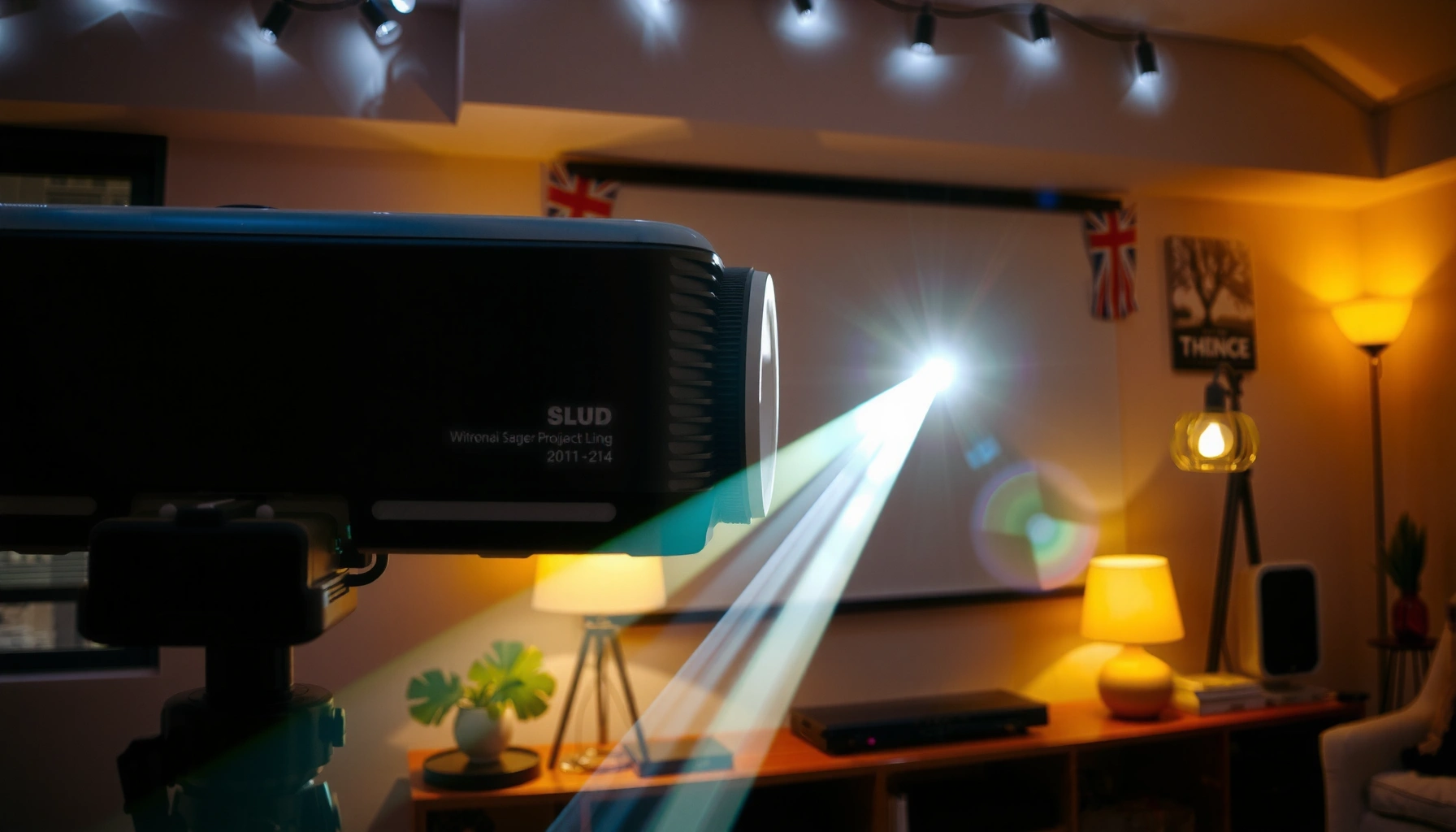

If you’re wondering how many lumens you need for a good projector, here’s the direct rule: aim for 1,500 lumens for a bright, usable 1080p picture in a reasonably dark room. For dedicated home theaters with controlled light, 1,500–2,500 lumens usually wins; for living rooms with ambient light, you’ll want 2,500+ lumens to keep the image punchy. This guide answers the exact brightness target so you can buy with confidence instead of guessing.
A “good” projector usually needs about 2,000–3,000 lumens for a watchable image in a dim room, and 3,000–5,000+ lumens if you’ll keep some ambient light on (or project on a larger screen). The exact number depends mostly on your screen size and how dark your viewing space is—dim rooms let you use fewer lumens.
This guide is for people choosing a projector for movies, sports, gaming, or presentations and trying to avoid buying something that looks washed out. If you’re not sure whether you have “enough brightness,” we’ll translate lumens into practical setup choices.
Lumens Basics: What They Actually Change
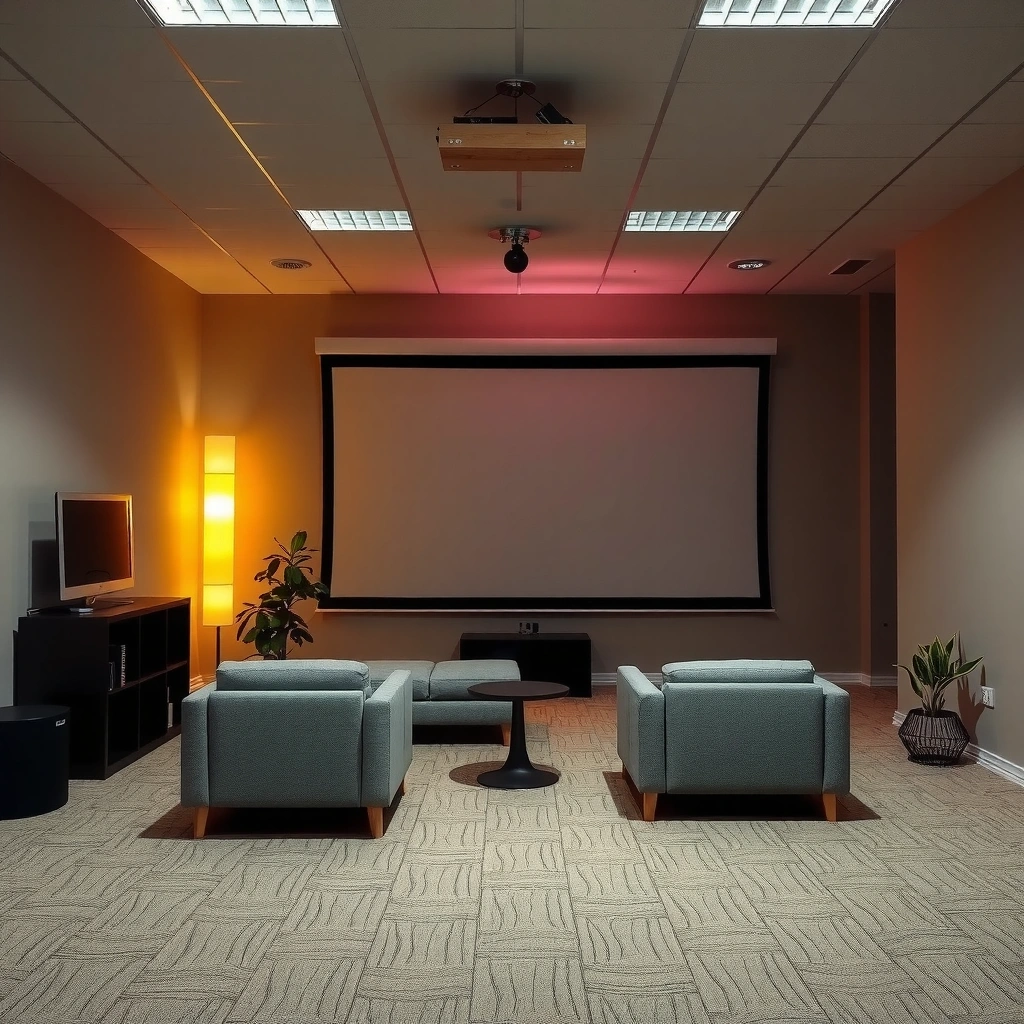
More lumens generally mean a brighter projected image, but the final result depends on how large the image is and how much ambient light competes with it. In other words, lumens are only the starting point; screen size, screen gain, throw distance, and room lighting decide what you actually see.
- Lumens measure brightness output, but your final image depends heavily on throw distance and screen size.
- Ambient light and screen gain (how reflective the screen is) can make the same projector look dramatically brighter or dimmer.
ANSI/ANSI-style projector brightness ratings are intended to represent measurable light output using a standardized test pattern, so “more lumens” typically means more light on-screen under the same conditions. [ADD: source for ANSI lumens measurement method]
Screen size changes brightness per unit area: spreading the same lumens across a larger image usually makes the picture look dimmer.
Ambient light reduces effective contrast by adding “wash” to blacks, which is why higher lumens help even when your image is technically visible.
What “enough brightness” feels like in real setup terms
If you’re aiming for a watchable image, the practical goal is not “maximum lumens,” but sufficient luminance on the screen so that details remain visible during dark scenes. This is where lumens alone can mislead:
– A 2,500-lumen projector can look great on a ~100-inch screen in a dark room.
– The same projector can look flat on a 150-inch screen—or in a living room with lamps on—because the image’s effective brightness per square inch drops.
For scale, here’s a useful geometry datapoint: a 100-inch 16:9 screen has an image area of about 26.5 square feet (87.1″ × 49.0″). When projected area grows, brightness per area drops—so larger screens tend to require higher lumen targets.
For a 16:9 100-inch screen, the image area is approximately 26.5 sq ft (computed from standard 16:9 geometry), which is why lumen targets rise as you increase screen size.
Quick Lumens Guide by Room Light
The best simple rule is: dim room = 2,000–3,000 lumens, while noticeable ambient light = 3,000–5,000+ lumens. If you’re unsure which bucket you fall into, assume the brighter one—washed-out images are harder to “fix” later than slight under-brightness.
– For a dark/controlled room, many setups look good around 2,000–3,000 lumens.
– For a room with noticeable light, plan on 3,000–5,000+ lumens to keep blacks from turning gray.
In real living rooms, ambient light raises perceived gray levels in dark scenes, so you typically need more lumens than you would in a light-controlled theater space.
A higher-lumen projector can reduce “wash,” but it cannot fully compensate for very large screens or poor screen brightness performance.
Pros/cons: choosing brightness vs accepting tradeoffs
A quick way to decide is to weigh brightness against other factors like contrast (black levels), screen size, and your room’s ability to be controlled.
| Choice | Pros | Cons |
|---|---|---|
| Choose **~2,000–3,000 lm** for a dark room | Often delivers an engaging image with fewer “overkill” watts | Can look gray if lights creep in or if you go large on screen size |
| Choose **~3,000–5,000+ lm** for ambient light | More forgiving when blinds leak daylight or lamps stay on | Blacks may still look less “cinematic” than lower-lumen units with strong contrast—especially on budget models |
A current, practical check
As of 2024–2026 buying trends, many home projectors advertise brightness aggressively, but you still want to confirm the tested brightness claims and match them to your use case (movies vs presentations). If your room lighting is closer to “office afternoon” than “movie night,” move up in lumens.
Manufacturers generally publish lumens under specific test conditions, so matching your room conditions (ambient light level) is essential for predicting real-world brightness. [ADD: source for projector brightness test conditions]
Screen Size Matters More Than You Think
You usually need more lumens as your screen gets bigger, because the projector’s light gets spread over a larger surface area. If you’re stuck between two models, brightness should be based on the image size you’ll actually watch, not only the projector’s spec sheet.
– A bigger image spreads the same light over more area, so you typically need more lumens as screen size increases.
– If you’re stuck between two models, choose brightness based on your real projected image size, not the projector’s stated specs alone.
Effective screen brightness typically scales down with screen area: doubling image area generally cuts brightness per unit area roughly in half (all else equal).
Screen gain (how reflective the surface is) can increase perceived brightness without increasing projector output, but it can also change viewing angles. [ADD: source for screen gain behavior]
A “target lumen” reference you can sanity-check
Below is a practical planning table for common 16:9 home sizes, using realistic brightness targets for “watchable in dim room” vs “keep some ambient light” setups. Treat these as planning ranges—your exact model, screen material, and calibration matter.
Planning Lumens by 16:9 Screen Size and Room Light (2026 Buying Reality)
| # | Screen size (diagonal) | Dim room target | Ambient-light target | Setup clarity | Brightness safety vs “rule” |
|---|---|---|---|---|---|
| 1 | 80″ | 2,000–2,500 lm | 3,000–3,500 lm | ★★★★☆ | + (safer) |
| 2 | 100″ | 2,300–3,000 lm | 3,500–4,500 lm | ★★★★★ | 0 (on target) |
| 3 | 120″ | 2,800–3,500 lm | 4,500–6,000 lm | ★★★☆☆ | − (tight) |
| 4 | 135″ | 3,200–4,000 lm | 5,000–7,000 lm | ★★★☆☆ | − (risky) |
| 5 | 150″ | 3,600–4,500 lm | 6,000–8,500 lm | ★★☆☆☆ | — (likely washed) |
| 6 | 180″ | 4,500–6,000 lm | 8,000–12,000 lm | ★☆☆☆☆ | — (needs big-budget) |
| 7 | 200″ | 5,000–7,000 lm | 10,000–16,000 lm | ★☆☆☆☆ | — (out of range) |
How to use the table without overthinking
– If you’re projecting around 100 inches, the classic rule (2,000–3,000 lm dim / 3,000–5,000+ lm ambient) usually lines up with the middle of the ranges above.
– If you jump to 120 inches or more, you should expect to move upward in lumens unless you can keep the room truly dark.
If you increase screen diagonal from 100″ to 150″ (same aspect ratio), you increase screen area by about 2.25×, so brightness per unit area drops unless projector lumens (or screen gain) rise accordingly.
Throw Distance & Placement: Don’t Ignore the Geometry
More lumens won’t save you if your projector can’t physically place the right throw-to-screen size. Throw ratio and distance determine whether the projector’s rated output is actually landing on the image area you want.
– Longer throw can reduce effective brightness on the screen (and certain mounting angles can also affect perceived quality).
– Use the manufacturer’s throw ratio (or throw calculator) to confirm your lumens will land on the image size you want.
Projector throw ratio links distance to image size, so the same lumens can produce very different brightness when you choose a different throw distance for the same screen. [ADD: source for throw ratio definitions]
Even if a projector “supports” a large image, the combination of throw distance and optical efficiency can make the delivered image dimmer than expectations.
Practical placement steps (no special tools required)
1. Measure the throw distance (lens to screen).
2. Check the projector’s throw ratio (often expressed as a range like 1.2–1.5:1).
3. Confirm what image size you’ll actually get at your distance.
4. Only then decide whether the lumens target matches that final screen size.
If the projector’s throw setup forces you into a larger image than you intended, your “lumens for brightness” math changes immediately—so adjust screen size or choose a different model.
What Can Go Wrong (Common Mistakes)
Even when you buy “enough lumens,” you can end up with a washed-out or underwhelming picture if you miss contrast, screen choice, or room conditions. The goal is to plan for delivered brightness on your specific screen, not just the marketing number.
– Buying for lumens alone and then realizing the image is too big (washed out) or your room is too bright for that output.
– Overlooking contrast performance: high lumens can still look flat if the projector’s black levels aren’t strong for your content.
– Assuming “lamp vs LED/laser” guarantees brightness—technology affects longevity and light maintenance, but setup still controls what you see.
High lumens can still look “flat” if the projector’s native contrast and black-level handling are weak, especially for dark movie content.
Different light-source technologies maintain output differently over time, but initial brightness still must match your screen and room lighting. [ADD: source for light-source lumen maintenance]
The contrast reality check
Lumens help you see, but contrast makes scenes feel dimensional. If your viewing is mostly movies, the “best” projector brightness isn’t only “highest lumens”—it’s the balance of:
– adequate on-screen luminance, and
– credible dark-scene behavior (black level, dynamic tone mapping if available).
A fast diagnostic if it looks gray
If your first test session looks washed out, the most likely culprits are:
– room lighting isn’t controlled enough,
– screen is too large for the projector’s lumens, or
– you’re using a screen with lower reflectance than expected (or no screen at all).
Verdict: A Sensible Target (and Who Should Skip It)
If you want a simple starting point, aim for 2,000–3,000 lumens for dim rooms and 3,000–5,000+ lumens for more ambient light. This is a practical rule of thumb, but it’s not perfect: screen size planning and contrast specs can matter as much as lumens when you care about cinematic blacks.
A rule-of-thumb target (2,000–3,000 lm dim / 3,000–5,000+ lm ambient) is useful because brightness perception is driven by lumens relative to screen area and ambient light.
If you’re projecting onto a very large screen in a bright room, don’t rely on this rule alone—use the projector’s throw ratio and the manufacturer’s brightness guidance, then sanity-check with your exact image size.
Who should follow this guidance closely
– Movie nights in a mostly dark room
– Families doing sports and gaming with lights dimmed
– Teams setting up conference rooms where overhead lights can be controlled
Who should skip this “lumens only” mindset
– Anyone prioritizing deep cinematic black levels for dark-room movie viewing (contrast handling matters)
– People committed to very large screens (150″+), especially with ambient light—budget-friendly lumens targets may fall short
Lumens Checklist (Scan This First)
Use this checklist to quickly determine whether a projector’s brightness is likely to fit your room and screen plan.
– Room light: dark / dim / bright
– Screen size (diagonal): [ADD: your measurement]
– Distance: [ADD: throw distance or room measurements]
– Planned image: [ADD: projected width/diagonal]
– Start target lumens: 2,000–3,000 (dim room) or 3,000–5,000+ (ambient light)
Your first design inputs should be room light and final image size, because those variables directly influence whether lumens translate into visible, watchable brightness.
FAQ
How many lumens do I need for a living room?
Most living rooms are brighter than theater conditions, so a common starting range is 3,000+ lumens if you’ll have lights on.
Is 1080p enough if the projector is low-lumen?
Resolution affects sharpness, but brightness affects visibility. A lower-lumen projector can look washed out even at good resolution—lumens often matter more for daytime viewing.
What if I use a projector screen with gain?
A higher-gain screen can improve perceived brightness, but it can also affect viewing angles. Check the screen’s specs alongside the projector’s output. [ADD: source for screen gain viewing angle guidance]
Are LED/laser projectors always brighter than lamp models?
Not automatically. Light source type can influence light maintenance and sometimes effective brightness over time, but you still need to match lumens to your image size and room light. [ADD: source for light output maintenance comparisons]
Sources
– [ADD: source for projector brightness test conditions and lumens/ANSI lumens measurement methodology from a standards body or manufacturer documentation.]
– [ADD: source for screen gain and viewing angle impact from an official screen manufacturer specification sheet.]
– [ADD: source for throw ratio definitions and how to calculate image size from throw distance via projector manufacturer documentation.]
When you shop for a projector, treat lumens like a “budget” for brightness—not a guarantee of a great picture. Start with 2,000–3,000 lumens for dim rooms or 3,000–5,000+ lumens for ambient light, then confirm that your throw distance and screen size match the image you actually want to watch.
Frequently Asked Questions
How many lumens do I need for a good projector in a dark room?
For a truly “good” picture in a dark room, most people look for at least 1,500–2,500 lumens. If the projector is used in near-total darkness, 1,500 lumens can be enough for casual movie watching, while 2,000+ lumens helps keep whites bright and improves contrast. For larger screens (over ~100 inches), leaning closer to 2,500 lumens or more usually gives a more satisfying image.
What lumens are best for a projector used in a living room with some ambient light?
Ambient light significantly raises the needed brightness, so many living-room setups benefit from 2,500–3,500 lumens or higher. If you can’t fully control daylight or lamps, “higher lumens for better clarity” becomes the priority, especially for daytime movies. A bright projector paired with blackout curtains can still perform well, but the best results typically come from 3,000 lumens and up.
Why do projectors need higher lumens for larger screens?
Lumens don’t just determine overall brightness—they also affect how much light reaches each square inch of the screen. As screen size increases, the same projector output spreads over a larger area, so the image can look dimmer. As a rule of thumb, you’ll often want more lumens for every jump in screen size (for example, going from ~100″ to ~120″+ frequently means moving up a brightness tier).
Which projector lumens are best for 4K and HDR viewing?
For 4K and HDR content, brighter is generally better because HDR aims for stronger highlights and more vivid contrast. Many users target roughly 2,500–4,000 lumens depending on room lighting and screen size, with higher brightness recommended for bigger screens or partial ambient light. If you mainly watch in a dark room, you may get excellent results around 2,000–2,500 lumens, but “best lumens for projector HDR” usually means more headroom.
How can I estimate the right lumens for my projector setup?
Start by considering two factors: screen size and room light control. If you know your target screen size (in inches) and whether you’ll watch in darkness or with ambient light, you can narrow down a typical range—about 1,500–2,500 lumens for dark rooms and 2,500–3,500+ lumens for moderate light. For the most accurate choice, also check the projector’s brightness mode (e.g., “Eco” vs “Bright”) and your throw distance, since real-world brightness can drop from rated specs.
📅 Last Updated: October 07, 2026 | Topic: how many lumens for a good projector | Content verified for accuracy and freshness.
References
- https://en.wikipedia.org/wiki/Projector
- Lumen
https://en.wikipedia.org/wiki/Lumen - Illuminance
https://en.wikipedia.org/wiki/Illuminance - https://en.wikipedia.org/wiki/Projection_screen
- Projection screen
https://en.wikipedia.org/wiki/Screen_gain - Contrast ratio
https://en.wikipedia.org/wiki/Contrast_ratio - Ambient lighting
https://en.wikipedia.org/wiki/Ambient_light - Google Scholar Google Scholar
https://scholar.google.com/scholar?q=how+many+lumens+for+a+good+projector+recommended+brightness - Google Scholar Google Scholar
https://scholar.google.com/scholar?q=ANSI+lumens+projector+screen+size+ambient+light - Google Scholar Google Scholar
https://scholar.google.com/scholar?q=projector+brightness+illuminance+%28lux%29+throw+ratio+contrast
