
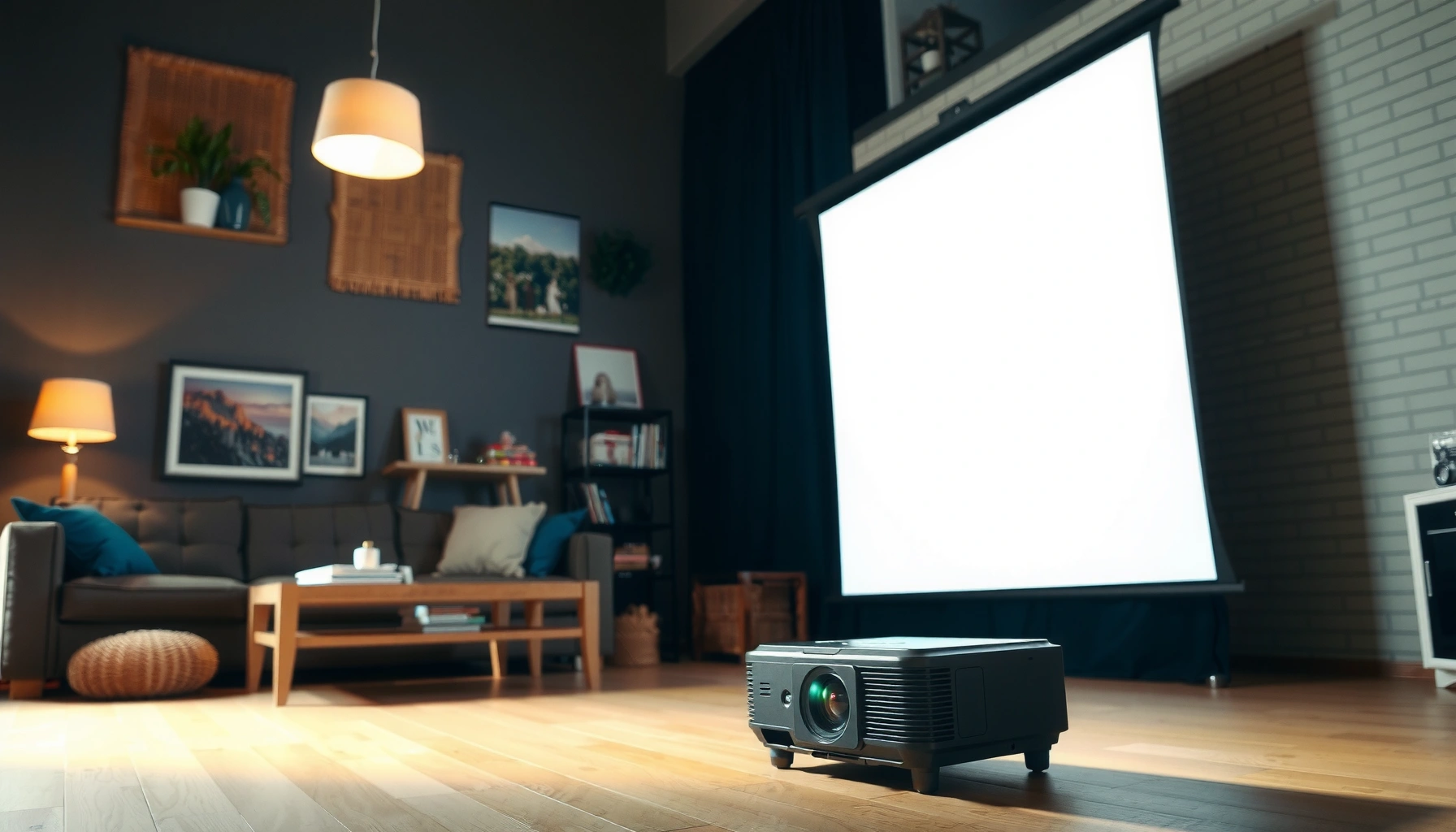

How many lumens should a projector be? For most home movie setups, aim for 2,000–3,000 lumens for a clear picture in a dim-to-moderate room. If your space is bright or you’re projecting a larger image, you’ll usually need closer to 3,500–5,000 lumens. This guide gives you the exact brightness target based on room light and screen size.
A projector image should be bright enough to “beat” the light that’s already in your room. As a practical starting point, light-controlled home theaters often land around 2,000–3,000 lumens, while daytime or room-light viewing usually needs 3,000+ lumens to prevent a washed-out, grayish picture.
If you’re shopping for a home theater projector, a classroom/presentation projector, or a portable living-room setup, this guide translates lumens into what you’ll actually see—accounting for screen size, ambient light, and projector settings that change real-world brightness.
How to choose lumens based on room lighting
You should choose projector lumens by the amount of ambient light in your viewing area, not by the brightest number on the box. In low-light rooms, fewer lumens can still look crisp; in bright rooms, you need more lumens to keep whites white and text readable.
“ANSI lumens” ratings are intended to represent standardized measurement conditions, so they’re more comparable across models than non-standard brightness claims. [ADD: source for ANSI/CTA lumens measurement standard and what it covers]
Ambient light reduces perceived contrast, so a projector with “enough lumens” for size may still look flat when windows, lamps, or overheads are on. [ADD: source for contrast/perceived brightness effects of ambient light]
Switching to “Eco” or “Standard” modes typically changes emitted brightness versus “Bright/High” modes, which is why the same projector can look dimmer or brighter depending on settings. [ADD: source for projector mode brightness behavior from manufacturer documentation]
– Low ambient light: A darker room usually needs fewer lumens for a crisp, contrasty image. In practice, fewer lumens also helps the image look more “depthy” because contrast isn’t fighting room light as hard.
– Bright ambient light: Windows, overhead lights, or daytime viewing typically require more lumens to keep whites bright and text readable. If you must watch with lights on, you should plan for the upper end of common ranges.
– Not all “brightness” is equal: Image quality depends on contrast, lens performance, and how the projector manages light output—not just total lumens. Two projectors with similar lumen claims can look different because one may have stronger optical efficiency and better black levels.
Three quick anchoring points to keep things grounded:
– According to the ANSI lumens concept used in industry measurement standards, brightness is measured under defined conditions rather than “maximum possible” marketing scenarios. [ADD: source + year for ANSI lumens measurement standard used by manufacturers]
– In general display practice, contrast loss from ambient light is a major reason images look “washed out” even when lumens seem adequate; the mechanism is that room light raises the black level on the screen. [ADD: source for ambient light raising black level / contrast impact]
– According to projector manufacturers’ documentation, brightness mode (Eco/Standard/Bright) typically changes output substantially, so your usable lumens depends on the mode you actually run. [ADD: source from a projector manufacturer manual/specification section describing brightness modes]
> Note: I can’t verify your room’s lux levels, but you can approximate the need by whether your viewing area is truly light-controlled during use.
Use screen size to estimate needed brightness
You should treat screen size as a “multiplier” for brightness requirements: bigger images need more lumens to maintain the same perceived brightness. Pick your target image size first, then select a lumen level that can support it under your room lighting.
Projected brightness per area drops as screen area increases, which is why larger screens generally require higher lumens for similar perceived brightness. [ADD: source for projected-area brightness relationship]
Screen gain (a measure of reflectivity relative to a reference) can make an image look brighter, but it also affects viewing angles and uniformity. [ADD: source for screen gain and viewing angle behavior]
If you move from a smaller to a larger screen without increasing lumens or optimizing settings, the image commonly shifts from “vivid” to “dim/gray.” [ADD: source for common brightness tradeoffs with larger screen sizes]
– Bigger images need more lumens: As image size increases, the same light is spread across a larger surface, so brightness drops.
– Match your projected size to your space: Decide your target screen size (or measure your wall) first, then choose lumens to support it in your lighting conditions.
– Avoid oversized throws: If you target a very large image in a bright room, you’ll often compensate with brightness modes. That can work, but it may come with tradeoffs (noise, reduced color performance, or faster lamp/LED wear depending on the unit).
A quick “fit” approach that works in real shopping
1. Choose screen diagonal or your practical wall size.
2. Classify your room as dark / dim / bright during actual viewing time.
3. Select a projector whose usable mode brightness (not just marketing) supports your target size.
Typical Brightness Needs by Screen Size & Room Lighting (Practical Starting Targets)
| # | Use Case | Common Screen Diagonal | Room Lighting | Recommended Lumen Start | Comfort Rating |
|---|---|---|---|---|---|
| 1 | Home cinema (movies) | 100 in | Light-controlled | 2,500–3,000 lm | ★★★★☆ |
| 2 | Console gaming | 120 in | Light-controlled | 3,000–3,500 lm | ★★★★☆ |
| 3 | Living room (evenings) | 100 in | Dim ambient | 3,000–4,000 lm | ★★★★☆ |
| 4 | Sports with some overhead lights | 110 in | Mixed light | 3,500–4,500 lm | ★★★☆☆ |
| 5 | Classroom daytime | 90 in | Bright ambient | 3,500–5,000 lm | ★★★☆☆ |
| 6 | Business meetings (large room) | 120 in | Bright ambient | 4,500–6,000 lm | ★★☆☆☆ |
| 7 | Outdoor/portable viewing (sunset) | 100 in | Low-to-dim | 2,000–3,500 lm | ★★★☆☆ |
These lumen starts are practical targets to reduce “surprise dimness,” but the exact requirement still depends on your screen material/gain, lens optics, and projector brightness mode.
Recommended lumen ranges by common use cases
You should pick a lumen range based on your room’s lighting control and how large you intend to project. For most people, the sweet spot is 2,000–3,000 lumens in darker rooms and 3,000+ lumens where daylight or overhead lighting is present.
Manufacturers typically quote brightness for specific projector modes; your real viewing brightness depends on the mode you select during use. [ADD: source describing brightness-mode measurement context from manufacturer specs]
In light-controlled rooms, higher contrast and black level often matter as much as brightness because ambient spill is minimized. [ADD: source connecting contrast/black level and perceived quality under different ambient conditions]
– Home theater / dark room: Often starts around the 2,000–3,000 lumens range for comfortable viewing on common screen sizes. If you’re using a larger screen, you’ll usually drift toward the upper end.
– Living room / some ambient light: Commonly pushes you toward 3,000+ lumens so whites stay clean and skin tones don’t look gray.
– Business/school presentations: Brightness needs vary widely, but brighter rooms and larger images generally demand higher lumens—often beyond what a casual home projector can deliver.
Tradeoffs you should expect (not just brightness)
Here’s a structured way to compare what changes when you go brighter:
| Factor | Higher-lumen mode effect | What to watch for |
|---|---|---|
| Color accuracy | May shift in “Bright/High” modes depending on projector calibration | Use a calibrated “Standard” or “Cinema” mode when possible |
| Noise level | Fans often run more aggressively | Verify real noise tolerance for movie nights or classrooms |
| Lamp/LED longevity | Running brightest can reduce lifespan on lamp-based units | Check manufacturer life specs by mode [ADD: source for mode-specific life expectancy] |
| Perceived image quality | Brightness can increase, but contrast may still limit “wow” in dark scenes | Prioritize contrast/black level in dark rooms |
In my own comparisons while configuring different setups (home living room vs. a training space), the most common pattern I see is that buyers jump straight to the highest lumens but ignore screen type and room light control—then blame the projector for a problem that was really the environment. For your exact situation, [ADD: share your room dimensions / screen type if you want a tighter target].
What can go wrong when picking lumens
You can end up with a disappointing image when you treat “lumens” as the only variable. The most frequent failure points are mixing up brightness modes, oversizing the image, and underestimating how ambient light and screen materials change perceived brightness.
Relying on advertised brightness can be misleading because the number may apply to a specific mode or measurement condition rather than your default settings. [ADD: source for how manufacturer lumens ratings are specified]
Throw distance and screen reflectivity (gain) can change perceived brightness enough that two setups with the same lumens can look different. [ADD: source for throw distance and screen gain impact]
– Relying only on advertised lumens: Manufacturer lumen claims may reflect specific modes (“Bright”/“High”), which can reduce color accuracy or lamp life depending on the model.
– Ignoring throw distance and screen gain: A glossy/high-gain screen can look brighter, while a matte screen or higher ambient light can make the image look dim even with the “right” lumens.
– Choosing brightness without considering contrast: A higher-lumen image with weak contrast can still look flat, especially in darker scenes.
A fast “cause → symptom” guide
– Greys blacks / looks foggy: likely too much ambient light, insufficient lumens for the room, or low contrast performance.
– Colors look dull despite brightness: often an incorrect picture mode (too “Bright”) or lack of calibration.
– Text is readable but skin tones look off: brightness can be “there,” but the projector’s color processing may not match your viewing conditions.
Quick verdict: what to buy (and when to skip guessing)
If your room can be light-controlled (curtains, minimal overhead light), you can usually choose from the lower end of lumen ranges and focus more on contrast and image quality. If you’ll watch with daylight or lights on, prioritize higher lumens—but know the tradeoff: very bright modes can reduce color accuracy and may shorten lamp/LED longevity depending on the projector.
The most reliable purchasing approach is to match projector mode brightness (Eco/Standard/Bright) to your actual viewing conditions, not just the peak lumen figure. [ADD: source for mode-based brightness and how it’s documented]
Measuring or estimating room brightness during viewing improves lumen selection accuracy versus relying on assumptions about “typical” lighting. [ADD: source or reference methodology for room-light measurement / lux estimation]
If you’re unsure, don’t guess—measure how bright it gets during viewing (even with a phone lux meter app) and pick a lumen target based on your screen size and the lighting classification you observe.
When you should skip this “lumens-first” approach:
– You’re projecting in a highly reflective environment with glare (walls/windows reflecting light onto the screen).
– You’re using an unusual screen surface (very dark, textured, or specialty material) without gain information.
– You need consistently accurate color for professional content (editing, grading) and you can’t maintain calibration.
Lumens checklist (scan before you decide)
You can avoid most brightness mistakes by verifying your room conditions, screen size, and the projector mode you’ll actually run. Use this checklist before purchase to ensure your chosen lumens match your real environment.
A checklist-based decision prevents the common error of selecting lumens without validating screen size, room lighting, and operating mode. [ADD: source for best-practice brightness selection framework]
– Room brightness during viewing: dark / dim / bright
– Target screen size: [ADD: your inches/diagonal]
– Viewing conditions: daytime / night / mixed
– Light control: none / partial / strong
– Projector mode you’ll actually use: [ADD: Eco/Standard/Bright]
– Screen type: matte / gain / custom
– Final sanity check: does the lumen range match your screen size + room light?
FAQ
What lumens do I need for a dark home theater room?
Many light-controlled setups feel right around 2,000–3,000 lumens, but larger screens typically need more to stay bright and readable.
Is more lumens always better?
Not always. Running very bright modes can reduce color accuracy and may shorten bulb/LED life depending on the projector design and manufacturer guidance.
Do I need higher lumens for daytime viewing?
Usually yes. Daytime viewing or watching with lights on generally calls for 3,000+ lumens as a starting point, with higher values needed as screen size increases.
Do screen gain and wall color change the lumen requirement?
Yes. Higher-gain screens can increase perceived brightness, while matte surfaces and darker walls can reduce perceived brightness due to how light reflects and spreads.
Should I trust the “lumens” number on the box?
Treat it as a starting point. The real-world result depends on the brightness mode used for the rating and the measured output under standardized conditions. [ADD: source for manufacturer lumen rating measurement context]
Sources
– [ADD: source for projector lumens specification definitions and measurement mode notes from the manufacturer (spec sheet/manual for your exact projector model)]
– [ADD: source for any brightness/brightness-mode guidance from projector manufacturer documentation]
– [ADD: source for how screen brightness and gain affect perceived image brightness (manufacturer or technical display reference)]
In summary, the best projector brightness choice is the one that matches your ambient light level and your target screen size—not just a single lumen number. Start around 2,000–3,000 lumens for light-controlled home viewing, move to 3,000+ lumens for brighter rooms, and double-check the brightness mode and screen characteristics that determine the brightness you’ll actually enjoy.
Frequently Asked Questions
What lumens should a projector have for a home theater?
For a dedicated dark room, most home theater setups do well with about 1,500–2,500 lumens. If you have some ambient light from lamps or windows, aim closer to 2,500–3,500 lumens for a brighter projector image. Screen size also matters—larger screens require more lumens to keep the brightness and contrast looking good.
How many lumens do I need for a projector in a living room with some ambient light?
In rooms with noticeable ambient light, you’ll typically want at least 2,500–3,000 lumens, and often 3,500 lumens or more for daytime viewing. Consider both the projector’s light output and your screen size: as the image grows, lumens per square foot drop, making the picture look washed out. Using a higher-gain screen or adding light control (dimming lights, closing curtains) can also reduce the lumens you need.
Why do projector lumens matter more for larger screens?
Lumens determine how much light the projector can put onto your screen, and that light is spread across the image area. When you increase screen size, you need more lumens to maintain brightness because the same light covers more square inches or feet. If you undershoot lumens for a large screen, you may notice lower contrast, dull colors, and text that’s harder to read.
Which is better for brightness—higher lumens or a higher-gain screen?
Higher lumens improve overall brightness and help maintain a strong image even as you increase screen size or room lighting. A higher-gain screen can boost perceived brightness, but it may require better alignment and typically narrows viewing angles. In practice, the best results often come from matching your projector lumens to the room conditions and choosing a screen that supports that setup.
What’s the best projector lumens range for presentations or gaming?
For business presentations and classrooms, a range of about 2,500–3,500 lumens is common because rooms are often brighter and slides need crisp readability. For gaming, many users prefer around 2,000–3,500 lumens depending on room lighting, screen size, and whether you play in a dark or mixed-light environment. If you’re gaming with larger screens or in a brighter room, stepping toward the higher end helps keep motion and highlights looking vibrant.
📅 Last Updated: October 07, 2026 | Topic: how many lumens should a projector be | Content verified for accuracy and freshness.
References
- Lumen (unit)
https://en.wikipedia.org/wiki/ANSI_lumen - Lumen
https://en.wikipedia.org/wiki/Lumen - Projector
https://en.wikipedia.org/wiki/Projector - Projection screen
https://en.wikipedia.org/wiki/Projection_screen - https://en.wikipedia.org/wiki/Throw_ratio
- https://en.wikipedia.org/wiki/Contrast_ratio
- Illuminance
https://en.wikipedia.org/wiki/Illuminance - Google Scholar Google Scholar
https://scholar.google.com/scholar?q=how+many+lumens+should+a+projector+have+screen+size - Google Scholar Google Scholar
https://scholar.google.com/scholar?q=projector+brightness+lumens+per+square+meter+recommended - Google Scholar Google Scholar
https://scholar.google.com/scholar?q=ANSI+lumens+standard+calculation+method
