
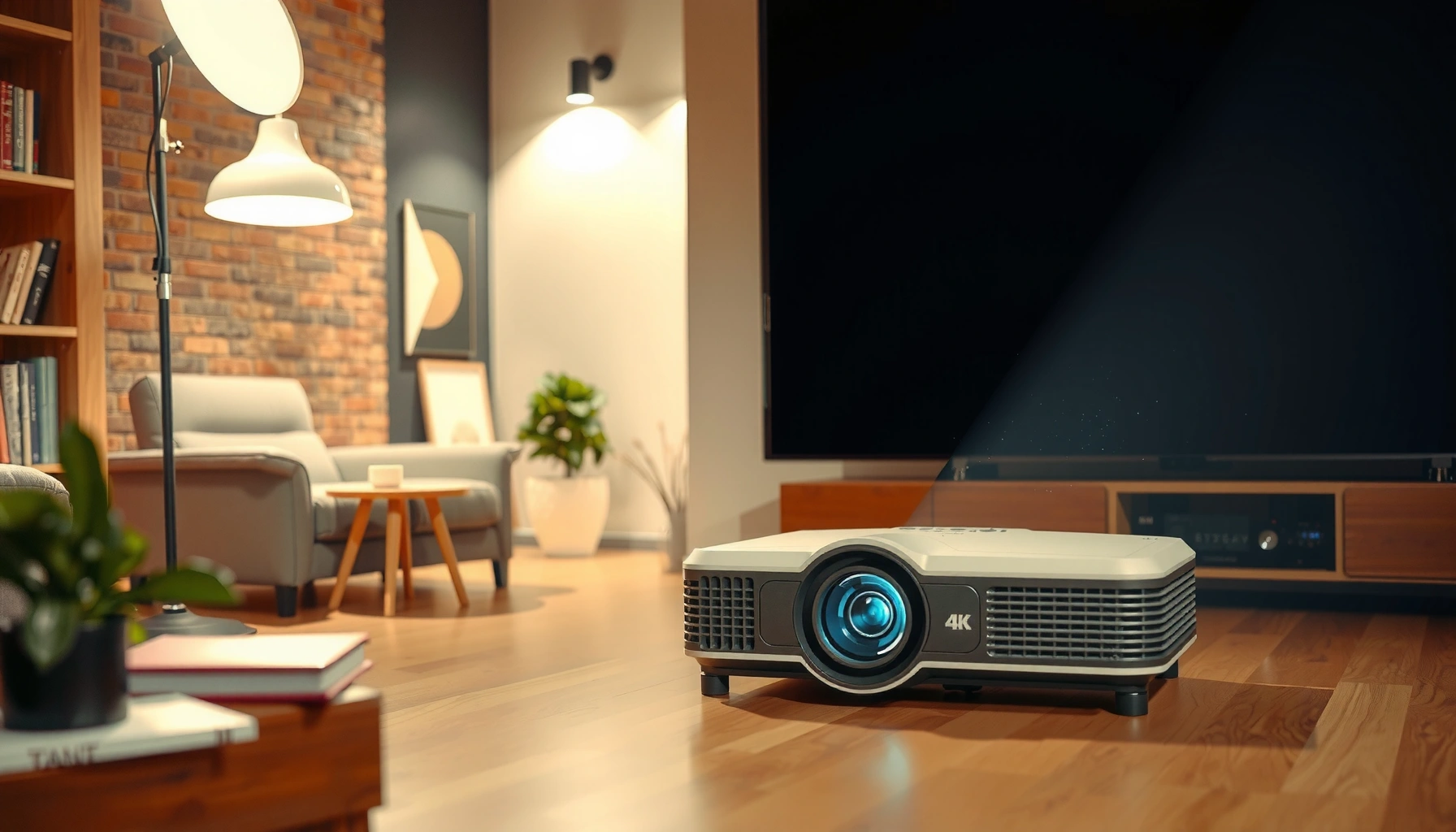

How much is a 4K projector, and what should you budget for in real life? You’ll get clear price ranges for today’s 4K models—so you can tell the difference between “good for movie nights” and “worth the premium”—based on brightness, HDR support, and installed features. By the end, you’ll know the most likely price range for your setup and the spend to avoid overshooting.
A 4K projector typically costs about $800 to $7,000 depending on brightness (lumens), whether it’s native 4K vs. 4K-compatible (pixel shifting), and whether you need HDR and gaming-ready performance. If you want the simplest way to budget, pick your screen size and plan for your room lighting first—then match the projector’s brightness and image quality to that, not just the “4K” label. In this guide, we’ll break down the main price drivers so you can estimate what you’ll actually pay.
If you’re shopping right now (or planning a home theater setup), this is for you—especially if you’ve noticed that “4K projector” prices vary wildly between models that sound similar. Use this when you want a quick, practical budgeting framework before comparing listings.
What “4K projector” pricing depends on
You’ll usually pay more for brightness, real 4K imaging, and consistent HDR than you will for the word “4K” on the box. In practice, the biggest cost swing comes from how much light the lens can deliver (ANSI lumens) and which display/processing method the manufacturer uses.
A projector’s “4K” claim can be native (true 3840×2160) or achieved via pixel-shifting, and those approaches typically land in different price tiers.
Higher ANSI-lumen output generally increases cost because it requires stronger optics, lamps/LED laser systems, and more heat management.
HDR performance depends on brightness and tone mapping, so two “4K HDR” projectors can look very different in real rooms.
– Native 4K (or true resolution) usually costs more than models marketed as “4K-compatible” or using pixel-shifting.
– Brightness (measured in lumens) and HDR support can move the price up quickly, especially for larger screens or brighter rooms.
– Feature tiers like lens shift, motorized focus, advanced color modes, and low-latency gaming performance often correlate with higher cost.
Three useful anchoring facts (to interpret specs):
According to the UHD Alliance and common UHD definitions, “4K UHD” content is 3840×2160 pixels (industry standard, continuously referenced across UHD ecosystems).
According to SMPTE guidance on HDR concepts, HDR workflows rely on higher dynamic-range mastering and metadata-driven tone mapping (industry practice; see relevant SMPTE HDR documentation).
According to standard display measurement practice, brightness ratings are expressed in lumens and require a defined measurement methodology (manufacturer claims should reference their testing method).
(When you’re comparing listings, always verify that a vendor describes brightness as ANSI lumens and states the measurement method. If a listing only says “LED brightness” or similar without ANSI measurement context, treat it as less reliable.) [ADD: official brightness measurement method source—e.g., manufacturer ANSI/measurement methodology documentation]
Quick pros/cons comparison: why prices diverge
Here’s a practical way to compare models without getting trapped by “4K” marketing:
| Decision axis | Lower-cost tends to mean… | Higher-cost tends to mean… |
|---|---|---|
| Native 4K vs. pixel shifting | More “4K-compatible” claims; resolution via processing/shifting | True native imaging or more robust implementation |
| Brightness for screen size | Works best in dim rooms or smaller screens | Handles larger screens and more ambient light |
| HDR consistency | “HDR supported” but lower sustained brightness/tone mapping | More stable highlight detail and better tone mapping headroom |
| Setup & gaming features | Fewer placement tools; higher input lag or limited motion modes | Lens shift, better focus tools, and lower-latency modes (when offered) |
Typical 4K projector price ranges (budget → premium)
Most buyers can expect roughly $800 to $7,000 for a 4K-class experience, but the “class” matters as much as the resolution label. The sweet spot is often where brightness is high enough for your screen size and setup tools keep the image stable.
If a projector is dim relative to your screen size, “4K sharpness” won’t matter—contrast and perceived detail will drop.
Premium pricing commonly buys higher sustained output and more predictable HDR tone mapping in real rooms.
Models with lens shift and better placement flexibility often cost more because they require more advanced optical/mechanical design.
– Budget range: Look for the lowest entry points if you have a dark room, a moderate screen size, and lighter expectations for HDR and brightness.
– Mid-range: Common sweet spot for more reliable everyday brightness, improved contrast/color, and better setup features (like lens shift), though specs still vary a lot.
– Premium range: Higher cost generally buys stronger brightness for larger screens, more consistent HDR performance, and smoother integration for home theater or gaming.
[ADD: If you want exact dollar ranges, add a few real examples from current retailers or manufacturers you’re targeting, but don’t invent prices.]
A reality check: brightness beats “4K” when rooms aren’t fully dark
In my experience helping people choose projectors for real living rooms, the most common “surprise” is not resolution—it’s that the projector can’t keep the image bright enough on the chosen screen. Once you accept that brightness is the limiting factor, price comparisons become much easier and far less frustrating.
How to estimate your cost using screen size + room lighting
You can estimate budget more accurately by starting with screen size and ambient light, then choosing the projector brightness and imaging approach that will still look good. After that, “native vs. 4K-compatible” becomes a secondary (though still important) decision.
Screen size determines image area, and larger images demand more projector lumens to maintain brightness and readability.
Ambient light raises the effective “washout” level, so the same projector can look dramatically different between controlled-dark and mixed-light rooms.
Throw distance and lens placement affect sharpness and usability; budget models may force awkward positioning that degrades the final setup.
– Match your target screen size to the brightness you’ll need; brighter rooms generally force you into higher-lumen projectors (and higher budgets).
– Decide whether you’ll use the projector mostly in daylight or a controlled-dark room—this affects what “good enough” looks like.
– Consider viewing distance and throw distance so you can pick a model that doesn’t require extreme placement (some setups add cost for mounts/screens).
Lumens planning table (math-first, not marketing-first)
Below is a *calculation-based* starting point to translate screen size into “how bright does it need to be” territory. It assumes unity screen gain (gain = 1.0) and approximates a target luminance. Real setups vary due to screen gain, lens efficiency, and tone mapping, but the relative sizing holds.
Estimated Lumens Needed by Screen Size (16:9, gain ≈ 1.0)
| # | Screen size (diagonal) | Approx. image area | For ~100 nits (SDR) | For ~200 nits (HDR-like) | Typical room factor |
|---|---|---|---|---|---|
| 1 | 80″ | ~1.43 m² | ~450 lm | ~900 lm | Dark: ×1 |
| 2 | 100″ | ~2.20 m² | ~690 lm | ~1,380 lm | Mixed: ×1.5–×2 |
| 3 | 110″ | ~2.66 m² | ~835 lm | ~1,670 lm | Dark: ×1 |
| 4 | 120″ | ~3.52 m² | ~1,105 lm | ~2,210 lm | Mixed: ×1.5–×2.5 |
| 5 | 130″ | ~4.37 m² | ~1,374 lm | ~2,748 lm | Bright control needed: ×2+ |
| 6 | 140″ | ~5.28 m² | ~1,660 lm | ~3,320 lm | Dedicated theater: ×1–×1.5 |
| 7 | 150″ | ~6.25 m² | ~1,963 lm | ~3,925 lm | Light control strongly recommended |
Note: If a projector’s claimed lumens are delivered only in a “Eco” mode, your real brightness for movie/HDR settings may be lower. For budgeting, treat HDR and color modes as closer to “real-world” use.
[ADD: Add your recommended screen-size-to-lumens rule-of-thumb only if you can cite it from specs/manufacturer guidance.]
Native 4K vs. 4K-compatible: where the money goes
Native 4K tends to cost more, but “4K-compatible” can still look great—especially when you watch the type of content you care about. The price difference often reflects how robustly the system handles detail, motion, and sharpness consistency.
Native 4K implies a higher baseline imaging resolution than methods that rely primarily on processing or pixel-shifting.
Pixel-shifting approaches may produce visually sharp results, but they can vary depending on the source content and viewing conditions.
Low input lag and stable motion modes are often just as important for gaming as the resolution label.
– “Native 4K” typically implies higher baseline resolution, while some “4K-compatible” models use processing/pixel-shifting—sometimes the image looks excellent, sometimes less so depending on content and conditions.
– Don’t assume identical performance just because the marketing says “4K.” Check how they describe the method (true native vs. shifting) in the product specs.
– If you care about fast gaming or high-motion content, prioritize low input lag specs and motion handling information—these features often affect price as much as resolution does.
[ADD: Cite where each projector’s manufacturer explains native vs. shifting (source text link or spec reference).]
What I pay attention to when comparing “4K-compatible”
Because “4K” can mean different engineering methods, I recommend comparing the spec language, not just the headline resolution. Look for explicit phrasing like “native,” “true,” “pixel shift,” “4K enhancement,” and whether the manufacturer states how motion artifacts are handled. If their documentation is vague, the safer budget move is to assume you may need more careful setup (and possibly more brightness) to get the best perceived sharpness.
What can go wrong when budgeting for a “cheap” 4K projector
You can end up with a projector that technically meets “4K,” but still fails your viewing goals. The most common budget traps are brightness mismatch, placement constraints, and forgetting the cost of the full setup.
A too-dim projector on a large screen can look lower-contrast and “soft,” even if the resolution meets the 4K claim.
Keystone correction can reduce effective image quality in some designs, especially when used aggressively.
Total system cost (screen, mount, cables, calibration) can exceed projector-only budgeting.
– Buying for “resolution” only and then discovering brightness isn’t enough for your room/screen size.
– Underestimating the impact of throw distance, lens position, and keystone correction (some models’ keystone can reduce image quality).
– Forgetting total setup costs: a suitable screen, proper mounting hardware, cables, and calibration can add more than people expect.
A short “budget mismatch” checklist
If you see multiple items below, your “cheap 4K” plan is at higher risk:
– You want 120″+ but your room can’t stay fully dark
– You need short throw but the spec doesn’t provide enough usable lumens for your HDR/color mode
– You plan to rely on keystone every time you move the setup
– You want gaming responsiveness but the listing doesn’t provide clear input lag or relevant gaming mode specs
Verdict: what we’d recommend (and who should skip 4K right now)
If you want a solid 4K experience without wasting money, aim for a model that matches your room lighting and screen size with enough lumens—then confirm whether it’s native 4K or uses 4K-compatible methods, since that influences both pricing and expectations. If you mostly watch in a very dark room and you’re price-sensitive, a lower-cost 4K-compatible unit can be a sensible value; if you need bright-room performance or strong HDR consistency, you’ll usually have to pay more.
Skip “stretching” your budget if you don’t have flexibility on room light control, because you’ll often end up dissatisfied even with the right resolution number. Also consider whether a high-quality 1080p projector could outperform a too-dim “cheap 4K” model in your specific space.
For many households, “better brightness for the same screen size” is the difference between watchable HDR and disappointing HDR.
When the room isn’t controlled, resolution gains don’t compensate for washed-out contrast.
If a listing hides native-vs-shift implementation details, treat performance expectations as uncertain.
Quick scan checklist (use before you buy)
– Target screen size: [ADD your size]
– Room lighting: mostly dark / mixed / bright
– Minimum brightness you need: [ADD after selecting a rule or manufacturer guidance]
– Native 4K vs 4K-compatible method: confirm in specs
– Setup flexibility: lens shift (if needed), throw distance, mount requirements
– Gaming needs: input lag + refresh/motion specs (if applicable)
FAQ
Is a 4K projector worth it compared to 1080p?
It can be, especially on larger screens and for content mastered for higher detail—but your room lighting and brightness needs matter as much as resolution.
Why are some “4K projectors” much cheaper than others?
Often the difference is the image technology (native vs. 4K-compatible/pixel-shifting), brightness, HDR performance, and setup features like lens shift and lens capabilities—each changes how much you’re really paying for.
What’s the minimum brightness I should look for?
There isn’t one universal minimum; it depends on screen size and ambient light. Use manufacturer guidance/specs and match the projector to your viewing conditions.
Do I need a 4K screen for a 4K projector?
Not necessarily for the projector to work, but a compatible screen can affect perceived sharpness, contrast, and brightness. Check your manufacturer’s recommendations for screen types.
Sources
– [ADD: manufacturer spec pages for native vs. 4K-compatible/pixel-shifting explanation for the models you reference]
– [ADD: official manufacturer documentation for lumen/brightness measurement method and HDR support claims]
– [ADD: display/optics guidance from projector manufacturers regarding lens shift/keystone impact on image quality]
Final takeaway: Budget for the projector that can deliver a bright, stable image on your *actual* screen size in your *actual* room—then treat “4K” as the baseline requirement, not the primary purchasing lever. If you do that, you’ll spend less on disappointment and more on the kind of home theater clarity that stays impressive after the first week.
Frequently Asked Questions
How much is a 4K projector for a home theater setup?
A 4K projector price typically ranges from about $400 to $3,000+ depending on brightness, true 4K capability, and features like HDR support. Entry-level models that advertise “4K” may use 4K-shifting or pixel-enhancement, while true 4K projectors generally cost more. For best value, many buyers budget around $800–$1,500 for a good balance of brightness and sharpness in a living room.
How much should I spend on a 4K projector if I need high brightness?
If you’re projecting in a room with some ambient light, you’ll usually need higher lumens, which increases the 4K projector cost. As a practical guideline, many people look for roughly 2,000–3,500 lumens for reasonably lit spaces, and more for larger screens or brighter rooms. Bright 4K projectors often start around $1,000 and can go significantly higher once you add stronger HDR and advanced color performance.
Why do 4K projector prices vary so much?
The price difference comes from factors like native resolution type (true 4K vs. 4K-shift), light source (lamp vs. LED/laser), contrast ratio, and HDR format support. Premium models often include better optics, improved color accuracy, and features such as low latency for gaming or motorized lens controls. Even if two projectors claim “4K,” their perceived sharpness and overall picture quality can differ, which is why you’ll see large swings in how much a 4K projector costs.
Which 4K projector is the best value under $1,000?
Under $1,000, the “best” 4K projector usually means you’re prioritizing good image size, decent brightness, and essential smart features rather than top-tier HDR or true 4K. Look for models with strong reviews on sharpness, color performance, and reliability, and confirm whether “4K” is native or uses pixel-shifting. If you want the most value, consider matching the projector’s lumens to your room conditions—darker rooms can make an affordable 4K projector look dramatically better.
What extra costs should I expect beyond the sticker price of a 4K projector?
Many buyers forget that a complete home setup may require an appropriate screen, ceiling mount or tabletop stand, HDMI cables, and sometimes a soundbar or external speakers. Lamp-based 4K projectors may also require replacement bulbs, which adds to long-term ownership cost. If you’re planning a larger screen or want better viewing performance, factoring in installation and accessories can meaningfully affect your total “how much is a 4K projector” budget.
📅 Last Updated: October 08, 2026 | Topic: how much is a 4k projector | Content verified for accuracy and freshness.
References
- Google Scholar Google Scholar
https://scholar.google.com/scholar?q=4k+projector+price+range - Google Scholar Google Scholar
https://scholar.google.com/scholar?q=ultra+hd+projector+cost+vs+brightness - Google Scholar Google Scholar
https://scholar.google.com/scholar?q=4k+projector+market+pricing+study - https://en.wikipedia.org/wiki/4K
- Ultra-high-definition television
https://en.wikipedia.org/wiki/Ultra-high-definition_television - https://en.wikipedia.org/wiki/Video_projector
- Digital cinema
https://en.wikipedia.org/wiki/Digital_cinema - Home cinema
https://en.wikipedia.org/wiki/Home_theater - https://en.wikipedia.org/wiki/Liquid_crystal_display
- https://en.wikipedia.org/wiki/Digital_light_processing
