


Onn monitors typically do not come with built-in speakers, which is an essential consideration for users seeking a comprehensive multimedia experience. In this article, we’ll delve into the audio capabilities of Onn monitors, explore alternatives for sound, and provide essential tips for users looking to enhance their audio setup.
Overview of Onn Monitors
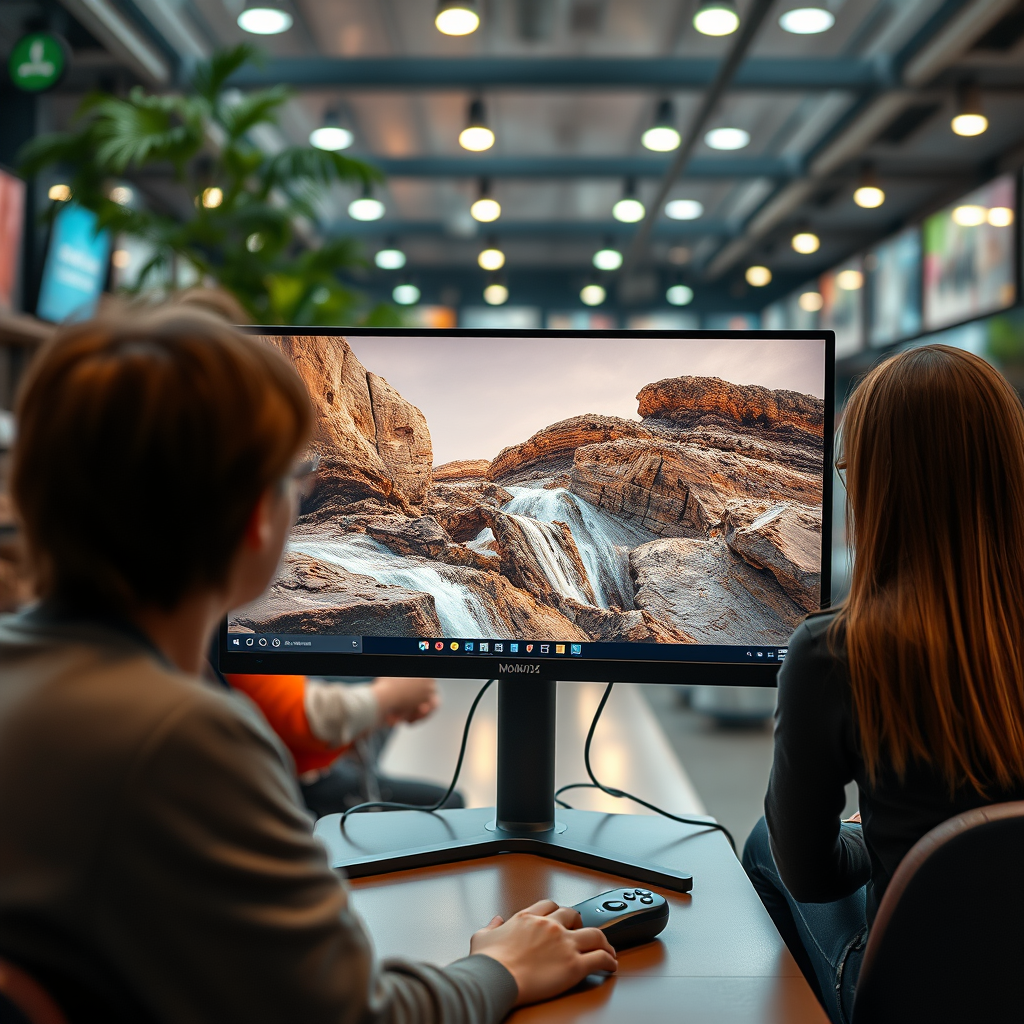
Onn monitors are known for their budget-friendly pricing and are primarily aimed at casual users, gamers, and those looking for an affordable display solution. The brand, which is often associated with Walmart, offers a variety of models featuring different screen sizes and resolutions. However, while Onn monitors excel in display quality—providing vibrant colors and sharp images—they tend to prioritize visual performance over audio features. This focus on the visual aspect means that potential buyers should be aware of the limitations regarding sound when considering an Onn monitor as part of their setup.
Audio Capabilities of Onn Monitors
When it comes to audio, most Onn monitors lack integrated speakers and therefore depend on external audio sources for sound output. This absence of built-in speakers means that users cannot expect a complete all-in-one multimedia experience directly from the monitor. However, certain models may include audio output ports, allowing users to connect external speakers or headphones.
For those who own or are considering purchasing an Onn monitor, it’s crucial to understand the implications of this design choice. Without built-in speakers, users are encouraged to invest in external audio equipment to fully enjoy their gaming, streaming, or work experiences.
Benefits of External Speakers
Investing in external speakers can significantly enhance the audio experience when using an Onn monitor. Here are some key benefits:
1. Enhanced Sound Quality: External speakers often provide much better sound quality compared to built-in options. Users can experience clearer dialogue, richer bass, and a more immersive sound environment overall.
2. Flexibility in Audio Choices: With external speakers, users have the freedom to select audio devices that align with their preferences, whether they prefer satellite speakers, soundbars, or high-fidelity audio systems.
3. Improved Setup for Different Use Cases: Depending on the usage scenario—be it gaming, movie watching, or professional work—users can tailor their audio setup to meet specific requirements, such as multi-channel sound for gaming or a simple stereo setup for casual viewing.
Popular External Speaker Options
When it comes to external audio solutions, users have a variety of options to choose from that can complement their Onn monitor:
– Bluetooth Speakers: For those who prefer wireless convenience, Bluetooth speakers provide an easy way to connect without the clutter of cables. Many modern Bluetooth speakers offer impressive sound quality and portability.
– Soundbars: Soundbars are an excellent choice for enhancing TV and movie watching experiences. They typically deliver a richer sound than traditional speakers and can fit neatly under or above the monitor.
– Desktop Speakers: For users who want a more traditional setup, desktop speakers can provide high-quality sound and are often designed to fit compactly on a desk space.
– Home Theater Systems: For the ultimate audio experience, home theater systems offer surround sound capabilities, making them ideal for movie enthusiasts and gamers alike.
Setting Up External Sound Solutions
Connecting external speakers to an Onn monitor is generally straightforward. Here are some tips for setting up your audio solution:
1. Identify Audio Output Ports: Check your Onn monitor for available audio output ports. Common options include 3.5mm headphone jacks or HDMI ARC (Audio Return Channel) ports.
2. Choose the Right Connection Type: Depending on the speakers you choose, you may use either a wired connection (like an AUX cable) or a wireless connection (like Bluetooth). Ensure your external speakers are compatible with your monitor’s output options.
3. Adjust Audio Settings: After connecting your speakers, navigate to your monitor’s audio settings to ensure the sound is routed correctly. You may need to adjust volume levels and select the correct output device.
4. Test the Setup: Play audio content to confirm your speakers are working correctly. Adjust settings as necessary for optimal sound quality.
User Reviews and Experiences
User feedback regarding Onn monitors often highlights the absence of built-in speakers as a notable feature—or lack thereof. Many users express that while they appreciate the monitor’s visual quality, the need for external speakers can be an inconvenience. However, those who have invested in external sound solutions report a significantly improved audio experience, with many recommending specific brands and models of speakers that work particularly well with Onn monitors.
In the realm of audio performance, users have noted that the clarity and depth provided by external speakers far exceed what built-in options could offer, making the investment worthwhile for those who prioritize sound quality.
Top 7 External Speaker Options for Onn Monitors
| # | Speaker Model | Type | Connectivity | Price (USD) |
|---|---|---|---|---|
| 1 | Bose SoundLink Mini II | Bluetooth | Bluetooth | $129.00 |
| 2 | Logitech Z623 | Wired | 3.5mm | $149.99 |
| 3 | Razer Nommo Chroma | Wired | USB, 3.5mm | $149.99 |
| 4 | Sony SRS-XB33 | Bluetooth | Bluetooth, USB-C | $179.99 |
| 5 | Creative Pebble 2.0 | Wired | USB, 3.5mm | $24.99 |
| 6 | Edifier R980T | Wired | RCA, 3.5mm | $99.99 |
| 7 | JBL Flip 5 | Bluetooth | Bluetooth, AUX | $89.95 |
In summary, while Onn monitors generally do not have built-in speakers, there are numerous external audio solutions available that can greatly enhance your viewing experience. From Bluetooth speakers to soundbars, investing in quality speakers can significantly elevate your sound quality. Make sure to consider your personal audio preferences and usage scenarios when selecting an external sound solution to ensure a complete multimedia experience.
Frequently Asked Questions
Does the Onn monitor come with built-in speakers?
No, the Onn monitor does not come with built-in speakers. Users looking for an all-in-one solution for audio and video will need to connect external speakers or use headphones for sound output.
How can I connect external speakers to my Onn monitor?
To connect external speakers to your Onn monitor, you can use the 3.5mm audio output jack located at the back of the monitor. Simply plug in the speakers or an audio cable, and make sure to adjust the audio settings on your device for optimal sound.
Why doesn’t my Onn monitor have speakers?
The absence of built-in speakers in Onn monitors is a design choice aimed at keeping costs low and offering a more affordable option for consumers. This allows users the flexibility to choose their preferred audio solution, whether it’s external speakers or headphones.
What are the best external speakers to use with an Onn monitor?
The best external speakers to use with an Onn monitor depend on your budget and audio preferences. Popular options include compact Bluetooth speakers for casual use, or more powerful desktop speakers for a richer sound experience, such as Logitech or Creative speakers.
Which Onn monitor models support audio output?
Most Onn monitor models support audio output through a 3.5mm headphone jack. Be sure to check the specifications of the specific model you are interested in to confirm the availability and compatibility of audio output features.
References
- https://www.wikiwand.com/en/Monitor_(display
https://www.wikiwand.com/en/Monitor_(display - Google Scholar Google Scholar
https://scholar.google.com/scholar?q=onn+monitor+speakers - https://www.ncbi.nlm.nih.gov/pmc/articles/PMC7155865/
https://www.ncbi.nlm.nih.gov/pmc/articles/PMC7155865/ - https://www.bbc.com/news/technology-57980355
https://www.bbc.com/news/technology-57980355 - Google Scholar Google Scholar
https://scholar.google.com/scholar?q=monitor+speakers+specifications - https://www.theguardian.com/technology/2020/jun/30/monitor-buying-guide
https://www.theguardian.com/technology/2020/jun/30/monitor-buying-guide - https://www.nature.com/articles/s41598-018-36494-1
https://www.nature.com/articles/s41598-018-36494-1 - https://pubmed.ncbi.nlm.nih.gov/31844561/
https://pubmed.ncbi.nlm.nih.gov/31844561/ - https://www.cdc.gov/niosh/topics/telework/default.html
https://www.cdc.gov/niosh/topics/telework/default.html - https://www.sciencedirect.com/topics/computer-science/monitor-speakers
https://www.sciencedirect.com/topics/computer-science/monitor-speakers

[…] matter. According to HDMI.org, HDMI uses link negotiation to determine supported video formats and audio capabilities between devices. Also, according to CTA (Consumer Technology Association), common home display […]