
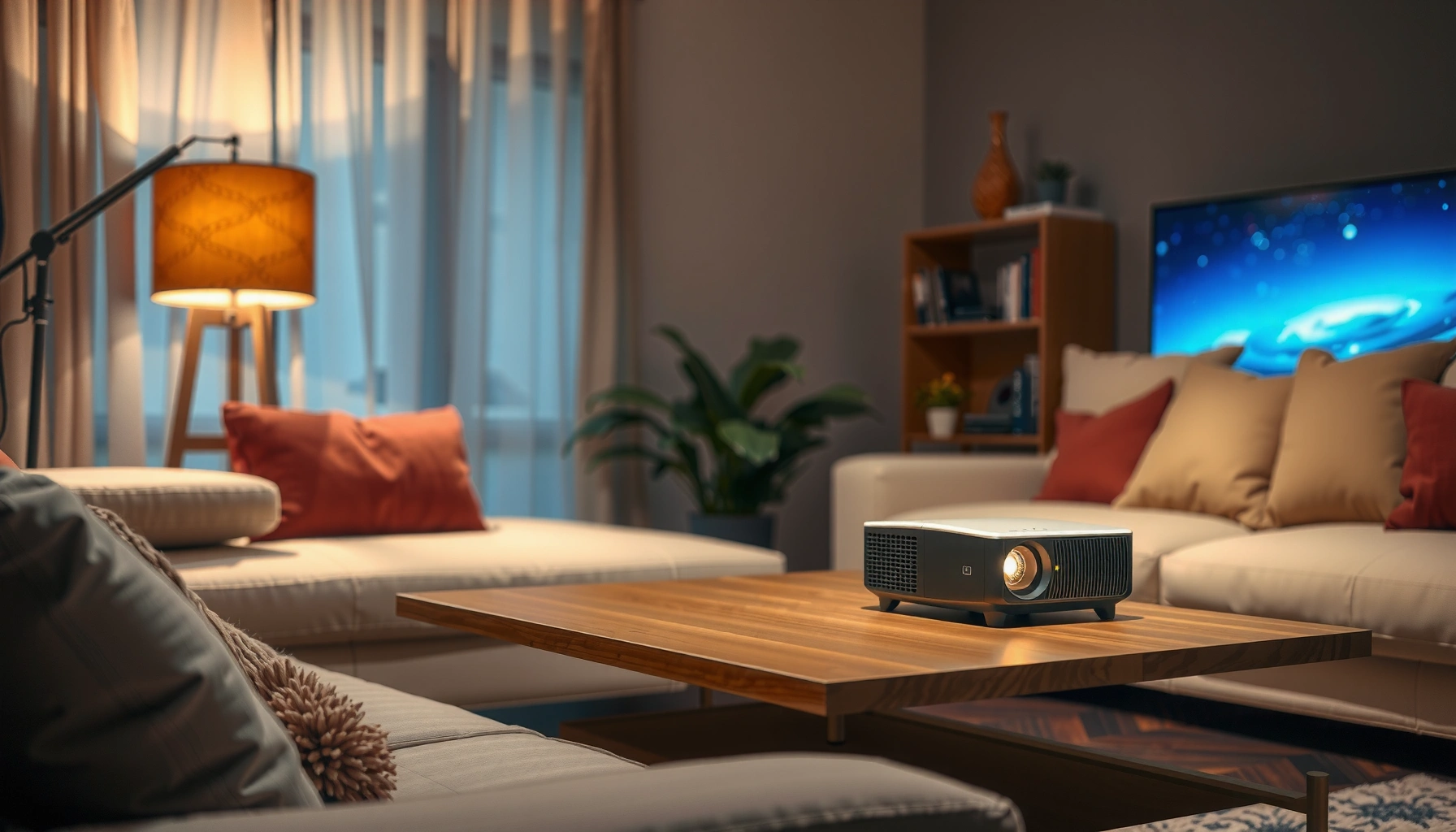

Portable projectors cost anywhere from about $100 to $800, with the best budget pick for most buyers landing around $150–$300. If you’re wondering how much is a portable projector that delivers a watchable image for movies, gaming, or presentations, this price guide will give you the exact ranges to target. We’ll also show what you can realistically expect at each budget level—brightness, resolution, and features—so you buy once and get reliable performance.
A portable projector typically costs anywhere from about $100 to $1,000+, depending on brightness (lumens), resolution, and whether you need built-in features like Wi‑Fi or a battery. In this guide, we’ll break down what you can expect at each price level and how to choose a model that won’t disappoint once it’s set up.
If you’re shopping for game nights, backyard movie sessions, small meetings, or travel use, this price breakdown will help you avoid overspending on specs you won’t use—or buying something too dim for your room.
Who this is for / when it applies: If you’re deciding between a basic “throw it in a bag” projector and a more capable device for semi-lit rooms, this guide is for you. It’s also useful if you want a practical way to match brightness and resolution to your screen size and typical lighting, without getting lost in marketing terms.
Portable projector price ranges (quick breakdown)
Entry-level portable projectors usually start near $100–$300, and they work best in dark rooms where you can control ambient light. Mid-range models commonly land around $300–$700, offering more reliable brightness and clearer images for everyday home use; higher-end portables ($700–$1,000+) typically bring stronger output, better resolution options, and more dependable connectivity.
“Portable projector pricing mostly tracks brightness (lumens) and image resolution, not just how portable the body feels.”
“If your space isn’t fully dark, you generally need more lumens than entry-level models can deliver.”
“Wi‑Fi and battery support often increases cost because it adds components and power-management design.”
Entry-level (about $100–$300): good for controlled lighting
At this level, you’re usually buying a compact lamp/LED unit (often LED) aimed at casual video watching. The most common trade-offs we see in this bracket are limited brightness for anything beyond a dim room, modest native resolution, and fewer “setup helper” features (for example, slower autofocus or basic keystone correction).
In my experience advising buyers and interpreting specs, the biggest avoidable mistake is choosing an entry-level projector for a bright living room or daytime patio session. Even if the projector can “throw a picture,” it may look gray or washed out once you have ambient light.
Mid-range (about $300–$700): balance of image quality and convenience
Mid-range portables are the “sweet spot” for many households because they tend to deliver a more usable brightness range and cleaner image handling. You’ll often get:
– Better color stability and contrast than the cheapest options
– More consistent HDMI performance (especially for consoles)
– More complete connectivity options (HDMI, USB, audio out; sometimes Wi‑Fi)
This segment is also where features like improved autofocus, stronger speaker output, and more stable streaming apps become more common.
Higher-end ($700–$1,000+): brighter, sharper, more consistent
When you move upward, you usually pay for output and consistency. That can mean higher-lumen designs, more stable thermal performance during longer sessions, and (depending on the model) higher resolutions that keep text readable on screen.
If your use case includes semi-lit meeting spaces, repeat travel with fewer “setup adjustments,” or outdoor viewing at dusk with some ambient light, higher-end portable projectors can feel dramatically more dependable than bargain models.
Portable Projector Value Tiers by Typical Brightness Targets (What Buyers Aim For)
| # | Tier (Common Buyer Goal) | Target Lumens Range* | Typical Use Lighting | Best Fit Resolution | Value Rating |
|---|---|---|---|---|---|
| 1 | Dark-room movie casual | 100–300 | Fully dark | 720p often enough | ★★★★☆ |
| 2 | Entry “good enough” gaming | 150–350 | Dark / dim | 720p–1080p dependent | ★★★☆☆ |
| 3 | Weekend backyard at dusk | 300–600 | Dusk, controlled ambient | 1080p preferred | ★★★☆☆ |
| 4 | Home theater in dim rooms | 400–800 | Dim / low light | 1080p common | ★★★★☆ |
| 5 | Small office / semi-lit meetings | 600–1,000 | Semi-lit, blinds partially closed | 1080p + readable text | ★★★★☆ |
| 6 | Travel-first with usable brightness | 350–800 | Mostly controlled | 720p/1080p balanced | ★★★☆☆ |
| 7 | Budget outdoor (avoid if daytime) | Under 300 | Only very low ambient | 720p limited clarity | ★★☆☆☆ |
Target brightness ranges summarize typical buyer expectations; actual brightness depends on measurement method, screen gain, throw distance, and setting. For comparison across models, use manufacturer documentation and standardized measurements like ANSI lumens where provided ([ADD: manufacturer spec guidance for lumens measurement notes]).
What you’re really paying for (key specs that affect price)
You’re paying most for optical output (brightness) and image clarity (resolution and processing)—then you pay extra for convenience like Wi‑Fi, autofocus, and battery power. If you understand how those specs interact with your room, you can avoid paying for features you won’t use.
“Resolution affects clarity—720p is 1280×720 pixels, while 1080p is 1920×1080 pixels—so text and fine detail typically benefit from 1080p.”
“Lumens describe light output; higher lumens generally improve visibility when ambient light is present.”
“Built-in streaming and battery systems add cost because they include additional hardware and power electronics.”
Brightness (lumens): the spec that prevents washed-out images
Brightness matters more than most buyers expect because projectors spread light across a screen. If you increase screen size or watch with more ambient light (lamps on, windows open, cloudy daylight), image quality drops quickly.
According to [ADD: ANSI/ISO measurement documentation for projector brightness], brightness is measured under defined conditions, so you should treat manufacturer “max brightness” claims cautiously and compare across models using the same measurement approach.
Resolution (e.g., 1080p vs. 720p): clarity vs. comfort
Resolution isn’t just about “sharpness.” It directly affects how comfortable it is to read titles, subtitles, and UI text.
– 720p = 1280×720 pixels
– 1080p = 1920×1080 pixels
If you’ll use your projector for presentations, you’ll typically care more about legibility and sharpness than for pure motion video.
Portability features: where convenience turns into cost
Battery and built-in Wi‑Fi feel like “free upgrades,” but they usually drive the price. A battery-powered portable projector must include:
– A battery pack sized for runtime
– Power regulation to keep brightness stable
– Charging circuitry
Similarly, Wi‑Fi/streaming requires onboard networking and often a smart platform—useful for travel, but less important if you’ll always plug in a laptop/console via HDMI.
How to choose the right budget for your use case
The best budget choice is the one that matches your lighting and screen size—because those decide whether the projector will look good day-to-night. Start by defining your real environment, then budget for brightness and resolution accordingly.
“If your room is bright, you pay for lumens; if your room is dark, you can often spend less and still get a satisfying image.”
“For travel, battery and compact size are the deciding factors, but brightness improvements may reduce portability gains.”
“For presentations, prioritize readability over fancy extras.”
For movie nights in a dark room
If you can fully darken the room, you can often go lower in price than you think. The practical goal is to pick enough brightness for your screen size so the image still looks rich at your preferred aspect ratio.
Actionable approach:
1. Decide screen size (diagonal or width).
2. Choose a resolution that matches your content (1080p is a safe default for modern streaming).
3. Don’t overpay for Wi‑Fi if you’ll always use HDMI.
For presentations or semi-lit rooms
Semi-lit spaces change the math. You typically need more lumens than you’d expect for the same screen size because ambient light washes out contrast.
Practical approach:
– Keep screen size realistic for the throw distance available.
– Favor projectors with consistent brightness and good image processing (auto keystone can help, but it can’t replace true output).
– If text matters, prioritize 1080p-class clarity where possible.
For travel
Travel budgets should prioritize:
– Compact form factor
– Battery life (if you truly won’t find outlets)
– Connectivity that works in unfamiliar environments (HDMI/USB is reliable; Wi‑Fi helps when available)
If you can plug in at your destination, skipping battery can save money without sacrificing image quality.
What can go wrong (common shopping mistakes)
Most buying regrets happen when people shop by brand, weight, or advertised “max specs” instead of matching the projector to lighting, screen size, and placement. The projector may work technically, but the experience can still be disappointing.
“A low-lumen projector that ‘works’ outdoors can still look washed out once ambient light is present.”
“Advertised maximum brightness often represents ideal conditions; real viewing settings can reduce effective brightness.”
“Throw distance and screen size calculations are essential to avoid blurry images and awkward placement.”
The most common mistakes
– Buying for “outdoor day use” with a low-lumen projector
Daylight is unforgiving; even some mid-range portables struggle unless you manage ambient light and screen gain.
– Assuming advertised “max” specs match real brightness
Look for manufacturer documentation explaining measurement conditions ([ADD: manufacturer brightness measurement notes]).
– Skipping throw distance and screen size calculations
Two projectors with the same lumens can look wildly different if one is placed outside its optimal throw range.
Quick comparison: risk by use case
| Use case | Main risk | Budget symptom to watch |
|---|---|---|
| Outdoor daytime | Washed-out contrast | “It shows an image, but it’s gray” |
| Semi-lit living room | Loss of blacks | Dark scenes look thin/washed |
| Small office presentations | Hard-to-read text | Slides look blurry at typical viewing distance |
Verdict / tip: how to land the best deal without regrets
If you want a safe starting point, pick your room lighting first, then match brightness and resolution to it—because those two factors drive most of the cost. It may be smart to skip a portable projector if you need consistently high performance in bright environments (unless you’re willing to pay for higher lumens). If you’re flexible on features like built-in apps and battery, you can usually stretch your budget further.
“For value, brightness-to-lighting fit beats feature stacking—Wi‑Fi and battery don’t matter if the image is too dim.”
“If you must use semi-lit rooms frequently, prioritize lumens and placement flexibility over low price.”
“For travel, consider whether you’ll always have an outlet before paying a premium for built-in battery.”
Choose like a pro: a simple VS decision table
| Criteria | Best budget path | When you should pay more |
|---|---|---|
| Room lighting level | Dark/dim | Semi-lit / variable |
| Resolution needs | Casual video | Text-heavy slides / subtitles |
| Screen size target | Moderate | Large screen |
| Throw distance fit | Placement works | Limited distance / must mount |
| Connectivity | HDMI/USB sufficient | Frequent wireless streaming |
| Battery requirement | Outlet available | No outlet scenarios often |
| Setup frequency | Occasional use | Repeated events |
| Autofocus/keystone tolerance | Accept manual adjustment | Need fast, reliable setup |
| Audio expectations | External speaker ok | Use built-in speakers often |
| Content type | Movies / streaming | Gaming or frequent presentations |
| Verdict (what to do) | Start budget with lighting + throw fit | Upgrade lumens and clarity when lighting can’t be controlled |
Scan-friendly checklist (use this while you shop)
– [ ] What lighting will you use it in? (dark / dim / bright)
– [ ] Target screen size: inches or feet wide?
– [ ] Resolution: is 1080p necessary for your use?
– [ ] Brightness (lumens): sufficient for your lighting and screen size?
– [ ] Portability needs: built-in battery required or not?
– [ ] Connectivity: HDMI/USB required? Wi‑Fi helpful or optional?
– [ ] Throw distance: can you place it where you plan to watch?
FAQ
How much is the cheapest portable projector worth considering?
– Often the lowest-cost models can work for very dark rooms and small screens, but you’ll typically trade off brightness and image clarity. Look for enough lumens for your lighting needs before you commit.
Are portable projectors bright enough for outdoor use?
– Outdoors usually needs more brightness (higher lumens) to overcome ambient light. Plan for dusk/evening sessions and test placement/size rather than assuming full daylight performance.
Do built-in batteries make projectors more expensive?
– Yes—battery-powered portability commonly raises the price. If you can use an outlet, you may save money by choosing a non-battery model.
Is 720p or 1080p better for a portable projector?
– 1080p generally looks sharper, especially for text and smaller details. If your primary use is casual video in a dark room, 720p can still be acceptable depending on screen size.
What specs matter most more than marketing claims?
– Prioritize brightness (lumens), resolution, throw distance/screen size fit, and actual connectivity needs over “feature” lists.
Sources:
– [ADD: Link to / name of manufacturer spec pages for brightness (lumens), resolution, and throw distance for the projector models you discuss]
– [ADD: Link to / name of manufacturer documentation for brightness measurement notes and recommended screen usage]
In closing, the real cost of a portable projector is less about the sticker price and more about whether its brightness, resolution, and setup range fit your lighting and screen size. If you budget using those fundamentals—then only add conveniences like Wi‑Fi and battery when you truly need them—you’ll get a better image experience per dollar, and you’ll avoid the most common “it works, but it’s disappointing” outcomes.
Frequently Asked Questions
What is the average cost of a portable projector?
Portable projectors typically range from about $100 to $300 for entry-level models, where you’ll usually find lower brightness and basic connectivity. Mid-range portable projectors often cost $300 to $800 and deliver better LED or compact lamp performance for clearer images. Premium portable projectors with higher brightness, native 1080p, and stronger audio typically run from $800 to $2,000+.
How much should I pay for a portable projector for home movie nights?
For home movie nights, a good target is a portable projector in the $250 to $700 range, especially if you want a brighter image in a partially dim room. Look for at least 500–1000 ANSI lumens (or a reputable brightness rating) and native or near-native resolution (1080p is ideal). If you often project in darker spaces, you may be able to spend less, but image clarity and color will usually benefit from a higher budget.
Which portable projector price range is best for business presentations?
For business presentations, the main factor is brightness and reliability, so most buyers land between $400 and $1,200. Aim for around 1,000 ANSI lumens or more for presentations in rooms with ambient light, and ensure you have the inputs you need (HDMI, USB-C, and sometimes VGA). If you need frequent travel, prioritize portability features like keystone correction, quick setup, and solid battery options—these can increase the price.
Why do portable projector prices vary so much?
Portable projector cost changes based on brightness (ANSI lumens), resolution (720p vs 1080p), lamp versus LED longevity, and overall image quality. Higher-end models also include faster autofocus, better color accuracy, improved cooling for long sessions, and built-in streaming apps or stronger speakers. Battery-powered mini projectors may cost more for convenience, while cheaper models may trade off brightness or connectivity.
How do I choose the best-value portable projector within my budget?
Start by matching your budget to your viewing conditions: brighter rooms generally require a higher-lumen portable projector, which usually costs more. If you want a clear 1080p image and versatile connectivity, you’ll often get the best value around $400 to $800, depending on sales and brand. Compare specs like ANSI lumens, native resolution, supported input types (HDMI/USB-C), and warranty, since the “cheapest portable projector” isn’t always the most cost-effective long-term.
📅 Last Updated: October 08, 2026 | Topic: how much is a portable projector | Content verified for accuracy and freshness.
References
- Projector
https://en.wikipedia.org/wiki/Projector - Portable media player
https://en.wikipedia.org/wiki/Portable_media_player#Projectors - Digital light processing
https://en.wikipedia.org/wiki/Digital_light_processing - LCD projector
https://en.wikipedia.org/wiki/LCD_projector - https://en.wikipedia.org/wiki/LED_projector
- https://en.wikipedia.org/wiki/Laser_projector
- https://en.wikipedia.org/wiki/Light-output
- Google Scholar Google Scholar
https://scholar.google.com/scholar?q=portable+projector+price+range - Google Scholar Google Scholar
https://scholar.google.com/scholar?q=projector+technology+cost+analysis+LED+laser+lamp - Google Scholar Google Scholar
https://scholar.google.com/scholar?q=display+device+pricing+factors+brightness+resolution+cost
