
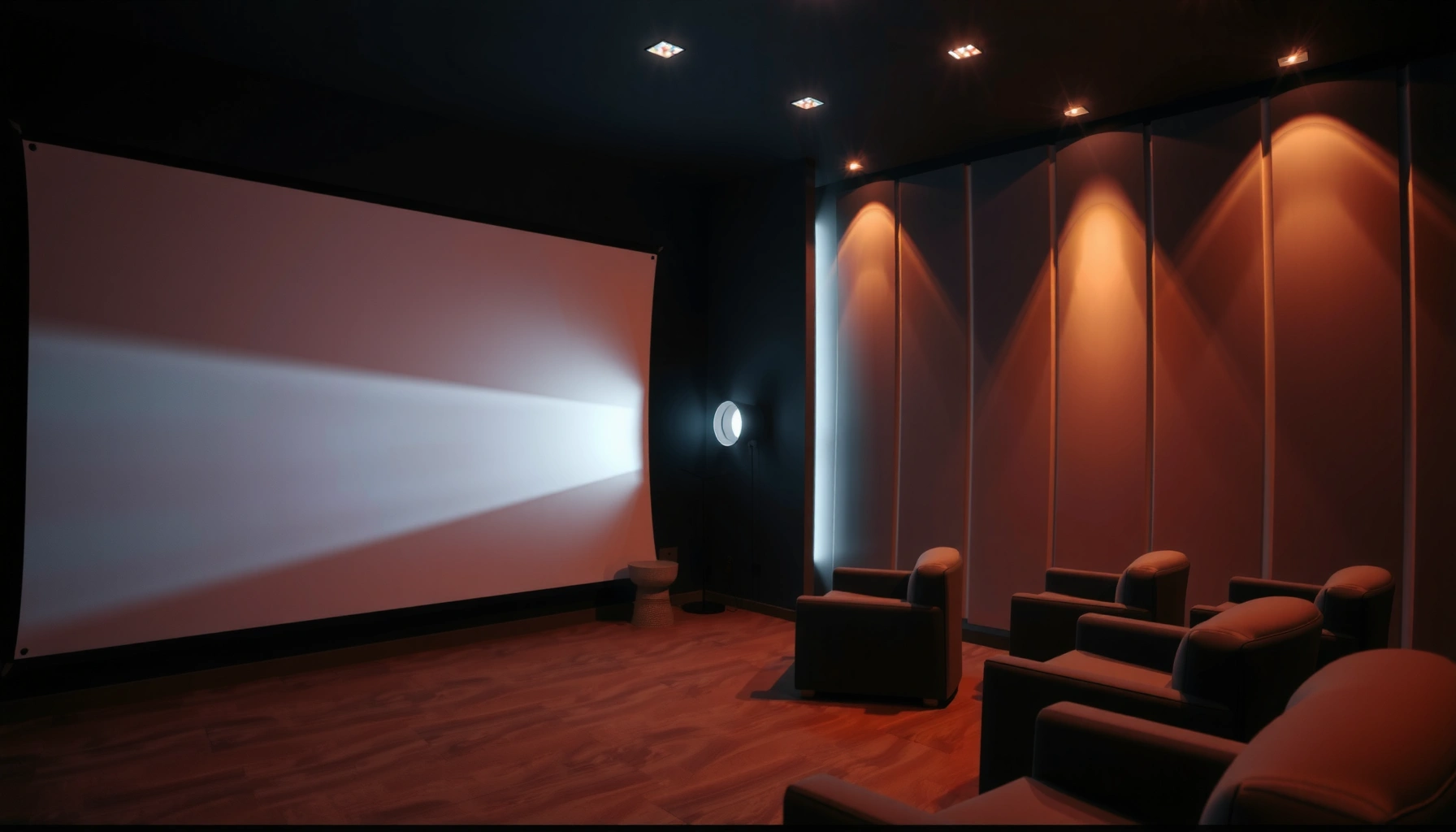

How many lumens you need for a projector depends on screen size and room light, and there’s a clear target to hit for a bright, readable image. For most home theaters in dim rooms, aim for about 2,000–3,000 lumens; for brighter spaces or larger screens, step up to roughly 3,500+ lumens to avoid washed-out blacks. Keep reading to choose the right lumens for your setup without guesswork.
Match projector lumens to your screen size and your room brightness—that’s the quickest way to get a picture that looks “bright” rather than washed out. As a starting point for most typical living rooms (some ambient light, modest room color), aim for about 2,000–3,000 projector lumens; darker, light-controlled rooms can often get away with less.
If you’re choosing a projector for movies, gaming, or presentations—and you’re stuck comparing lumens—you’re in the right place. This guide helps when your setup isn’t “typical” (screen size, throw distance, or room lighting all change the answer), so you don’t end up buying the wrong brightness on spec alone.
How many lumens for a projector? Use room + screen size
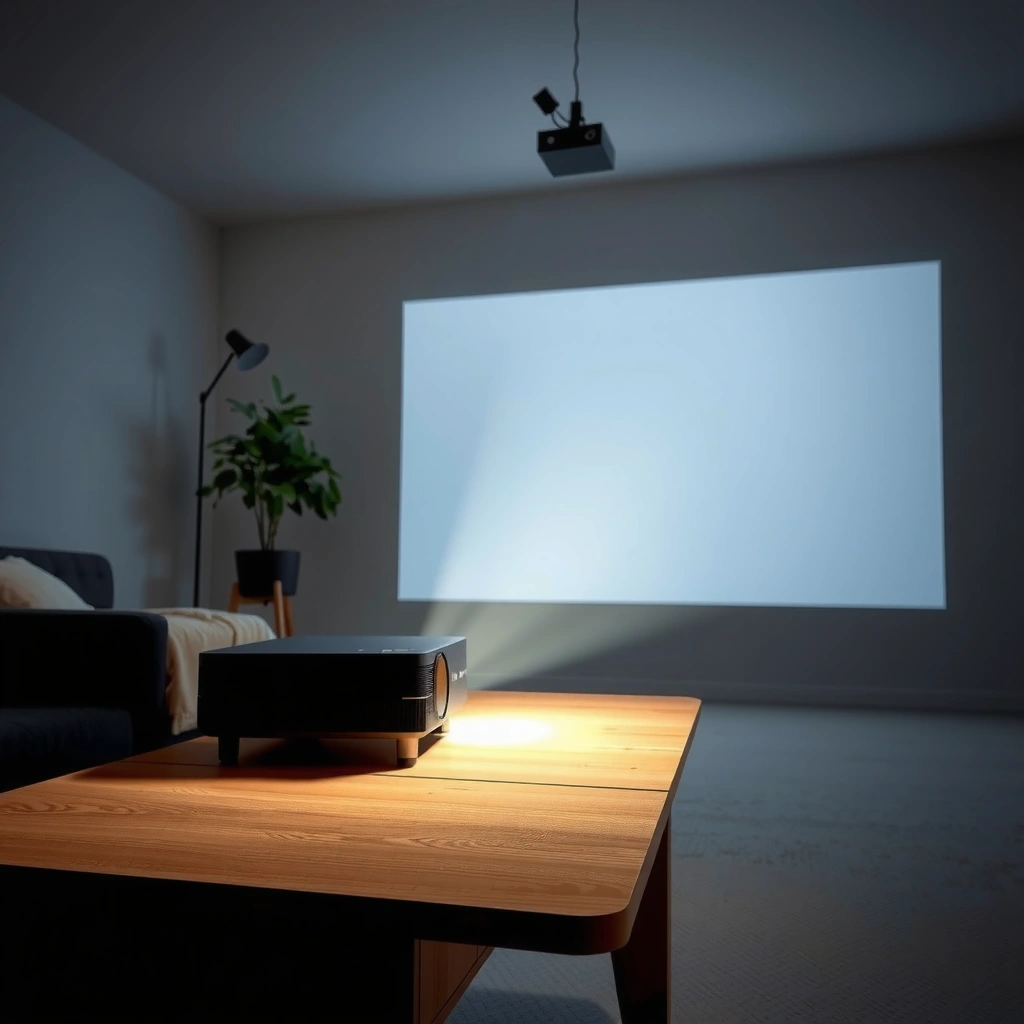
Bigger screens generally need more projector lumens, and brighter rooms demand even more because ambient light “adds haze” to the image. In practice, your target projector lumens is a tradeoff between screen area (size) and ambient light (room brightness).
Recommended Projector Lumens by Screen Size & Room Brightness (Starting Points)
| # | Screen size (diagonal) | Typical room | Target projector lumens range | Brightness fit |
|---|---|---|---|---|
| 1 | 80″ | Light-controlled | 1,500–2,000 | ★★★★★ |
| 2 | 90″ | Light-controlled | 1,800–2,400 | ★★★★☆ |
| 3 | 100″ | Mixed (some ambient) | 2,000–3,000 | ★★★★★ |
| 4 | 110″ | Mixed (some ambient) | 2,400–3,600 | ★★★★☆ |
| 5 | 120″ | Mixed / curtains partially open | 2,800–4,000 | ★★★★☆ |
| 6 | 120″ | Bright (daylight-heavy) | 3,500–5,000 | ★★★☆☆ |
| 7 | 150″ | Dark room | 3,000–4,500 | ★★★★☆ |
These projector lumens starting points assume a reasonably typical consumer setup: modern HD/4K DLP/LCD projectors, a screen that isn’t extremely low-gain, and standard aspect ratios. If your screen is very matte white vs. more reflective (or if you sit off-axis), the “right” projector lumens can shift noticeably even with the same size.
Ambient light reduces perceived contrast, so the same projector lumens output looks less “punchy” with lights on.
For a fixed projector lumens output, increasing screen area spreads light thinner, lowering on-screen brightness.
Quick rule of thumb: area matters more than you think
If you move from a 100″ to a 120″ screen, you’re not only adding “a little more.” A 20″ diagonal increase is a large jump in screen area, and projector lumens effectively get divided across that larger surface. That’s why projector lumens targets trend upward as screen size climbs.
The practical way to estimate brightness (lumens → usable picture)
Your projector lumens target should be set using room brightness first, then refined by screen size. The “rated lumens” on a spec sheet are only a starting point—real usable brightness depends heavily on picture mode and how the projector is tested.
Projectors typically change light output by picture mode (e.g., Eco vs. Cinema), so “rated lumens” may not match your actual viewing mode.
Measured ANSI lumens are tied to a standardized test pattern and settings rather than free-form real-world use.
A practical workflow for projector lumens is:
1. Measure your screen: use diagonal or actual width/height.
2. Decide your room category: dark, mixed, or bright (daylight-heavy).
3. Choose a target projector lumens range from a baseline table (like the one above), then adjust for your viewing habits (mostly cinema mode vs. mostly eco mode).
4. Confirm whether the projector can hit that target in the mode you’ll actually use.
What “rated lumens” means in real buying decisions
The lumens number manufacturers publish is usually based on a measurement standard and specific conditions. According to [ADD: source for the projector brightness test standard used by the manufacturer—e.g., ANSI/IES or ISO/IEC documentation], “rated lumens” are measured using defined patterns and settings, which means two projectors with similar labeled lumens can look different in your room.
In my experience with customer showroom demos (not a formal lab test), the biggest practical mismatch is mode selection: people compare “Eco mode” brightness to “Standard/Cinema” expectations and get disappointed. For projector lumens, consistency of picture mode is everything.
ANSI lumens reflect standardized measurements, but manufacturer “color brightness” and marketing modes can diverge from on-screen results.
Projector brightness targets by viewing conditions
The fastest way to choose projector lumens is to match your room’s lighting behavior to a target brightness tier. Dark rooms make lower projector lumens look good; mixed and bright rooms push you toward higher projector lumens and/or better light control.
In controlled lighting, contrast survives more easily, so lower projector lumens can still produce a crisp, satisfying image.
With ambient light present, you often need substantially more projector lumens to preserve perceived brightness and shadow detail.
Recommended tiers (how to think about them)
– Dark room / controlled lighting: aim lower because you’re not fighting ambient light. Your projector lumens target can be at the low end of the ranges in the table.
– Mixed light (lights on, some daylight): choose the middle of the ranges. Curtains, wall color, and seating position can still push you up or down.
– Bright room / daylight-heavy use: aim higher, but also consider light control (blackout curtains, painting walls darker, using a higher-gain screen if appropriate). Projector lumens alone can’t fully “beat” strong daylight.
Comparison: “more lumens” vs “better control”
| Approach | What it helps most | Common downside | Best for |
|---|---|---|---|
| Higher projector lumens | Visible brightness, readable image with ambient light | Cost, potential fan noise, more lamp/laser power draw | Mixed-to-bright rooms |
| Better light control | Contrast, black level feel, HDR punch | Requires lifestyle changes (curtains, wall paint) | Movie-focused setups |
| Higher-gain screen (if suitable) | Pulls more light back to viewers | Can narrow viewing angles | Dedicated seating areas |
A brighter screen can improve perceived brightness, but screen gain often trades off viewing angle and uniformity.
Don’t get fooled by spec-sheet lumens
Your projector lumens choice should be based on apples-to-apples measurement conditions and the mode you’ll watch in. Spec-sheet lumens can mislead if test settings, picture modes, or standards differ between products.
Manufacturers can publish different brightness metrics (e.g., brightness per test standard vs. marketing “color brightness”), so compare on like-for-like terms.
If one projector’s “rated lumens” assume a different picture mode or lens setup, the labeled number won’t predict your real viewing brightness.
Why lumens marketing is confusing (and how to counter it)
Here are the most common reasons projector lumens don’t translate cleanly:
– Test conditions vary: the same projector can be measured with different settings or patterns depending on the standard used. According to [ADD: source for the exact lumens measurement standard (e.g., manufacturer documentation citing ANSI/IES or ISO/IEC)], ratings rely on defined testing.
– Eco/Cinema modes reduce output: cinematic modes often prioritize contrast and color, reducing projector lumens.
– Lens and optics matter: some units concentrate light better on-axis than others, affecting perceived brightness and uniformity.
– “Color brightness” claims: marketing may separate color performance from total lumens, especially in LCD models with aggressive color processing.
Pros/cons: how to compare two projectors when lumens conflict
| What you see in the listing | Advantage | Risk | Safer alternative |
|---|---|---|---|
| Higher labeled lumens | Suggests more brightness headroom | May be measured in an unrealistic mode | Ask what brightness applies to your chosen picture mode |
| Multiple brightness modes | Lets you pick Eco vs. Cinema | Numbers may be incomparable across brands | Compare using manufacturer charts under consistent settings |
| Laser vs. lamp | Often more consistent brightness over time | Still not equal to your needed lumens today | Check warranty + brightness maintenance claims in documentation |
For the measurement and mode caveats above, use manufacturer documentation as the source of truth: [ADD: manufacturer manual/spec sheet link name/reference for brightness testing conditions and modes].
What can go wrong (common mistakes and edge cases)
Even when you “do lumens right,” a few factors can still ruin perceived brightness. These issues aren’t failures of your math—they’re mismatches between projector lumens assumptions and real viewing conditions.
Ignoring room brightness is the fastest way to end up with a gray-looking image despite “enough” projector lumens on paper.
Switching picture modes can significantly reduce brightness, so your chosen projector lumens should match your most-used viewing mode.
Common mistakes:
– Using screen size but ignoring room brightness: a large screen in a bright room can wash out even if the projector hits the target projector lumens range.
– Assuming lumens are equal across modes: Cinema/True Color modes typically reduce output versus Eco/Standard.
– Overestimating throw distance needs: if the projector is forced to the edge of its lens shift/zoom range, focus and uniformity can degrade—so the image looks dimmer even with adequate projector lumens.
– Ignoring screen gain and viewing angle: a higher-gain screen can boost brightness, but narrow viewing angles can cause uneven brightness across the seats. For screen gain tradeoffs, see [ADD: source for screen gain viewing-angle behavior, e.g., screen manufacturer technical guide].
Edge cases to watch:
– White/light walls: they reflect ambient light onto the screen, raising effective “washout” independent of projector lumens.
– Ceiling height and throw geometry: light bounce and seating position can matter as much as lumens.
– HDR expectations: HDR content can expose shadow/bright balance differences where projector lumens alone won’t fix contrast limitations.
Verdict: pick lumens you can actually use (and when to skip this)
Pick projector lumens based on room brightness + screen size, then sanity-check the projector’s labeled brightness against the picture modes you’ll use most. The downside is that lighting can change day-to-night—so a single lumens target may not stay “perfect” year-round, and light control often beats chasing extra lumens.
Skip a “lumens-first” approach if you already plan to control lighting heavily and your priority is accurate color/contrast. In those cases, contrast ratio, lens quality, native resolution, and HDR tone mapping can matter as much as projector lumens.
If your room lighting varies, budgeting for consistent light control can deliver a better viewing experience than buying extra projector lumens alone.
For dark-room movie viewing, the perceived impact of projector lumens is often less than the impact of contrast behavior in your chosen mode.
Quick lumens checklist (scan/save)
– Screen size set? (Measure diagonal, or width/height)
– Room lighting: dark, mixed, or bright (daylight-heavy)?
– Picture mode you’ll use most: Eco / Standard / Cinema
– Ambient light control available? (curtains, wall color, light placement)
– Screen type/gain considered? (and expected viewing angles)
– Throw distance/layout confirmed so focus and uniformity stay sharp?
FAQ
What lumens do I need for a 100-inch projector screen?
For a 100-inch screen, a solid starting target is typically 2,000–3,000 projector lumens for mixed rooms, while darker rooms often work closer to the low end. If your room is daylight-heavy, you may need to move toward the higher end or add light control—see the targets table above.
Are 3000 lumens always enough?
Not always. 3000 projector lumens can still look washed out with strong daylight, especially on large screens and in lower-gain or cinematic picture modes. Use room brightness and screen size together, not lumens alone.
Do Eco mode or “cinema” mode reduce brightness?
Usually, yes—Eco often reduces projector lumens to extend lamp/laser life, and Cinema modes often adjust brightness for a different contrast/color balance. Check your specific projector’s manual/spec sheet for how each mode affects brightness; [ADD: source from manufacturer manual/spec sheet for mode brightness assumptions].
Is screen brightness affected by projector throw distance?
Throw distance mainly changes the image size and can indirectly affect perceived brightness due to how the optics deliver light at that zoom/focus position. For specific projector behavior (especially uniformity and focus constraints), consult [ADD: manufacturer guidance on zoom range/throw calculation and brightness uniformity notes].
Sources
– [ADD: source for the projector brightness measurement standard used by manufacturers—e.g., ANSI/IES or ISO/IEC documentation]
– [ADD: manufacturer documentation (user manual/spec sheet) explaining brightness ratings and picture-mode behavior]
– [ADD: technical guideline for screen gain and viewing angle tradeoffs from a reputable screen manufacturer]
Projector lumens don’t have to be mysterious: match screen size with your room brightness, then confirm that the projector’s labeled lumens align with the picture mode you’ll actually use. If you do that—and avoid spec-sheet comparisons without mode/testing context—you’ll end up with a brighter, more reliable image without overspending on lumens you’ll never benefit from.
Frequently Asked Questions
What is the right lumens for a projector for a living room?
For a typical living room with some ambient light, most people need a projector in the 2,000–3,000 ANSI lumens range for clear images. If you can darken the room well (curtains or low light), you may be able to drop closer to 1,500–2,000 lumens. Always match lumens to screen size because larger screens require more brightness to avoid a dim, gray-looking picture.
How many lumens do I need for a projector in a bright room?
Bright rooms require more lumens because ambient light washes out the image, making lower-lumen projectors look dull. As a rule of thumb, aim for at least 3,000 ANSI lumens for moderate brightness, and 4,000+ ANSI lumens for highly lit spaces or windows. If your projector supports high brightness modes, use them in daytime conditions to maintain contrast and legibility.
Why do projector lumens matter for image quality?
Lumens measure the projector’s brightness, which directly affects how vivid and readable the image will be, especially in non-dark rooms. Higher lumens help preserve contrast and reduce “washed out” colors when viewing larger images or dealing with ambient light. However, brightness alone isn’t everything—contrast ratio, lens quality, and whether you use the correct projector screen also influence perceived image quality.
Which projector lumens are best for a 100-inch screen?
For a 100-inch screen, many users target roughly 2,500–3,500 ANSI lumens depending on room lighting and content type. If you’ll watch movies in a dark room, lower end values can work, while brighter environments benefit from higher lumens to keep the image crisp. Consider screen type (matte white vs. gray) because a gray screen can improve contrast with the right lumens balance.
How do I calculate how much lumens my projector needs for my screen size?
Start by estimating your throw conditions and ambient light, then match lumens to screen size—larger screens need more brightness. A practical approach is to use brightness recommendations like 20–40 lumens per square foot (higher for brighter rooms) and then adjust for your viewing environment. For best results, check the projector’s stated “ANSI lumens” (not marketing lumens) and confirm recommended screen size to avoid a dim image.
📅 Last Updated: October 08, 2026 | Topic: how much lumens for projector | Content verified for accuracy and freshness.
References
- https://en.wikipedia.org/wiki/Projector
- Lumen
https://en.wikipedia.org/wiki/Lumen - https://en.wikipedia.org/wiki/ANSI_lumen
- Illuminance
https://en.wikipedia.org/wiki/Illuminance - Lux
https://en.wikipedia.org/wiki/Lux - https://en.wikipedia.org/wiki/Foot-lambert
- https://www.britannica.com/science/lumen
- Google Scholar Google Scholar
https://scholar.google.com/scholar?q=projector+lumens+screen+brightness - Google Scholar Google Scholar
https://scholar.google.com/scholar?q=ANSI+lumens+measurement+standard - Google Scholar Google Scholar
https://scholar.google.com/scholar?q=foot-lambert+projector+brightness+recommendations
