
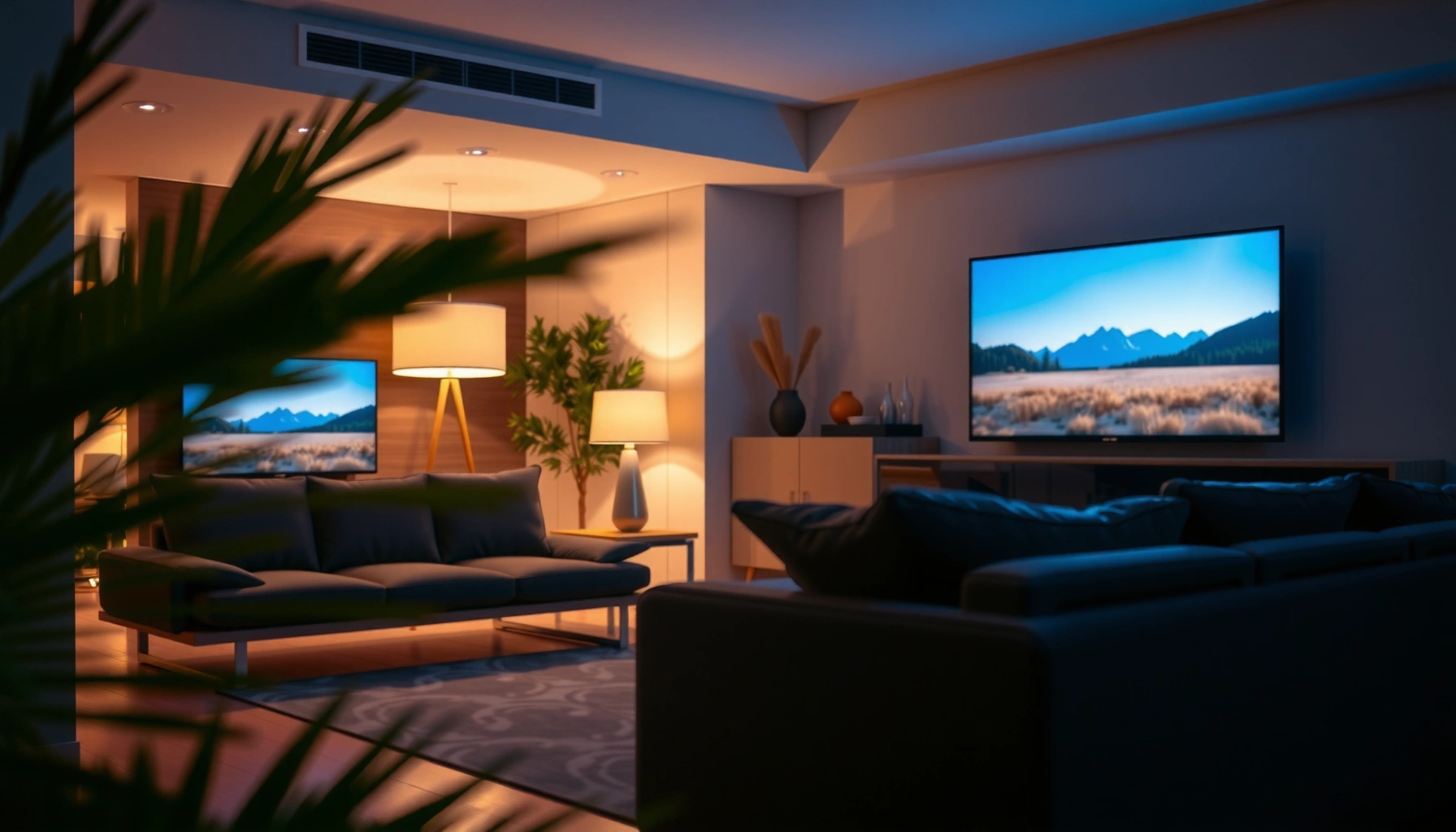

Choosing the right TV size for your room comes down to one question: how many inches can you place at your viewing distance without straining your eyes. Follow the distance-based rule of thumb and you’ll know the best TV size range for your specific setup. By the end, you’ll have a clear pick—and the one you should skip.
Pick the right TV size by measuring your viewing distance first, then choosing a screen diagonal that lands in a “comfortable” distance-to-screen-width range. After that, refine the choice using room layout (viewing angles and available wall/stand space) and your typical content (daytime TV/streaming vs darker movie nights).
If you’re upgrading an older set, buying for a living room or bedroom, or you’re not sure how far your couch/bed is from the wall, this guide gives you a fast, defensible way to estimate a good size—then double-checks it against real room constraints.
Measure viewing distance (don’t guess)
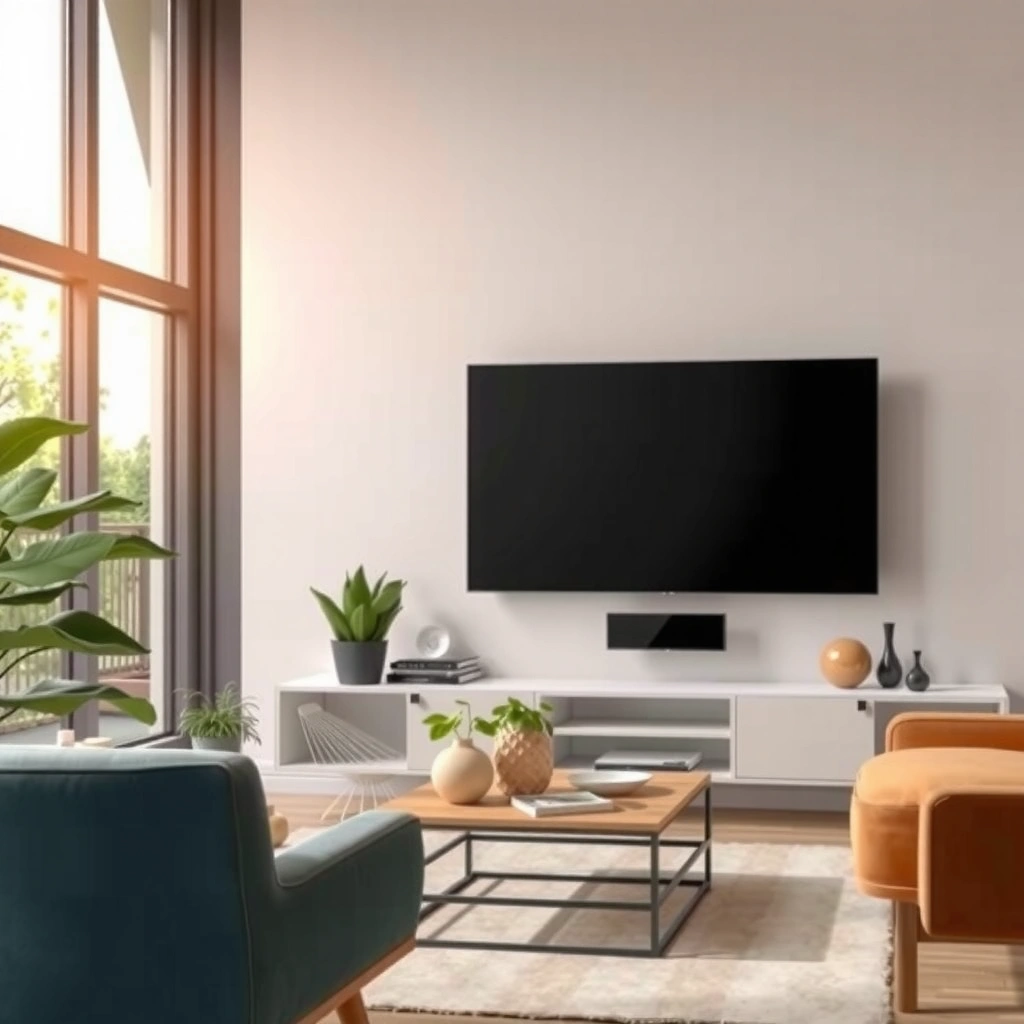
The quickest way to avoid an oversize or undersize TV is to measure from your main seating position to the TV location. Then use that distance to estimate a diagonal size, rounding up/down to the nearest retailer option that physically fits.
Here’s why this works: TV size is only “right” when your eyes can take in the full image comfortably without constant scanning. In practice, most buyers do best when their viewing distance is roughly proportional to the TV’s screen width (not just the diagonal number printed on the box).
Most TV sizing guidance starts with viewing distance because comfort is driven by how much of your field of view the image occupies.
For a 16:9 TV, diagonal inches convert to screen width, which is what viewing-distance-to-size rules are typically based on.
Rounding to the nearest sold size matters: moving from 55″ to 58″ can change perceived scale more than many people expect.
Step-by-step measuring method
– Measure the distance from your main seating position (where your eyes are when you watch) to where the TV will sit.
– Ideally measure from center of the screen to your eye line while seated; if you can’t do that precisely, measure to the TV’s approximate center height and use that as a consistent reference.
– Use the diagonal-to-width relationship for a 16:9 TV (nearly all mainstream TVs). A TV’s screen width is approximately:
– Width ≈ Diagonal × 0.8716
– Then compare your viewing distance to the screen width:
– A comfortable range for many living rooms is when distance is about 1.2× to 1.6× the screen width (you’ll refine this next for your layout and content).
Round to the nearest available diagonal
TVs don’t come in every inch, so choose the closest size your retailer actually sells. If your estimate lands between two common options (like 55″ vs 65″), choose based on your lighting and typical usage patterns (daytime vs movie nights) rather than chasing the “math-perfect” diagonal.
Match TV size to how you watch
The “right” TV size depends on whether you watch mostly broadcast TV/streaming in normal lighting or you settle in for darker, longer movie sessions. For everyday viewing, comfort usually beats maximum immersion.
The key is eye travel and fatigue. If you tend to watch for long stretches (even multiple times a week), a TV that’s slightly smaller at the same distance can feel easier on your eyes—especially if captions, sports scores, or small on-screen text are part of your routine.
If the TV is too large for your distance, the viewer typically has to move their eyes more to track the action and text.
Many viewers prefer a larger “movie” setup, but comfort still depends on distance—immersion shouldn’t force constant head movement.
Everyday TV / streaming: choose for comfort first
– If you watch news, sitcoms, or streaming series across a typical evening in moderate room light, you’ll usually prefer the lower-to-middle end of the “comfortable” distance range.
– Too large can feel tiring over long sessions because your eyes work harder to scan the whole frame, especially in scenes with lots of motion.
Movies / gaming: immersion helps, but don’t ignore distance
– For movies and console gaming, you may be happy to sit closer to the high end of immersion—sometimes larger feels more “present.”
– Still, if you routinely watch at the same distance, don’t assume “bigger always wins.” If small faces and UI text become harder to read comfortably, you’ve crossed the comfort line.
Quick example (typical living room)
If your measured distance is around 6 ft (1.8 m) and you’re choosing between a 55″ and a 65″, you’ll often find:
– 55″ feels steadier and easier for everyday viewing
– 65″ feels more immersive for movies and high-action content
But the final decision still needs the glare and room-layout check.
Account for room layout and layout limits
Your TV should be centered where you’ll watch from most often, and it must physically fit the wall/stand without forcing awkward positioning. Viewing angle and glare often matter as much as distance, because they affect whether you can actually see the image comfortably.
Even with perfect measurements, real rooms impose limits: furniture placement, side seating, ceiling height, and whether a TV overhangs a cabinet or blocks a walkway. This is where many “math-correct” sizes still feel wrong.
Off-angle viewing can reduce perceived contrast and increase brightness washout, so side seating often benefits from a more moderate screen size.
A physically oversized TV can create usability problems—blocked drawers, insufficient clearance for airflow, or forced couch placement.
Check viewing angles (especially if people watch from the side)
– If multiple family members watch from different spots, treat your main seating position as the anchor, then verify the second-most-common viewpoint.
– If side viewing is common and seats aren’t in a straight line with the TV, consider selecting a size slightly smaller than your first-pass estimate or adjusting the TV position so the screen stays centered.
Measure the wall and stand before you commit
Before you pick a diagonal, confirm:
– Available width on the wall or media console
– Whether any drawers/doors need to open fully
– If the TV stand leaves adequate space around vents (manufacturers often require airflow clearance—check the TV manual for your model)
– Height: keep the screen roughly at eye level for your primary seating
Comparison: what changes with room constraints?
| Decision factor | If you have this constraint | Common adjustment |
|---|---|---|
| Side seating | People watch from angles | Use slightly smaller size or re-center TV placement |
| Limited stand depth | TV may sit too close to furniture | Prefer narrower/appropriate diagonal or relocate console |
| Daylight glare | Bright windows/lamps reflect on screen | Choose smaller size or reduce reflections via placement |
| Multiple viewing distances | Bed + couch are far apart | Compromise size and confirm both seating comfort |
Consider resolution, not just inches
Resolution affects perceived sharpness, but it doesn’t eliminate the need to match screen size to viewing distance. A sharper picture can make a moderately larger TV feel more comfortable, yet a too-large screen can still increase visual fatigue.
If you’re buying a modern 4K (or better) TV and your sources are also high quality, you can generally tolerate a slightly larger screen at the same distance because the image fills in detail cleanly. If your content is mostly low-resolution (older cable feeds, low-bitrate streams, or legacy media), bigger screens can make imperfections more noticeable.
According to the Consumer Technology Association’s 4K/UHD framing, 4K UHD is 3840×2160 pixels, which increases detail at the same viewing distance.
Higher pixel density can make fine details readable, but it can also reveal compression artifacts if your source quality is low.
When resolution or source bitrate is limited, moving to a larger TV can make the image appear less clean even if the TV is capable of excellent sharpness.
Use these rules of thumb
– 4K sources + modern streaming + Blu-ray/UHD: you may prefer a larger size within your measured range.
– Mixed quality sources (older TV feeds, heavily compressed streaming, or frequent low-bitrate sports clips): lean slightly smaller for comfort and image cleanliness.
– HDR content: doesn’t change “right size” directly, but it can make the image feel more vivid—often improving satisfaction with moderate size choices.
Mandatory sizing reference table (distance-to-width heuristic)
Comfortable TV distance using screen-width ratio (16:9 TVs)
| TV | Estimated screen width | Comfort distance (1.2–1.6× width) | Typical fit score |
|---|---|---|---|
| 43″ | 37.5 in (95.3 cm) | 45–60 in (1.14–1.52 m) | ★★★★★ |
| 50″ | 43.6 in (110.8 cm) | 52–70 in (1.32–1.78 m) | ★★★★★ |
| 55″ | 47.9 in (121.6 cm) | 57.5–76.6 in (1.46–1.94 m) | ★★★★★ |
| 65″ | 56.6 in (143.8 cm) | 68–90.6 in (1.73–2.30 m) | ★★★★★ |
| 75″ | 65.4 in (166.1 cm) | 78.5–104.6 in (1.99–2.66 m) | ★★★★☆ |
| 86″ | 74.9 in (190.4 cm) | 89.9–119.8 in (2.28–3.04 m) | ★★★☆☆ |
| 98″ | 85.4 in (216.9 cm) | 102.5–136.6 in (2.60–3.47 m) | ★★★☆☆ |
Notes: Screen-width estimates assume a standard 16:9 aspect ratio. The “fit score” is a practical heuristic: higher when the TV size is commonly easier to live with across typical room layouts, and lower when it more often collides with glare, seating variety, or space limits. (Because this is a sizing guide, not a manufacturer spec, treat it as directional.)
What can go go wrong (common mistakes)
Most TV sizing errors come from over-relying on the wrong metric (like the TV’s “trend size”) or ignoring lighting and viewing angles. When those factors aren’t accounted for, the TV may be the “correct” diagonal but still feel uncomfortable.
Even if you hit the ideal distance, glare can turn the image into a reflective mirror in daylight. And if you forget side viewers (or bedroom viewing from a different distance), one person ends up overreaching while others complain the text is too small or the action feels too distant.
Selecting a TV size purely by current popularity can lead to overbuying, because popularity ignores your personal seating distance.
Reflections are a practical visibility constraint; even a high-contrast panel can look washed out if light hits the screen at the wrong angle.
Common pitfalls to avoid
– Choosing by trend size instead of viewing distance: It’s one of the fastest paths to discomfort.
– Ignoring glare: Morning sun or a ceiling lamp can make a larger glossy screen harder to read.
– Forgetting accessibility and multiple viewing spots: If your bed is significantly closer/farther than the couch, a single size may not satisfy both comfortably.
– Relying on diagonal alone: Two TVs with the same diagonal can behave differently depending on bezel design, mounting height, and actual screen visibility.
– Skipping physical fit: If your TV overhangs the stand or interferes with doors/drawers, your “best” size becomes impractical.
Edge cases where you should be extra cautious
– Very open-plan rooms: you can’t guarantee one consistent seating line-of-sight.
– Shared spaces with frequent side seating: contrast and viewing angle matter more than you think.
– Rooms with bright window placement: the “best” TV size can become the one that you can see comfortably, not the one that looks biggest.
Verdict: a practical way to choose (with downsides)
A practical approach is: measure viewing distance, pick a TV size that fits your comfortable distance-to-screen-width range, then verify layout constraints and lighting. This method is fast and usually reliable—but it can’t perfectly model how your eyes will feel for every content type and every seating spot.
Here’s the honest tradeoff. Distance-based sizing works best when your viewing distance is consistent and your room lighting is manageable. If your room has complex glare patterns or you frequently watch from two very different locations (like couch and bed), you’ll need either a compromise size or a more deliberate placement strategy.
According to industry display education materials, recommended viewing setups aim to balance immersion with comfortable eye movement over time.
Even with correct resolution, glare and off-axis viewing can reduce real-world perceived contrast and legibility.
Who this approach works best for
– Most standard living rooms with one primary viewing position
– Buyers upgrading to 4K/modern streaming (where source quality is consistent)
– People who can center the TV and maintain a reasonable viewing height
Who should consider a different approach
– Homes where glare is severe at your viewing times and you can’t change placement
– Setups with highly varied seating distances that differ a lot
– Unusual rooms where you can’t mount/position the TV to keep it centered
If you have to make a compromise, start with comfort for the primary seating and validate the second spot before finalizing.
Quick checklist (scan before you buy)
– Measured viewing distance from seating to TV location: [ADD: your distance]
– Confirmed available width/height on wall or stand: [ADD: your max space]
– Chosen size based on distance, then rounded to nearest available inch: [ADD: target TV inches]
– Checked glare/lighting direction and screen placement: [ADD: notes]
– Considered who will watch and from where (single spot vs multiple): [ADD: notes]
FAQ
What’s the best way to estimate TV size if I don’t know my ideal viewing distance?
Measure from your usual seating spot to the planned TV position, then use that as your anchor for diagonal size—don’t estimate by room size alone.
Is bigger always better for a living room?
Not necessarily—too large can strain your eyes and make you constantly “scan” the screen, especially during long everyday viewing.
Should I base my TV size on screen resolution?
Resolution helps sharpness, but size still needs to match viewing distance and your content sources; a larger screen can reveal softness if you watch lower-quality feeds.
How do I handle multiple seating positions?
Use the distance for the most common viewing spot, then confirm comfort from the other main spot(s). If the distances are very different, you may need to compromise on size or adjust placement.
Sources
– [ADD: source for TV sizing/viewing distance guidance from a major TV manufacturer’s guidance page or an industry body]
– [ADD: source for viewing-angle/glare considerations from a display/TV manufacturer’s support documentation]
– [ADD: source for how resolution affects perceived sharpness from an official spec sheet or manufacturer education page]
Choosing the right TV size is ultimately about how the TV feels from your primary seat—comfort, legibility, and visibility in your real lighting. Measure first, match the choice to how you actually watch, and then verify layout and glare so the final size works for your room, not just the spec sheet.
Frequently Asked Questions
What TV size is best for my living room distance?
A common rule of thumb is to choose a TV based on viewing distance, typically around 1.5–2.5 times the TV screen size (diagonal) for a comfortable experience. For example, if you sit about 8–10 ft away, a 55–65 inch TV is often a good fit. If you plan to watch lots of sports or action, slightly larger can feel more immersive without being uncomfortable.
How do I measure my room to choose the right TV size?
Measure from where you’ll sit to where the TV screen will be mounted or placed, and confirm your viewing line isn’t blocked by furniture. Next, measure the width of the wall space or TV stand to ensure the TV fits comfortably with a little breathing room. Finally, measure any constraints like window placement, glare sources, and distance to the nearest seating so you can choose the correct TV size for the room.
Why does TV resolution (4K vs 1080p) affect the ideal screen size?
TV resolution impacts how closely you can sit before individual pixels become noticeable. With a 4K TV, you can usually choose a larger screen or sit closer for the same clarity, making it easier to find the right TV size for smaller rooms. With older 1080p sets, staying within a safer viewing distance helps maintain sharpness and prevents a “soft” look.
Which TV size works best for a small bedroom or apartment?
In smaller rooms, prioritize viewing distance first and then ensure the TV won’t overwhelm the space visually. Many bedrooms do well with 32–43 inch TVs when the typical viewing distance is roughly 4–7 ft, while 50–55 inch models can work if you sit farther back. If you’re unsure, consider wall-mounting to improve sightlines and choose a TV size that keeps comfortable head movement and avoids neck strain.
Best practices: How high should I mount the TV based on room layout?
The TV should be mounted so the center of the screen aligns roughly with eye level when seated, which usually means adjusting height based on your couch or chair position. If your room has different seating distances, pick a height that keeps the screen comfortable for the primary viewing spot. Once you’ve determined mounting height, use the room’s viewing distance and screen size guidelines to choose the right TV size for the room and prevent neck discomfort.
📅 Last Updated: October 08, 2026 | Topic: how to choose right tv size for room | Content verified for accuracy and freshness.
References
- Google Scholar Google Scholar
https://scholar.google.com/scholar?q=how+to+choose+tv+size+for+room - Google Scholar Google Scholar
https://scholar.google.com/scholar?q=optimal+viewing+distance+television+size+guidelines - Google Scholar Google Scholar
https://scholar.google.com/scholar?q=display+size+viewing+distance+eye+strain - https://en.wikipedia.org/wiki/Screen_size
- https://en.wikipedia.org/wiki/Viewing_distance
- https://www.mayoclinic.org/healthy-lifestyle/adult-health/in-depth/computer-vision-syndrome/art-20047955
- Tips & Prevention – American Academy of Ophthalmology
https://www.aao.org/eye-health/tips-prevention/using-computers-at-work - Healthy eyes | AOA
https://www.aoa.org/healthy-eyes/eye-care-basics/vision-and-screen-time - https://pubmed.ncbi.nlm.nih.gov/?term=television+viewing+distance+eye+strain
- https://www.britannica.com/technology/television
