

A TV can indeed overheat, especially if it’s not placed or maintained properly. Overheating can lead to performance issues, damage, or even safety hazards. In this article, we’ll explore the causes of TV overheating, signs to watch for, and preventive measures to keep your television running smoothly.
Causes of TV Overheating
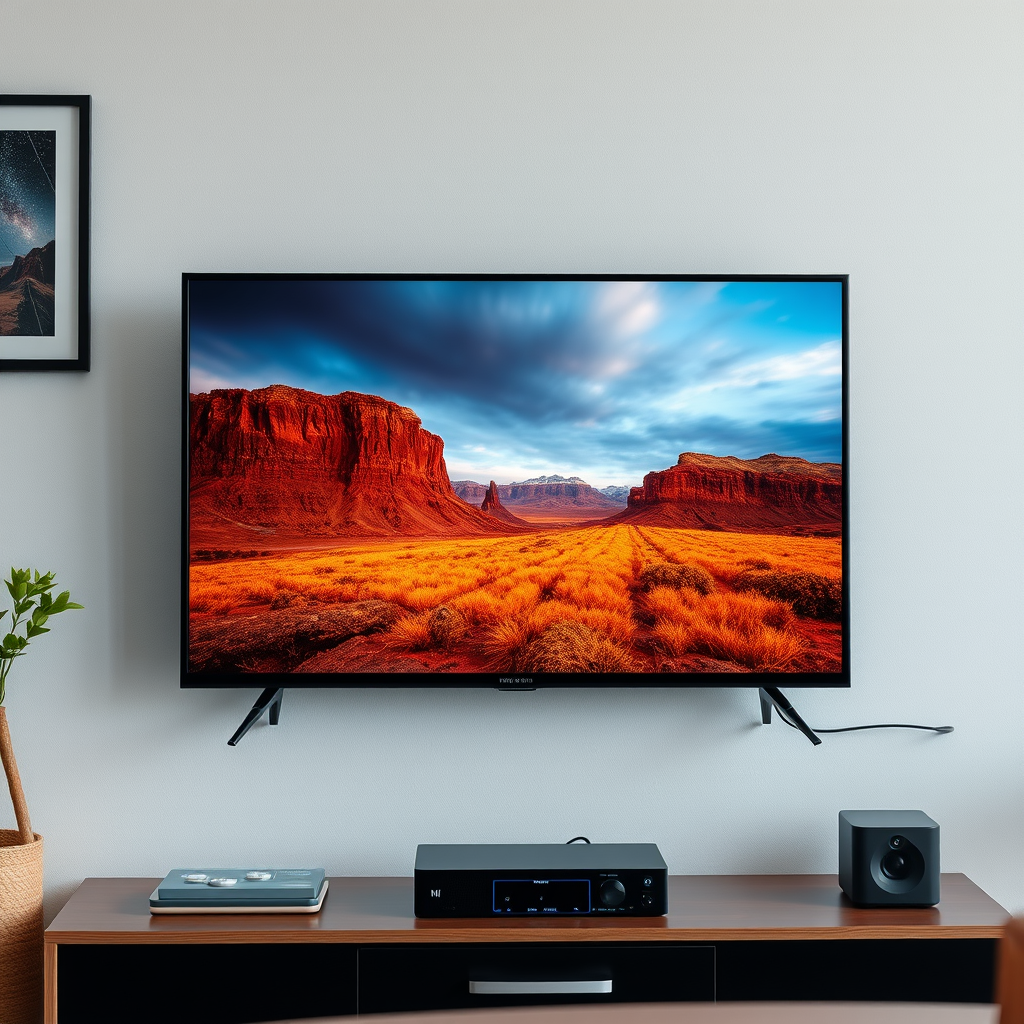
Understanding the causes of TV overheating is crucial in preventing potential damage. The most common causes include:
– Poor ventilation: Televisions require adequate airflow to dissipate heat effectively. If a TV is placed in an enclosed space, such as a cabinet or against a wall, it can restrict airflow and lead to overheating.
– Dust accumulation: Dust can accumulate inside and around the TV, particularly in the vents and fans. This accumulation can clog the necessary openings for air circulation, causing the internal temperature to rise significantly.
– High ambient temperatures: Using a TV in a room that is excessively hot or positioning it near heat sources, such as radiators or direct sunlight, can exacerbate the risk of overheating. TVs are designed to operate within specific temperature ranges, and exceeding these can lead to performance degradation.
By acknowledging these causes, you can take proactive steps to mitigate the risks associated with overheating.
Signs Your TV is Overheating
Recognizing the signs of a potential overheating issue is essential for maintaining your television’s performance. Key indicators include:
– Automatic shutdown: A common safety feature in modern TVs is an automatic shutdown to prevent damage from overheating. If your TV turns off unexpectedly during use, it may be a sign that it’s running too hot.
– Distorted picture: Overheating can affect the display quality. If you notice flickering, color distortion, or other visual anomalies, it may be due to excessive heat affecting the internal components.
– Unusual noises: If your TV begins to emit buzzing sounds or if the fan operates with increased frequency or volume, this may indicate that the internal temperature is rising and that the cooling mechanisms are working harder than usual.
Being aware of these signs enables timely intervention to prevent further damage to your device.
Preventive Measures to Avoid Overheating
Taking proactive measures can significantly reduce the risk of your TV overheating. Consider the following strategies:
– Ensure proper placement: Position your TV in a well-ventilated area, allowing for adequate airflow around all sides. Avoid placing it in enclosed spaces or too close to walls, which can restrict air circulation.
– Regular cleaning: Dust your television and clean the vents regularly. Using a microfiber cloth and a soft brush can help remove dust without causing damage. Pay special attention to the vents, as this is where airflow is crucial for cooling.
– Use cooling devices: For TVs that are prone to overheating, consider using external cooling devices such as fans or cooling pads. These can help maintain a lower temperature by providing additional airflow.
By implementing these preventive measures, you can help ensure that your TV remains cool and functions optimally.
What to Do if Your TV Overheats
If you suspect that your TV is overheating, it is essential to take immediate action to prevent damage. Follow these steps:
– Turn it off: If you notice signs of overheating, turn off your TV immediately and allow it to cool down. Unplugging the device can also help ensure safety while it cools.
– Check for blockages: Inspect your TV and the surrounding area for any obstructions that may be blocking airflow. Clear any dust, furniture, or other items that may be restricting the vents.
– Seek professional help: If the overheating issue persists despite your efforts, it may be best to consult a professional technician. They can diagnose underlying issues and perform necessary repairs to restore functionality.
Taking these steps can help prolong the lifespan of your television and maintain its performance.
Comparing Different TV Types and Their Overheating Risks
Different types of televisions have varying susceptibility to overheating. Here’s a comparison of common TV types:
– LED/LCD TVs: These models are generally more energy-efficient and produce less heat, but they can still overheat if placed in poorly ventilated areas. Regular maintenance is essential to prevent dust accumulation.
– OLED TVs: Known for their superior picture quality and vibrant colors, OLED TVs may generate more heat than their LED counterparts. They require careful placement in well-ventilated areas to manage heat effectively.
– Plasma TVs: Although less common today, plasma TVs are more prone to overheating due to their higher energy consumption. Monitoring their placement and ensuring proper ventilation is crucial for these older models.
Overheating Risks by TV Type
Overheating Risks by TV Type
| # | TV Type | Heat Generation | Ventilation Needs | Overheating Risk |
|---|---|---|---|---|
| 1 | LED/LCD TVs | Low | Moderate | Low |
| 2 | OLED TVs | Moderate | High | Moderate |
| 3 | Plasma TVs | High | High | High |
When to Consider Replacement
In some cases, replacing your television may be the best option, especially if overheating becomes a recurring issue. Consider the following factors:
– Age of the TV: Older models tend to be more susceptible to overheating. If your TV is several years old and begins to show signs of overheating, it may be time to consider an upgrade to a more energy-efficient model.
– Repair costs: If the costs to repair your television exceed half the price of a new unit, it is often more economical to invest in a replacement. Modern TVs come with improved technology that enhances performance and reduces the risk of overheating.
Evaluating these factors can help you make an informed decision regarding the future of your television.
Keeping your TV cool is essential for its longevity and performance. By following the tips outlined in this article, you can prevent overheating and ensure a better viewing experience. If you notice any signs of overheating, take immediate action to protect your investment. Proper placement, regular maintenance, and timely intervention are key to enjoying your television without the risk of overheating.
Frequently Asked Questions
Can a TV overheat and cause damage?
Yes, a TV can overheat, which may lead to performance issues or even permanent damage. Overheating is often caused by poor ventilation, excessive dust buildup, or using the TV for extended periods without breaks. It’s important to ensure adequate airflow around your TV to prevent overheating.
How can I prevent my TV from overheating?
To prevent your TV from overheating, ensure it has proper ventilation by leaving space around it for airflow. Regularly clean the vents and the surrounding area to remove dust, and avoid placing your TV in enclosed spaces or direct sunlight. Additionally, consider using a cooling fan if you notice it getting too warm during use.
What are the signs that my TV is overheating?
Signs that your TV may be overheating include a noticeable increase in temperature, frequent shutdowns, or the screen flickering. You might also hear unusual sounds from the TV, such as buzzing or humming, which can indicate overheating issues. If you experience any of these symptoms, it’s crucial to turn off the TV and allow it to cool down.
Why does my TV get hot after prolonged use?
TVs generate heat as they operate, and extended use can cause them to heat up significantly. Factors such as high brightness settings, running graphics-intensive applications, or inadequate ventilation can contribute to the heat buildup. It’s advisable to take breaks during long viewing sessions to allow the TV to cool down and prevent overheating.
Which types of TVs are more prone to overheating?
OLED and high-end LED TVs are generally more prone to overheating due to their advanced features and technology. These models often use more energy and generate more heat compared to older CRT or basic LCD TVs. It’s essential to monitor their temperature and provide adequate cooling solutions if you own a high-performance television.
References
- Television
https://en.wikipedia.org/wiki/Television#Heat - https://www.sciencedirect.com/topics/engineering/television
https://www.sciencedirect.com/topics/engineering/television - https://pubmed.ncbi.nlm.nih.gov/30020615/
https://pubmed.ncbi.nlm.nih.gov/30020615/ - Language development: Speech milestones for babies – Mayo Clinic
https://www.mayoclinic.org/healthy-lifestyle/home-and-garden/in-depth/tv-safety/art-20045163 - https://www.cdc.gov/nceh/features/tv-safety.html
https://www.cdc.gov/nceh/features/tv-safety.html - https://www.bbc.com/news/technology-41387169
https://www.bbc.com/news/technology-41387169 - https://www.theguardian.com/technology/2020/jul/02/tv-overheating-issues
https://www.theguardian.com/technology/2020/jul/02/tv-overheating-issues - https://www.nytimes.com/2021/05/10/technology/tv-overheating-fixes.html
https://www.nytimes.com/2021/05/10/technology/tv-overheating-fixes.html - Google Scholar Google Scholar
https://scholar.google.com/scholar?q=can+a+tv+overheat - Google Scholar Google Scholar
https://scholar.google.com/scholar?q=television+overheating+risks
