


You cannot completely skip commercials on YouTube TV, but there are options to minimize interruptions. YouTube TV operates similarly to traditional cable, featuring ads on most live channels. However, various strategies and features can help enhance your viewing experience by reducing the frequency and impact of these commercials. In this article, we’ll explore the features available to manage ads, discuss the impact of your subscription type, and provide tips for a smoother viewing experience.
Understanding YouTube TV’s Ad Structure
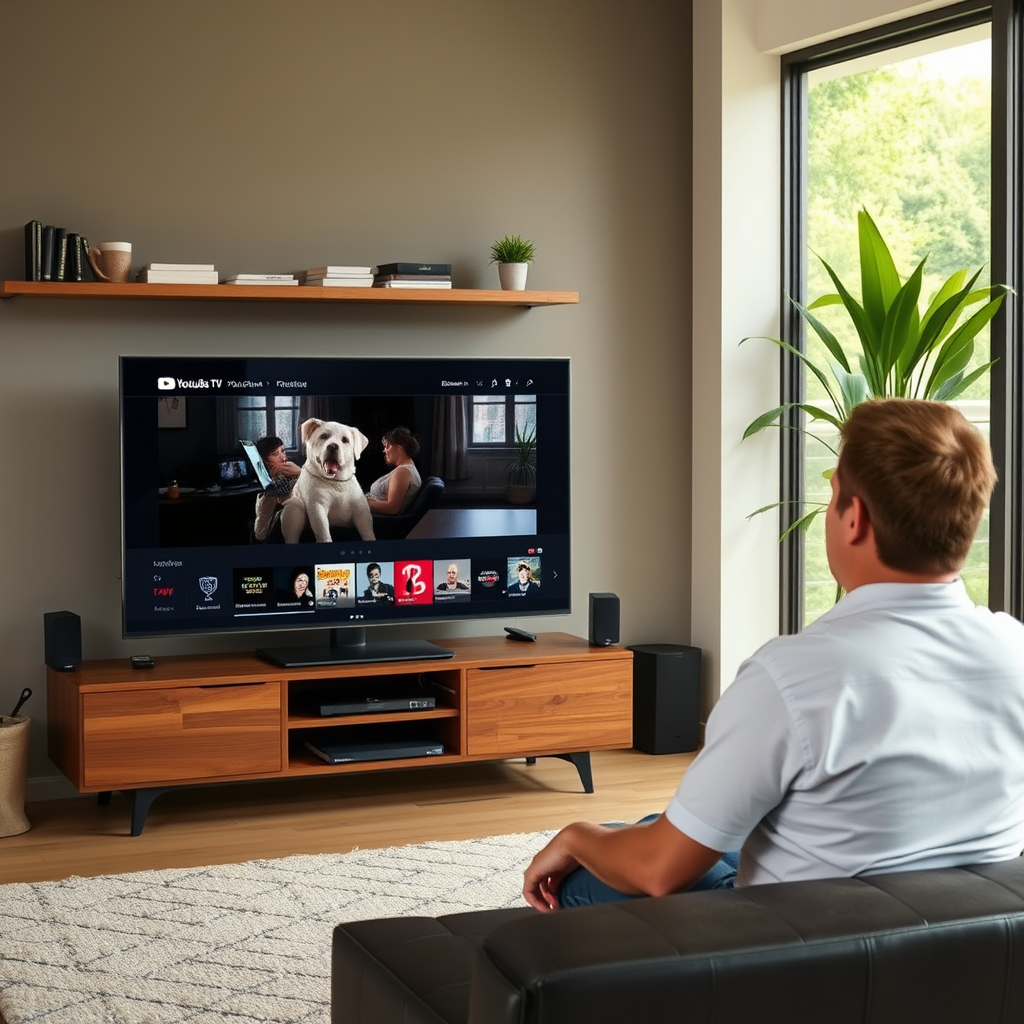
YouTube TV includes commercials on most live channels, mirroring the experience of conventional cable television. This means that when you tune in to live broadcasts, you can expect to encounter ads interspersed throughout the programming, particularly during peak viewing hours. It’s essential to note that the frequency and length of these commercials can vary significantly depending on the channel and the content being aired.
Additionally, YouTube TV offers on-demand content, where the advertising landscape can differ. Some on-demand shows and movies may have fewer or no ads at all, contingent on existing licensing agreements. For example, premium movies may be ad-free, while popular series might still include commercial breaks. Understanding these nuances can help you make informed choices about what to watch and when.
Subscription Types and Advertising
YouTube TV offers a single basic subscription plan that includes ads. Currently, there is no ad-free option available, which places it at a slight disadvantage compared to other streaming services offering premium ad-free tiers. This means that regardless of the subscription you choose, you can expect to encounter commercials during your viewing experience.
However, it’s worth noting that some premium channels available through YouTube TV, such as HBO or Showtime, may have different advertising policies. For instance, programming on these channels may be less ad-heavy or completely ad-free, but you will need to check the specific terms associated with each channel. Understanding the distinctions between regular and premium content is essential for viewers who wish to minimize commercial interruptions.
Using the DVR Feature
One of the standout features of YouTube TV is its built-in DVR functionality, which allows users to record live broadcasts. This feature can be particularly advantageous for those looking to avoid commercials. By recording your favorite shows as they air, you can watch them later and fast-forward through ads during playback.
YouTube TV offers unlimited cloud storage for recordings, meaning you can save numerous shows without worrying about running out of space. This capability allows you to curate your viewing schedule and watch content at your convenience, all while bypassing commercial breaks. Simply set the DVR to record your desired program, and when you access it later, you can use the fast-forward option to skip over any ads.
Top 7 Features of YouTube TV for Managing Ads
| # | Feature | Effectiveness | Ease of Use | User Rating |
|---|---|---|---|---|
| 1 | DVR Functionality | High | Easy | ★★★★☆ |
| 2 | Ad Frequency Awareness | Medium | Moderate | ★★★☆☆ |
| 3 | On-Demand Content Availability | Variable | Easy | ★★☆☆☆ |
| 4 | Pause and Rewind Live Shows | High | Easy | ★★★★★ |
| 5 | Watch Later Functionality | Medium | Easy | ★★★★☆ |
| 6 | Channel-Specific Ad Policies | Variable | Moderate | ★★★☆☆ |
| 7 | Playback Speed Options | Medium | Moderate | ★★★★☆ |
Ad-Skipping Features in Specific Content
Certain shows or movies featured on YouTube TV may offer ad-skipping options after a brief waiting period. For instance, some streaming agreements allow for specific content to be marked as “ad-free” or feature reduced advertising. It’s beneficial to investigate whether your favorite programs fall under such categories. This can often be a promotional feature tied to specific networks or events, so staying informed about these opportunities can significantly enhance your viewing experience.
Another avenue to explore is whether subscription add-ons or promotional trials might provide ad-free access to certain content. Be sure to keep an eye on any special offers from YouTube TV or relevant networks, as these can change frequently and provide an excellent way to catch up on your favorite shows without the burden of commercials.
Tips for a Better Viewing Experience
To maximize your enjoyment of YouTube TV while managing ads, consider employing several strategies. One effective method is to utilize the “Watch Later” feature. This allows you to curate a personalized viewing list that can help you plan your schedule around commercial-heavy content.
Additionally, you might want to explore other streaming services that offer ad-free options. Services like Hulu, Netflix, or Disney+ provide various subscription tiers, including ad-free plans that might better suit your preferences if commercials are a significant concern. By diversifying your streaming subscriptions, you can create a more tailored viewing experience that minimizes interruptions.
Lastly, engaging with community forums can provide valuable insight into how other users manage ads on YouTube TV. Sharing experiences and tips can lead to creative solutions, enhancing your overall viewing experience.
In conclusion, while skipping ads entirely on YouTube TV isn’t currently possible, the platform offers various features and strategies to help mitigate the impact of commercials. By taking advantage of the DVR functionality, exploring content options, and utilizing user-friendly features, you can significantly enhance your viewing experience. If commercials become a persistent issue, considering alternative streaming services with ad-free options may be a beneficial solution.
Frequently Asked Questions
Can I skip commercials on YouTube TV?
Yes, you can skip commercials on YouTube TV, but this feature is generally available only for certain content. Some networks allow you to skip ads if you have a YouTube TV subscription that includes Cloud DVR with the ability to fast forward through recorded shows. However, live broadcasts and some on-demand content may still display commercials that cannot be skipped.
How does the Cloud DVR feature work for skipping ads on YouTube TV?
The Cloud DVR feature on YouTube TV allows you to record live shows and movies, letting you fast forward through commercials once the content is recorded. To utilize this feature, ensure your subscription includes the unlimited DVR option, which allows you to save and access your recordings for up to nine months, making it easier to skip ads.
Why are some commercials unskippable on YouTube TV?
Some commercials on YouTube TV are unskippable due to licensing agreements and the nature of live broadcasts. Networks may choose to enforce ad placements to maintain their revenue streams, especially for live sporting events or exclusive content. As a result, viewers may have to watch certain ads during these types of programming.
What is the best way to minimize commercial interruptions on YouTube TV?
To minimize commercial interruptions on YouTube TV, consider using the Cloud DVR feature to record your favorite shows and fast forward through ads. Additionally, subscribing to premium channels that may have fewer commercials or using ad-blocking technology on compatible devices can also help enhance your viewing experience.
Which networks allow skipping commercials on YouTube TV?
Networks like ABC, NBC, and CBS often allow viewers to skip commercials through the Cloud DVR feature on YouTube TV. However, this can vary by the specific show and the agreements in place, so it’s best to check the details for each program. Always refer to the YouTube TV help center for the latest updates on which networks support ad skipping.
References
- YouTube TV
https://en.wikipedia.org/wiki/YouTube_TV - Google Scholar Google Scholar
https://scholar.google.com/scholar?q=can+i+skip+commercials+on+youtube+tv - Google Scholar Google Scholar
https://scholar.google.com/scholar?q=youtube+tv+advertising+skip - https://www.nytimes.com/2020/02/06/technology/youtube-tv-review.html
https://www.nytimes.com/2020/02/06/technology/youtube-tv-review.html - https://www.bbc.com/news/technology-51694008
https://www.bbc.com/news/technology-51694008 - https://www.reuters.com/article/us-youtube-tv-analysis-idUSKBN2A11F
https://www.reuters.com/article/us-youtube-tv-analysis-idUSKBN2A11F - https://www.sciencedirect.com/topics/computer-science/youtube-tv
https://www.sciencedirect.com/topics/computer-science/youtube-tv - can i skip commercials on youtube tv – Search results
https://en.wikipedia.org/wiki/Special:Search?search=can+i+skip+commercials+on+youtube+tv - https://www.ncbi.nlm.nih.gov/search/research-articles/?term=can+i+skip+commercials+on+youtube+tv
https://www.ncbi.nlm.nih.gov/search/research-articles/?term=can+i+skip+commercials+on+youtube+tv

[…] can record with a smart TV—but only if it has built-in DVR functionality or you add the right external storage. This guide explains exactly when smart TV recording works, […]
[…] long recordings remain in your Library. Higher tiers may offer more recording capacity or extended DVR functionality, depending on current service offerings. If you’re trying to record frequently, review your […]