

Yes, you can browse the web on many smart TVs, as most models are equipped with built-in web browsers or allow access through dedicated apps. This functionality allows users to surf the internet, stream videos, and visit their favorite websites directly from the comfort of their living room. In this article, we will explore the capabilities of smart TVs regarding web browsing, discuss different methods to access the web, highlight some limitations, and provide tips for enhancing your browsing experience.
Understanding Smart TV Browsing Capabilities
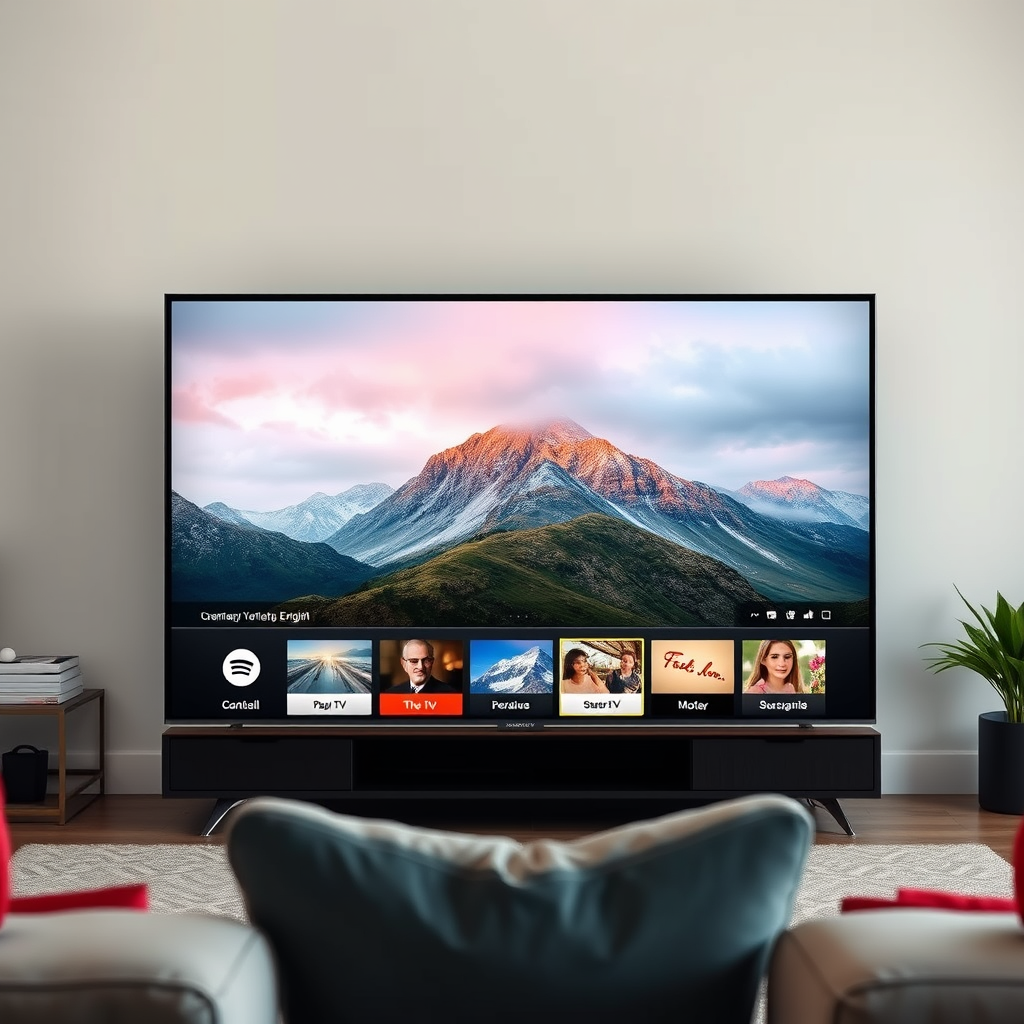
The modern smart TV has transformed the way we consume content, and browsing the web is a significant part of this evolution. Many smart TVs come pre-installed with web browsers such as Opera or Chrome, allowing users to navigate the internet just like they would on a computer. These browsers are optimized for television displays, making it easier to view content on larger screens.
In addition to built-in browsers, some smart TV models allow users to download additional web browsing apps from their respective app stores. This flexibility means that if the default browser does not meet your needs, you can often find alternatives that better suit your browsing habits. Popular options include browsers like Puffin and Firefox, which offer various features and enhancements for a more customized experience.
How to Access the Web on Your Smart TV
Accessing the web on your smart TV is a straightforward process. First, locate the browser app on your TV’s home screen or navigate through the app menu. If your TV has a built-in web browser, you can usually find it under a section labeled “Internet” or “Web.”
Once you’ve located the browser, simply click on the app icon using your remote control. Before you start browsing, ensure your TV is connected to Wi-Fi. Most smart TVs will prompt you to connect to a wireless network during the initial setup, but you can also check your network settings to establish or troubleshoot the connection.
To enhance your browsing experience, consider using the remote control’s directional pad to navigate the interface. Some smart TVs also support voice commands, allowing you to search for websites or content hands-free.
Limitations of Browsing on Smart TVs
While browsing the web on a smart TV can be convenient, there are several limitations that users should be aware of. One of the most significant drawbacks is the screen size. Although smart TVs offer larger displays than traditional computer monitors, the larger screen can make it challenging to read smaller text or navigate complex websites efficiently. Users may find themselves squinting or straining their eyes, which can detract from the overall experience.
Additionally, many smart TV browsers may not support all website features or could load content slower than traditional desktop browsers. Some sites designed for desktop viewing may not render correctly on a smart TV, leading to a frustrating user experience. Furthermore, the processing power of smart TVs can vary, with lower-end models struggling to keep up with more resource-intensive websites.
Enhancing Your Browsing Experience
To make the most of your browsing experience on a smart TV, consider implementing a few enhancement strategies. One effective method is to invest in a wireless keyboard and mouse. This combination allows for more efficient navigation and text input, making it easier to search the web or fill out online forms. Many smart TVs support Bluetooth peripherals, meaning you can connect them without any messy wires.
Another way to enhance your browsing experience is by utilizing screen mirroring or casting from your smartphone or tablet. Most smart TVs support technologies like Google Cast or Apple AirPlay, allowing you to mirror your device’s screen directly onto the TV. This method provides a more user-friendly interface and allows you to leverage the capabilities of your smartphone’s browser, which may be more advanced than your TV’s browser.
Popular Smart TV Brands and Their Browsing Features
When it comes to smart TVs, different brands offer unique browsing capabilities that cater to various user preferences. Here are some of the most popular brands and their respective web browsing features:
– Samsung: Samsung smart TVs often include the Samsung Internet browser, known for its user-friendly interface and compatibility with various web technologies. The browser supports extensions and offers features like a built-in ad blocker.
– LG: LG smart TVs operate on the webOS platform, which includes a web browser that supports HTML5 and various multimedia formats. The interface is intuitive, allowing users to switch between apps and the browser seamlessly.
– Sony: Sony smart TVs come equipped with the Google TV platform, which provides access to a robust web browser alongside a vast array of streaming services. The integration with Google services allows for a smooth browsing experience.
– Roku: While Roku devices do not have a built-in browser, they offer various web browsing apps through their channel store. Users can download browsers like Web Browser X to access the internet.
Popular Smart TV Browsing Features Comparison
Comparison of Smart TV Browsing Features (2024)
| # | Brand | Browser Type | User Interface | Ad Blocker | Features |
|---|---|---|---|---|---|
| 1 | Samsung | Samsung Internet | User-friendly | Yes | Extensions support |
| 2 | LG | webOS Browser | Intuitive | No | HTML5 support |
| 3 | Sony | Google TV | Integrated | Yes | Google services integration |
| 4 | Roku | Third-party | Varies | No | Limited options |
Alternatives to Web Browsing on Smart TVs
If you find that browsing the web on your smart TV does not meet your needs, there are several alternatives for content consumption that offer a more streamlined experience. Streaming apps such as Netflix, YouTube, and Hulu provide a wealth of content that can be accessed without the need for a browser. These applications are designed for easy navigation and often offer personalized recommendations based on viewing history.
Another viable option is to consider using a streaming device that connects to your TV, such as a Roku, Amazon Fire Stick, or Apple TV. These devices not only provide access to a myriad of streaming services but often have better browsing capabilities than built-in smart TV browsers. They come with dedicated remote controls and user-friendly interfaces, making it easier to navigate through various apps and content.
In addition to streaming devices, you can also explore gaming consoles like the PlayStation or Xbox, which have integrated browsing features and access to streaming services. These consoles often have more powerful hardware than smart TVs, resulting in a smoother and more responsive browsing experience.
In summary, while you can browse the web on a smart TV, the experience may vary depending on the model and the browser’s capabilities. For a more versatile browsing experience, you might also explore using additional devices or apps. If you’re interested in maximizing your smart TV’s potential, consider trying out browsing features or connecting other devices to enhance your viewing and browsing experience.
Frequently Asked Questions
Can you browse the web on a smart TV?
Yes, you can browse the web on a smart TV. Most smart TVs come with a built-in web browser that allows you to access websites directly from your television. However, the browsing experience might not be as seamless as on a computer or mobile device due to the limitations of remote controls and screen navigation.
How do you access the web browser on a smart TV?
To access the web browser on a smart TV, you typically need to navigate to the home screen and find the app or icon labeled “Web Browser” or “Internet.” Once selected, you can use your remote to enter URLs or search terms and start browsing the web. Some models may also support voice commands for easier navigation.
Why is browsing the web on a smart TV often frustrating?
Browsing the web on a smart TV can be frustrating due to factors like limited input methods, small on-screen keyboards, and slower processing speeds compared to smartphones or tablets. Additionally, not all websites are optimized for TV viewing, which can lead to poor layout and navigation issues. These limitations can hinder your overall browsing experience.
What are the best smart TVs for web browsing?
The best smart TVs for web browsing typically feature robust processors, user-friendly interfaces, and a variety of app support. Brands like Samsung, LG, and Sony often provide superior browsing experiences with their high-resolution displays and responsive web browsers. It’s also beneficial to look for models that support screen mirroring or casting, allowing you to use your mobile device for easier navigation.
Which apps can enhance web browsing capabilities on a smart TV?
Several apps can enhance web browsing capabilities on a smart TV, including browsers like Google Chrome, Firefox, or Puffin TV Browser, which are designed for larger screens. Additionally, streaming services like YouTube or social media apps can provide alternative ways to access web content. Using a wireless keyboard or mouse can also significantly improve your browsing experience.
References
- Smart TV
https://en.wikipedia.org/wiki/Smart_TV - https://www.bbc.com/news/technology-57312649
https://www.bbc.com/news/technology-57312649 - https://www.theguardian.com/technology/2020/jun/05/smart-tv-internet-privacy-issues
https://www.theguardian.com/technology/2020/jun/05/smart-tv-internet-privacy-issues - https://www.nytimes.com/2019/01/02/technology/smart-tvs-privacy.html
https://www.nytimes.com/2019/01/02/technology/smart-tvs-privacy.html - https://www.sciencedirect.com/topics/computer-science/smart-tv
https://www.sciencedirect.com/topics/computer-science/smart-tv - https://www.mayoclinic.org/healthy-lifestyle/consumer-health/in-depth/smart-tv/art-20436845
https://www.mayoclinic.org/healthy-lifestyle/consumer-health/in-depth/smart-tv/art-20436845 - https://www.cdc.gov/nccdphp/dnpao/state-programs/healthier-communities/technology/smart-tv.html
https://www.cdc.gov/nccdphp/dnpao/state-programs/healthier-communities/technology/smart-tv.html - Google Scholar Google Scholar
https://scholar.google.com/scholar?q=smart+tv+browsing - Google Scholar Google Scholar
https://scholar.google.com/scholar?q=internet+access+smart+tv - Google Scholar Google Scholar
https://scholar.google.com/scholar?q=smart+tv+internet+usage
