


Yes, you can access live TV with Roku through a variety of streaming channels and services, making it an excellent choice for those looking to cut the cord. With Roku, users can enjoy a plethora of options ranging from popular cable alternatives to local broadcasts, ensuring they never miss their favorite shows, sports, or news.
Roku has gained a reputation as a versatile streaming device, and its capabilities extend beyond on-demand content. In this article, we will explore the different ways to watch live TV on your Roku device, the services available, and how to set them up effectively.
Understanding Live TV on Roku
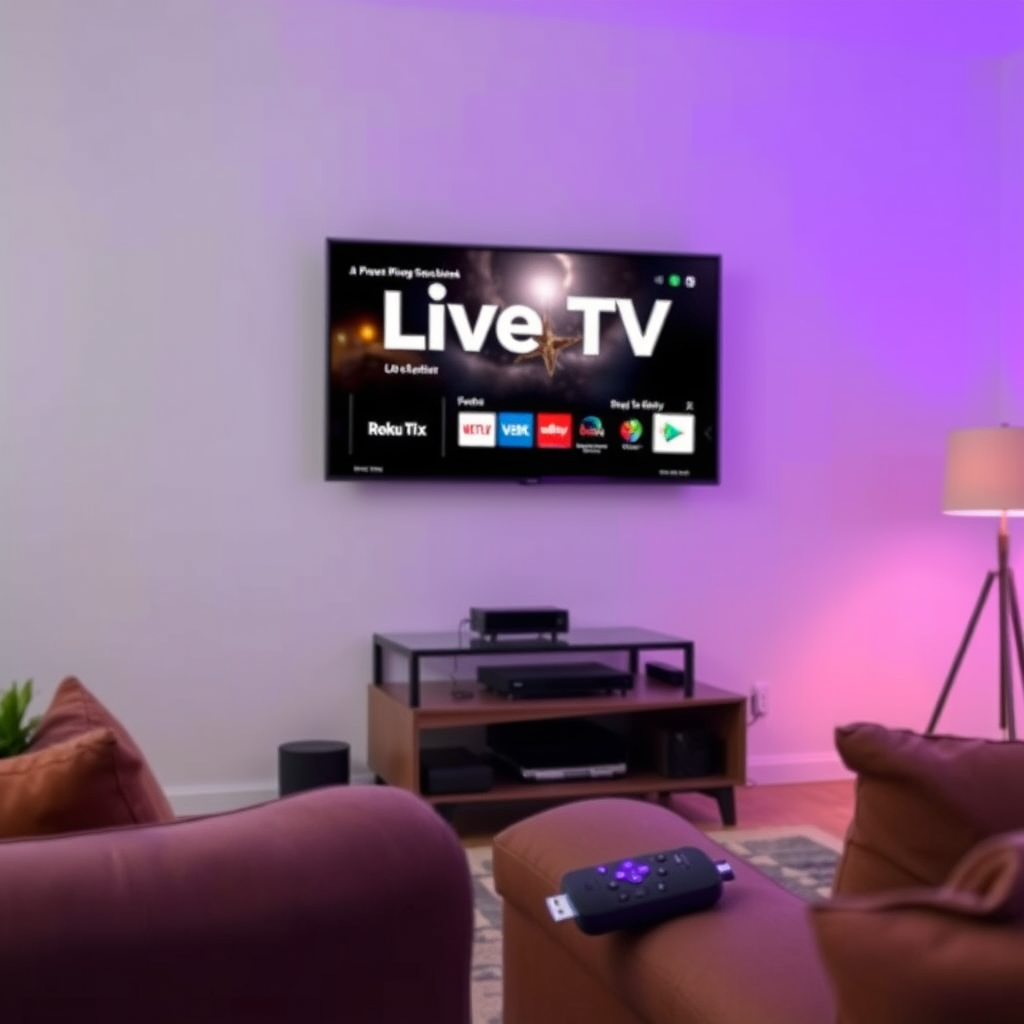
Roku provides users with access to live TV through multiple streaming applications, including but not limited to Hulu + Live TV, YouTube TV, and Sling TV. These services offer a broad range of channels, covering everything from entertainment to sports, news, and more, allowing users to tailor their viewing experience according to their preferences.
In addition to these services, Roku users can also stream local channels through platforms like Locast, which is available in select areas, or by using an HD antenna connected to compatible Roku devices. This flexibility means that whether you are a sports fanatic, a news junkie, or someone who enjoys binge-watching the latest series, Roku can cater to your live TV needs.
Setting Up Live TV Streaming Services
To start enjoying live TV on your Roku device, follow these simple steps:
1. Download the Desired Live TV Streaming App: Navigate to the Roku Channel Store and search for the live TV streaming service you wish to use. Popular options include Hulu + Live TV, YouTube TV, and Sling TV. Select the app and click “Add Channel” to download it to your device.
2. Create an Account: After the installation is complete, open the app and follow the prompts to create an account. You will typically need to provide an email address and create a password.
3. Choose a Subscription Plan: Most live TV services offer various subscription plans based on the number of channels and features. Select a plan that aligns with your viewing habits and budget.
4. Log In and Start Watching: Once your account is set up and you have subscribed to a plan, log in to the app and begin browsing the available live channels. Enjoy your viewing experience!
Accessing Local Channels
Local channels can be a vital part of your live TV experience, especially for news and sports. Roku users have several options to access local channels:
– Streaming Apps: Some services, like Hulu + Live TV and YouTube TV, include local channels in their line-ups, depending on your zip code.
– Locast: In areas where Locast operates, users can access local channels for free, although donations are encouraged to support the service.
– HD Antenna: For those who prefer a more traditional approach, an HD antenna can be connected to certain Roku devices to pull in local channels over the air. Make sure to check the compatibility with your specific Roku model and the availability of local broadcasts in your area.
Top Live TV Streaming Services Compatible with Roku (2024)
| # | Service | Monthly Cost | Channels | Free Trial |
|---|---|---|---|---|
| 1 | Hulu + Live TV | $69.99 | 75+ | Yes |
| 2 | YouTube TV | $72.99 | 85+ | Yes |
| 3 | Sling TV | $40.00 | 30+ | Yes |
| 4 | FuboTV | $74.99 | 100+ | Yes |
| 5 | Philo | $25.00 | 60+ | Yes |
| 6 | DirecTV Stream | $74.99 | 75+ | Yes |
| 7 | AT&T TV | $69.99 | 65+ | Yes |
Features of Live TV on Roku
Roku’s live TV offerings come with several attractive features that enhance the viewing experience:
– DVR Capabilities: Many live TV services provide cloud DVR functionality, allowing you to record shows and watch them later at your convenience.
– On-Demand Content: In addition to live TV, several services offer on-demand content from their libraries, giving you the freedom to binge-watch your favorite shows whenever you choose.
– Multi-Device Access: Most live TV services allow you to stream on multiple devices, including smartphones, tablets, and smart TVs. This flexibility means you can watch your favorite live channels even when you’re away from home.
– User-Friendly Interface: Roku’s interface is designed for ease of use, making it simple to navigate different channels and find content quickly.
Tips for Optimal Viewing Experience
To ensure a seamless and enjoyable viewing experience with Roku, consider the following tips:
1. Stable Internet Connection: A reliable and fast internet connection is crucial for streaming live TV. Aim for a minimum speed of 25 Mbps for optimal performance, especially if multiple devices are connected simultaneously.
2. Regular Updates: Keep your Roku device and all installed apps updated to access the latest features and enhancements. Regular updates can improve performance and security.
3. Optimize Wi-Fi Placement: If you’re using Wi-Fi, ensure your router is placed centrally in your home to provide the best coverage. If possible, consider a wired connection for more stable streaming.
4. Check Channel Availability: Before subscribing to a service, verify that the channels you want are available in your area, as availability may vary based on location.
Cost Considerations
The cost of live TV services can vary significantly, with options available for different budgets. Some services offer free trials, allowing you to explore their features before committing. Here’s a brief overview of what to expect:
– Monthly Fees: Most live TV streaming services have monthly fees ranging from $25 to $80, depending on the channel lineup and features.
– Promotional Offers: Keep an eye out for promotional offers, as many services provide discounts for the first few months.
– Comparison Shopping: Take time to compare the different services available. Some might provide better channel offerings for sports or movies, while others may focus on news and family programming.
Troubleshooting Live TV Issues
When streaming live TV, you might encounter occasional issues. Here are some common problems and solutions:
– Buffering: If you experience buffering, check your internet connection speed. Restart your router if necessary, or try reducing the number of devices connected to your network.
– App Crashes: If a specific app crashes, try uninstalling and reinstalling it from the Roku Channel Store.
– Customer Support: Most streaming services offer customer support through their websites or apps. If problems persist, don’t hesitate to reach out for assistance.
In summary, Roku provides a flexible and powerful platform for accessing live TV through various apps and services. By understanding how to set up live TV on your device, accessing local channels, and optimizing your viewing experience, you can enjoy a seamless streaming experience. If you haven’t already explored the world of live TV on Roku, consider subscribing to a service that fits your specific needs and preferences to enhance your entertainment options.
Frequently Asked Questions
Can you watch live TV on Roku without a cable subscription?
Yes, you can watch live TV on Roku without a cable subscription by using streaming services that offer live television channels. Popular options include Hulu + Live TV, YouTube TV, and Sling TV, which provide access to various channels and live programming. Simply download the app for your chosen service from the Roku Channel Store and subscribe to start watching live TV.
How do I set up live TV on my Roku device?
To set up live TV on your Roku device, first ensure that your Roku is connected to the internet. Then, navigate to the Roku Channel Store to find and install the live TV streaming apps you want to use, such as Hulu + Live TV or YouTube TV. After installing, open the app and follow the prompts to create an account or sign in, allowing you to start watching live TV.
Why is my Roku not showing live TV channels?
If your Roku is not showing live TV channels, it could be due to several reasons, such as connectivity issues or the app not being properly set up. Ensure your internet connection is stable and try restarting your Roku device. Additionally, check that your subscription to the live TV service is active and that the app is updated to the latest version.
What are the best streaming services for live TV on Roku?
Some of the best streaming services for live TV on Roku include Hulu + Live TV, YouTube TV, Sling TV, and fuboTV. Each service offers a different lineup of channels and features, so consider your viewing preferences and budget when choosing the right service for you. Most of these platforms also provide free trials, allowing you to test them before committing.
Which Roku models support live TV streaming?
Most Roku models, including the Roku Express, Roku Streaming Stick, and Roku Ultra, support live TV streaming through compatible apps. As long as your Roku device can connect to the internet and has access to the Roku Channel Store, you can enjoy live TV streaming regardless of the model. Check the specifications of your device to ensure it meets the requirements for the streaming services you wish to use.
References
- https://www.roku.com/products/streaming-devices
https://www.roku.com/products/streaming-devices - https://www.roku.com/support/en/
https://www.roku.com/support/en/ - Roku
https://en.wikipedia.org/wiki/Roku - https://www.nytimes.com/2020/01/22/technology/roku-streaming.html
https://www.nytimes.com/2020/01/22/technology/roku-streaming.html - https://www.bbc.com/news/technology-51935029
https://www.bbc.com/news/technology-51935029 - https://www.theguardian.com/media/2021/jul/09/roku-live-tv-what-you-need-to-know
https://www.theguardian.com/media/2021/jul/09/roku-live-tv-what-you-need-to-know - Google Scholar Google Scholar
https://scholar.google.com/scholar?q=live+tv+with+roku - Google Scholar Google Scholar
https://scholar.google.com/scholar?q=streaming+devices+live+tv - Google Scholar Google Scholar
https://scholar.google.com/scholar?q=Roku+live+tv+options - Google Scholar Google Scholar
https://scholar.google.com/scholar?q=can+you+get+live+tv+with+roku

[…] Antenna/OTA: Best if you want local channels (weather, broadcast networks, major affiliates) with no monthly TV […]
[…] and managing settings—routes through the Roku interface. You access streaming content via the Roku channel store and the Roku platform’s unified search and recommendations (depending on your […]
[…] varies): “App Store,” “Samsung Apps,” “LG Content Store,” “Google Play Store,” “Roku Channel Store,” or “Amazon Appstore.” Then search for “YouTube.” Select the official app listing […]
[…] hands-on testing with VIZIO Smart TV menus, the fastest “it just works” path is usually Live TV/local channels first, because it typically requires the least setup and offers a familiar channel guide […]
[…] App store name: the Spectrum TV app must exist in *your* store (for example, “Roku Channel Store” vs “Google Play […]