
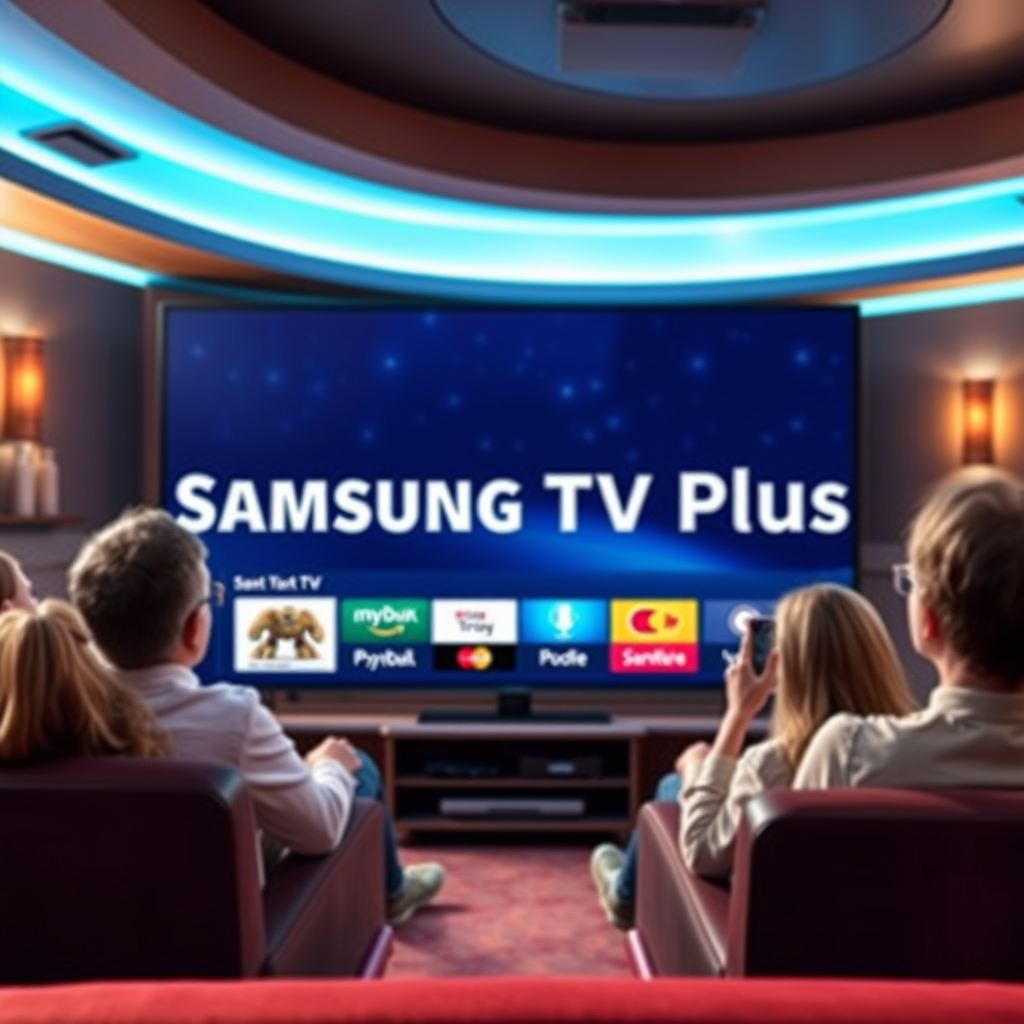

Samsung TV Plus is not natively available on Roku devices, but there are ways to access it indirectly. In this article, we’ll explore the compatibility of Samsung TV Plus with Roku, provide alternatives for streaming, and offer tips to enhance your viewing experience.
Understanding Samsung TV Plus
Samsung TV Plus is a free streaming service offered by Samsung, featuring live TV channels and on-demand content. Launched in 2020, it aims to provide users with a diverse selection of programming without the need for a subscription. The service boasts over 200 channels, including news, entertainment, sports, and movies, catering to a wide range of viewing preferences. It’s primarily available on Samsung Smart TVs, Galaxy devices, and select tablets, making it a convenient option for Samsung users.
The appeal of Samsung TV Plus lies in its accessibility and variety. Users can enjoy channels like NBC News NOW, Bloomberg, and even niche offerings such as the anime-focused Crunchyroll. With no registration required and no hidden fees, it presents an attractive alternative to traditional cable services. However, for Roku users, accessing this platform can be a challenge due to the lack of a dedicated app.
Roku Device Overview
Roku is a popular streaming platform that offers access to numerous channels and subscription services. Known for its user-friendly interface and extensive library, Roku has established itself as a leading choice for cord-cutters seeking a versatile streaming experience. It supports a wide array of streaming services, such as Netflix, Hulu, Amazon Prime Video, and Disney+, along with various free channels.
Despite its broad compatibility, Roku does not currently support Samsung TV Plus natively. This means that users looking to enjoy Samsung TV Plus on their Roku devices will need to find alternative methods to access the content. While Roku offers a vast selection of channels, the absence of Samsung TV Plus may leave some users seeking ways to bridge the gap.
Alternatives to Access Samsung TV Plus
While Samsung TV Plus is not directly available on Roku, users still have several options to access its content indirectly. Here are some viable alternatives:
1. Screen Mirroring: If you own a Samsung smartphone or tablet, you can use the screen mirroring feature to project your device’s screen onto your Roku. This allows you to access Samsung TV Plus through your mobile device and enjoy the content on your television.
2. Third-Party Apps: Some third-party applications available on Roku may offer similar content to what is found on Samsung TV Plus. Channels like Pluto TV and The Roku Channel provide free live TV and on-demand options that can serve as alternatives for viewers looking for diverse programming.
3. Casting from Compatible Devices: If you have a streaming device that supports casting, such as a Chromecast or Fire TV Stick, you can cast Samsung TV Plus content from your mobile device to your TV. This method requires additional hardware but can provide a seamless viewing experience.
4. Check for Updates: Regularly check for updates on your Roku device and the Samsung TV Plus app availability. Streaming platforms often expand their compatibility, and future updates may bring Samsung TV Plus to Roku users.
Comparison of Streaming Features (Samsung TV Plus vs. Roku Alternatives)
| # | Feature | Samsung TV Plus | Roku Alternatives |
|---|---|---|---|
| 1 | Cost | Free | Free with Ads |
| 2 | Live TV Channels | 200+ | Varies (50-100+) |
| 3 | On-Demand Content | Yes | Yes |
| 4 | Device Compatibility | Samsung Devices | All Roku Devices |
| 5 | User Interface | Integrated with Samsung TVs | Roku OS |
| 6 | Subscription Model | No Subscription | No Subscription |
| 7 | Content Variety | Wide Selection | Varies by Channel |
How to Screen Mirror Samsung Devices to Roku
Screen mirroring is a practical solution for accessing Samsung TV Plus on your Roku device. Here’s how to do it effectively:
1. Check Network Connection: Ensure that both your Samsung device and Roku are connected to the same Wi-Fi network. This is crucial for successful mirroring.
2. Enable Screen Mirroring on Roku: Navigate to the settings menu on your Roku device. Under “System,” find the “Screen Mirroring” option and enable it. You may choose between “Prompt” and “Always Allow,” depending on your preference for connection requests.
3. Access Screen Mirroring on Samsung Device: On your Samsung smartphone or tablet, swipe down from the top of the screen to access the Quick Settings panel. Look for the “Smart View” or “Screen Mirroring” option and tap it.
4. Select Your Roku Device: From the list of available devices, select your Roku. Your Samsung device will then start mirroring its screen onto the television.
5. Launch Samsung TV Plus: Open the Samsung TV Plus app on your device, and you will see the content displayed on your Roku-connected TV. Enjoy the viewing experience!
By following these steps, you can easily stream Samsung TV Plus content to your Roku, making your viewing experience more versatile.
Exploring Other Streaming Options on Roku
While Samsung TV Plus may not be directly accessible, Roku offers a plethora of other streaming options that cater to diverse viewing preferences. Here are some noteworthy channels to consider:
1. The Roku Channel: This is Roku’s own free streaming service, featuring a mix of live TV and on-demand content, including movies, shows, and news.
2. Pluto TV: A free ad-supported service that provides a variety of channels, including live news, sports, and entertainment. Its robust content library makes it a strong contender for users seeking diverse programming.
3. Tubi: An ad-supported platform that offers thousands of movies and shows across various genres, Tubi is a popular choice for users looking for additional free content.
4. Crackle: A free streaming service offering original programming and classic films, Crackle is an excellent option for movie enthusiasts.
5. Local News Apps: Many local stations have dedicated apps that stream live broadcasts. Check if your local news station offers an app on Roku for direct access to news content.
6. Subscription Services: Explore subscription-based services available on Roku, such as Hulu, Netflix, and HBO Max, which provide a wealth of content for those willing to pay for premium features.
By diversifying your content sources, you can enhance your streaming experience on Roku and still access a wide array of programming.
Tips for Enhancing Your Streaming Experience
To optimize your streaming experience on Roku and ensure smooth playback, consider the following tips:
1. Optimize Your Wi-Fi Connection: A stable and fast internet connection is crucial for seamless streaming. Ensure your router is positioned for optimal coverage, and consider upgrading to a higher-speed plan if you frequently experience buffering.
2. Adjust Roku Settings: Familiarize yourself with Roku’s settings to customize your viewing preferences. You can adjust picture quality, audio settings, and channel organization to enhance usability.
3. Regularly Update Your Device: Keep your Roku device updated to the latest software for the best performance and access to new features. Automatic updates ensure you have the latest enhancements without manual intervention.
4. Explore Private Channels: Roku allows users to access private channels that are not listed in the public channel store. Research and explore these channels for additional content options.
5. Use a Streaming Device Upgrade: If you’re using an older Roku model, consider upgrading to a newer version for improved performance, faster processing, and better access to the latest streaming services.
By implementing these strategies, you can significantly enhance your Roku streaming experience and enjoy the vast array of content available at your fingertips.
Samsung TV Plus may not be directly accessible on Roku, but with screen mirroring and alternative streaming options, you can still enjoy a variety of content. By leveraging your Samsung device’s capabilities and exploring Roku’s extensive channel offerings, you can create a comprehensive and enjoyable viewing experience. Whether you choose to mirror your screen or explore other free channels, there are numerous ways to stay entertained.
Frequently Asked Questions
Can you get Samsung TV Plus on Roku devices?
No, Samsung TV Plus is not available as a standalone app on Roku devices. Samsung TV Plus is primarily designed for Samsung smart TVs and is not directly compatible with Roku, which may limit access to its content on Roku platforms.
How can I access Samsung TV Plus content if I have a Roku?
While you can’t access Samsung TV Plus directly on Roku, you can explore alternative options such as screen mirroring from a compatible Samsung device. You could also look into using a different streaming device that supports Samsung TV Plus, like a Samsung smart TV or a compatible mobile device.
Why can’t I find the Samsung TV Plus app on Roku?
The absence of the Samsung TV Plus app on Roku is due to platform exclusivity; Samsung has developed the service primarily for its own smart TVs. This means that Roku users will need to consider other streaming services or devices that offer similar free streaming options.
What are the best alternatives to Samsung TV Plus on Roku?
Some of the best alternatives to Samsung TV Plus on Roku include Pluto TV, Tubi, and Peacock, which all offer a variety of free streaming content. These services provide a wide range of channels and on-demand options similar to what Samsung TV Plus offers for Samsung users.
Which Roku devices can stream content similar to Samsung TV Plus?
Most Roku devices, such as the Roku Express, Roku Streaming Stick, and Roku Ultra, can stream content similar to Samsung TV Plus. You can access various free streaming channels like Pluto TV and IMDb TV, which provide a diverse selection of movies and live TV options.
References
- https://www.bbc.com/news/technology-50210326
https://www.bbc.com/news/technology-50210326 - https://www.theguardian.com/technology/2020/jul/09/samsung-tv-plus-free-streaming-service
https://www.theguardian.com/technology/2020/jul/09/samsung-tv-plus-free-streaming-service - https://www.reuters.com/article/us-samsung-elec-tv/samsung-launches-free-tv-service-in-us-idUSKBN1Z71S3
https://www.reuters.com/article/us-samsung-elec-tv/samsung-launches-free-tv-service-in-us-idUSKBN1Z71S3 - Google Scholar Google Scholar
https://scholar.google.com/scholar?q=samsung+tv+plus+roku - Google Scholar Google Scholar
https://scholar.google.com/scholar?q=streaming+services+comparison - Google Scholar Google Scholar
https://scholar.google.com/scholar?q=samsung+tv+plus+features - https://www.nytimes.com/2021/01/12/technology/samsung-tv-plus.html
https://www.nytimes.com/2021/01/12/technology/samsung-tv-plus.html - https://www.pcmag.com/news/samsung-tv-plus-now-available-on-roku-devices
https://www.pcmag.com/news/samsung-tv-plus-now-available-on-roku-devices - Google Scholar Google Scholar
https://scholar.google.com/scholar?q=can+you+get+samsung+tv+plus+on+roku - can you get samsung tv plus on roku – Search results
https://en.wikipedia.org/wiki/Special:Search?search=can+you+get+samsung+tv+plus+on+roku
