


Acer monitors typically do not come with built-in speakers, although some specific models may include them. For users who prioritize audio quality, it’s essential to understand which models have integrated sound capabilities and explore alternatives for enhancing the audio experience. This article will guide you through the various Acer monitor models, how to identify those with speakers, and recommend external audio solutions that can significantly improve your listening experience.
Understanding Acer Monitor Models
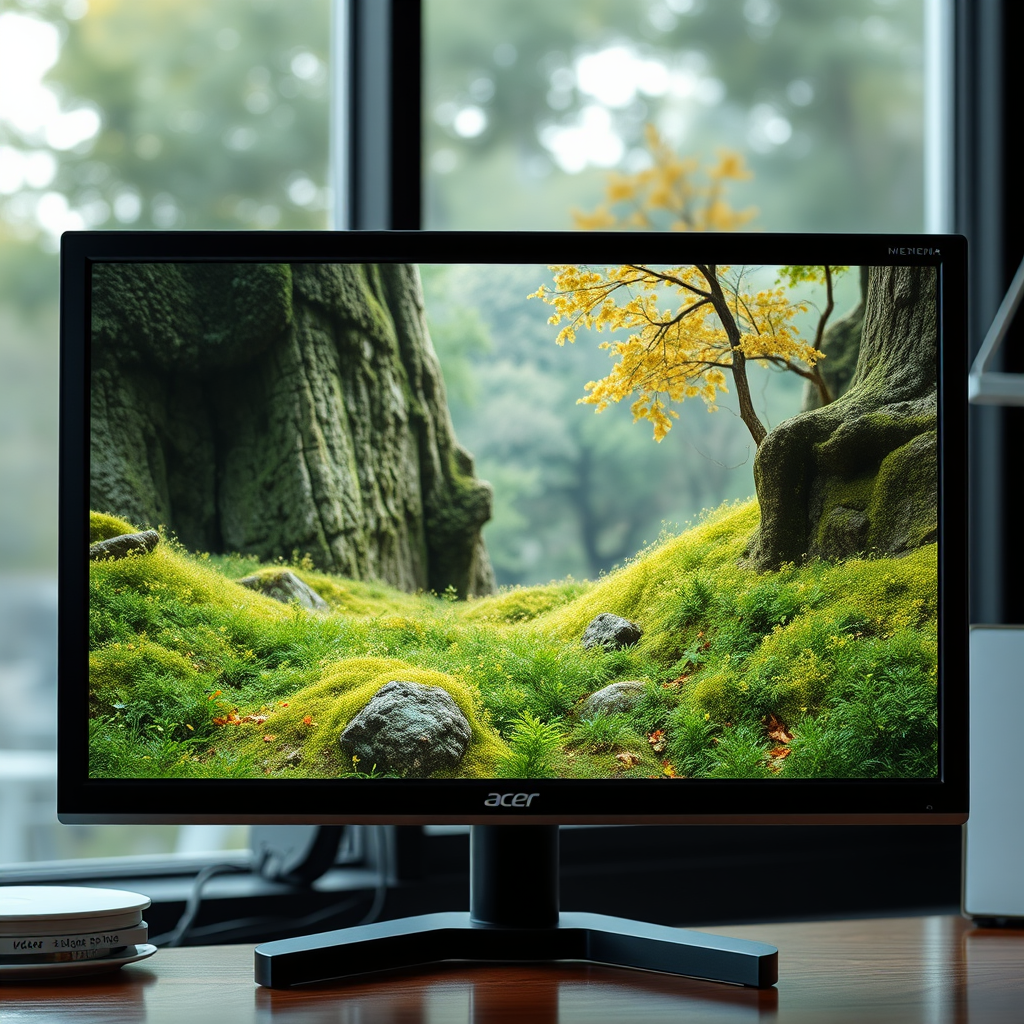
Acer offers a diverse selection of monitor models, catering to various user needs, including gaming, professional work, and everyday use. The availability of built-in speakers varies significantly across these models. While budget-friendly or entry-level monitors generally forego integrated audio systems, higher-end models, particularly in the gaming and all-in-one categories, may include built-in speakers. To determine if a specific model features audio capabilities, it is advisable to check the technical specifications listed on the Acer website or product listings. This information will provide clarity on the monitor’s audio features, ensuring you select a model that meets your needs.
How to Check if Your Acer Monitor Has Speakers
To ascertain whether your Acer monitor has built-in speakers, begin by consulting the user manual that accompanied your device. The manual typically contains a section outlining the specifications, including audio output capabilities. Additionally, you can inspect the physical features of the monitor—look for speaker grilles or sound output ports that may indicate the presence of integrated audio systems. If your model lacks these features, it is likely that external audio solutions will be necessary to achieve satisfactory sound quality.
Models with Built-in Speakers
While many Acer monitors do not include built-in speakers, a few specific models do offer this feature. Notable examples include:
1. Acer R240HY: This 23.8-inch monitor features built-in speakers that deliver decent audio quality, making it suitable for everyday tasks and casual gaming.
2. Acer Aspire C27: An all-in-one desktop solution, the Aspire C27 comes with integrated speakers that provide clear sound for multimedia consumption.
3. Acer Nitro VG271: A gaming monitor that includes built-in speakers, the Nitro VG271 offers immersive sound, complementing its high refresh rate and excellent display quality.
These models not only provide integrated audio but also boast impressive specifications that enhance overall performance. The Acer Nitro VG271, for instance, is favored by gamers for its fast refresh rate, while the R240HY is popular among general users for its sleek design and versatile functionality.
Comparison of Acer Monitors with Built-in Speakers
| # | Model | Screen Size | Resolution | Speaker Type | Price |
|---|---|---|---|---|---|
| 1 | Acer R240HY | 23.8″ | 1920 x 1080 | Integrated | $179.99 |
| 2 | Acer Aspire C27 | 27″ | 1920 x 1080 | Integrated | $799.99 |
| 3 | Acer Nitro VG271 | 27″ | 1920 x 1080 | Integrated | $299.99 |
Alternatives to Built-in Speakers
For those who find that their Acer monitor lacks built-in speakers, there are several effective alternatives to consider. External speakers can significantly enhance sound quality, providing a richer audio experience, especially for gaming and multimedia consumption. Options include:
– Bookshelf Speakers: Compact yet powerful, bookshelf speakers can deliver excellent sound quality. Brands like Audioengine and Klipsch offer models that are well-regarded for their clarity and depth.
– Soundbars: These slim, elongated speakers are designed to provide a wide sound stage and can easily fit under your monitor. They often come with Bluetooth connectivity, allowing for wireless audio streaming.
– Headphones: For a personal audio experience, high-fidelity headphones can provide immersive sound without disturbing others. Look for models with a good frequency response and noise isolation features.
Investing in quality external audio solutions can dramatically improve your overall experience, particularly in environments where sound quality is critical.
User Experience and Audio Quality
User feedback regarding Acer monitors with built-in speakers varies. Many users report that while the sound quality of integrated speakers is adequate for basic tasks such as web browsing or video conferencing, they often fall short for more demanding audio experiences like gaming or watching movies. Users of models like the Acer Nitro VG271 appreciate the built-in speakers for their decent quality, but many still prefer to connect external audio devices for enhanced sound.
In contrast, scenarios such as gaming or professional audio work often necessitate external solutions, as these applications demand superior sound quality that built-in speakers typically cannot provide. For those who prioritize audio fidelity, investing in external sound systems is generally recommended.
Maintenance and Troubleshooting Audio Issues
To maintain optimal audio quality from your Acer monitor, consider the following tips:
1. Keep Drivers Updated: Regularly check for and install updates for your monitor’s audio drivers to ensure compatibility and performance.
2. Adjust Audio Settings: Use the audio settings on your computer or monitor to fine-tune sound output, including equalizer settings that can enhance specific frequencies based on your preferences.
3. Check Connections: If you’re using external speakers, ensure all cables are securely connected and that the correct audio output is selected on your computer.
4. Troubleshoot Sound Issues: If sound is not working, check the audio settings on your computer to confirm that the correct device is selected. Restarting your monitor and computer can also resolve many common audio issues.
By following these tips, you can ensure that your audio experience remains enjoyable and free from interruptions.
In summary, while many Acer monitors do not come equipped with built-in speakers, specific models do offer this feature. For users who require enhanced audio capabilities, exploring external audio solutions is advisable. Whether you’re considering a monitor for gaming, professional use, or general tasks, understanding the audio features of each model will help you make an informed decision. If sound quality is a priority, researching specific models or investing in high-quality external speakers is essential for the best experience.
Frequently Asked Questions
Do all Acer monitors come with built-in speakers?
Not all Acer monitors are equipped with built-in speakers. While some models do feature integrated audio systems for basic sound output, many other models focus on display quality and do not include speakers. It’s essential to check the specifications of the specific Acer monitor you are interested in to determine if it has built-in audio functionality.
How can I tell if my Acer monitor has speakers?
To determine if your Acer monitor has speakers, check the product specifications on the manufacturer’s website or the user manual. You can also look for audio output ports on the monitor; if there are 3.5mm audio jacks or USB audio connections, it may indicate built-in speakers or compatibility with external audio devices.
Why would I want a monitor with built-in speakers?
A monitor with built-in speakers provides a convenient all-in-one solution for users who want to save desk space and reduce cable clutter. It can be particularly beneficial for casual use, such as streaming videos or video conferencing, where high-quality sound isn’t a priority, making it a practical choice for everyday tasks.
What are the best Acer monitor models with speakers?
Some of the best Acer monitors with built-in speakers include the Acer R240HY and the Acer K272HUL. These models not only provide decent audio quality but also offer excellent display features, such as vibrant colors and high resolution, making them suitable for both work and entertainment.
Can I use external speakers with an Acer monitor that has no built-in audio?
Yes, you can use external speakers with an Acer monitor that does not have built-in audio. Most monitors include audio output ports, such as a 3.5mm headphone jack or HDMI, allowing you to connect external speakers or sound systems for enhanced audio performance during gaming, movies, or professional use.
References
- https://www.acer.com/ac/en/US/content/faq/faq-2021-02-11-001
https://www.acer.com/ac/en/US/content/faq/faq-2021-02-11-001 - Support | Acer Canada
https://support.acer.com/ - https://www.acer.com/ac/en/US/content/faq/faq-2021-01-21-003
https://www.acer.com/ac/en/US/content/faq/faq-2021-01-21-003 - https://www.scholar.google.com/scholar?q=acer+monitor+speakers Google Scholar
https://www.scholar.google.com/scholar?q=acer+monitor+speakers - https://www.scholar.google.com/scholar?q=do+acer+monitors+have+speakers Google Scholar
https://www.scholar.google.com/scholar?q=do+acer+monitors+have+speakers - https://www.scholar.google.com/scholar?q=acer+monitor+audio+output Google Scholar
https://www.scholar.google.com/scholar?q=acer+monitor+audio+output - Google Scholar Google Scholar
https://scholar.google.com/scholar?q=does+acer+monitor+have+speakers - does acer monitor have speakers – Search results
https://en.wikipedia.org/wiki/Special:Search?search=does+acer+monitor+have+speakers - https://www.ncbi.nlm.nih.gov/search/research-articles/?term=does+acer+monitor+have+speakers
https://www.ncbi.nlm.nih.gov/search/research-articles/?term=does+acer+monitor+have+speakers

[…] a call or switch to voice assistant. If you want the exact control mapping, check your earbuds’ user manual or the Lenovo app for your specific model, since gestures differ across […]
[…] enter pairing mode, place them back in the case for a few seconds and try again, or check the user manual for the exact hold time and LED […]
[…] inside documentation, or in your phone’s Bluetooth device details. Then match it to the correct user manual […]
[…] “4K resolution is the baseline for modern streaming, and HDR formats like HDR10 and Dolby Vision expand brightness and color range beyond standard SDR.” “Sound enhancement features (and support for formats like Dolby Audio) can improve dialogue clarity even when using built-in speakers.” […]
[…] and speakers, but not all models have the same functionality. Check your TV’s model number in the user manual or Samsung support page to confirm Bluetooth audio support. If your model supports Bluetooth, you […]
[…] want fuller dialogue and better bass, a soundbar is usually worth it. Most smart TVs have limited built-in speakers, so you’ll notice clearer sound and more immersive audio when you add a soundbar. This guide […]
[…] or “eARC” for that to work. If the TV audio output is set to “Headphones,” the TV’s built-in speakers will remain silent even with the correct […]
[…] 5.1) affects dialogue intelligibility and overall immersion. Many projector chassis are compact, so built-in speakers often have limited output compared with the speaker volume inside larger TV […]
[…] If the projector has built-in speakers, confirm you’re routing to […]
[…] If your projector has built-in speakers, route audio to the projector input (often via […]
[…] factual anchoring: According to Epson support and user manual guidance for projector setup, orientation controls are designed to match the physical placement of […]