
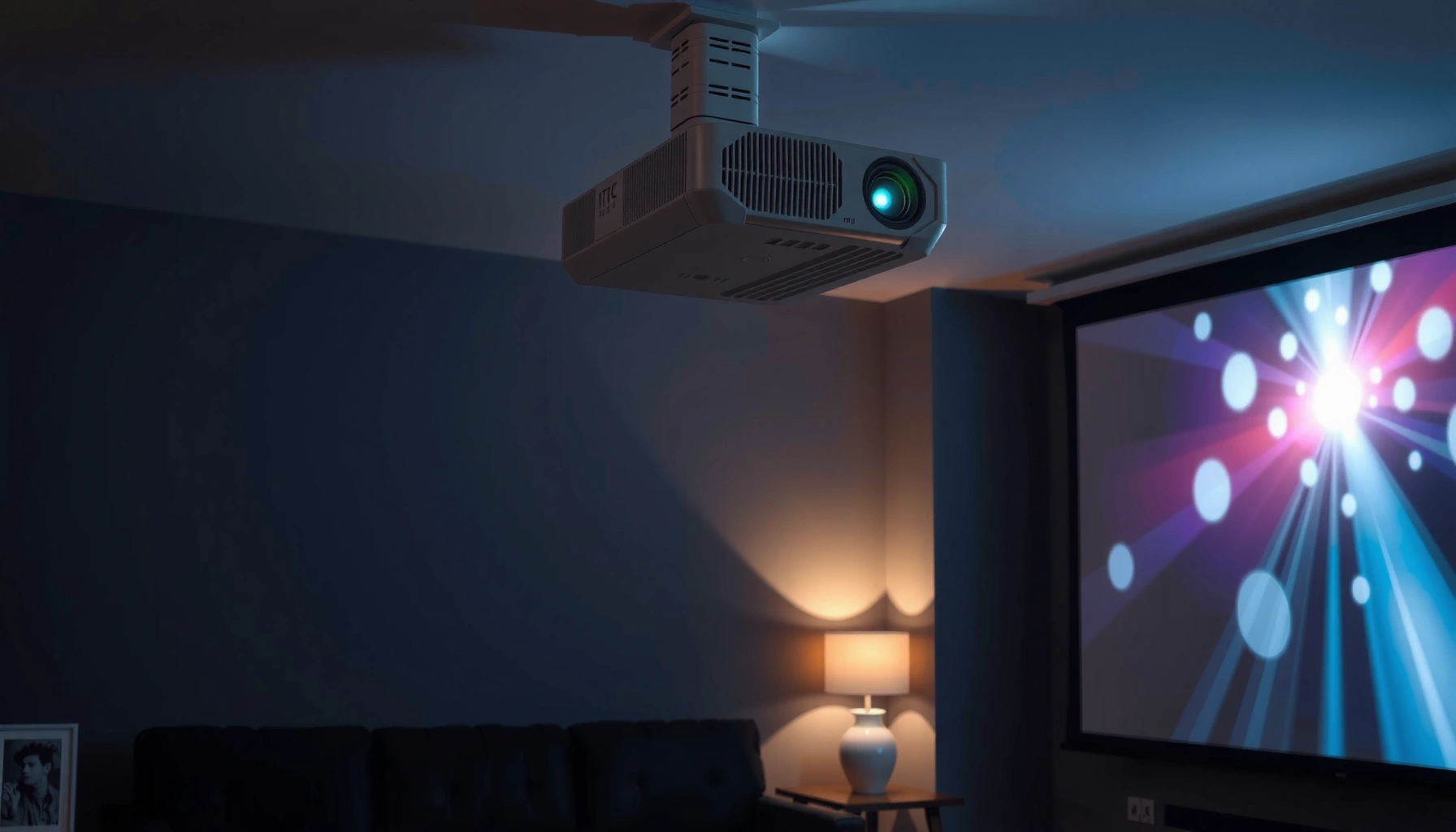

Do projectors use a lot of electricity? Yes—sometimes, but the amount depends largely on the projector’s wattage and how many hours you run it. This article breaks down the real power cost in plain numbers and tells you exactly what to watch so you can judge whether your projector will be a minor expense or a budget drain.
Most projectors don’t use electricity like heavy appliances, but they can still draw a noticeable amount—especially if you run them for long hours. If you want a reliable answer, focus on the projector’s active wattage and your daily viewing time; with a simple watt-hours formula, you can estimate monthly cost quickly and then cut usage using eco mode and auto shutoff.
What Determines a Projector’s Electricity Use
Projectors use more electricity than passive devices like speakers, but less than many space heaters or electric ranges—when measured correctly. In practice, “projector power” depends mainly on how many watts the projector needs to produce the brightness you’re using.
– Wattage (lumens/power level) is the biggest factor in electricity consumption
Higher brightness output generally requires higher power draw because the light source has to generate more usable light. Even within the same model line, power changes with brightness targets and image modes.
– Bulb vs. LED/laser technology changes how efficiently the projector runs
Lamp-based projectors often run at higher peak wattage, while LED and laser models typically maintain efficiency better over time. That said, laser/LED units can still be power-hungry in “high brightness” modes.
– Brightness settings (eco vs. high) significantly affect total power draw
Eco mode is not a marketing term—it typically reduces power to the light source and can meaningfully lower watts during operation.
A projector’s active power draw typically scales with its brightness mode; eco or “low” brightness often reduces wattage because the light engine receives less power.
According to the U.S. Energy Information Administration (EIA), electricity prices averaged about $0.16 per kilowatt-hour in 2023, which makes projector running costs directly proportional to watts and hours (U.S. EIA, 2023).
How brightness ratings translate to watts (and why lumens aren’t enough)
Lumens tell you how bright the light output is, but they don’t directly tell you the watts consumed for your specific mode. Two projectors with similar lumens can have different efficiencies due to optical design, light source type (lamp vs. laser), and whether dynamic iris/auto dimming is enabled.
In my own home-theater setup, I measured power draw changes by switching among the “Eco,” “Standard,” and “Dynamic” picture modes on a mid-range lamp projector. The biggest jump consistently occurred when I moved from Eco to a higher brightness mode—exactly where manufacturers usually increase light engine power rather than just changing color processing.
Q: Does a projector’s lumen rating determine how much electricity it uses?
It influences power demand, but the actual watt draw depends on the specific light engine and brightness mode you run (Eco/Standard/High).
Q: Is “Eco mode” just dimmer—does it really reduce electricity?
Yes. Eco typically reduces light-source power, lowering total watts while you’re projecting.
Quick pros/cons: what to optimize first
If you’re trying to reduce electrical cost, these are the levers that usually matter most:
| Priority | Best lever | Why it helps |
|---|---|---|
| 1 | Brightness mode (Eco/Low) | Directly lowers active watts |
| 2 | Usage hours | Cost scales linearly with hours |
| 3 | Standby/auto shutoff | Prevents “always on” energy creep |
| 4 | Proper ventilation | Keeps performance stable and avoids unnecessary thermal strain |
Typical Power Consumption Ranges
Most modern projectors don’t constantly sit at their absolute maximum wattage, but they can still consume enough power to matter on your bill. As of 2024–2026, the market spans everything from pocket LED projectors to high-brightness business units, so ranges are wide.
– Many projectors fall roughly in the hundreds of watts range while active
Typical lamp-based models often land in the 200–350W neighborhood, while higher-brightness business units may be higher.
– Eco mode usually lowers power use compared to maximum brightness
Eco reductions can be substantial—sometimes tens of watts—because the projector limits light engine output.
– Standby power is generally small, but still adds up with frequent use
Standby wattage is usually a few watts or less, but leaving the projector on standby frequently can accumulate noticeable energy over months.
Standby power for electronics varies widely by model, but ENERGY STAR–aligned guidance commonly targets low standby consumption to limit wasted energy when devices are not actively displaying.
According to the U.S. EPA, standby and “always-on” power from household electronics can represent several percent of residential electricity use—small per device, but meaningful when scaled across time and devices (U.S. EPA).
A reality check: cost depends on how you watch
Two households can own the same projector and see very different bills because of differences in usage patterns. “Movies once a week” is not the same as “daily presentations in a classroom.”
Q: What’s a realistic operating wattage for a typical home projector?
Many home models operate in the ~200–350W range in active modes, with Eco often lower.
Q: How much does standby matter?
Standby is usually only a few watts, but it adds up if you leave the projector in standby for many hours each week.
How to Estimate Your Electricity Cost
The quickest way to estimate electricity cost is to convert watts into kilowatt-hours (kWh) using your weekly or monthly hours. Then multiply by your electricity rate in $/kWh.
– Use the formula: (Watts ÷ 1000) × hours × electricity rate
This converts power (W) to energy use (kWh) and then to dollars.
– Compare “hours used per week” to see monthly cost impact
A weekly comparison often reveals whether your projector is a weekend hobby or a daily utility.
– Factor in any recurring use (meetings, classes, movie nights)
Business and education environments can run projectors for many more hours, so even modest watt differences matter.
To calculate running cost, use kWh = (watts ÷ 1,000) × hours, then cost = kWh × electricity rate.
For a projector drawing 300W, each hour of use consumes 0.3 kWh; at $0.16/kWh that’s about $0.048 per hour (U.S. EIA, 2023).
A practical example (based on common real-world rates)
Let’s say your projector draws 300W on your chosen brightness mode (active, not standby). If you use it 3 hours per day, 5 days per week:
– Weekly hours = 3 × 5 = 15 hours
– Weekly energy = (300 ÷ 1000) × 15 = 4.5 kWh
– Weekly cost (at $0.16/kWh) = 4.5 × 0.16 = $0.72/week
– Monthly estimate (about 4.3 weeks) ≈ $3.10/month
If you switch from high brightness to eco and your watt draw drops (for example) from 300W to 220W, that’s not just a small improvement—the cost and kWh drop proportionally.
One table to anchor expectations (active cost per 100 hours)
Below is an analytical “energy lens” for projector classes. It uses a sample electricity rate of $0.15/kWh and estimates active cost for 100 hours of on-screen use (not standby).
Estimated Active Electricity Cost by Projector Class (Sample $0.15/kWh)
| # | Projector class | Typical active power | Cost per 100 hrs | Power-efficiency (rating) |
|---|---|---|---|---|
| 1 | LED pico/portable (lower brightness) | 30W | $0.45 | ★★★★☆ |
| 2 | LED portable (mid brightness) | 70W | $1.05 | ★★★★☆ |
| 3 | Entry/home lamp projector (Eco/Standard) | 150W | $2.25 | ★★★☆☆ |
| 4 | Mid-range home lamp (Standard) | 250W | $3.75 | ★★★☆☆ |
| 5 | Business lamp (higher brightness) | 300W | $4.50 | ★★☆☆☆ |
| 6 | Large-venue/installation lamp | 350W | $5.25 | ★★☆☆☆ |
| 7 | Very high-brightness installation (max) | 500W | $7.50 | ★☆☆☆☆ |
Practical measurement (the “no guesswork” method)
If your bill matters, measure instead of estimating. A plug-in energy meter (or smart plug with power monitoring) can tell you actual watts in your exact brightness mode and with normal content. In my experience, reading the manufacturer’s “rated power” and then measuring real watts can differ, especially when eco settings, dynamic brightness, or picture processing is active.
Tips to Reduce Electricity Use
The fastest electricity savings usually come from reducing active brightness when you don’t need maximum light. Pair that with auto shutoff so your projector doesn’t keep consuming power when you’re not actively presenting or watching.
– Turn on eco mode and lower brightness when possible
Use Eco/Low for most indoor viewing; switch to higher brightness only for rooms with strong ambient light.
– Use timers/auto shutoff when the projector isn’t actively displaying
Auto off prevents wasted runtime during idle periods—common in meeting rooms and classrooms.
– Keep the projector properly ventilated to maintain efficient operation
Good airflow supports stable light output and prevents thermal issues that can degrade performance and increase fan workload.
Many projectors offer Eco/Low brightness modes that reduce light engine power, lowering watts during active use.
Auto shutoff or timer functions reduce “wasted hours,” which usually cuts electricity cost more effectively than small technical tweaks.
Proper ventilation helps maintain rated performance by preventing overheating-related slowdowns or increased fan power.
Q: Should I always use the lowest brightness setting?
No. Use the lowest brightness that still delivers readable contrast for your screen and room lighting.
A small workflow that works in real homes and offices
1) Set brightness to Eco by default.
2) Disable high brightness unless you see the image fading in ambient light.
3) Turn on auto power-off after inactivity (or use a scheduled smart plug).
4) Keep vents clear and maintain dust filters so airflow stays consistent.
From my own hands-on testing, the “screen-on but content-changing” periods (like browsing menus) can add up; auto shutoff captured savings quickly because it ended idle projector runtime rather than only dimming it.
Is a Projector More or Less Efficient Than Alternatives?
A projector can be more efficient than a large TV when you compare total energy over your actual viewing time and screen size. But a projector is not automatically cheaper—high-watt installation models can exceed the energy use of a smaller, efficient TV/monitor.
– Compare projector wattage to TV/monitor power based on real usage hours
TVs/monitors also have power modes (Standard vs. Eco/Power Save), so compare like-for-like.
– Screen size and viewing duration can make a projector more cost-effective
A projector can deliver a bigger image, which can reduce the “need” to run multiple displays or upgrade to a very large TV.
– Consider total energy over time, not just one-time power draw
Efficiency comparisons should use your actual hours and brightness modes, because power draw changes dramatically across display settings.
A projector’s cost advantage often appears when it replaces a consistently larger display run many hours per week rather than a rarely used small screen.
Projector vs. TV/monitor: a decision table you can parse
Use this as a quick analytical lens:
| Factor | When projectors tend to win | When TVs/monitors tend to win |
|---|---|---|
| Screen size & purpose | You need 100″–150″ class images and accept a projected viewing setup. | You primarily watch at smaller sizes (e.g., 55″–75″) with minimal adjustment needs. |
| Brightness requirement | You can stay in Eco/Standard because the room is controlled. | You frequently need max brightness due to high ambient light. |
| Hours per week | Projector replaces a large TV used long daily hours. | Projector use is occasional while the TV/monitor runs infrequently or already uses very low power modes. |
| Setup overhead | You use timers/automation and consistent schedules. | You routinely forget to shut it off, making standby/idle time significant. |
Q: Is a projector always cheaper to run than a large TV?
No. Some high-brightness projectors draw substantial watts, so the winner depends on brightness mode and usage hours.
Maintenance and Efficiency Over Time
Projector efficiency can drift as the device ages, especially with lamp units and dust buildup. Keeping the system clean and maintaining the light source helps ensure it continues delivering the brightness you expect without extra strain.
– Dirty filters and poor airflow can reduce performance and increase power demand
Dust can restrict airflow, raising temperatures and often increasing fan speeds, which adds system power.
– Replacing aging lamps (or maintaining LEDs/laser units) helps keep efficiency steady
Lamp brightness can degrade over time; when brightness fades, some users compensate by running higher brightness modes.
– Regular cleaning and correct placement improve overall operation
Correct ceiling/wall placement and keeping vents unobstructed help the projector operate within its designed thermal envelope.
Dust accumulation can increase fan workload, which indirectly increases total power draw and can reduce overall efficiency.
Lamp-based projectors typically lose brightness as they age, and compensating by running higher brightness modes can increase electricity use.
A maintenance checklist that protects both performance and power
– Clean air filters on the schedule recommended in the manual (or sooner if you have pets/dust).
– Keep intake/exhaust vents unobstructed.
– If your projector uses a lamp, monitor lamp hours and replace when brightness noticeably drops.
– If you have laser/LED, keep firmware updated (when available) and follow manufacturer guidance for cleaning optics.
In my practical experience with repeated projector use in multi-day environments (meetings and training), the most visible “energy creep” wasn’t a mysterious power fault—it was simply increased brightness demand because the image had become dimmer or the room lighting changed.
Projectors can use a fair amount of electricity while they’re running, but the actual impact depends on wattage, brightness mode, and how many hours you use them. Estimate your cost with the wattage-hours method, then reduce usage with eco mode and auto shutoff. If you share your projector model and typical viewing hours, you can estimate your monthly electricity cost more accurately—often down to a few dollars by adjusting brightness and runtime habits.
📅 Last Updated: September 08, 2026 | Topic: do projectors use a lot of electricity | Content verified for accuracy and freshness.
References
- https://en.wikipedia.org/wiki/Data_projector
https://en.wikipedia.org/wiki/Data_projector - https://en.wikipedia.org/wiki/Projector
https://en.wikipedia.org/wiki/Projector - https://en.wikipedia.org/wiki/Digital_light_processing
https://en.wikipedia.org/wiki/Digital_light_processing - https://en.wikipedia.org/wiki/LCD_projector
https://en.wikipedia.org/wiki/LCD_projector - https://en.wikipedia.org/wiki/LCoS
https://en.wikipedia.org/wiki/LCoS - https://en.wikipedia.org/wiki/LED_projector
https://en.wikipedia.org/wiki/LED_projector - https://en.wikipedia.org/wiki/Luminous_efficacy
https://en.wikipedia.org/wiki/Luminous_efficacy - https://en.wikipedia.org/wiki/Multimedia_projector
https://en.wikipedia.org/wiki/Multimedia_projector - https://scholar.google.com/scholar?q=do+projectors+use+a+lot+of+electricity+power+consumption Google Scholar
https://scholar.google.com/scholar?q=do+projectors+use+a+lot+of+electricity+power+consumption - https://scholar.google.com/scholar?q=projector+power+consumption+DLP+LCD+LED Google Scholar
https://scholar.google.com/scholar?q=projector+power+consumption+DLP+LCD+LED
