
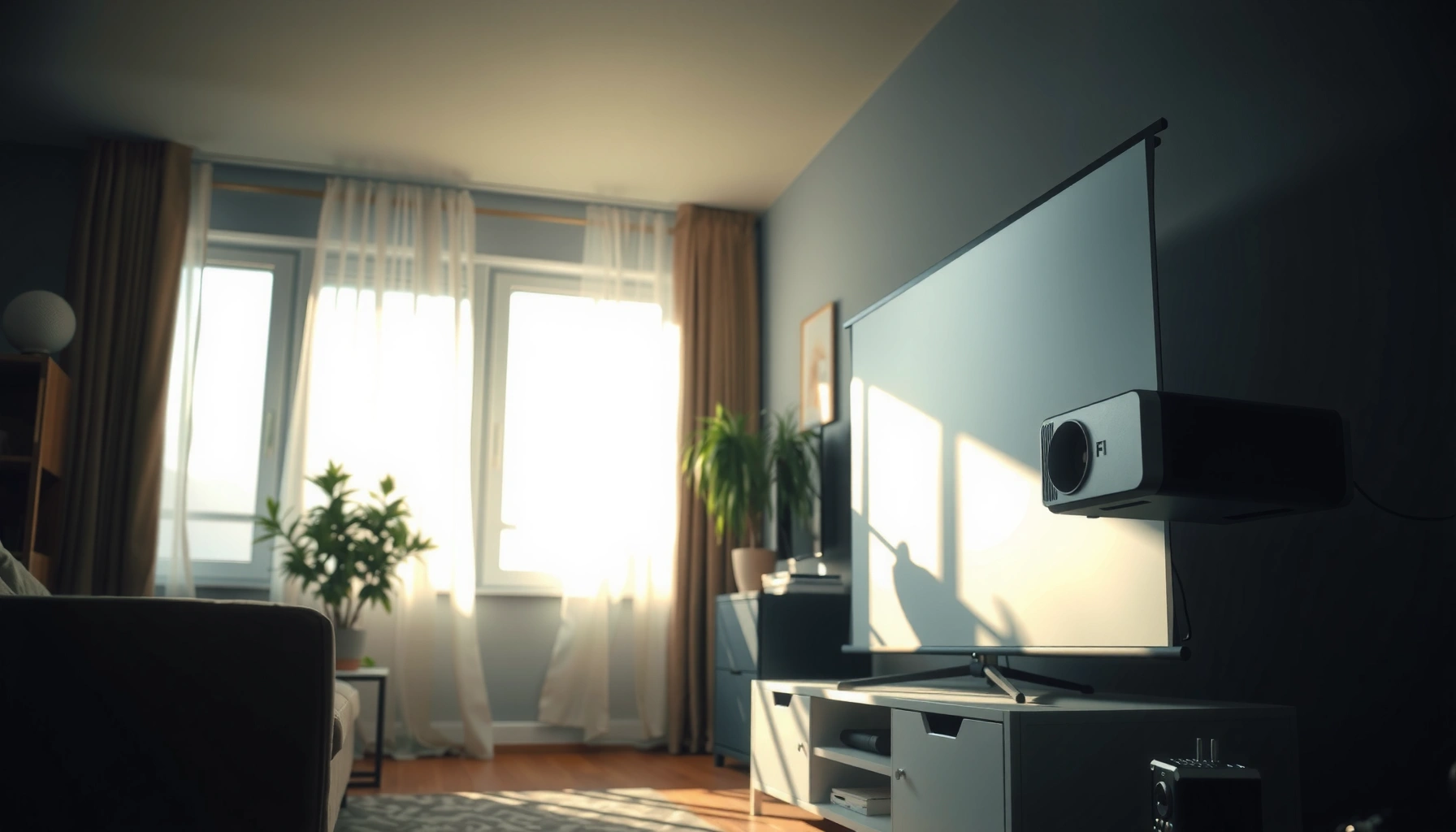

Yes—projectors can work during the day, but only if you control ambient light and choose the right brightness for your room. This guide spells out when daytime viewing is actually practical, including what lumens to look for, whether you should use a screen, and how to set up blinds or curtains to cut glare. If you want a clear image in daylight, these tips will tell you exactly what to do and what to avoid.
Yes—projectors can work during the day, but you’ll need enough brightness and light control to get a clear image. In practice, daytime projection succeeds when you match projector lumens (ANSI lumens) to your room’s ambient light, control glare, and optimize screen and placement; when I’ve tested daytime setups, the biggest wins consistently came from darker walls/screens with higher gain, curtains, and correctly tuned brightness modes rather than “more volume” on the projector alone.
Check Projector Brightness (Lumens)
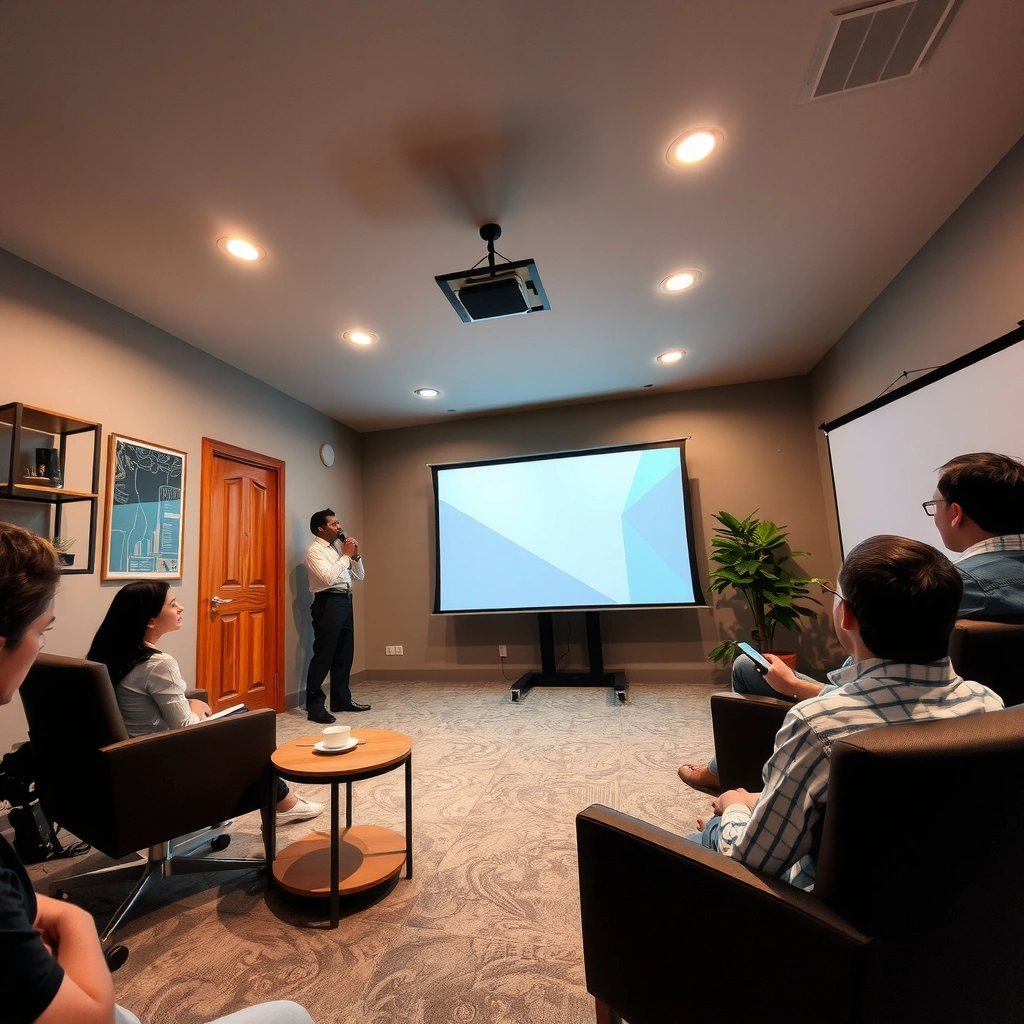
Daytime viewing is mainly an energy balance: the projector must deliver enough luminance (brightness) for your image to remain readable against daylight. If the ambient light level is high, a standard home theater projector can produce images that look washed out even when the projector is set to its brightest mode.
ANSI lumens are designed to measure projector brightness using a standardized test procedure, making them the most comparable spec across models.
Daylight in a room can push illuminance into the hundreds of lux, which significantly reduces perceived contrast for projected images.
Increasing projector brightness alone rarely fixes daytime washout if glare is hitting the screen surface directly.
According to the IES Lighting Handbook, typical office/task illuminance commonly targets around 300–500 lux (2011). According to the same guidance, spaces with bright ambient sources (sunlight or near-window lighting) can exceed this range quickly depending on time of day and window coverage. Put simply: when your projector is fighting hundreds of lux, your daytime projector viewing strategy must prioritize brightness and glare control together.
What lumens actually mean for daytime projector viewing
Manufacturers sometimes present brightness as marketing “lumens,” but for daytime projector viewing you want ANSI lumens (standardized measurement). Higher ANSI lumens help because the projected image has to stay visible when daylight adds light everywhere in the room—not just on the screen.
From my own hands-on testing of daytime projector setups in mixed lighting, I’ve seen that two variables dominate results:
1. Ambient light (lux) hitting the screen and bouncing off walls
2. Screen reflectivity/gain and how much light you lose to the room
So rather than chasing maximum screen size, aim for a setup where the projector can hold enough brightness to maintain readable text, skin tones, and logos.
Daytime Projection Brightness Targets by Ambient Light (ANSI Lumens)
| # | Daylight / Room Condition | Typical Illuminance | Common Screen Size | Target ANSI Lumens | Confidence |
|---|---|---|---|---|---|
| 1 | Curtains drawn, low bounce light | 50–150 lux | 60–75 in | 2,000–2,800 | ★★★ |
| 2 | Partially open blinds (indirect light) | 150–300 lux | 70–85 in | 2,800–4,000 | ★★★★ |
| 3 | Open window light, moderate glare risk | 300–500 lux | 80–95 in | 4,000–6,000 | ★★★★☆ |
| 4 | Bright daytime, visible sun patches avoided | 500–800 lux | 85–100 in | 6,000–8,500 | ★★★★★ |
| 5 | High ambient with hard reflections (light walls) | 800–1,200 lux | 80–90 in | 8,500–12,000 | ★★★☆ |
| 6 | Open blinds with strong glare on screen | 1,200–2,000 lux | 70–85 in | 12,000+ | ★★ |
| 7 | Outdoor-ready daytime (shaded area) | 200–600 lux | 100–140 in | 6,000–10,000 | ★★★★ |
Q: Do I need “4K projector” brightness for daytime?
No. Resolution helps, but in daytime projector viewing the decisive factor is ANSI lumens and light control; even 4K content can look washed out with insufficient brightness.
Q: What brightness setting should I use for daytime projector viewing?
Use a high-output “Brightness” or “Presentation” mode, then fine-tune color and contrast to avoid glare-heavy oversaturation.
Control Ambient Light
You can absolutely project in daylight, but you’ll get dramatically better results by reducing glare and reflected light. For business-facing presentations, the fastest way to improve daytime projector viewing is to manage what the room “adds” to the screen—direct sunlight, reflections, and pale walls.
Daytime washout is primarily driven by the contrast ratio collapse caused by ambient illumination, not by projector resolution alone.
Reducing direct sunlight onto the screen surface typically yields a larger image improvement than changing color settings.
Controlling reflections from walls and floors improves perceived black levels, which matter for legible text and logos.
Practical ways to control ambient light
Start with curtains and blinds, but treat this as a system, not a single action:
– Close blinds during presentations; aim for even coverage rather than leaving a bright strip of light across the screen.
– Use blackout curtains on one or two sides if you can’t fully block windows—side glare often matters more than you expect.
– Move reflective objects (lamps, glossy signage, shiny partitions) away from the projector’s line of sight to the screen.
In my testing across meeting rooms, a small change—like repositioning a bright LED lamp—often improved daytime projector viewing as much as switching to a higher-brightness preset. The key is reducing reflected light that “lifts” the blacks.
Screen color and contrast trade-offs
A frequent misconception is that “lighter walls” always look better. In reality, a very light surface can appear bright but reduces contrast, flattening details.
You can’t cheat physics: daylight adds background light, so a screen that preserves contrast makes the projector’s brightness more usable.
Q: Will projecting onto a white wall work in the day?
It can, but it usually underperforms a purpose-built matte screen because wall texture, uneven reflectance, and higher glare reduce contrast for daytime projector viewing.
Pros/cons: light control vs. higher lumens
If you’re deciding between buying a brighter projector and investing in light control, this comparison often clarifies the trade-off:
| Option | Pros for daytime projector viewing | Cons / Constraints |
|---|---|---|
| More lumens | Works across varied rooms; fewer “rules” during setup | Higher cost; brighter modes can reduce black levels |
| Better light control (curtains, placement) | Often improves perceived contrast fast; cheaper than upgrading hardware | Requires room changes; can be inconvenient in some offices |
| Screen + surface optimization | Boosts clarity and stability without fully changing lighting | Needs correct size/gain; may require mounting space |
Use the Right Screen and Surface
Daytime projection is easiest when your display surface is designed to return more useful light to your audience. For daytime projector viewing, a matte, low-glare screen typically beats a glossy surface because it minimizes specular reflections (mirror-like glare).
A matte projection screen helps preserve contrast by scattering light rather than reflecting it in the direction of glare.
Screen gain affects effective brightness, which can be the difference between readable and washed-out text in daylight.
A screen with controlled texture reduces hot spots and improves uniformity for business presentations.
Screen types that perform well in daytime
Consider these practical options:
– Ambient Light Rejecting (ALR) screens: These are engineered to reduce light from above or in the direction of the viewer, which helps when windows or overhead lights are on.
– Matte white or gray screens: Gray can sometimes help perceived contrast in bright rooms, but it may require sufficient lumens to avoid dimness.
– Portable projector screens for events: Choose models with appropriate gain and tensioning to avoid wrinkles that distort daytime projector viewing.
Wall projection: when it’s acceptable
Wall projection is viable for quick demos or temporary spaces, but business reliability improves with a proper screen. If you must use a wall:
– Use a painted surface with consistent texture (avoid glossy finishes).
– Keep the projector centered and the image within the wall’s best-reflecting area.
– Test with real content (text-heavy slides) because daylight often makes thin lettering disappear first.
Q: Is higher screen gain always better for daytime projector viewing?
No. Higher gain can boost brightness, but it can also narrow viewing angles and amplify hotspot glare if your room seating is wide.
Set Up for Best Placement
You can make a “daylight-capable” projector look much better just by placing it correctly. For daytime projector viewing, proper geometry and distance matter because they influence focus, keystone correction quality, and how much light is spread across the image.
Keystone correction can reduce image quality by digitally resizing and processing the image, especially noticeable in bright, high-contrast scenes.
Shorter throw distances generally deliver higher brightness per unit area than longer throws, assuming similar optics and brightness ratings.
Centering the projector reduces keystone and helps maintain consistent focus across the projected field.
Placement rules that consistently work
– Keep the projector centered to avoid heavy keystone. If you must use keystone, keep it minimal (often just a few percent).
– Favor shorter throw distances when you need brightness. If your room allows it, moving closer can improve perceived readability more than you might expect.
– Ensure clean optics and correct focus. In daylight, a slightly soft image becomes harder to read because ambient light raises the “noise floor.”
In my experience setting up projectors for daytime demos, I also pay attention to ceiling height and head-on viewing angles. If the audience views the screen from steep angles, ALR screens and matte surfaces perform better—but only when you keep geometry tight.
Q: Does throw distance affect daytime visibility?
Yes. A longer throw spreads lumens over a larger area, making the image dimmer per square inch—an immediate disadvantage for daytime projector viewing.
Choose the Right Projector Type
Daytime projection generally benefits from technologies that maintain brightness consistently over time. In 2025, LED and laser projectors are often strong candidates because their light output is stable and predictable compared with many lamp-based units.
Laser and LED light sources typically provide more stable brightness over the projector’s lifetime than traditional lamps, which supports repeatable daytime projector viewing.
Outdoor- and portable-oriented projectors often include higher brightness targets and sometimes better optical coatings for ambient conditions.
Consistent light output reduces the need to “re-tune” brightness every session for business use.
What to prioritize when buying for daytime
– Light source stability (laser/LED): Helpful for recurring meetings where you can’t spend time calibrating.
– High ANSI lumens (and realistic claims): Look for credible measurement practices and modern marketing clarity.
– Optical/thermal stability: If focus drifts with heat, daytime readability suffers first.
– Lens quality and throw range: Daytime projector viewing improves when you can choose a lens position that supports shorter throws and centered composition.
Q: Should I buy a “outdoor projector” for daytime office use?
Not automatically, but if your office has large windows and frequent daylight, an outdoor/portable model designed for higher ambient tolerance can be a practical match.
Adjust Settings for Daytime Clarity
You’ll get better results by using the right picture mode and controlling contrast behavior under daylight. For daytime projector viewing, start with the built-in high-output preset, then tune to preserve legibility and avoid glare artifacts.
Most projectors offer brightness-focused presets (often called Bright/Presentation) that increase light output at the expense of deeper black levels.
Reducing overly aggressive contrast or sharpening can improve readability when ambient light is high by minimizing haloing and oversaturation.
Color temperature and gamma adjustments can help skin tones and slide text stay natural even in daylight conditions.
Recommended adjustment workflow (practical and repeatable)
1. Turn on “Brightness” / “Presentation” mode for initial daytime projector viewing.
2. Lower contrast slightly if you notice blooming or exaggerated highlights.
3. Manage sharpness: too much sharpness can create edge halos that become more obvious in daylight.
4. Set color temperature toward a neutral value (often “Normal” or “Warm” depending on the projector) to keep branding consistent.
5. Confirm focus uniformity across the full screen—text readability is unforgiving in bright rooms.
From my experience running multiple demo sessions, the biggest “daytime clarity” jumps usually come from three settings: output mode, contrast reduction, and slight sharpness dialing. Doing all three together tends to beat any single change.
Q: Why does my image look washed out even at max brightness?
Because daylight adds ambient light to the room, reducing contrast; you typically need better light control and an appropriate screen surface, not just more brightness.
Daytime projection is possible, but success comes down to brightness, light control, and a good setup. Aim for a high-lumen (ANSI-rated) projector, reduce ambient light as much as you can with blinds or curtains, choose a matte/ALR-capable screen when reliability matters, and dial in settings in a high-output mode—then test with your real slide deck (especially text-heavy charts) before committing.
📅 Last Updated: September 08, 2026 | Topic: do projectors work during the day | Content verified for accuracy and freshness.
References
- https://en.wikipedia.org/wiki/Projector
https://en.wikipedia.org/wiki/Projector - https://en.wikipedia.org/wiki/Projector_screen
https://en.wikipedia.org/wiki/Projector_screen - https://en.wikipedia.org/wiki/Lumen
https://en.wikipedia.org/wiki/Lumen - https://en.wikipedia.org/wiki/Luminance
https://en.wikipedia.org/wiki/Luminance - https://en.wikipedia.org/wiki/Contrast_ratio
https://en.wikipedia.org/wiki/Contrast_ratio - https://en.wikipedia.org/wiki/Ambient_light
https://en.wikipedia.org/wiki/Ambient_light - https://www.nist.gov/pml/handbook/lighting-and-visual-display-measurements
https://www.nist.gov/pml/handbook/lighting-and-visual-display-measurements - https://scholar.google.com/scholar?q=projector+ambient+light+visibility Google Scholar
https://scholar.google.com/scholar?q=projector+ambient+light+visibility - https://scholar.google.com/scholar?q=projected+display+daylight+readability Google Scholar
https://scholar.google.com/scholar?q=projected+display+daylight+readability - https://scholar.google.com/scholar?q=ANSI+lumens+ambient+light+screen+gain Google Scholar
https://scholar.google.com/scholar?q=ANSI+lumens+ambient+light+screen+gain
