
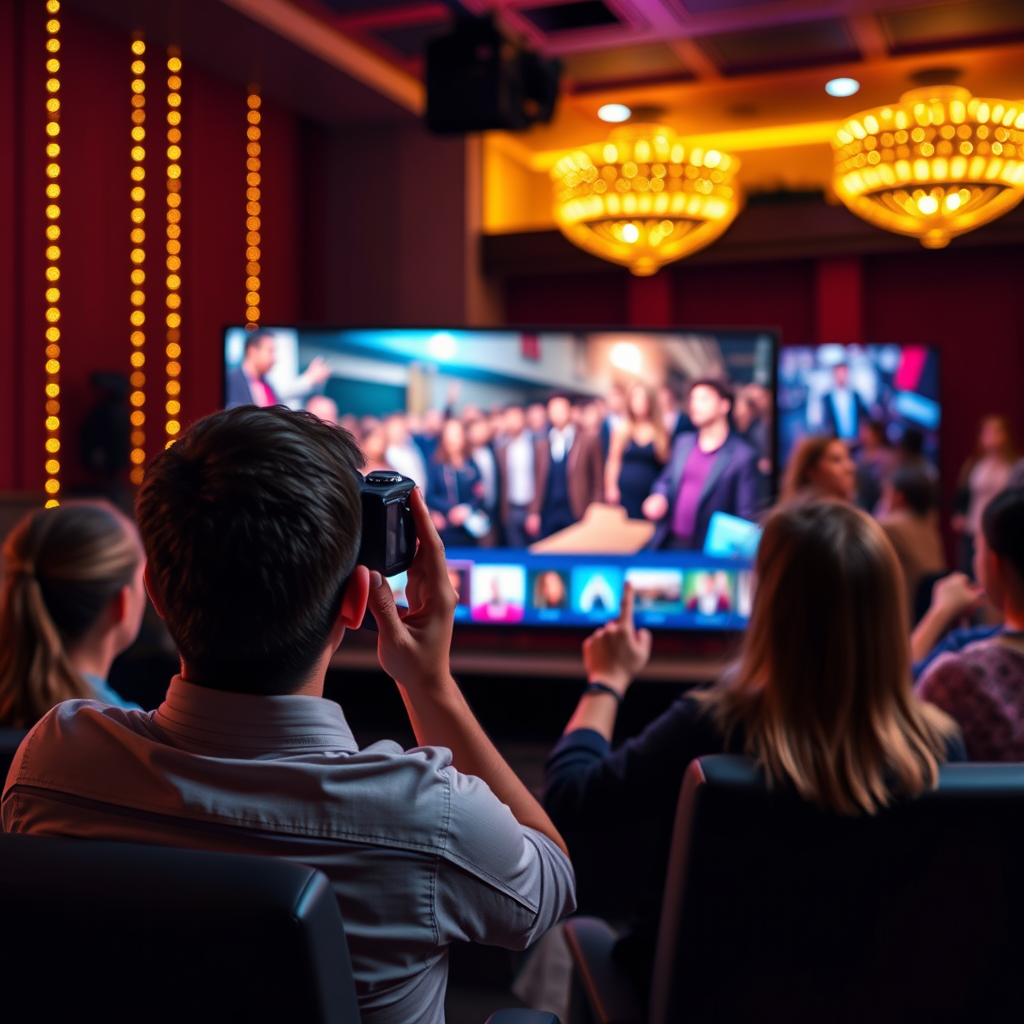

Smart TVs often come equipped with cameras, but not all models include this feature. In many cases, the camera is integrated for video calling and smart features, while some brands may opt to exclude it for privacy reasons. Understanding the presence of cameras in smart TVs is crucial for consumers concerned about privacy and functionality. This article will explore which smart TVs have cameras, their functionalities, and the privacy concerns associated with them.
Understanding Smart TV Cameras
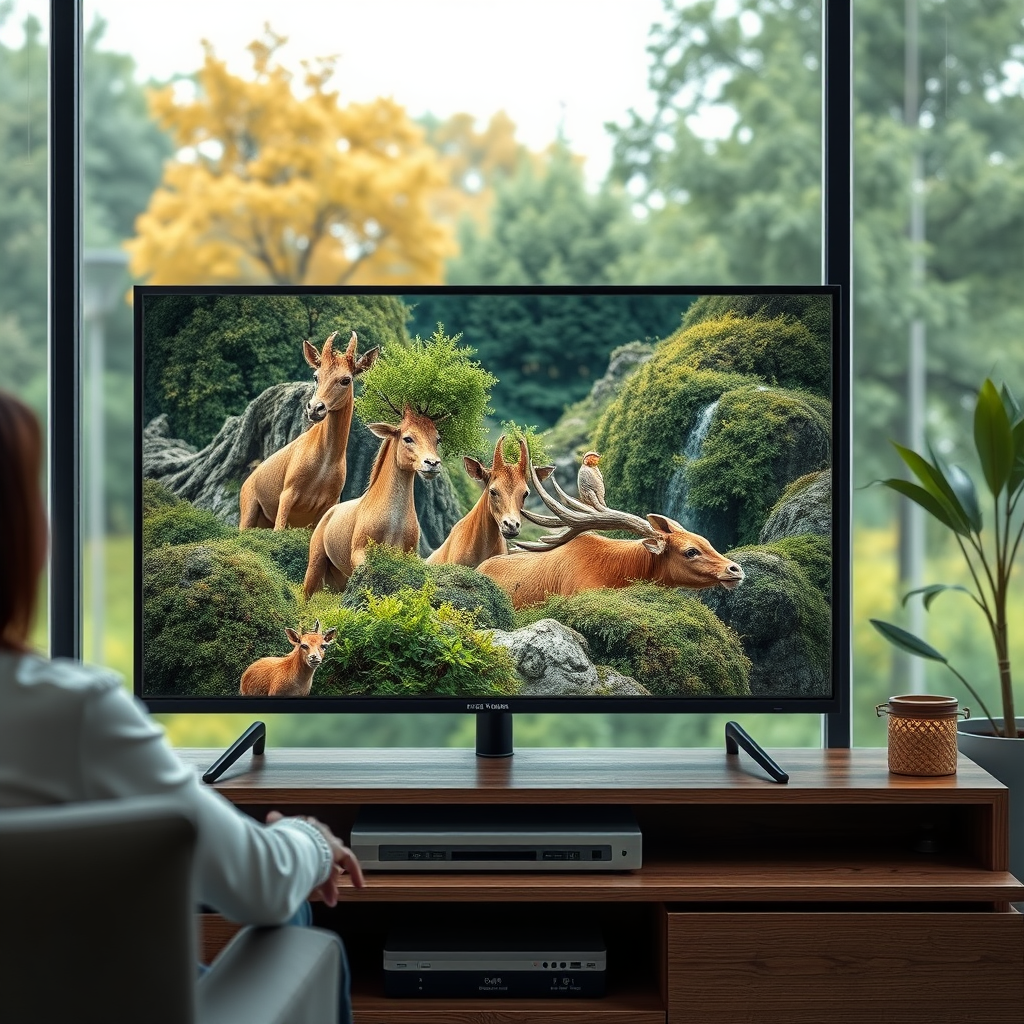
Many smart TVs include built-in cameras designed for various functionalities, including video conferencing, facial recognition, and gesture control. These features enhance user interaction, allowing for a more immersive viewing experience. For example, some models enable users to make video calls directly from their TV, streamlining communication while enjoying a larger display. Additionally, facial recognition technology can personalize the viewing experience by adjusting settings based on user profiles.
However, not all smart TVs come with integrated cameras. Some manufacturers have opted to exclude this feature to address rising privacy concerns among consumers. For those models that do include cameras, manufacturers often provide the option to adjust camera settings or disable it entirely, empowering users to prioritize their privacy.
Major Brands Offering Smart TVs with Cameras
Several leading brands have embraced the integration of cameras in their smart TV offerings, particularly in high-end models. Samsung and LG are well-known for equipping their premium smart TVs with built-in cameras. For instance, Samsung’s Smart TV lineup often features integrated cameras that support video calling applications like Skype. Similarly, LG’s AI ThinQ technology utilizes the built-in camera for facial recognition, enhancing user interaction with the device.
On the other hand, some brands may not incorporate cameras directly into their TVs but offer optional camera accessories that can connect to their smart TVs. For example, brands like Sony and Vizio provide external camera solutions that enhance the capabilities of their smart TVs without compromising the device’s design.
Privacy Concerns Associated with Smart TV Cameras
As smart TVs evolve, so do the concerns surrounding their built-in cameras. Users often express worries about unauthorized access to these cameras, fearing potential spying or data breaches. High-profile cases of security vulnerabilities in smart devices have heightened these concerns, prompting consumers to think critically about their privacy.
Manufacturers typically offer settings to disable the camera and microphone, addressing some of these privacy issues. However, it’s essential for users to take proactive steps to secure their devices. Regularly updating the TV’s firmware and reviewing privacy settings can significantly enhance security. Furthermore, consumers should be aware of the data policies associated with their smart TV brands, understanding what data is collected and how it is used.
Top Smart TV Brands with Built-in Cameras (2024)
| # | Brand | Camera Type | Video Call Support | Privacy Options |
|---|---|---|---|---|
| 1 | Samsung | Integrated | Yes | Disable Settings |
| 2 | LG | Integrated | Yes | Privacy Mode |
| 3 | Sony | External | Yes | Basic Settings |
| 4 | Vizio | External | Yes | Disable Option |
| 5 | TCL | Integrated | Limited | No Advanced Options |
| 6 | Philips | Integrated | Yes | Privacy Features |
| 7 | Hisense | Integrated | Limited | Basic Privacy |
How to Check if Your Smart TV Has a Camera
Determining whether your smart TV has a built-in camera can be straightforward. The first step is to inspect the physical hardware for any visible camera components, which are often located at the top of the screen or integrated within the bezel. If you’re uncertain, reviewing the specifications in the user manual or the manufacturer’s website can provide clarity.
Additionally, navigating through the settings menu can reveal camera-related options. Look for sections labeled “Privacy,” “Camera,” or “Audio/Video Settings.” If your TV has a camera, these settings will often allow you to enable or disable the camera, ensuring you have control over when it’s active.
Alternatives to Built-in Cameras
For consumers who prefer not to use their smart TV’s built-in camera, several alternatives exist. External webcams are a popular option, as they can be connected to smart TVs via USB. This setup allows users to retain control over their privacy while still enjoying video call capabilities. Brands like Logitech offer high-quality external webcams that integrate easily with various smart TV platforms.
Additionally, streaming devices like Amazon Fire TV and Google Chromecast with Google TV are increasingly offering built-in cameras in their newer models. These devices can be connected to your smart TV, providing a solution for video conferencing without relying on the TV’s native camera hardware.
Tips for Ensuring Privacy with Smart TV Cameras
To safeguard your privacy when using smart TVs with cameras, consider implementing the following tips:
1. Regularly Review Privacy Settings: Navigate to your smart TV’s privacy settings to ensure the camera and microphone are disabled when not in use. Familiarize yourself with any new options that may be added through firmware updates.
2. Use Physical Covers: While many smart TVs have settings to disable the camera, physically covering the camera with a sticker or sliding cover is a reliable method to ensure it is inactive when not in use.
3. Stay Informed: Keep abreast of any news regarding privacy and security vulnerabilities associated with your smart TV brand. This awareness will help you make informed decisions about updates and security measures.
4. Educate Yourself on Data Policies: Understanding the data collection policies of your smart TV manufacturer is crucial. Review what information is collected, how it is used, and how you can manage your data preferences.
By employing these strategies, you can enjoy the benefits of a smart TV while minimizing potential privacy risks.
In summary, smart TVs can indeed come equipped with cameras, but the features and privacy options vary significantly across brands and models. By understanding which smart TVs include cameras, the functionalities they provide, and the associated privacy concerns, consumers can make educated decisions that balance convenience with security. Always prioritize privacy by utilizing available settings and staying informed about the technology you use.
Frequently Asked Questions
Do smart TVs come with built-in cameras?
Many smart TVs do come with built-in cameras, especially models designed for video conferencing and smart features like facial recognition. However, not all smart TVs have this feature, so it’s important to check the specifications of the model you’re considering. If privacy is a concern, look for models that allow you to disable the camera or cover it when not in use.
How can I tell if my smart TV has a camera?
To determine if your smart TV has a camera, check the user manual or specifications on the manufacturer’s website. Additionally, you can look for a small lens or camera icon on the TV itself, typically located at the top center or near the bezel. If you’re still unsure, contacting customer support for your specific TV model can provide clarity.
Why would I want a smart TV with a camera?
A smart TV with a camera can enhance your viewing experience by enabling video calls, interactive streaming services, and gesture control. This feature is particularly useful for families who want to connect with loved ones remotely or for those who enjoy video conferencing from the comfort of their living room. However, consider privacy implications and ensure the TV has adequate security features.
What are the best smart TVs with built-in cameras?
Some of the best smart TVs with built-in cameras include models from brands like Samsung, LG, and Sony. These TVs often feature high-resolution cameras optimized for video calls and interactive applications. When selecting a model, pay attention to user reviews and expert opinions to find the best fit for your needs and preferences.
How can I disable the camera on my smart TV for privacy?
To disable the camera on your smart TV, navigate to the settings menu and look for privacy or camera options. Many smart TVs offer a simple toggle feature to turn off the camera. Alternatively, you can physically cover the camera with a privacy sticker or a piece of tape to ensure it cannot be used without your consent.
References
- Smart TV
https://en.wikipedia.org/wiki/Smart_TV - https://www.bbc.com/news/technology-42932903
https://www.bbc.com/news/technology-42932903 - https://www.theguardian.com/technology/2021/jan/06/smart-tvs-camera-security-privacy
https://www.theguardian.com/technology/2021/jan/06/smart-tvs-camera-security-privacy - https://www.nytimes.com/2021/01/09/technology/smart-tv-camera-privacy.html
https://www.nytimes.com/2021/01/09/technology/smart-tv-camera-privacy.html - https://www.sciencedirect.com/topics/computer-science/smart-tv
https://www.sciencedirect.com/topics/computer-science/smart-tv - https://pubmed.ncbi.nlm.nih.gov/33546929/
https://pubmed.ncbi.nlm.nih.gov/33546929/ - Google Scholar Google Scholar
https://scholar.google.com/scholar?q=do+smart+tv+have+camera - Google Scholar Google Scholar
https://scholar.google.com/scholar?q=smart+tv+privacy+concerns - Google Scholar Google Scholar
https://scholar.google.com/scholar?q=smart+TV+camera+features - https://www.reuters.com/technology/what-you-need-know-about-smart-tv-privacy-2021-01-11/
https://www.reuters.com/technology/what-you-need-know-about-smart-tv-privacy-2021-01-11/
