


Smart TVs may or may not come with built-in cameras, depending on the model and manufacturer. While some smart TVs feature cameras for video calls and facial recognition, many others do not include this functionality. In this article, we will explore the presence of cameras in smart TVs, their purposes, and considerations for privacy and usage. Understanding these features is crucial for consumers, especially in a world increasingly concerned with privacy and data security.
What Are Smart TVs?
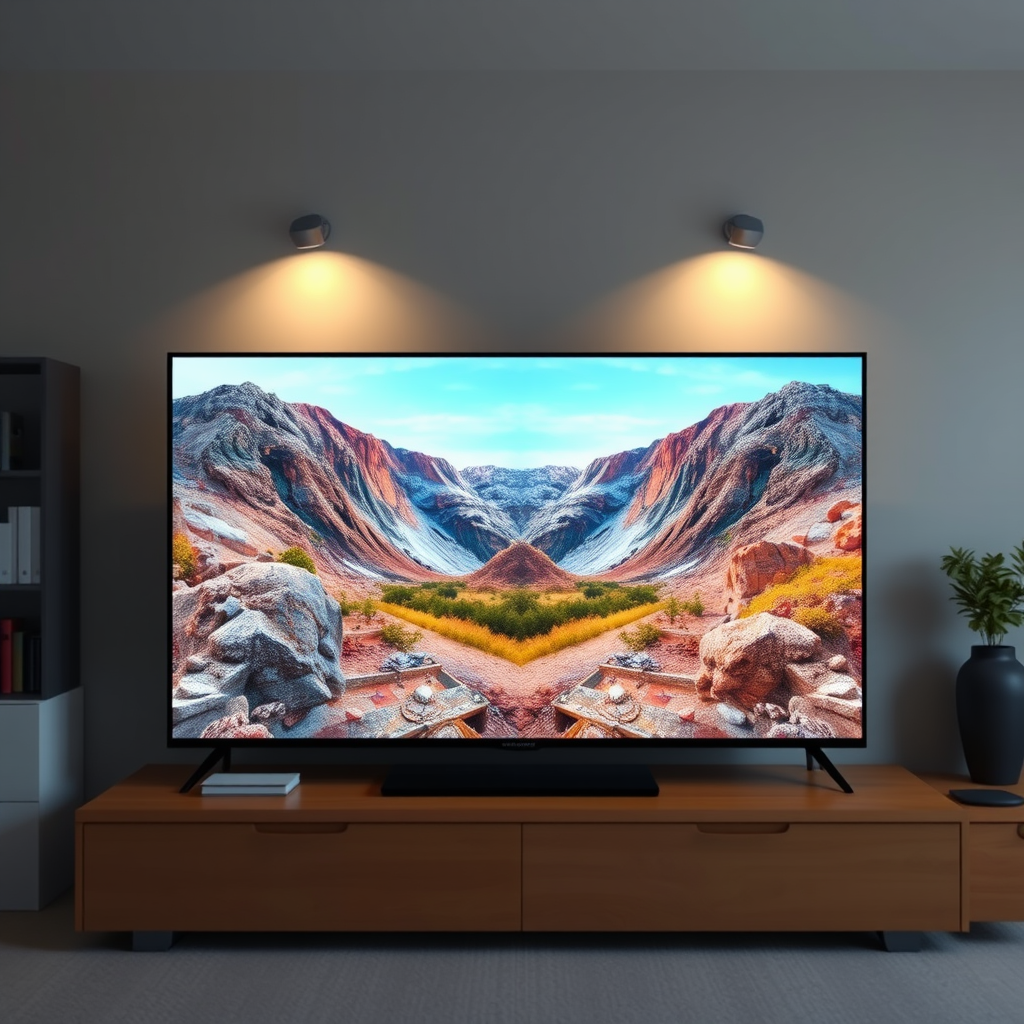
Smart TVs are advanced television sets that integrate internet connectivity with traditional television functionalities. They allow users not only to watch broadcast content but also to access streaming services like Netflix, Hulu, and Amazon Prime Video. Smart TVs come equipped with operating systems, such as Android TV, Tizen, or webOS, enabling them to run applications, browse the internet, and connect with other smart devices in the home.
These TVs connect to the internet via Wi-Fi or Ethernet, providing access to a wide range of online content. Smart TVs also support various features like screen mirroring, voice control, and integration with smart home ecosystems, allowing users to interact with their devices seamlessly. The convergence of television and internet technology has transformed the viewing experience, making it more interactive and personalized.
Do All Smart TVs Have Cameras?
Not all smart TVs come with built-in cameras. The inclusion of a camera typically depends on the model and manufacturer. High-end models from brands like LG, Samsung, and Sony may include cameras for purposes such as video conferencing and facial recognition. For instance, some premium Samsung models feature a camera that can be used for video calls via applications like Skype.
However, many popular smart TV models do not come with integrated cameras. These models usually focus on delivering high-quality video and audio experiences without the additional functionality of a camera. Common features of these non-camera models include access to streaming applications, smart home integration, and support for voice assistants, but they lack the capability for video calls or facial recognition.
Uses of Cameras in Smart TVs
Cameras integrated into smart TVs serve several purposes that enhance user experience:
– Video Conferencing Capabilities: Built-in cameras allow users to make video calls through applications such as Zoom and Skype. This feature has gained popularity, especially as remote work and virtual gatherings have become more common. A smart TV equipped with a camera can act as a large screen for video calls, improving the experience compared to smaller devices.
– Facial Recognition: Some smart TVs utilize facial recognition technology to personalize content recommendations based on who is watching. This can enhance user experience by providing tailored suggestions for movies, shows, and apps. Additionally, facial recognition can improve security features, such as user authentication for parental controls or individualized profiles.
– Gesture Recognition: In some advanced models, cameras enable gesture recognition, allowing users to control the TV without a remote. Users can change channels or adjust volume with simple hand movements, adding a layer of convenience to the viewing experience.
Smart TVs with Integrated Camera Features (2024)
| # | TV Model | Camera | Video Call Support | Facial Recognition |
|---|---|---|---|---|
| 1 | Samsung Q90T | Yes | Yes | Yes |
| 2 | LG CX OLED | Yes | Yes | No |
| 3 | Sony A8H | Yes | No | Yes |
| 4 | TCL 6-Series | No | No | No |
| 5 | Vizio 4K Smart TV | No | No | No |
| 6 | Philips 803 | Yes | Yes | No |
| 7 | Panasonic GZ2000 | Yes | Yes | Yes |
Privacy Concerns with Smart TV Cameras
The presence of cameras in smart TVs raises valid privacy concerns. With a camera in your living room, there is a risk of unauthorized access and surveillance. Hackers may exploit vulnerabilities in the TV’s software to gain control of the camera, leading to potential breaches of privacy. Additionally, manufacturers often collect data regarding user behavior and preferences, which can be shared with third parties for advertising purposes.
To mitigate these risks, users should take several precautionary steps. First, regularly update the TV’s firmware to close any security loopholes. Second, disable the camera when not in use or cover it with a physical barrier, such as tape. Finally, review the privacy settings on the TV to limit data sharing and understand what information is being collected.
How to Check If Your Smart TV Has a Camera
Identifying whether your smart TV has a built-in camera is a straightforward process. Here are steps you can follow:
1. Check the Specifications: Look for the model number of your TV and visit the manufacturer’s official website. Specifications and features are usually listed in detail.
2. User Manual: Refer to the user manual that came with your TV. This document typically outlines all the features, including whether a camera is included.
3. Physical Inspection: Inspect the TV for any visible camera. Cameras are often located at the top center of the screen. If there’s a small lens, it likely has a camera.
4. Settings Menu: Navigate to the settings menu of your smart TV. Look for options related to video conferencing or camera settings, which may indicate the presence of a camera.
5. Online Resources: Use online databases or forums where other users discuss specific TV models. Websites like CNET or RTINGS often have comprehensive reviews that can clarify this feature.
Alternatives to Using a Smart TV Camera
If your smart TV does not have an integrated camera, or if you prefer not to use it, there are several alternatives available:
– External Webcams: Many third-party webcams are compatible with smart TVs, providing high-quality video for video conferencing. Ensure that the webcam has the appropriate connectivity options, such as USB or HDMI, to connect easily to your TV.
– Smartphones and Tablets: You can use smartphones or tablets as an alternative for video calls. Many apps support screen mirroring, allowing you to display a video call on your TV screen while using your mobile device as the camera.
– Dedicated Video Conferencing Devices: Consider investing in dedicated video conferencing devices specifically designed for this purpose. These devices offer superior video quality and often come with built-in features tailored for business or personal use.
Future of Smart TV Cameras
As technology continues to evolve, the integration of cameras in smart TVs is likely to become more sophisticated. Future trends may include enhanced facial recognition capabilities, allowing for even more personalized experiences. Users may prefer TVs that can adapt to their viewing habits and preferences dynamically.
Moreover, privacy features will likely become a priority for manufacturers as consumer awareness regarding data security grows. Enhanced encryption, user-controlled privacy settings, and transparent data collection policies will be essential in building trust with users. The future of smart TVs will likely balance innovative features with the need for robust privacy protections, ensuring users feel safe in their own homes.
Smart TVs can vary significantly in terms of camera features, and understanding these can help you make informed decisions about your devices. Be sure to consider privacy implications, and if you’re in the market for a new smart TV, weigh your options carefully based on your needs. With the right knowledge, you can enjoy the benefits of smart technology while safeguarding your privacy.
Frequently Asked Questions
Do all smart TVs come with built-in cameras?
Not all smart TVs are equipped with built-in cameras. While some high-end models from brands like Samsung and LG may include cameras for video calls and facial recognition, many budget models do not have this feature. It’s important to check the specifications of the specific smart TV model you are considering to confirm whether a camera is included.
How can I tell if my smart TV has a camera?
To determine if your smart TV has a camera, check the user manual or the manufacturer’s website for the model specifications. Additionally, inspect the TV for a small lens, typically located at the top center of the screen. If you’re still unsure, you can also look for options related to video calls in the TV’s settings menu, which may indicate the presence of a camera.
Why do some smart TVs have cameras, and what are they used for?
Some smart TVs have cameras primarily for features like video conferencing, facial recognition for personalized content suggestions, and gesture control. These features enhance user interaction and provide convenience, allowing users to make video calls directly from their TVs. However, the use of cameras can raise privacy concerns, so users should consider their preferences and the TV’s privacy settings.
What is the best smart TV with a built-in camera for video calls?
One of the best smart TVs with a built-in camera for video calls is the LG OLED C1 Series. It features a high-quality camera that supports popular video calling applications like Google Duo, providing excellent picture quality and sound. Additionally, its advanced features and sleek design make it a top choice for those looking to integrate video calling into their home entertainment system.
Can I use an external camera with my smart TV for video calls?
Yes, you can use an external camera with many smart TVs for video calls, provided the TV supports USB or HDMI connections. Popular options include Logitech webcams, which are compatible with various smart TV platforms. Be sure to check the compatibility of the camera with your specific TV model to ensure seamless functionality for video conferencing.
References
- https://www.bbc.com/news/technology-51172437
https://www.bbc.com/news/technology-51172437 - https://www.theguardian.com/technology/2020/jan/06/smart-tvs-privacy-concerns-camera-microphone
https://www.theguardian.com/technology/2020/jan/06/smart-tvs-privacy-concerns-camera-microphone - https://www.nbcnews.com/tech/security/smart-tv-privacy-issues-are-they-listening-you-n1080931
https://www.nbcnews.com/tech/security/smart-tv-privacy-issues-are-they-listening-you-n1080931 - https://pubmed.ncbi.nlm.nih.gov/31948824/
https://pubmed.ncbi.nlm.nih.gov/31948824/ - Google Scholar Google Scholar
https://scholar.google.com/scholar?q=smart+tv+camera - Google Scholar Google Scholar
https://scholar.google.com/scholar?q=smart+tv+privacy - Google Scholar Google Scholar
https://scholar.google.com/scholar?q=smart+tv+security+camera - Google Scholar Google Scholar
https://scholar.google.com/scholar?q=does+smart+tv+have+camera - does smart tv have camera – Search results
https://en.wikipedia.org/wiki/Special:Search?search=does+smart+tv+have+camera - https://www.ncbi.nlm.nih.gov/search/research-articles/?term=does+smart+tv+have+camera
https://www.ncbi.nlm.nih.gov/search/research-articles/?term=does+smart+tv+have+camera
