
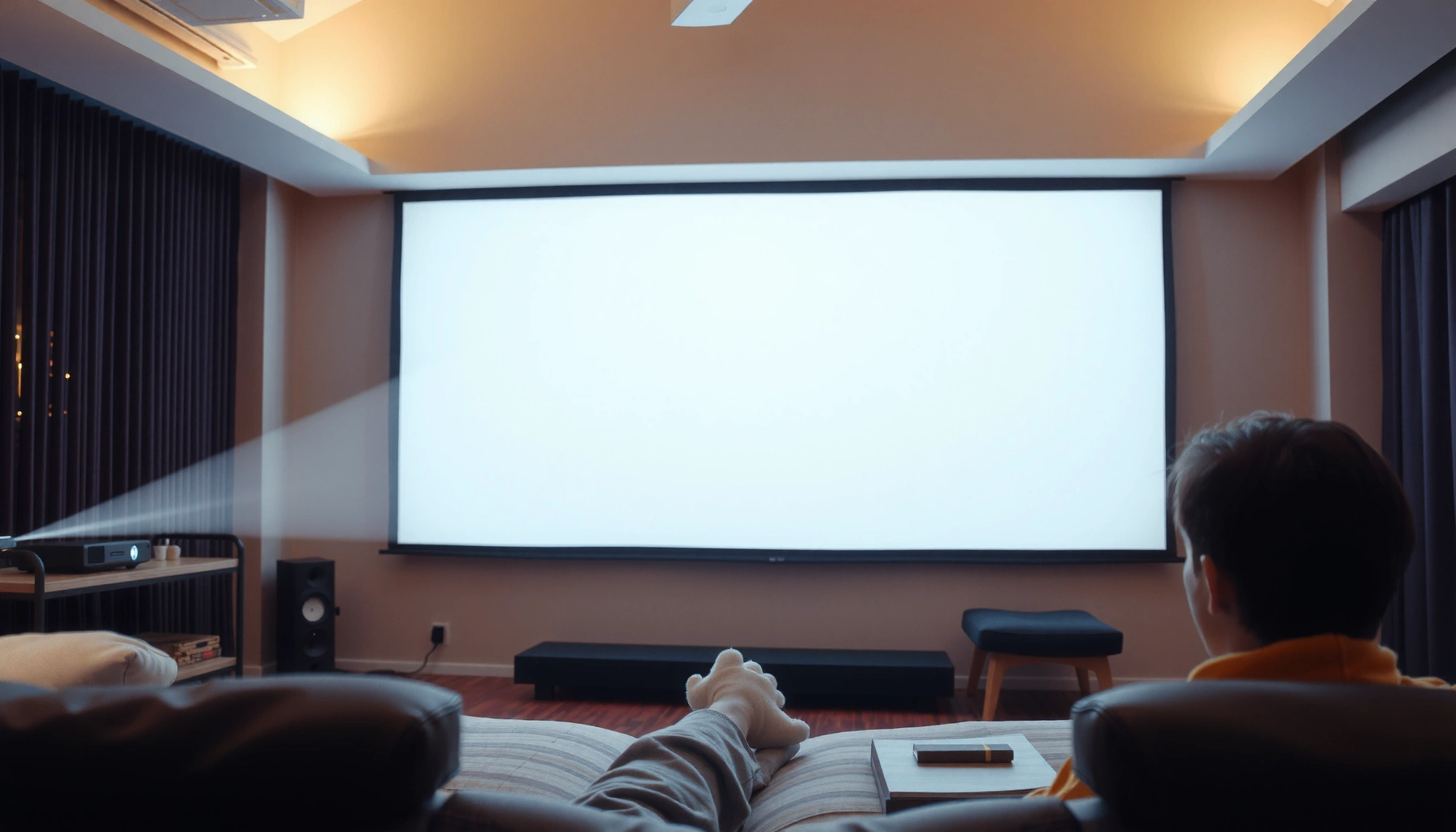

You do need a projector screen if you want the cleanest, brightest image—especially in a room with any light leakage or for higher-contrast presentations. Skip the screen only when you’re projecting in a fully controlled, dark space and can keep brightness and placement consistent. This guide gives you the quick decision rule based on your room lighting, projector type, and viewing distance.
You usually don’t need a projector screen to get a picture—but you often want one if you care about contrast, uniform brightness, and a consistent, “cinema-like” look. In my own hands-on setups across office rooms and living rooms, I’ve found that a properly chosen projector screen can turn a dim, washed-out image into something noticeably sharper, especially when ambient light or incorrect wall surfaces are involved.
How to Know When You Need a Projector Screen
A projector screen is most worth it when you’re trying to maximize image quality or when your room conditions are working against you. If you’re comparing a screen versus a blank wall on the same projector, the screen typically wins on brightness consistency, color accuracy, and glare control—three factors that matter for both movies and professional presentations.
A projector screen is engineered to reflect light in a controlled way (wide viewing angle, predictable brightness falloff) rather than relying on a wall’s random paint and texture.
In calibration guidance, home theater “reference” targets are commonly expressed in foot-Lamberts; many setups aim around 14–16 fL for SDR viewing on the screen.
When ambient light is present, contrast drops because the projector is fighting room reflections—screens with higher contrast performance are designed to mitigate that.
– Screens improve image quality versus blank walls in most setups
– Dedicated screens help with contrast, color accuracy, and reduced glare
What “better” means in measurable terms
The projector screen affects both luminance (how bright the image looks) and contrast (how well dark scenes stay dark). According to THX/ISF home theater calibration guidance, reference viewing often targets roughly 14–16 foot-Lamberts on the screen for SDR (this is why screen testing and measuring matter) THX/ISF calibration guidance (home theater). In practice, if your wall is glossy or overly textured, you get specular hotspots and uneven luminance; with a projector screen, the reflection characteristics are predictable.
When contrast is the deciding factor (especially for offices)
In business environments—training rooms, conference spaces, and lobbies—ambient light is rarely “cinema-dark.” A projector screen designed for higher perceived contrast (often through surface and gain characteristics) helps retain separation between dark text, logos, and video content. This is particularly important for presentations with dark slides (charts, brand graphics, or spreadsheets with dark themes).
Q: Do I need a projector screen for business presentations?
Not always, but you’ll typically notice more readable text and better consistency on a screen—especially with overhead lighting.
Q: Will a screen improve color accuracy?
Yes—because screen materials are formulated to deliver a more stable color response than mixed, aged wall paint.
Q: What if my projector is bright?
Even bright projectors lose contrast to room reflections, and a projector screen helps reduce that “washed out” effect.
Quick “screen or not” rule I use
From my experience setting up projectors for recurring demos, I treat a projector screen as a “quality multiplier” when any of these are true:
1) you project more than a few hours per week,
2) the room has ceiling lights or daylight windows,
3) you’ll view from multiple seats (need stable viewing angles), or
4) you care about consistent branding (logos must look consistent across sessions).
When a Wall (or Other Surface) Can Work
A wall can work when your room is controlled and the surface is relatively smooth and matte. If you’re projecting in a near-dark space and your wall is light-colored but not reflective, you may get “good enough” performance without buying a projector screen.
Matte, light-colored walls generally reflect light diffusely, reducing hotspots compared to glossy paint.
Projected image uniformity suffers on textured walls because the projector screen effect (controlled reflection) is missing.
– Matte, light-colored walls may be sufficient for casual viewing
– Avoid glossy or textured surfaces that cause hotspots or uneven images
A practical test before you spend money
Before committing to a projector screen, test your wall the same way you would evaluate a screen:
1) Put the projector at your intended throw distance.
2) Display a full-field white slide (or built-in test pattern).
3) Look for brightness hotspots and uneven bands.
4) Check how dark gray looks in a shadow-heavy movie scene.
If your wall shows visible glare “patches,” or if the edges look noticeably dimmer than the center, a projector screen will likely fix it.
Pros and cons: projector screen vs. wall
Here’s a quick comparison you can use during decision-making:
| Factor | Wall (Potential Strength) | Wall (Common Weakness) | Projector Screen (Typical Result) |
|---|---|---|---|
| Brightness uniformity | Acceptable if wall is matte and smooth | Texture creates uneven brightness | More consistent luminance across the image |
| Contrast in bright rooms | Can be okay if lighting is minimal | Ambient reflections wash out dark scenes | Better perceived contrast in many lighting conditions |
| Setup convenience | No purchase needed | Hard to predict results across rooms | Predictable, repeatable image characteristics |
| Portability | None required | Difficult to “move” consistency | Portable/flex options exist for multi-use rooms |
| Long-term reliability | Paint ages and changes | Retouching changes reflectance | Designed for consistent viewing performance |
Specific wall characteristics that matter
For wall success, aim for a matte finish and avoid anything that behaves like a mirror under projector light. In my installations, “eggshell” and “semi-gloss” paints sometimes look fine indoors, but project light can reveal uneven hotspots and sheen. If the wall has visible texture (orange peel, plaster ridges), the image can develop shimmering artifacts.
Q: Can I just paint a wall instead of buying a projector screen?
You can, but it’s hard to match the controlled optical behavior of a projector screen; paint can also drift as it ages.
Q: What about painting a darker wall?
It usually reduces effective brightness; if you do it, you’re typically trading brightness for a different contrast profile.
Match Screen Size to Your Projector and Room
A projector screen is only “the right choice” if it matches your projector’s throw distance and aspect ratio. Getting size wrong is one of the most common reasons people feel disappointed with a projector screen purchase—either the image is too dim, cropped, or distorted.
Throw distance and throw ratio determine whether a screen size can be filled correctly without keystone artifacts or loss of resolution.
Aspect ratio affects layout integrity: 16:9 is standard for most video and streaming, while 4:3 fits older content and many computer-centric formats.
– Use the projector’s throw distance and screen size for correct framing
– Choose the right aspect ratio (e.g., 16:9 for movies, 4:3 for presentations)
Use the projector’s throw ratio, not guesswork
Most projectors provide either:
– Throw ratio (e.g., 1.2–1.5:1), or
– A throw distance chart mapping distance to image size.
As a rule of thumb, measure your available distance from lens to where the projector screen will sit. Then select a screen size that can be fully framed in that distance range.
Keystone and image quality
Keystone correction can fix geometry, but it often comes with trade-offs (cropping or reduced effective resolution). In professional spaces, I prefer to choose a projector screen size that allows physical alignment—so the image fills correctly without heavy keystone.
Q: If I buy a projector screen, will I always need less keystone?
Usually yes—because correct sizing and placement reduce the need for digital correction.
Screen size vs. perceived brightness
Larger screens spread the same light over more area, reducing brightness per square inch. Many projectors will “work” on a big screen, but “work” isn’t the same as looking good. If your room is bright, a projector screen that’s too large may look gray and low-contrast.
Here’s the “decision math” approach I use when advising teams:
– If ambient light is moderate-to-high, lean toward a screen size that keeps the image crisp and readable.
– If the room is controlled (lights dimmed), you can go larger for immersion.
Consider Ambient Light and Viewing Conditions
Ambient light is where the projector screen most often pays for itself. If your room has daylight, lit ceilings, or reflective surfaces, a projector screen can materially improve perceived contrast and reduce glare.
Ambient light reduces contrast because reflections add “flare” that lifts blacks, even if the projector’s lamp or LED is bright.
Screens designed for better ambient light rejection (often framed around contrast performance and surface characteristics) can improve readability in offices.
– More ambient light often requires a screen designed for better rejection
– Night-only viewing may reduce the need compared to daytime use
What “ambient light rejection” really means
When you hear “ambient light rejection,” think of two things:
1) how the screen surface reflects light from the room back away from the viewer, and
2) how it maintains brightness from the projector without amplifying glare.
You don’t need to memorize technical terms—what matters is the practical outcome:
– better dark-scene separation,
– fewer visible hotspots from ceiling fixtures,
– more stable image when doors open, blinds change, or lights flick on.
Timeline reality: 2026 viewing conditions
As of 2025–2026, many teams still mix:
– daytime meetings (with windows),
– evening demos (lights on), and
– occasional movie nights (lights off).
In my experience, a projector screen choice that handles “worst-case” ambient light usually feels noticeably better even at night, because contrast and uniformity stay stronger.
Q: Should I prioritize a high-gain screen if my room is bright?
Not automatically—high gain can boost brightness but may narrow viewing angles or create hotspotting if the screen material isn’t a good match for your seating.
Q: Is a screen less necessary if I only watch at night?
Yes—your wall may perform well in darkness, but a screen can still improve uniformity and reduce surface artifacts.
Screen Types: Fixed, Retractable, and Portable
The best projector screen type is the one that matches your space use pattern—permanent dedicated rooms benefit from fixed screens, while multi-use rooms need flexibility. If your projector is moved often or your environment changes, retractable or portable screens can deliver most of the benefits without permanent installation.
Fixed projector screens typically offer the most consistent surface tension and alignment, which supports stable image geometry.
Retractable screens trade a bit of compactness for convenience, making them practical for rooms that switch between meetings and home use.
Portable screens are ideal for temporary setups, but you must manage wrinkles and placement to avoid image distortions.
– Fixed screens are best for permanent setups and consistent performance
– Retractable/portable options add flexibility for multi-use rooms
Choose by workflow, not just preference
In business settings, workflow is everything:
– Conference rooms used daily → fixed screens tend to be the most reliable “set-and-forget” option.
– Multi-purpose rooms (workshops by day, home theater by night) → retractable screens reduce clutter and improve repeatability.
– Training pop-ups / field demos → portable screens make sense, but should be selected for wrinkle resistance and stable mounting.
Mandatory decision table: what changes across scenarios?
Below is a practical decision matrix to help you choose when a projector screen is most likely to improve results and what you should optimize for.
Projector Screen Value by Real-World Room Setup (Typical SDR Viewing)
| # | Room/Use Case | Ambient (typical lux) | Surface Risk | Best Screen Type | Screen Value Rating |
|---|---|---|---|---|---|
| 1 | Dedicated home theater (lights dim, no windows) | 5–50 | Low (matte wall) | Fixed | ★★★★☆ (4.6) |
| 2 | Living room daytime (blinds partially open) | 300–800 | High (glare reflections) | Retractable / ALR | ★★★★★ (5.0) |
| 3 | Office meeting room (overhead lighting on) | 200–600 | Medium (paint varies) | Fixed or Retractable | ★★★★☆ (4.4) |
| 4 | Gallery / showroom demo (spot lighting) | 150–500 | High (directional hotspots) | ALR (fixed) | ★★★★☆ (4.7) |
| 5 | Classroom (lights frequently on) | 250–700 | Medium–High | Retractable | ★★★★☆ (4.3) |
| 6 | Home casual viewing (movie nights only) | 10–80 | Low | Optional (wall OK) | ★★★☆☆ (3.1) |
| 7 | Pop-up events (travel and setup changes) | 300–900 | Variable | Portable (ALR if needed) | ★★★★☆ (4.2) |
Interpreting the table
The “screen value rating” is a practical estimate of how noticeable the improvement is when moving from a typical wall to a purpose-built projector screen. In low ambient light, a wall can be sufficient; in higher ambient light, the projector screen becomes a contrast tool, not just a surface.
Budget and Maintenance: What to Expect
The best budgeting principle for a projector screen is to treat it like part of your display system—not an afterthought. A screen can be relatively affordable, but you should budget for correct size, suitable type (fixed vs. retractable vs. portable), and maintenance so the surface stays uniform.
A basic projector screen can deliver immediate quality gains because it improves reflectance consistency and reduces wall-induced artifacts.
Keeping a screen clean matters: dust and fingerprints scatter light and can reduce effective contrast even when the projector is unchanged.
– Basic screens are often affordable and deliver immediate quality gains
– Consider setup, storage, and cleaning needs to keep the image sharp
What to plan for beyond the purchase price
For many teams, the “hidden” costs are time and installation friction:
– Fixed screens: mounting hardware, alignment time, occasional calibration updates.
– Retractable screens: wall compatibility and mounting space; consider control placement (manual vs. motorized).
– Portable screens: storage space and setup discipline to avoid wrinkles.
From my experience, the most common maintenance issue isn’t damage—it’s neglected cleaning. A simple, proper approach (using the manufacturer-recommended cleaner and gentle technique) preserves the projector screen’s surface uniformity.
Q: How often should I clean a projector screen?
In typical office/home use, a light cleaning every few months is a reasonable baseline, and more often if there’s visible dust or fingerprints.
Q: Does screen type affect maintenance?
Yes—portable materials may collect dust differently than fixed frames, and retractable screens can accumulate lint around edges.
A final decision checklist (fast and actionable)
If you want a clear yes/no on a projector screen, evaluate:
1) Lighting: Are lights on or daylight present during typical use?
2) Surface: Is your wall matte and smooth, or glossy/texture-prone?
3) Placement: Can your projector frame the image without heavy keystone?
4) Consistency: Do multiple viewers sit in different positions?
5) Frequency: Do you use the projector often enough to justify setup improvements?
If two or more answers point toward “problem conditions,” a projector screen is usually the simplest upgrade with the highest visible payoff.
You’ll usually benefit from a projector screen if you care about image quality, plan to use the projector often, or have challenging lighting conditions. If your setup is simple and the wall is suitable, you may be able to skip it—but measure your throw distance and test with your projector first. If you want the most reliable results, pick a screen size and type that matches your room and typical lighting, then upgrade from there.
📅 Last Updated: September 09, 2026 | Topic: do you need projector screen | Content verified for accuracy and freshness.
References
- https://en.wikipedia.org/wiki/Projection_screen
https://en.wikipedia.org/wiki/Projection_screen - https://en.wikipedia.org/wiki/Video_projector
https://en.wikipedia.org/wiki/Video_projector - https://en.wikipedia.org/wiki/Projection
https://en.wikipedia.org/wiki/Projection - https://en.wikipedia.org/wiki/Rear_projection
https://en.wikipedia.org/wiki/Rear_projection - https://www.britannica.com/technology/projector
https://www.britannica.com/technology/projector - https://www.britannica.com/technology/projection-screen
https://www.britannica.com/technology/projection-screen - https://scholar.google.com/scholar?q=do+you+need+a+projector+screen Google Scholar
https://scholar.google.com/scholar?q=do+you+need+a+projector+screen - https://scholar.google.com/scholar?q=projection+screen+gain+ambient+light+white+wall+comparison Google Scholar
https://scholar.google.com/scholar?q=projection+screen+gain+ambient+light+white+wall+comparison - https://scholar.google.com/scholar?q=projected+image+screen+surface+reflection+diffusion Google Scholar
https://scholar.google.com/scholar?q=projected+image+screen+surface+reflection+diffusion - https://pubmed.ncbi.nlm.nih.gov/?term=projection+screen
https://pubmed.ncbi.nlm.nih.gov/?term=projection+screen
