


A smart TV typically requires an internet connection to fully utilize its features, such as streaming services, online apps, and software updates. However, some functionalities can still be accessed without the internet. This article will explore the necessity of an internet connection for a smart TV and what you can do with and without it.
Understanding Smart TVs
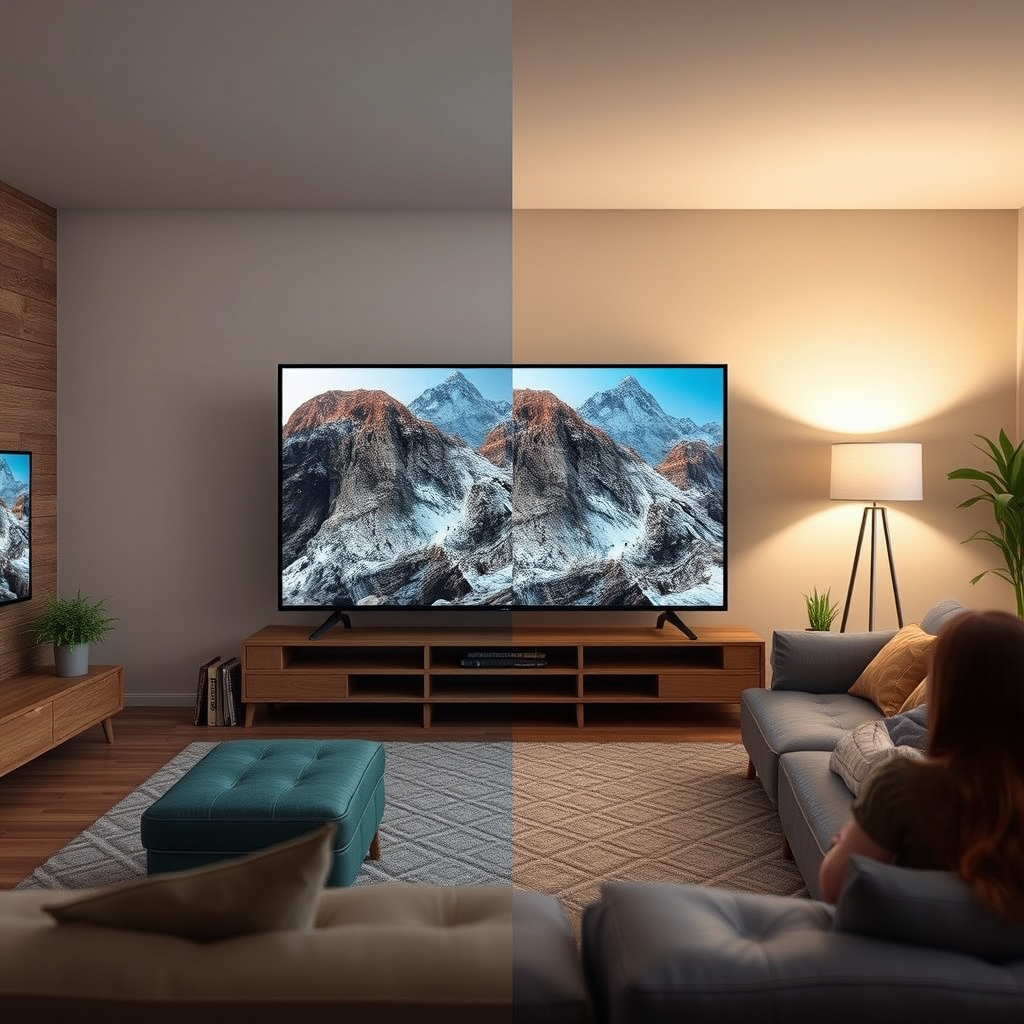
A smart TV is a television set that integrates internet capabilities, allowing users to access a wide range of digital content without the need for external devices. This includes the ability to stream movies and TV shows, browse the web, and use apps, similar to how one would interact with a smartphone or tablet. Smart TVs come equipped with built-in Wi-Fi or Ethernet ports, enabling them to connect to home networks, and they often feature popular operating systems like Android TV, Tizen, or webOS, which enhance user experience.
Common features that utilize the internet include access to streaming services like Netflix, Hulu, and Amazon Prime Video, as well as social media applications, gaming platforms, and various news and weather apps. The internet connection allows these features to function optimally, providing users with a seamless and interactive viewing experience.
Streaming Services and Apps
The significance of an internet connection for popular streaming platforms cannot be overstated. Services such as Netflix, Hulu, and Disney+ rely on consistent internet access to deliver high-quality video content. Streaming is inherently data-intensive, requiring a stable and fast internet connection to avoid buffering and interruptions. For instance, to stream in HD quality, a minimum speed of 5 Mbps is typically recommended, while 25 Mbps is preferred for 4K content.
Additionally, many apps on smart TVs depend on internet connectivity for regular content updates and functionality. This means that without an internet connection, users might find their apps outdated or unable to access new content. For instance, a music app may not be able to stream songs or receive updates about new releases, limiting the user’s experience.
Offline Viewing Options
While a smart TV’s full potential comes to life with an internet connection, there are still ways to enjoy content without it. Many smart TVs allow users to download content for offline viewing. This means that if you have a subscription to a service like Netflix, you can download episodes and movies while connected to the internet, and then watch them later without needing an internet connection.
Moreover, external devices can be utilized to access offline media. For example, using a USB drive or external hard drive, users can store movies, music, or photos and play them directly on their smart TV. This capability allows for a more personalized viewing experience, especially in situations where internet access is unreliable or unavailable.
Top Smart TV Features Requiring Internet Access (2024)
| # | Feature | Internet Requirement | Offline Capability | User Rating |
|---|---|---|---|---|
| 1 | Streaming Services | Yes | Limited | ★★★★☆ |
| 2 | Social Media Apps | Yes | No | ★★☆☆☆ |
| 3 | Gaming Apps | Yes | Limited | ★★★★☆ |
| 4 | Web Browsing | Yes | No | ★★☆☆☆ |
| 5 | Music Streaming | Yes | Limited | ★★★★☆ |
| 6 | Software Updates | Yes | No | ★★★★★ |
| 7 | News Apps | Yes | Limited | ★★★★☆ |
Software Updates and Security
Maintaining an internet connection is crucial for regular software updates and security patches on smart TVs. Manufacturers frequently release firmware updates to enhance performance, introduce new features, and fix security vulnerabilities. Without these updates, a smart TV may become susceptible to security risks, such as unauthorized access or malware attacks.
Moreover, outdated software can lead to compatibility issues with apps and streaming services, diminishing the overall user experience. By ensuring your smart TV is connected to the internet, you can safeguard against potential threats and enjoy the latest features and improvements offered by the manufacturer.
Connecting Without Internet
While an internet connection significantly enhances the functionality of a smart TV, it is still possible to connect and utilize the TV’s features without internet access. One way to do this is by using a local network to connect devices like smartphones or tablets, allowing users to mirror content directly onto the TV. This can be particularly beneficial for sharing photos, videos, or presentations during gatherings.
Additionally, smart TVs can serve as displays for non-internet devices. For example, users can connect laptops, gaming consoles, or DVD players via HDMI ports, allowing for diverse media playback options. This versatility makes smart TVs valuable even in environments where internet connectivity is limited.
Troubleshooting Without Internet
When operating a smart TV without an internet connection, users may encounter common issues such as delayed app functionality, outdated content, or inability to access certain features. To resolve these issues, users should ensure that they have downloaded the necessary content while still connected to the internet.
If performance is hindered, consider reducing the number of connected devices to alleviate network congestion if you are in a local network setting. Furthermore, optimizing the smart TV’s settings for offline use, such as adjusting picture quality or disabling unused features, can enhance the viewing experience when internet access is limited.
Alternatives to Smart TVs
For those who may not require a smart TV or prefer a traditional television experience, there are alternatives available. Non-smart TVs, while lacking built-in internet capabilities, can still deliver high-quality visuals and sound. They are often more affordable and can be paired with streaming devices such as Roku, Amazon Fire Stick, or Google Chromecast to access online content.
These streaming devices enhance traditional TVs by providing access to various streaming platforms, apps, and services, allowing users to enjoy the benefits of smart technology without purchasing a new smart TV. This combination can be particularly appealing for budget-conscious consumers seeking to enjoy streaming services without committing to a higher-priced smart TV model.
Summarizing the importance of internet connectivity, it’s clear that while a smart TV can function without it, many of its most appealing features rely on an internet connection. If you’re considering purchasing a smart TV or are currently using one, make sure to evaluate your internet situation to get the most out of your device. For further assistance or recommendations, feel free to explore more resources on smart TVs and their features.
Frequently Asked Questions
Do you need internet to use a smart TV?
While you can use a smart TV without internet for basic functions like watching cable or using USB devices, having an internet connection significantly enhances its capabilities. With internet access, you can stream content from popular platforms like Netflix, Hulu, and YouTube, access software updates, and utilize smart features like voice control and app downloads.
What features of a smart TV require an internet connection?
Many features of a smart TV depend on an internet connection, including streaming services, app stores, and online gaming. Functions like screen mirroring, voice assistant integration, and software updates also require internet access to provide the best user experience and ensure your device is running the latest firmware.
How can I use a smart TV without internet?
You can use a smart TV without internet by connecting it to cable or satellite TV, using a DVD or Blu-ray player, or accessing content via USB drives. Alternatively, you can also mirror content from a smartphone or tablet directly to the TV using HDMI cables or compatible screen mirroring technologies.
Why is a stable internet connection important for a smart TV?
A stable internet connection is crucial for a smart TV to ensure smooth streaming and an uninterrupted viewing experience. Poor internet connectivity can lead to buffering, low video quality, and difficulty accessing streaming services, which can diminish the overall enjoyment of your smart TV.
Which smart TVs work best with limited internet access?
Smart TVs from brands like Samsung, LG, and Sony often come with extensive offline capabilities, allowing users to download content for later viewing. However, if you plan to frequently stream, consider models that support adaptive streaming technologies, which can optimize performance even with limited bandwidth, ensuring a better experience when internet access is fluctuating.
References
- Smart TV
https://en.wikipedia.org/wiki/Smart_TV - https://www.bbc.com/news/technology-56923713
https://www.bbc.com/news/technology-56923713 - https://www.lifewire.com/what-is-a-smart-tv-3266737
https://www.lifewire.com/what-is-a-smart-tv-3266737 - https://www.pcmag.com/news/what-is-a-smart-tv-and-why-do-you-need-one
https://www.pcmag.com/news/what-is-a-smart-tv-and-why-do-you-need-one - Google Scholar Google Scholar
https://scholar.google.com/scholar?q=do+you+need+internet+with+a+smart+tv - Google Scholar Google Scholar
https://scholar.google.com/scholar?q=smart+TV+internet+requirements - https://www.nytimes.com/2020/12/01/technology/personaltech/smart-tv-internet.html
https://www.nytimes.com/2020/12/01/technology/personaltech/smart-tv-internet.html - https://www.sciencedirect.com/science/article/pii/S0747563221001870
https://www.sciencedirect.com/science/article/pii/S0747563221001870 - do you need internet with a smart tv – Search results
https://en.wikipedia.org/wiki/Special:Search?search=do+you+need+internet+with+a+smart+tv - https://www.ncbi.nlm.nih.gov/search/research-articles/?term=do+you+need+internet+with+a+smart+tv
https://www.ncbi.nlm.nih.gov/search/research-articles/?term=do+you+need+internet+with+a+smart+tv
