
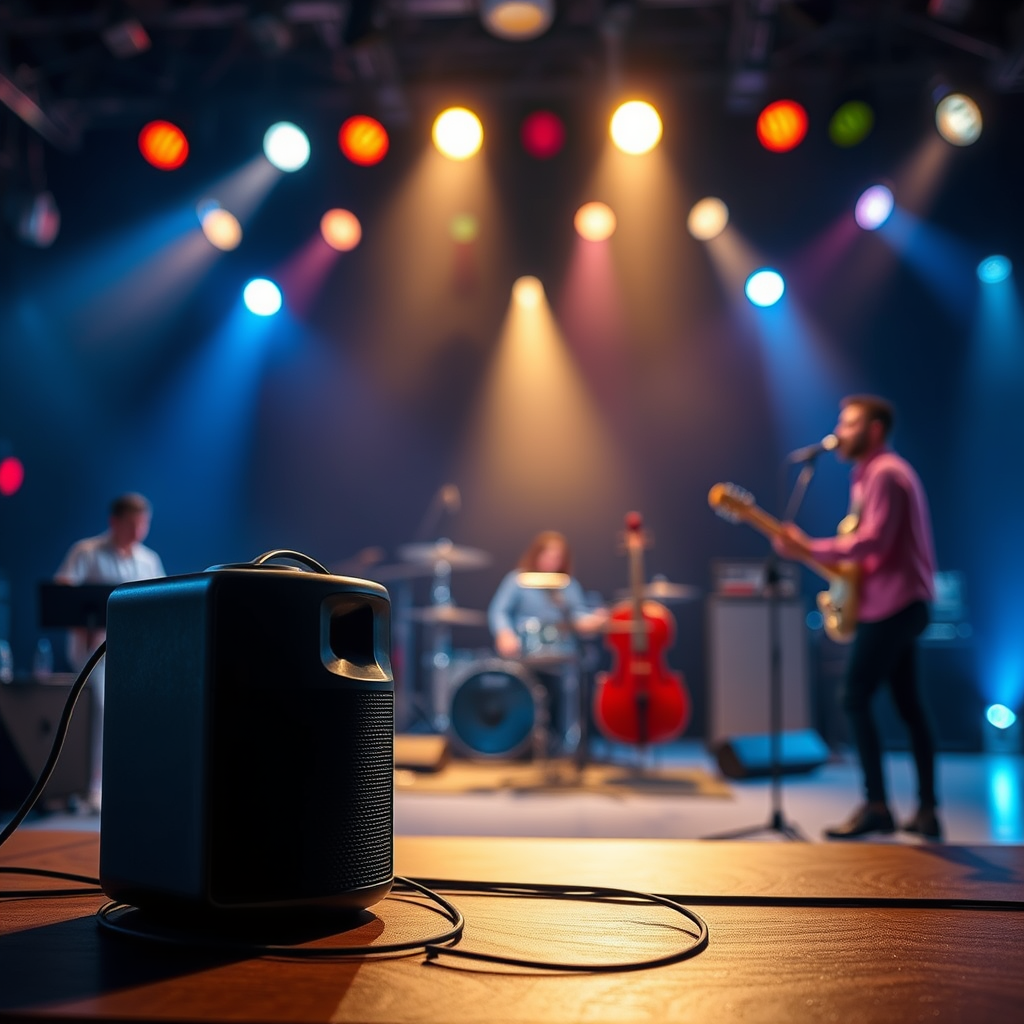

Bluetooth speakers work by using wireless technology to transmit audio signals from a device, like a smartphone or tablet, to the speaker itself. This allows you to enjoy music and sound without the need for physical cables. In this article, you’ll learn about the technology behind Bluetooth speakers, how they connect to devices, and what makes them so convenient.
Understanding Bluetooth Technology

Bluetooth technology is a short-range wireless communication method that enables various devices to connect and exchange data seamlessly. Operating within a frequency range of 2.4 GHz, Bluetooth uses a specific protocol to ensure secure data transfer. This technology allows for the simultaneous connection of multiple devices—a feature that enhances user experience by enabling seamless audio streaming from smartphones, tablets, and laptops.
The Bluetooth protocol is divided into different profiles that specify the capabilities of the devices. For instance, the Advanced Audio Distribution Profile (A2DP) is commonly used for streaming high-quality audio to Bluetooth speakers. Furthermore, Bluetooth Low Energy (BLE) has emerged to cater to devices that require minimal power consumption, making it ideal for smaller gadgets, including portable speakers.
Notably, Bluetooth technology has evolved significantly since its inception in the late 1990s, leading to improvements in data transfer speeds and connection stability. As a result, today’s Bluetooth speakers can deliver high-fidelity sound while maintaining low latency, making them versatile for various audio applications.
How Bluetooth Speakers Connect to Devices
The connection process between Bluetooth speakers and audio devices involves a procedure known as “pairing.” To initiate pairing, both the Bluetooth speaker and the device (such as a smartphone) must be set to discoverable mode. This typically involves navigating to the Bluetooth settings on the device, where it searches for available Bluetooth devices.
Once the devices recognize each other, the user selects the speaker from the list on their device. In some cases, a pairing code may be required to establish a secure connection. After successful pairing, the devices can communicate wirelessly, allowing audio to be streamed from the source to the speaker. This connection can be maintained within a range of approximately 30 feet (10 meters), although physical obstacles and interference can impact signal strength.
Moreover, Bluetooth speakers often support a feature called “multi-point pairing,” which allows users to connect two devices simultaneously. This is particularly useful for users who want to switch between devices—like a tablet for watching movies and a smartphone for taking calls—without the hassle of repeated pairing.
The Role of Digital Signal Processing
Digital Signal Processing (DSP) plays a crucial role in enhancing the audio quality of Bluetooth speakers. DSP technology manipulates audio signals to improve sound clarity and reduce distortion, making it a key feature in modern audio devices. By using sophisticated algorithms, DSP can adjust the sound output based on the listening environment, ensuring optimal auditory experiences.
For instance, some Bluetooth speakers come equipped with DSP settings that allow users to customize their sound profile. Features like bass boost, treble enhancement, and equalizer presets can be adjusted to match personal preferences. This adaptability is especially valuable in diverse environments, whether you’re using the speaker indoors or outdoors.
DSP technology also helps mitigate issues such as echo and feedback, which can occur during voice calls or when using voice assistants. By intelligently processing audio signals, DSP ensures that calls are clear and free from annoying disruptions.
Top 7 Bluetooth Speakers by Features (2024)
| # | Speaker Model | Battery Life | Water Resistance | Sound Quality Rating |
|---|---|---|---|---|
| 1 | JBL Charge 5 | 20 hours | IP67 | ★★★★☆ |
| 2 | Bose SoundLink Flex | 12 hours | IP67 | ★★★★★ |
| 3 | Sony SRS-XB43 | 24 hours | IP67 | ★★★★☆ |
| 4 | Anker Soundcore 3 | 24 hours | IPX7 | ★★★★☆ |
| 5 | Ultimate Ears MEGABOOM 3 | 20 hours | IP67 | ★★★★★ |
| 6 | Bose SoundLink Mini II | 12 hours | IPX4 | ★★★★☆ |
| 7 | JBL Flip 5 | 12 hours | IPX7 | ★★★★☆ |
Power and Battery Life
Most Bluetooth speakers are battery-operated, providing users with the freedom to enjoy music on the go without being tethered to a power source. Battery life can vary significantly depending on the model, ranging from 8 to 30 hours of playback time. Factors influencing battery life include the speaker’s volume level, the type of audio played, and the presence of additional features like lighting or voice assistants.
Some models are equipped with quick-charging technology, allowing users to recharge their speakers rapidly. For example, certain speakers can provide several hours of playback time after just a short charging session, making them ideal for spontaneous outings.
Moreover, advancements in battery technology have led to the development of speakers with extended playback times. Models like the Sony SRS-XB43 can deliver up to 24 hours of continuous play, while also featuring a power bank function to charge other devices. This feature is particularly useful for outdoor enthusiasts who may not have access to traditional power sources.
Additional Features of Bluetooth Speakers
Many Bluetooth speakers offer additional functionalities that enhance their usability. Built-in microphones enable hands-free calling, allowing users to take calls without needing to reach for their phones. This feature is particularly beneficial in situations where multitasking is essential, such as cooking or driving.
Integration with voice assistants like Amazon Alexa and Google Assistant has become increasingly common, allowing users to control music playback, ask for information, and manage smart home devices directly from their speakers. This hands-free convenience enhances the overall user experience.
Furthermore, durability features like waterproofing and rugged designs cater to outdoor enthusiasts. Many speakers are designed to withstand exposure to water, dust, and shock, making them suitable for beach outings, camping trips, and pool parties. For instance, speakers with an IP67 rating are fully waterproof and can be submerged in water for short periods, ensuring they remain functional even in adverse conditions.
Troubleshooting Common Issues
Despite their convenience, Bluetooth speakers can sometimes present users with challenges. Common issues include connectivity problems, audio lag, and battery drain. Understanding these issues and knowing how to troubleshoot them can significantly enhance user experience.
For connectivity problems, ensure that both devices are within range and that Bluetooth is enabled on your audio source. If the devices do not connect, try resetting the speaker or unpairing and re-pairing the devices. This simple step can often resolve connectivity issues.
Audio lag, particularly during video playback, can be frustrating. To minimize this, look for speakers that support the aptX Low Latency codec, which reduces audio delay. Additionally, keeping your device’s software and the speaker’s firmware updated can help mitigate these issues.
Battery drain is another concern, especially if the speaker is used frequently. To extend battery life, reduce the volume, turn off features that are not in use, and ensure that the speaker is charged properly. Some speakers also offer battery-saving modes that can be activated to optimize power consumption.
In summary, addressing common issues such as connectivity, audio lag, and battery drain can significantly enhance the overall experience of using Bluetooth speakers.
Summarizing key points, Bluetooth speakers offer a convenient and efficient way to enjoy music wirelessly by leveraging advanced technologies. Understanding how they work, their features, and potential troubleshooting steps can empower users to fully capitalize on their advantages. Explore different models to find one that suits your lifestyle and enjoy the freedom of wireless audio today.
Frequently Asked Questions
How do Bluetooth speakers connect to devices?
Bluetooth speakers connect to devices using short-range wireless technology that enables data exchange. To establish a connection, you typically need to enable Bluetooth on both the speaker and the device, such as a smartphone or tablet, and then pair them by selecting the speaker from the device’s Bluetooth settings.
What is the range of Bluetooth speakers?
The typical range for Bluetooth speakers is about 30 feet (10 meters) in open environments, although obstacles like walls can reduce this distance. The effective range can vary based on the Bluetooth version and the power of the speaker, with newer versions offering improved connectivity and stability.
Why do Bluetooth speakers sometimes disconnect unexpectedly?
Bluetooth speakers may disconnect due to several reasons, including low battery levels, interference from other wireless devices, or being out of range from the paired device. Additionally, if the speaker is not actively used for a certain period, it may automatically turn off to save battery, causing disconnection.
What are the best features to look for in Bluetooth speakers?
When choosing Bluetooth speakers, look for features such as battery life, sound quality, waterproof ratings, and portability. Other important aspects include the speaker’s connectivity options, compatibility with voice assistants, and the presence of built-in microphones for hands-free calls.
Which Bluetooth speaker brands are considered the most reliable?
Some of the most reliable Bluetooth speaker brands include Bose, JBL, and Sonos, known for their excellent sound quality and durability. Other noteworthy brands like Anker and Ultimate Ears also offer great options, often at more affordable prices, catering to various needs and preferences.
References
- Bluetooth
https://en.wikipedia.org/wiki/Bluetooth - https://www.sciencedirect.com/topics/engineering/bluetooth
https://www.sciencedirect.com/topics/engineering/bluetooth - https://www.bbc.com/future/article/20201215-how-does-bluetooth-work
https://www.bbc.com/future/article/20201215-how-does-bluetooth-work - https://www.nature.com/articles/s41598-017-06852-4
https://www.nature.com/articles/s41598-017-06852-4 - https://pubmed.ncbi.nlm.nih.gov/27302477/
https://pubmed.ncbi.nlm.nih.gov/27302477/ - https://www.mayoclinic.org/healthy-lifestyle/consumer-health/in-depth/bluetooth-speakers/art-20468184
https://www.mayoclinic.org/healthy-lifestyle/consumer-health/in-depth/bluetooth-speakers/art-20468184 - https://www.scholar.google.com/scholar?q=how+does+bluetooth+speakers+work Google Scholar
https://www.scholar.google.com/scholar?q=how+does+bluetooth+speakers+work - https://www.scholar.google.com/scholar?q=bluetooth+technology+overview Google Scholar
https://www.scholar.google.com/scholar?q=bluetooth+technology+overview - https://www.scholar.google.com/scholar?q=bluetooth+audio+transmission Google Scholar
https://www.scholar.google.com/scholar?q=bluetooth+audio+transmission - Google Scholar Google Scholar
https://scholar.google.com/scholar?q=how+does+bluetooth+speakers+work

[…] otherwise your phone will not list them. A2DP is the common Bluetooth profile used for stereo audio streaming to earbuds and […]
[…] “Digital signal processing (DSP) enables equalization and dynamic range control that would be difficult to replicate with purely analog circuits.” “On-device noise reduction can improve call quality by estimating background noise and attenuating it before speech processing.” […]
[…] devices won’t complete stable audio streaming when the earbuds enter low-power mode; the link may disconnect or stay one-sided.” “Dirty […]
[…] defined in Bluetooth specifications), pairing links devices and establishes profiles that allow audio streaming; the “handshake” only completes when the earbuds are in a discoverable state Bluetooth SIG: […]
[…] earbuds that support audio streaming only (no […]
[…] “JVC”) in your Bluetooth list. This is where you complete the pairing handshake that activates audio streaming (A2DP) and remote controls (AVRCP), depending on your […]
[…] radios are designed for short-range audio streaming; for typical consumer earbuds, the effective range is commonly cited up to about 10 meters for […]
[…] Wired earbuds are effectively a transducer: an electrical audio waveform goes down the cable and drives the speaker/microphone. That electrical signal is not transmitted as RF in the way Bluetooth is. Wireless earbuds, by contrast, contain a radio (and often both Bluetooth and a charging/wireless-control subsystem). That radio sends and receives packets to maintain pairing, clock synchronization, and audio streaming. […]
[…] common issue because many earbuds support Bluetooth profiles for calls, but not the exact Bluetooth audio streaming profile PS5 expects for direct […]