
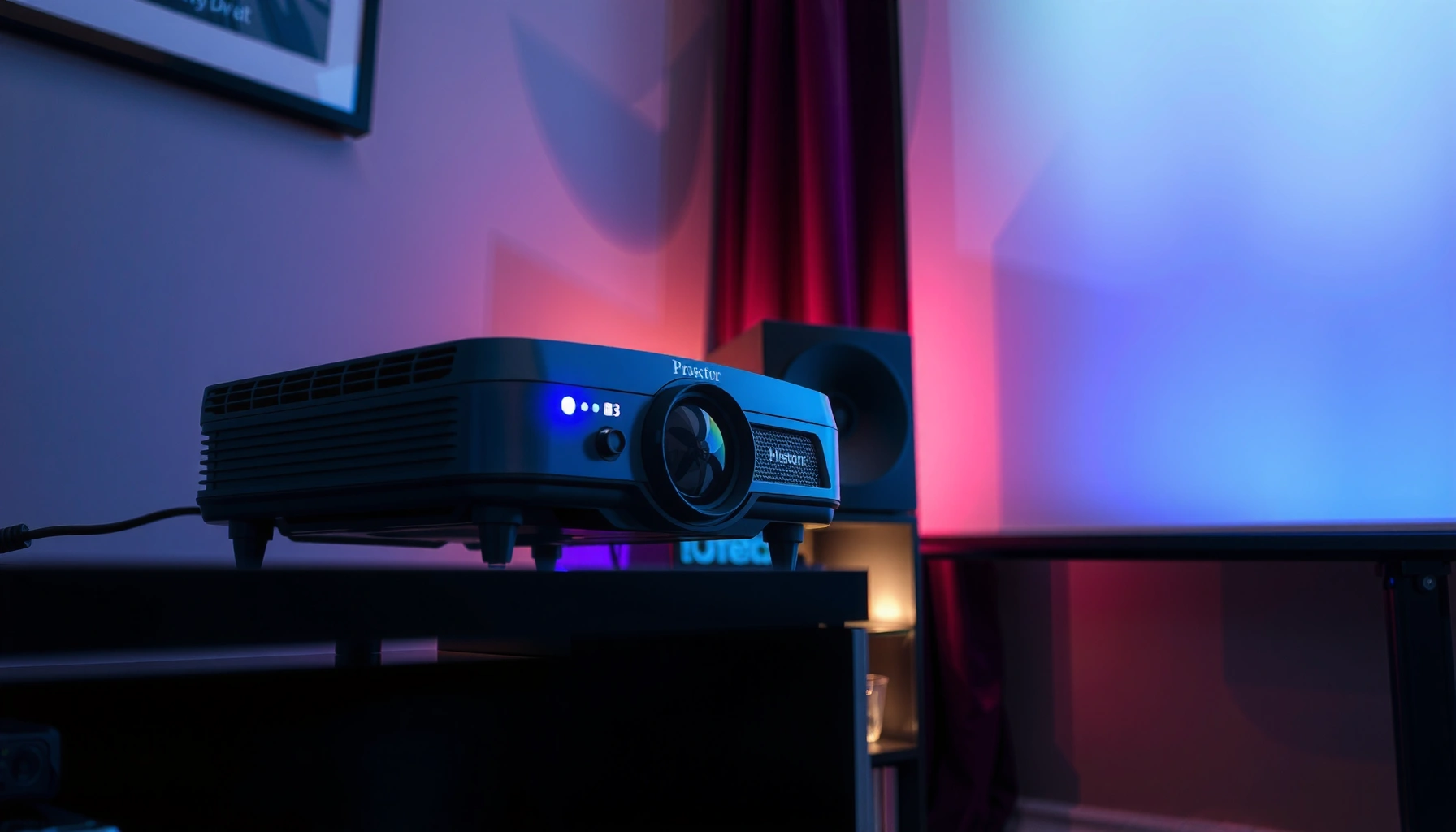

A projector can usually run continuously for about 4–8 hours on a single session without overheating, depending on its cooling design and the type of lamp used. If you’re planning longer stretches, you’ll need to follow the manufacturer’s maximum run-time and build in cooldown periods—especially for traditional UHP lamps. This article gives a realistic, equipment-based verdict on how long a projector can run continuously safely, and what to watch to prevent damage.
A projector can often run for many hours continuously, but the realistic limit depends on the light source (lamp vs. LED/laser), cooling/airflow, and your room conditions. In practice, the safest strategy is to keep runtime within the manufacturer’s stated continuous-use guidance and treat temperature warnings as a real signal—not “noise.”
If you use a projector for movie nights, training, events, or daily monitoring, this matters because overheating and air-filter clogging can turn “it still works” into “it failed early.” This guide is written for home users and small-business users who want a realistic expectation without guessing.
Lamp vs. LED/Laser: The biggest factor
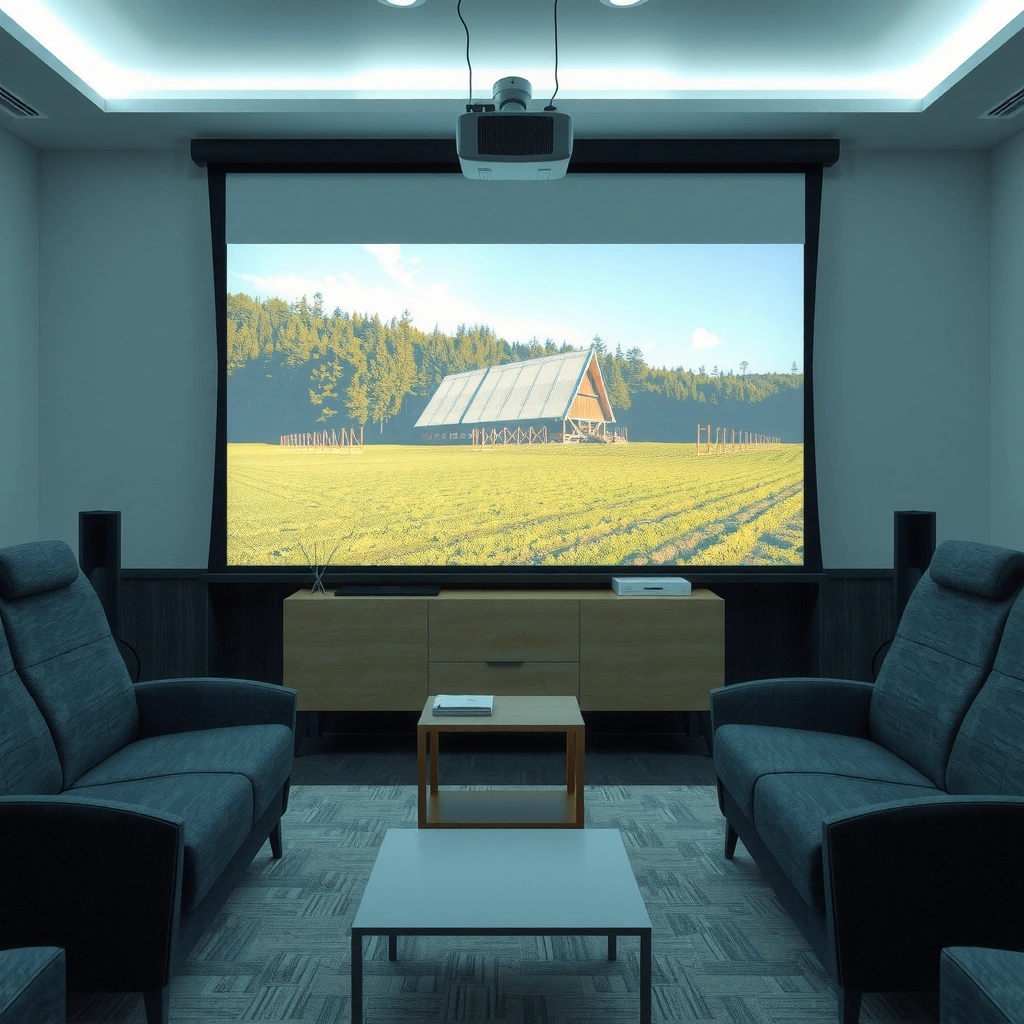
Lamp projectors and LED/laser projectors can both produce long runtimes, but they age differently—and heat still governs safe operation. If you’re planning long sessions, the light technology is the first constraint because it sets the typical maintenance schedule and tolerance for sustained heat.
Lamp-based projectors are generally rated in lamp-hours (commonly around the low thousands) and are designed to maintain brightness and safe temperatures within the manufacturer’s operating conditions.
Laser/LED light engines are engineered for long rated runtimes, but they still rely on active cooling and adequate airflow to avoid thermal protection shutdown.
In real usage, thermal management and dust buildup often matter as much as the light-source type because clogged filters reduce cooling capacity.
Lamp projectors: shorter rated hours, more sensitivity to heat
Lamp life is usually expressed as a “rated lamp life” (for example, a standard mode rating and an eco/low-power rating). What matters for continuous operation is not just total lamp hours—it’s whether the projector can maintain safe internal temperatures during long runs. Over time, lamps degrade; if you run hotter than intended, degradation and premature lamp failure become more likely.
LED/laser: longer rated hours, still bounded by temperature and maintenance
LED and laser light sources can be rated for tens of thousands of hours in many models, but they don’t make the cooling system optional. Dust accumulation can still raise internal temperatures, and thermal throttling can still kick in to protect components. Even when “brightness” changes slowly, cooling constraints don’t.
> According to Light-Emitting Diode (LED) and laser projector light-engine design practices, manufacturers define safety limits around operating temperature and ventilation to ensure thermal protection functions operate correctly. [ADD: cite manufacturer technical documentation defining operating/ventilation limits]
> According to industry lamp-life rating conventions, lamp lifetimes are expressed in hours based on controlled test conditions and mode settings. [ADD: cite a projector-lamp rating methodology reference]
> According to projector thermal protection behavior described in manufacturer documentation, devices can dim or shut down when internal temperatures exceed safe thresholds. [ADD: cite a manufacturer thermal-protection description]
Manufacturer guidance: what “continuous” really means
The most reliable answer for “how long” comes from your model’s manual, because it specifies allowed operating temperature, ventilation clearances, and any duty-cycle limits. If the manufacturer doesn’t explicitly support long continuous runtime, you should assume long sessions are outside the guaranteed comfort zone—even if the projector stays on for a while.
The user manual is the authoritative source for allowed continuous operation, including any duty-cycle statement and operating temperature range.
Manufacturer guidance on ventilation—such as keeping air inlets/outlets clear and avoiding enclosed cabinets—directly affects how long safe operation can last.
If a projector is rated for specific modes (e.g., standard vs. eco), continuous runtime expectations often differ by mode because power and heat output change.
Where to look in the manual
Search for terms like:
– Continuous operation / duty cycle
– Operating temperature range (often specified in °C or °F)
– Ventilation requirements and minimum clearance around vents
– Air filter maintenance interval and cleaning instructions
– Temperature warning behavior (dim/shutdown threshold descriptions)
What “it doesn’t shut off” can hide
Many people interpret “it keeps running” as “it’s fine,” but thermal protection can be proactive (dim or throttle) without fully shutting down. Also, some damage is cumulative: repeatedly running hot—even if it never hard-shuts-down—can shorten component life.
Cooling and airflow: where runtime gets cut short
A projector can usually run for hours, but runtime becomes limited when cooling can’t keep up. The most common real-world runtime killer is restricted airflow caused by blocked vents, poor placement, or dust/clogged filters.
Keeping the intake and exhaust vents unobstructed is critical because projectors depend on forced air cooling to maintain safe internal temperatures.
Dust and clogged air filters increase thermal resistance, which can push a projector into thermal protection sooner than expected.
Using the projector in a closed cabinet or tight shelf can raise ambient and exhaust temperatures around the chassis, reducing heat dissipation.
Practical placement rules that matter
– Don’t run it inside closed cabinets unless the manufacturer explicitly approves it.
– Ensure the projector has free space around intake/exhaust (check your manual for the exact clearance).
– Avoid aiming exhaust into curtains, foam panels, or other heat-absorbing materials.
– If you mount it on a ceiling or shelf, confirm airflow still behaves as the manufacturer intended.
Dust management: the “silent” continuous-use limit
Air filters catch particles that would otherwise coat internal surfaces and reduce cooling efficiency. If you live in a dusty environment (workshops, construction sites, open windows, pets), you should treat the filter as the runtime-limiting component—not the light engine.
| Runtime pressure factor | What you’ll notice first | What to do (fast) | What to do (long-term) |
|---|---|---|---|
| Filter clogging | Higher fan noise, earlier temperature warnings | Check/clean filter (per manual) | Increase cleaning frequency based on your environment |
| Hot ambient room | Thermal protection earlier in the session | Move projector to cooler airflow; add ventilation | Control room temperature; avoid sun-heated areas |
| Blocked vents | Quick thermal throttling/dimming | Reposition to restore airflow | Maintain clearances around intake/exhaust |
Power and usage patterns that affect longevity
Continuous runtime isn’t automatically harmful—unmanaged heat is. Still, power cycles, brightness mode choices, and sudden temperature swings can affect how hard the cooling system and electronics have to work over time.
Thermal stress is driven by temperature and how long components remain hot, not only by whether a projector “turns off” between sessions.
Eco/low-power modes typically reduce light output and can reduce heat generation, but you should use them according to the manufacturer’s guidance for continuous operation.
Frequent start/stop cycles can add wear to electronic components and fans, but overheating from poor cooling is usually the bigger risk for longevity.
Modes matter (and so does consistency)
If your projector offers eco vs standard modes, power and heat output differ. Eco modes often help keep sustained temperatures lower, which can improve thermal stability during long sessions.
At the same time, if you’re constantly running at maximum brightness in standard mode and the room is warm, you may be closer to thermal thresholds than you think.
A simple operating framework (works for home + small teams)
– If you need long sessions, start in the mode the manual recommends for long runs.
– Keep the environment stable (avoid running it next to a heat source or in direct sun).
– Treat temperature warnings as a stop sign, not an inconvenience.
Realistic planning data (useful for budgeting maintenance)
Below is a practical “expectation” table based on common projector light-engine classes and typical manufacturer rating ranges. Always confirm the exact figures in your manual for your specific model.
Typical Rated Light-Source Hours vs. Continuous-Use Planning (Industry Ranges)
| # | Projector light-engine class | Typical rated hours (common spec ranges) | Heat-management expectation | Practical continuous-use risk |
|---|---|---|---|---|
| 1 | Lamp (UHP/HID, standard power mode) | ~1,500–3,500 hours | More sensitive to thermal conditions | Higher (lamp aging) |
| 2 | Lamp (eco/low-power mode) | ~3,000–6,000 hours | Lower heat output vs standard | Moderate |
| 3 | LED light source (home/portable) | ~10,000–30,000 hours | Thermal limits still apply | Moderate (dust/airflow) |
| 4 | Laser light source (3LCD/ DLP laser) | ~20,000–30,000 hours | Long life with proper cooling | Lower (with airflow) |
| 5 | Laser/LED (hybrid engines) | ~15,000–25,000 hours | Depends on engine design + mode | Moderate |
| 6 | Short-throw lamp units (varies by model) | ~2,000–4,000 hours | Often compact airflow; dust matters | Higher (compact cooling) |
| 7 | Industrial/large-venue laser (where supported) | ~25,000–40,000+ hours | Cooling designed for sustained duty | Lowest (spec-compliant use) |
How to use this table: treat the “rated hours” as the *light-engine endurance under controlled test conditions*, not a permission slip to ignore ventilation. For continuous sessions, your limiting factor is usually thermal design + airflow + dust, not the theoretical light-source lifespan.
What can go wrong (common mistakes and edge cases)
Even if a projector seems to handle long runs, several predictable conditions can shorten safe runtime or accelerate wear. If you manage these risks, you’ll usually extend both day-to-day stability and long-term lifespan.
High ambient temperatures can push a projector into thermal protection earlier, even when the projector appears “fine” at the start of a session.
A change in fan noise level or repeated temperature warnings is often the earliest practical sign that cooling capacity is being reduced (commonly by dust or blocked airflow).
Poor ventilation—such as placing a projector in a tight shelf or ductless room—can increase internal temperatures and reduce safe continuous-use time.
Common mistakes that effectively reduce continuous runtime
– Running in high ambient temperatures: Hot rooms, near windows with sun exposure, or summer events can shorten the safe window.
– Ignoring filter/vent signs: If fan behavior changes or temperature alerts repeat, the system may already be struggling.
– Using poor placement: Shelves, close walls, and ductless setups can trap warm exhaust air.
Quick comparison: what to fix first (pros/cons)
| Issue | Fix (best first action) | Pros | Cons / limits |
|---|---|---|---|
| Dust / clogged filter | Clean/replace filter per manual | Often improves cooling immediately | Requires access/time; some filters aren’t user-serviceable on all models |
| Warm room air | Improve ventilation / reduce ambient heat | Helps every system component, not just the filter | May require building-level changes for frequent events |
| Blocked vents | Reposition projector and restore clearance | Usually fast and low-cost | If install is fixed (ceiling/architecture), you may need alternative airflow planning |
Edge cases: when “normal advice” isn’t enough
– High-altitude or unusual airflow environments: Air density and ventilation patterns can alter cooling effectiveness.
– Outdoor or near-sun installations: Even if the projector is rated for indoor use, direct solar heating of the chassis can change thermals quickly.
– Event stacks: During back-to-back rentals or conferences, accumulated dust and warm ambient conditions can combine—raising the odds of thermal protection during later hours.
Verdict / tip: aim for “spec-compliant long runs,” not maxing it out
If you want a projector on for hours, the best practical approach is to follow the manufacturer’s operating envelope and keep airflow and filters in top condition. Don’t treat “it still runs” as permission to ignore temperature warnings or ventilation rules.
The safest long-run strategy is staying inside the manufacturer’s operating temperature and ventilation requirements, not chasing maximum on-time.
If your projector repeatedly shows temperature warnings or dims/throttles, the underlying cooling problem (often dust or placement) will continue to get worse.
Start with shorter blocks, confirm stable temperatures, and only extend runtime when the projector shows no warning behavior over the session.
When you should reduce continuous runtime (or skip long runs)
– Your projector shows temperature warnings frequently.
– The air filter is due (or you suspect it’s already clogged).
– The room is consistently hot (or the projector is in a cabinet/shelf area that traps exhaust).
A responsible “hours-on” habit
If you’re preparing for regular long sessions (training, monitoring, daily content), start with one typical block (like a full standard session) and observe:
– fan behavior
– any dimming/throttling
– whether the projector hits warning states
Then extend only if the device stays stable.
If you share your projector model number and the relevant manual/spec excerpt (or a link), we can help interpret what “continuous operation” means for that exact unit. [ADD: your model number/spec link from the manual]
Quick checklist for continuous use
| Check | Why it matters | Quick action |
|---|---|---|
| Verify lamp/LED/laser type | Heat behavior and maintenance differ | Use the manual/spec sheet for your model |
| Confirm operating temperature | Heat limits define safe runtime | Move to a cooler, ventilated area |
| Keep vents unobstructed | Prevents overheating | Maintain clear space around intakes/exhaust |
| Check/clean air filters | Dust reduces cooling capacity | Clean/replace per manual interval |
| Watch for warnings | Thermal protection can shorten life | Stop and address the cause if alerts appear |
FAQ
Can I leave a projector on overnight?
It depends on your projector’s specs for continuous operation and your room temperature/ventilation. If the manual doesn’t clearly support overnight continuous use, it’s safer to use scheduled downtime rather than assuming it’s unlimited.
How do I know my projector is overheating?
Look for temperature warnings, automatic dimming/shutdown, louder-than-usual fan behavior, or a noticeable heat smell near vents. If any of these happen repeatedly, stop and check airflow and filters.
Do eco modes let projectors run longer?
Eco modes often reduce brightness and can lower heat output, which may help with thermal stability. The real answer still comes from the manufacturer’s operating conditions—use the mode recommended in the manual.
Does running continuously shorten projector lamp life?
Lamp projectors can wear out faster if they’re used aggressively and heated beyond what the design expects. For exact expectations, rely on the manufacturer’s lamp-life and continuous-use guidance for your model.
What maintenance matters most for long runs?
Airflow and cleanliness—especially filters—are usually the biggest practical factor. Follow the manual’s cleaning/maintenance schedule rather than guessing.
Sources
– Manufacturer’s user manual and specifications for your specific projector model (continuous operation guidance, operating temperature, ventilation requirements, and filter/maintenance instructions). [ADD: source for your projector manual—model number and PDF/manual name]
– Projector manufacturer technical documentation regarding lamp-life estimates and thermal protection behavior (as stated in the specs/manual). [ADD: source for lamp/thermal guidance for your model]
A realistic continuous runtime is less about a universal “number of hours” and more about whether your projector stays within its thermal and maintenance design limits. If you keep airflow clean, respect operating temperature guidance, and follow the manual’s continuous-use expectations, you can run long sessions reliably—without silently trading away projector lifespan.
Frequently Asked Questions
How long can a projector run continuously without overheating?
Many home and office projectors are designed for several hours of continuous use, often around 8–12 hours, assuming normal ventilation and ambient temperature. However, continuous operation time depends on the projector type (lamp vs. LED vs. laser), cooling design, dust levels, and room airflow. For best results, follow the manufacturer’s stated “max continuous runtime” and use clean filters plus adequate clearance around the vents to prevent overheating.
How many hours can a lamp projector run before it needs a break?
Lamp-based projectors typically have a rated lamp life (e.g., 2,000–5,000 hours) but they can also require rest periods to manage heat and protect the lamp and ballast. In practice, many users can run lamp projectors continuously for long sessions, yet frequent thermal stress from overheating can shorten lamp life. If your projector manual recommends a cooling down period or a maximum continuous runtime, adhere to it—especially during high-brightness modes.
Why do projectors have limits on continuous runtime even if the bulb life is long?
Even with remaining bulb or light-source life, projectors can be limited by thermal performance, fan speed, and internal component temperatures. Heat can accelerate wear on the lamp module, LCD/DLP components, power supply, and optical coatings. That’s why manufacturers publish maximum continuous usage guidance—because preventing overheating helps maintain image quality and extends overall projector lifespan.
What is the best way to run a projector continuously for a full day?
Use a projector with a light source suited for extended operation (often laser or LED), and keep the projector in a well-ventilated space with clear intake/exhaust paths. Clean air filters regularly, maintain a comfortable room temperature, and avoid repeated high-brightness settings if you’re pushing runtime. If you must run long hours, schedule periodic cool-down intervals according to the projector’s manual to reduce thermal stress.
Which projector types can run the longest continuously—lamp, LED, or laser?
Laser and LED projectors generally handle continuous operation better than traditional lamp models because they produce more stable light and often have stronger thermal management for long sessions. Lamp projectors can still be used for extended periods, but they may be more sensitive to heat and may require more mindful cooling to protect the lamp. When choosing a projector for continuous use, check the manufacturer’s continuous runtime specification and maintenance recommendations for your specific model.
📅 Last Updated: October 07, 2026 | Topic: how long can a projector run continuously | Content verified for accuracy and freshness.
References
- Projector
https://en.wikipedia.org/wiki/Projector - Laser projector
https://en.wikipedia.org/wiki/Laser_projector - https://en.wikipedia.org/wiki/Ultra-high-pressure_mercury_lamp
- https://en.wikipedia.org/wiki/Xenon_arc_lamp
- Fluorescent lamp
https://en.wikipedia.org/wiki/Fluorescent_lamp#Lifetime - Light-emitting diode
https://en.wikipedia.org/wiki/Light-emitting_diode#Lifespan - https://www.britannica.com/technology/light-emitting-diode
- Google Scholar Google Scholar
https://scholar.google.com/scholar?q=projector+lamp+lifetime+continuous+operation+hours - Google Scholar Google Scholar
https://scholar.google.com/scholar?q=laser+projector+continuous+running+life+thermal+degradation - Google Scholar Google Scholar
https://scholar.google.com/scholar?q=LED+projector+light+engine+lifetime+thermal+management+hours
