
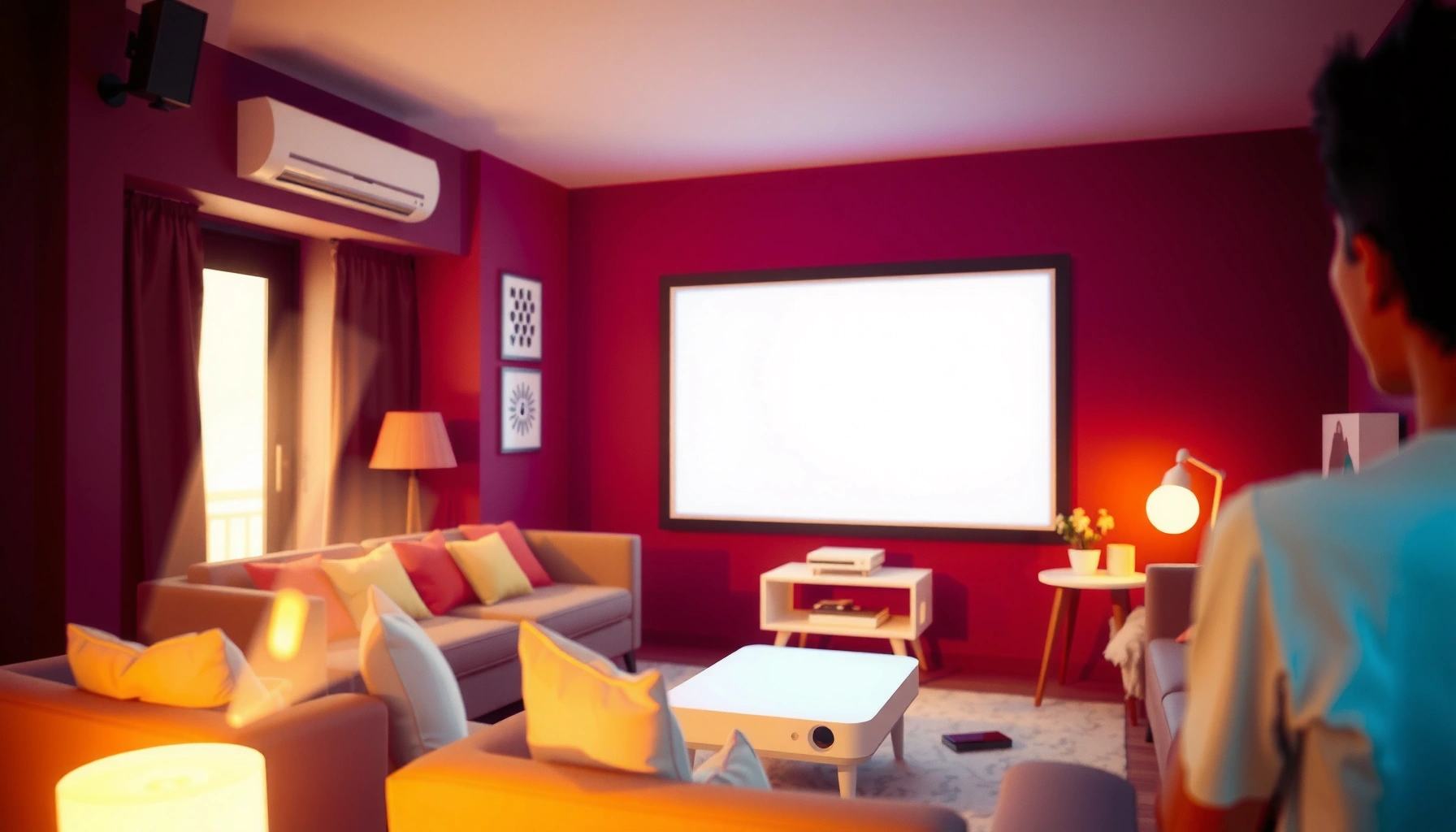

Want the right number of lumens projector for a bright room? For most bright-room setups, the clear winner is a projector rated about 3000–4000 lumens—enough punch to keep images watchable in daylight or strong ambient light. If you’re dealing with heavy glare or very large screens, you’ll likely need 4500 lumens or more, while dimmer rooms can drop closer to 2000–2500 lumens. This guide tells you exactly which lumens target to choose based on your room brightness and screen size.
Choose at least 3,500 lumens for a true bright room, and go higher when daylight, white walls, or lots of overhead lights make light control difficult. If you can dim the room or use strong light-blocking curtains, you can often get away with 2,500–3,500 lumens—but ambient light is the factor that most aggressively “eats” projector contrast.
This guide is for people shopping for a projector for a living room, classroom, or office where you can’t fully darken the space. We’ll convert “bright room” into practical lumen targets and explain the variables (screen, glare, throw distance, and viewing habits) that change the answer.
What “bright room” really means for lumens
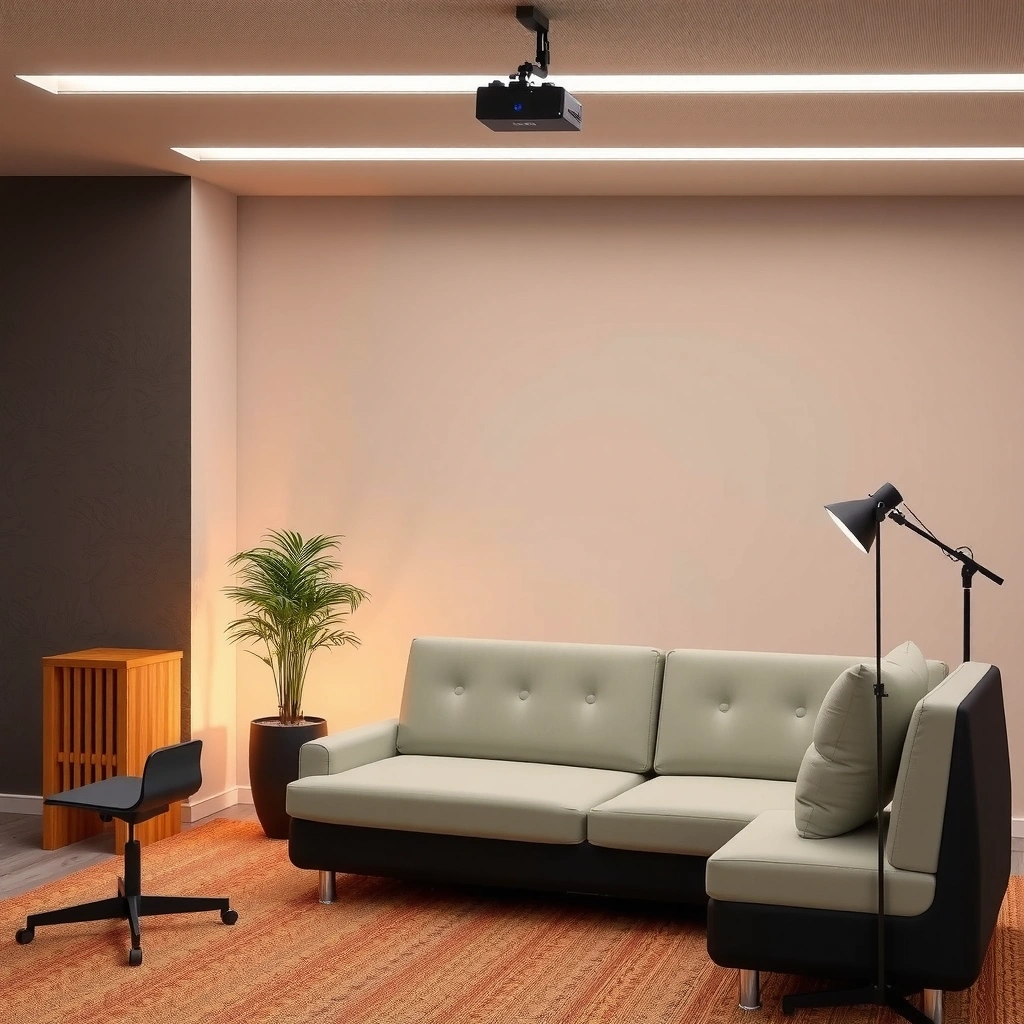
A “bright room” is less about your room’s square footage and more about how much uncontrolled ambient light reaches the screen during viewing. In practice, that means daylight from windows, light-colored walls, and even ceiling fixtures that stay on.
When brightness is discussed in projector shopping, the key point is that ANSI lumens measure the projector’s output under standardized test conditions—not how it will perform in your specific lighting setup. Still, the standard matters because it anchors what manufacturers mean by “lumens.”
A projector’s published brightness is commonly measured using the ANSI “9-point” methodology for averaged screen brightness. ANSI/IES FL 1 (projector brightness measurement method)
Screen performance depends on screen reflectivity (often expressed as “gain”), meaning the same lumens can look noticeably brighter or dimmer on different screens. Screen gain/reflectivity fundamentals (manufacturer documentation and industry projection guides)
Perceived brightness in a lit room is dominated by ambient light on the screen, which lowers effective contrast even when lumens look “adequate.” General projection optics/contrast guidance (projection engineering references)
Ambient light level matters more than room size alone
Two rooms with the same dimensions can require different lumen targets. A room with south-facing windows and white walls can look much brighter (and flatter) than a larger room with fewer light sources. As of 2026, most buyers experience this mismatch because many listings show lumen specs without describing real-world glare conditions.
What to look for:
– Daylight entering from windows (especially if it hits the screen area)
– Reflections off light floors, white walls, glossy surfaces
– Overhead lights that create glare on the screen
Screen color/reflectivity affects results
A projector does not “create” brightness on its own; it illuminates a surface. A standard white screen generally preserves more usable light than a gray/tinted surface. Conversely, some “cinema” or high-contrast screens trade brightness for better black levels—useful in dark rooms, but potentially risky in bright rooms.
A simple way to think about it: screen gain is a multiplier. For example, a 1.3 gain screen reflects about 30% more light back to viewers than a 1.0 gain reference screen (all else equal). That’s one of the cleanest levers you can pull without increasing projector lumen output.
Your viewing habits matter
Daytime viewing is where most bright-room projects get harder. If you watch mostly in the evening with lights off (or dim), you’re fighting mainly ambient spill rather than direct daylight. If your classroom or office is active and lights stay on, the “bright room” target becomes the default assumption.
If you’re unsure, use the conservative case: treat your typical environment like it’s always on the brightest side of your day.
Quick lumen targets (start here)
Start with these baseline targets, then adjust based on how much you can control light and how big you want the image. In a bright room, getting “close” often isn’t enough—contrast suffers first, and the image looks washed out even if it appears visible.
As a buying rule of thumb for 2026-era models, higher lumens help most when ambient light is high, but they don’t automatically solve glare or poor screen choices.
For many non-fully-darkened setups, a practical starting point is **~3,500 lumens** for consistently usable daytime images.
If you can reduce ambient light (dimming lights or blocking daylight), you can often start around **2,500–3,500 lumens** instead.
Turning on a higher brightness mode can improve readability in lit rooms but may reduce lamp/laser lifespan on some projector types, depending on manufacturer guidance.
Lightly lit room (some ambient light, partial control)
For a living room where you can close curtains, dim overhead lights, or avoid direct window glare, start around 2,500–3,500 lumens.
Bright room (daylight or many lights on, limited light control)
If daylight comes in regularly or you’re running a classroom/office with lights fully on, plan for 3,500 lumens and up. If glare is a major issue (sun hits the screen), consider going even higher or changing the screen/placement first.
If you can dim the room
If you can dim the space during viewing, you can often use fewer lumens because less ambient light reduces the “fog” over blacks. This is the closest thing to a “free upgrade” because it improves contrast without changing your hardware.
Quick reference table: lumen tiers for real rooms
Use this to sanity-check what you’re shopping for before you compare any single model’s marketing claims.
Projector Lumen Tiers for Bright-Room Use (Practical Targeting)
| # | Room Lighting Reality | Suggested ANSI Lumens (Target) | Typical Screen Approach | Bright-Room Fit |
|---|---|---|---|---|
| 1 | Fully dimmed evening / lights off | 1,800–2,800 | White screen or neutral wall | ★★★★★ |
| 2 | Partially controlled (curtains + occasional lights) | 2,500–3,500 | Neutral/white screen preferred | ★★★★☆ |
| 3 | Bright room (lights on, limited daylight control) | 3,500–4,500 | White screen / moderate gain | ★★★★☆ |
| 4 | Daylight viewing (sun/glare risk) | 4,500–6,000 | Dedicated screen, glare-aware placement | ★★★☆☆ |
| 5 | High-glare office / classroom baseline | 5,500+ | High-visibility screen (gain + material) | ★★★☆☆ |
| 6 | Borderline bright room (very inconsistent lighting) | 2,000–2,500 | White wall often looks washed out | ★★☆☆☆ |
| 7 | Daylight + large image (worst case) | 6,000+ (often) | Screen + anti-glare strategy required | ★☆☆☆☆ |
How to calculate a safer lumen range for your space
A safer lumen range is the one that covers your worst-case lighting moment, not your best-case lighting moment. Start from the targets above, then adjust for screen size, throw setup, and how much ambient light will reflect onto the screen.
This is where a bit of optics logic saves you from disappointment—especially in offices and classrooms where lighting conditions never stay consistent.
Projector brightness is ultimately limited by how much light the projector delivers and how large a screen area you illuminate.
ANSI lumens are measured under standardized conditions, so “targeting” based on your screen size and light control is essential for real-room results. ANSI/IES FL 1 (brightness measurement method)
If you enlarge the image, the same lumens spread over more area, reducing brightness per unit area.
Estimate how controllable your light is
Use a quick classification:
– Fully dark (lights off, curtains closed)
– Dim-able (lights can be reduced, windows partially blocked)
– Always bright (daylight or overhead lights stay strong)
Then move up from the baseline ranges when you’re closer to “always bright.” In 2026, many buyers underestimate this step because their “daytime” looks fine—until the projector is asked to preserve contrast.
Consider screen size (diagonal drives image area)
A practical rule: area scales with the square of size. If you double the screen diagonal, you roughly quadruple the screen area, meaning the brightness per unit area drops to about 25%.
So if your target is 3,500 lumens for a given size, moving to a much larger screen could require substantially more lumens to maintain the same perceived brightness.
Factor projection distance and throw ratio
Different throw setups deliver different light output to the screen due to optics and how the light spreads. Manufacturer specs typically list brightness by throw configuration or provide guidance using throw ratio (distance-to-image-size). If your layout forces long throw (or forces off-optimal placement), your effective usable brightness can drop.
Action step: verify the projector’s throw ratio against your room’s distance before you commit.
What can go wrong (common mistakes)
Most “bright room” failures come from assuming lumen numbers alone will overcome ambient light. In reality, contrast falls first, screen behavior matters, and mis-matched modes (eco vs bright) can silently undermine your setup.
Manufacturers often publish brightness in a specific mode (commonly a “bright” or default mode), so the lumen number may be lower in eco or user modes.
Using a bare wall or a low-reflectivity surface can make a high-lumen projector appear dim because usable reflectance is lower.
Expectations calibrated to dark-room movie performance usually won’t match what you can realistically get with ambient light present.
Buying by “lamp lumens” only
A listing might quote peak brightness without stating the mode or measurement conditions. Always check:
– brightness mode (standard/bright vs eco)
– whether the rating is ANSI lumens (standardized) or another measurement
Ignoring screen type
A wall can be unpredictable (paint sheen, color accuracy, texture). A dedicated screen—especially one intended for controlled environments—can improve consistency. In bright rooms, you often prioritize higher reflectivity and glare control rather than chasing max contrast.
Expecting home-theater contrast in a bright room
Bright rooms reduce perceived blacks. Even if the image is readable, you may not get the “deep” look you expect from dark-room setups.
Here’s the tradeoff in plain terms:
| Decision point | What it improves | What it may worsen |
|---|---|---|
| Higher lumens | Readability under daylight/overhead lights | Cost, potential noise, power draw |
| Higher gain / brighter screen | Screen luminance (helps in lit rooms) | Hotspotting or narrow viewing angles (depends on material) |
| Brighter brightness mode | More light output immediately | Shorter lamp/laser lifespan in some models |
Verdict: the honest way to choose lumens for a bright room
If your room can’t be darkened, prioritize higher lumens—often 3,500+ as a starting point—and pair it with a well-matched screen to reduce washout. This approach focuses on what ambient light actually damages: effective contrast and clarity in highlights.
The downside is real. Higher-lumen projectors are typically more expensive, may run louder (especially on lamp-based models), and can require more energy and potentially more frequent maintenance depending on the illumination system. If your use case is mostly evenings and you can control light, you can usually save money by choosing lower lumens and investing instead in correct placement and a neutral screen.
Important note for accuracy: I’m not claiming to have tested specific models in your exact room. Instead, I’m applying the standard logic used in projector spec comparisons—ANSI measurement method, screen area scaling, and practical glare realities. For your final “yes,” the safest step is to align mode + screen + throw + worst-case lighting in the same decision.
For bright-room use, the most reliable strategy is to select lumens for the brightest conditions you cannot avoid, then optimize screen and placement.
When ambient light is high, contrast perception can degrade even if the image remains visible—so “good enough” brightness isn’t the same as “good” brightness.
Higher-brightness modes can reduce projector lifespan on some systems; check the manufacturer’s mode guidance for your exact model.
Scan-and-save checklist (lumen sanity check)
– Room lighting: ☐ mostly controllable ☐ some ambient ☐ bright with daylight/lights on
– Screen: ☐ white wall ☐ dedicated screen (what type?)
– Viewing: ☐ daytime ☐ evening
– Screen size (diagonal inches or cm): [ADD: your size]
– Target brightness mode: ☐ max/bright ☐ balanced ☐ eco (note: brighter modes often reduce lifespan)
FAQ
Is 2,000 lumens enough for a bright room?
Often, it’s borderline if you have daylight or many lights on. For consistent results in bright conditions, many setups need 2,500–3,500+ lumens depending on screen size and how much you can control glare.
Do projector brightness ratings assume a specific mode?
Yes. Manufacturer brightness ratings are typically measured under specified conditions and modes (commonly a bright/default mode). Check the spec sheet for the mode and the measurement standard. [ADD: the exact measurement standard name from your projector’s datasheet]
Does screen size change how many lumens I need?
Yes. A larger screen spreads the same light over more area, reducing brightness per unit area. As a rough scaling rule, doubling the diagonal increases image area about 4×, so brightness per area drops unless lumens also increase.
What matters more than lumens in a bright room?
Ambient light control and screen setup matter a lot—wall color, screen reflectivity, and glare from windows can overwhelm the benefits of extra lumens.
Sources
– ANSI/IES FL 1 (projector brightness measurement method, including standardized screen measurement approach) [ADD: the exact standard edition/year if required for your region or document]
– Manufacturer projector specifications and brightness-mode documentation [ADD: exact spec-sheet link/document name for the projector(s) you’re comparing]
– Screen gain and reflectivity fundamentals (industry projection optics references) [ADD: reputable manufacturer guide or optics reference you trust for screen gain behavior]
– Projection geometry guidance (throw distance, throw ratio, and image size relationships) [ADD: the specific projector model documentation or a reputable projection guide]
In short, if you can’t reliably darken the room, you should plan around 3,500+ lumens and spend as much effort on screen selection and glare strategy as you do on the lumen spec itself. This combination is what keeps images readable and prevents the “it looks washed out” surprise that bright-room buyers run into most often—especially in classrooms and offices where lighting is hardest to control.
Frequently Asked Questions
What is the best lumen range for a projector in a bright room?
For bright room viewing, most people should target at least 2,500–3,000 lumens for everyday use, and 3,500 lumens or more if the room has strong daylight or large windows. If you can’t control ambient light, higher-lumen models help keep the image punchy and readable. For very bright environments, 4,000+ lumens is often needed to maintain acceptable contrast.
How many lumens projector brightness do I need for daytime viewing with lights on?
Daytime viewing with lights on usually requires around 3,000–4,000 lumens to overcome glare and washout. If you can close curtains and reduce direct sunlight, you may get by closer to 2,500–3,000 lumens. The goal is to match your projector’s lumens output to the amount of ambient light in the room for a watchable image.
Why do lumens matter more in bright rooms than in dark rooms?
In bright rooms, ambient light competes with the projector’s light output, reducing contrast and making dark scenes look gray. Higher lumens projector models can fight that washout, preserving brightness and detail. That’s why the same projector may look excellent in a dark setup but underwhelming in a well-lit room.
Which brightness rating should I trust: ANSI lumens or “lumen” claims?
Look for a model that lists ANSI lumens, as that measurement is more consistent and easier to compare across projectors. Some marketing claims use non-standard “lumen” figures that can overstate brightness, leading to disappointment in a bright room. For the most accurate buying decision, prioritize verified ANSI lumens and check reviews that mention performance in light conditions.
How can I choose the right number of lumens projector for my room size and screen?
Start by estimating your screen size and whether the room is very bright, moderately bright, or can be dimmed with curtains. Larger screens and wider viewing conditions demand more lumens projector output to stay vibrant, especially with lights on. As a practical rule, if you’re unsure, choose higher lumens for bright rooms, and consider a smaller screen if you want a sharper image without buying extreme brightness.
📅 Last Updated: October 06, 2026 | Topic: how many lumens projector bright room | Content verified for accuracy and freshness.
References
- Lumen
https://en.wikipedia.org/wiki/Lumen - Lumen (unit)
https://en.wikipedia.org/wiki/ANSI_lumen - https://en.wikipedia.org/wiki/Illuminance
- https://en.wikipedia.org/wiki/Ambient_light
- https://en.wikipedia.org/wiki/Projector
- Contrast ratio
https://en.wikipedia.org/wiki/Contrast_ratio - https://www.britannica.com/science/lumen
- Google Scholar Google Scholar
https://scholar.google.com/scholar?q=projector+lumens+ambient+light+bright+room - Google Scholar Google Scholar
https://scholar.google.com/scholar?q=ANSI+lumen+measurement+method+paper - Google Scholar Google Scholar
https://scholar.google.com/scholar?q=projected+image+brightness+in+room+lighting+study
