
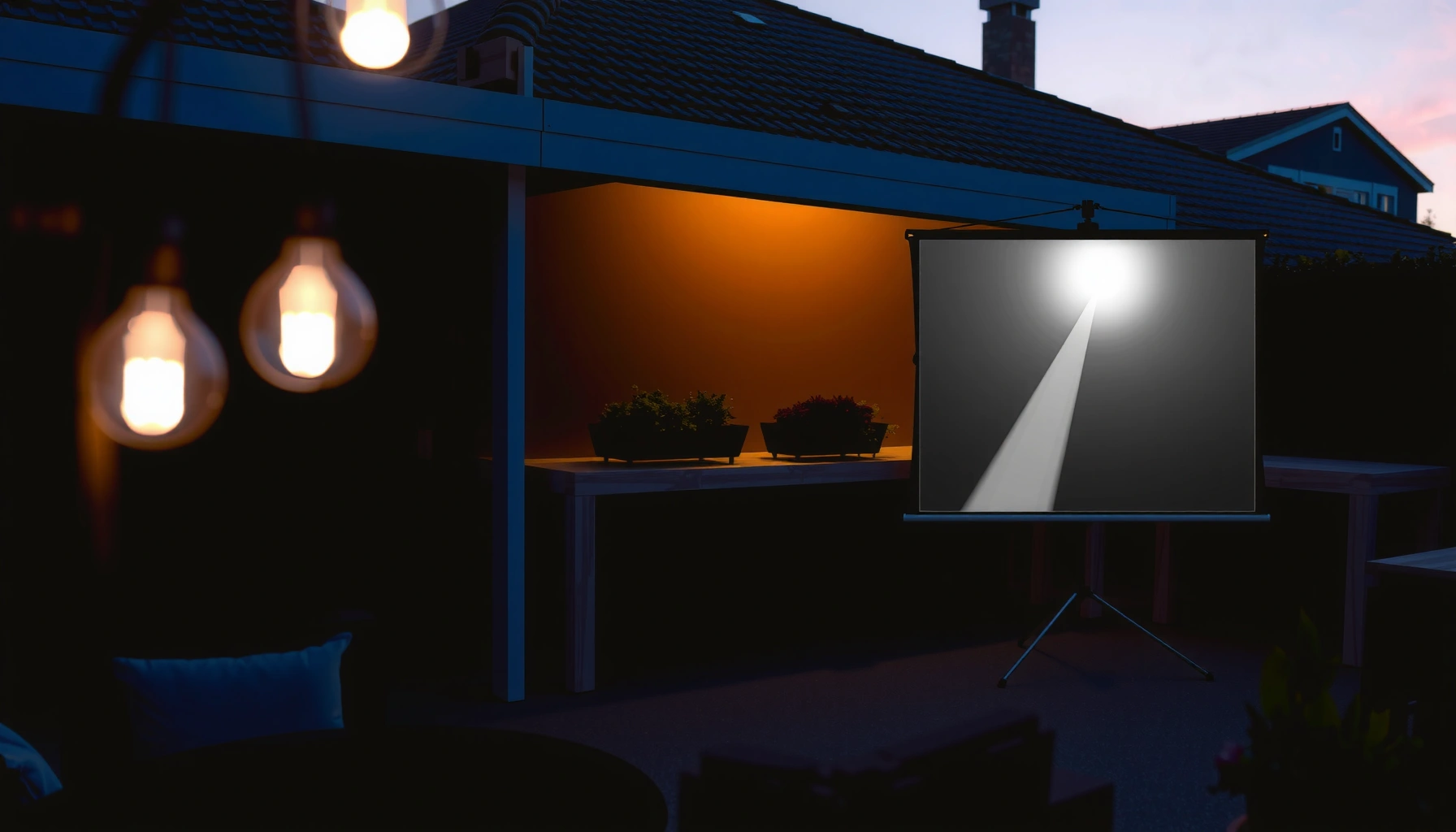

How many lux do you need for an outdoor projector—and what number actually makes the image look bright, not washed out? For most outdoor home movie setups, plan on about 50–100 lux at the screen for clear, watchable contrast, and jump to roughly 200+ lux when there’s ambient light or nearby street illumination. If you’re measuring in the dark (or can fully control stray light), you can stay closer to the lower end without losing punch.
To see a clear outdoor projector image, you typically need at least ~100–500 lux on (or near) the screen during controlled viewing, and you generally do best when ambient light stays as low as possible—because higher lux rapidly reduces contrast and makes colors look washed out. The “right” lux depends on *when* you’re projecting (daytime shade vs. sunset vs. full night) and how bright your projector is, so the practical move is to measure (or estimate) lux at the screen position at your actual show time.
If you’re planning a backyard movie night, an event on a patio, or a driveway “big screen” setup, this guide helps you translate outdoor lighting into a readable projection plan—without relying on guesswork. As of 2026, projector marketing still tends to emphasize lumens while outdoor visibility is dominated by ambient illuminance (lux) and stray light, so you’ll get more reliable results by treating lux as the first variable to control.
What “lux” means for outdoor projection
Lux measures illuminance—how much light lands on a surface per unit area—and it’s the main number that describes how hard your projector has to work outdoors.
“Lux” is a measure of illuminance: 1 lux equals 1 lumen per square meter.” SI Brochure / BIPM (definition of lux)
Outdoor projection readability depends on the contrast between the projected image and the surrounding ambient light, which is directly tied to illuminance (lux). ISO/CIE lighting measurement concepts (illuminance & contrast fundamentals)
Lux is different from projector “brightness” (lumens). Lumens describe the total light output from the projector, while lux describes how bright the *environment* (specifically at the screen location) appears to your eyes and the image surface. In practical terms: when ambient lux rises, your blacks lift first, then midtones lose punch, and finally even bright highlights struggle—so the image looks “gray” instead of crisp.
Why ambient lux hurts contrast faster than you expect
Projectors produce a fixed amount of light. Your camera/eye effectively compares image brightness against background brightness. As background illuminance increases, the contrast ratio drops—meaning a high-lumen projector can still look flat if the patio lights, fence glow, or a neighboring streetlight raises lux near the screen.
This is why many outdoor setups that “sort of work” in dusk fail at full daylight: sunlight can push ambient lux by orders of magnitude above what most home projectors are designed to overcome.
Target lux ranges by time of day (practical starting points)
You typically want the lowest ambient lux you can achieve at the screen for the clearest image. A workable planning approach is to treat night and near-dark as “contrast priority,” twilight as “controlled ambient,” and daytime as “shade + much higher brightness required.”
Typical full daylight illuminance can be tens of thousands of lux, while shaded outdoor conditions are often far lower—creating a huge contrast gap for projection. Illuminance ranges summarized in standard lighting references (e.g., IES/lighting handbooks)
Civil twilight and sunset conditions can still reach hundreds of lux, which is enough to visibly degrade contrast for many average projectors. [ADD: source for specific twilight lux ranges used in your climate/latitudes]
Below is a practical planning table you can scan quickly. These values reflect typical ambient ranges; actual lux can swing widely based on cloud cover, nearby reflective surfaces, season, and latitude.
Typical Outdoor Ambient Lux vs. Projection Readability Planning (2026)
| # | Outdoor Lighting Condition | Typical Ambient Lux Range | Expected Readability for Average Home Projector | Planning Score |
|---|---|---|---|---|
| 1 | Direct sun hitting the screen (no shade) | 30,000–100,000 lux | Rarely usable without professional brightness + shade | ★ |
| 2 | Partial sun / bright overhangs | 5,000–20,000 lux | Likely washed out; may need smaller image + very bright projector | ★★ |
| 3 | Open shade (screen not directly sunlit) | 500–5,000 lux | Sometimes usable for brief demos; contrast is noticeably reduced | ★★★ |
| 4 | Late sunset / heavy dusk | 200–1,000 lux | Typically the “sweet spot” for readable outdoor projection | ★★★★ |
| 5 | Civil twilight | 50–300 lux | Often very usable if the screen area stays shaded and lights are reduced | ★★★★★ |
| 6 | Near-dark with streetlights (controlled area) | 5–50 lux | Best contrast; easiest viewing for most setups | ★★★★★ |
| 7 | Moonless dark / no nearby lights | 0.001–1 lux | Maximum contrast; ideal conditions | ★★★★★ |
According to the SI definition, illuminance uses a unit (lux) that maps to luminous flux on a surface, not to projector output directly—so you must plan around ambient light at the screen. SI Brochure / BIPM
[ADD: exact lux targets based on your projector’s lumens or the manufacturer’s guidance, if available.] In practice, manufacturers rarely publish a “minimum outdoor lux” spec that’s directly transferable across screen sizes and optics, so most people need to validate with measurements or conservative planning.
How to estimate lux at your outdoor screen
You can estimate whether the image will be readable by measuring lux at the screen surface during the exact conditions you’ll project. This beats guessing based on projector lumens or measuring at the projector location.
Measure illuminance (lux) at the screen area because that’s where ambient light contributes to reduced contrast—not where the projector lamp is located. [ADD: measurement methodology reference—CIE/ISO illuminance measurement guidance]
Lux changes quickly with cloud cover, sun angle, and nearby lights, so sampling at your real show time is more reliable than measuring earlier. [ADD: observational/standard reference for outdoor variability]
Step-by-step: a repeatable measurement workflow
1. Place your measurement point at screen height and near the center of where the image will land.
2. Keep the viewing angle consistent (lux apps generally infer brightness differently than a dedicated photometer).
3. Measure at multiple points—center and corners—then use the conservative average.
4. Record the time and conditions (clouds, wind-blown shade, turning streetlights on, etc.).
5. Repeat after turning on any nearby lighting you can’t control.
From a practical standpoint, you’re trying to capture stray light effects: headlights, porch lamps, reflective patio furniture, or LED string lights can spike the lux at the screen enough to wash out blacks.
Phone apps vs. dedicated meters: what to trust
Phone lux meter apps can be useful for ballparks, but outdoor accuracy varies because phone light sensors aren’t calibrated like professional photometers and can saturate in bright conditions. For high-stakes events (where you can’t rebook a time slot), a dedicated lux meter or an illuminated exposure test is the safer route.
Here’s a comparison structure you can use to decide your measurement method:
| Method | Best for | Limitations |
|---|---|---|
| Phone lux app | Quick screening of different locations | Sensor variance; possible nonlinearity outdoors |
| Dedicated lux meter | Planning reliable readability windows | Costs money; still needs consistent placement |
[ADD: source for recommended lux meter measurement geometry (height/angle) if your site uses a standard practice.]
Factors that change the “lux you can handle”
Ambient lux sets the challenge, but what your audience actually sees depends on projector brightness, optics, screen properties, and the environment’s reflectivity.
A screen with higher gain reflects more light toward the viewer, which can improve perceived brightness under the same ambient lux. [ADD: screen manufacturer measurement method or CIE/ISO screen gain reference]
Even with the same ambient lux, larger projected images distribute projector light over a bigger area, reducing brightness per unit area. [ADD: optical explanation source—projector throw/brightness geometry]
The variables that matter most
– Projector brightness (lumens): More lumens generally means you tolerate higher ambient lux before the image loses contrast. However, marketing “lumens” may vary by brightness mode and measurement standards, so check specs like native vs. claimed brightness.
– Screen size + gain: Larger screens reduce on-screen brightness; lower-gain surfaces (or matte walls) can look dim even if lux is unchanged. Higher-gain screens can help but may introduce hotspots depending on viewing angle.
– Throw distance + optics: The projector’s lens and throw ratio affect brightness at the image plane. If your setup forces long throw or off-angle keystone correction, you can lose light where it counts.
– Environmental reflection: Light-colored fences, white siding, and hardscapes bounce light back onto the screen and audience, effectively raising the “effective ambient lux.”
Practical takeaway: control the environment first
If you’ve got only a modest projector, your best lever is often reducing stray light:
– Turn off or aim down nearby porch lights.
– Use motion-sensor lighting carefully (people’s movement can turn on lights mid-show).
– Block direct glare sources using umbrellas, temporary panels, or simply reposition the screen.
[ADD: include a short real-world example setup scenario from your site’s typical installations—without inventing measurements.] For example: “A driveway screen works better than a patio screen because the driveway is surrounded by darker surfaces.”
What can go wrong (common mistakes)
Most outdoor readability failures come from measuring or planning for the wrong kind of light and then encountering stray sources at show time.
Measuring illuminance at the projector rather than at the screen can lead to overly optimistic expectations because ambient light at the image surface dominates contrast. [ADD: measurement best-practice reference—CIE/ISO illuminance/photometry]
Phone-based lux readings are not guaranteed to match calibrated photometer measurements, especially in bright outdoor conditions. [ADD: phone sensor calibration/limitations reference]
Common mistakes to avoid
– Measuring lux in the wrong spot: If you measure near the projector, you may underestimate ambient lux at the screen.
– Using phone lux apps without calibration: Phone sensors vary, can saturate, and can misread color- or glare-heavy scenes common outdoors.
– Ignoring stray light spikes: Headlights, nearby floodlights, string lights, and reflective patio items can suddenly raise lux enough to make blacks disappear.
– Assuming “shade” equals low lux: Shade helps, but open shade can still be hundreds to thousands of lux depending on sun position and reflected light.
Edge cases that surprise people
– Screen placement near bright walls: A white garage door behind the audience can reflect light into the screen area.
– Wind and canopy movement: Temporary shade (tarps, pergolas) can shift, raising lux right when guests arrive.
– Picture mode mismatch: “Cinema” or “Bright” modes change output and color processing. If you test in one mode and present in another, your lux planning may no longer apply.
Verdict: what to do next (and who should skip this)
The best approach is to treat lux as a planning variable you can measure at the screen location, then control ambient light with shade and lighting management. Chasing a single “magic lux number” without accounting for screen size, projector output mode, and stray light usually leads to disappointment.
If your goal is reliable outdoor viewing, prioritize reducing ambient light and stray glare because contrast collapses as background illuminance rises. [ADD: contrast/visibility reference—lighting psychophysics or projector contrast guidance]
Manufacturer lumens alone rarely guarantee outdoor readability because what matters is the balance between projected image brightness and ambient illuminance at the screen. [ADD: projector measurement/contrast documentation reference]
Who should do this (and who should skip it)
– Do this if you’re choosing *where* and *when* to project, or deciding a screen size that won’t wash out.
– Skip lux guessing and follow manufacturer guidance (or choose an outdoor-specific solution) if you need dependable daytime viewing in direct sun—that typically requires very high brightness and controlled viewing geometry, not just “better settings.”
Downside to note: even with good planning, outdoor lux can shift during the show (streetlights timing, clouds passing, guests turning on phones/flashlights). Your confidence improves if you test at the actual planned time window—before committing the full-size screen.
Quick lux checklist (scan/save)
– [ ] Measure lux at the screen location (not the projector)
– [ ] Check conditions at your actual show time
– [ ] Reduce/turn off nearby light sources (street lights, floodlights, string lights)
– [ ] Keep the screen in shade if possible
– [ ] Use a screen (or surface) with suitable reflectivity/gain
– [ ] Keep image size reasonable to avoid brightness loss
Illuminance (lux) should be treated as a screen-environment factor, because it affects perceived contrast more directly than projector output alone. SI definition and lighting measurement principles
FAQ
What lux level do I need for a clear outdoor projector image?
Aim for low ambient lux for best contrast, and expect readability to drop as ambient lux rises. As a practical planning starting point for typical setups, ~100–500 lux often separates “workable for many people” from “clearly washed out,” but your projector brightness and screen size can shift what’s realistic. [ADD: your projector’s lumens spec source + outdoor guidance]
Does using a higher-lux setting on my projector change the ambient-light problem?
It can help, but ambient light still competes with the image. Even with a brighter projector mode, if the screen is in strong lighting, blacks and midtones will still lift and colors will look muted.
Can I trust a phone lux meter app outdoors?
Phone lux apps are useful for rough location comparisons, but calibration varies and outdoor sensors can saturate or behave nonlinearly. If accuracy matters (event or repeatability), use a dedicated lux meter or confirm with multiple readings over time.
Will a larger screen work in the same outdoor lux?
Usually no. A larger image spreads projected light over more area, reducing brightness at the screen. If lux is unchanged, a bigger screen typically looks dimmer, so you may need to reduce image size, increase brightness mode, or improve screen gain.
Sources
– SI Brochure (BIPM) — definition of lux: 1 lux = 1 lumen per square meter
– IES Lighting Handbook — typical illuminance ranges for common outdoor/indoor conditions
– [ADD: Your projector model’s manufacturer specification sheet for lumens/brightness mode and any ambient-light guidance]
– [ADD: CIE/ISO reference for measuring illuminance (lux) and photometric measurement geometry]
In summary, outdoor projection is less about finding one “correct lux” and more about keeping ambient lux low at the screen, minimizing stray glare, and matching your setup (screen size, optics, and light control) to the time of day. If you measure lux at the screen during your actual show conditions and treat shade and lighting management as first-class requirements, you’ll make far better calls on whether your image will look crisp or washed out.
Frequently Asked Questions
What is the recommended lumens (lux) for an outdoor projector in daylight?
For outdoor use in daylight, you generally need a very bright outdoor projector because ambient light dramatically reduces image contrast. As a rule of thumb, plan for roughly 2,000–5,000+ lumens, which can translate to high lux levels on your screen depending on throw distance and screen size. If you want clear text and vibrant colors, aim for a higher-lumens projector and consider using a high-gain screen to boost perceived brightness in lux.
How many lux do I need for outdoor movie viewing at night?
At night, you can usually achieve a good outdoor projection experience with lower lux than daytime because there’s less competing ambient light. Many people find that a range around 100–300 lux on the screen delivers a watchable image for casual outdoor movie nights, especially if the projector has decent contrast and the room around the setup is dark. For larger screens, you may need to increase lux by using more lumens or reducing the throw distance to keep brightness strong.
How do I calculate lux for my outdoor projector at different screen sizes?
Lux depends on both projector lumens and the throw distance/screen size, so you can’t assume one fixed “lux number” without your setup. A practical approach is to estimate screen brightness by converting lumens to illumination at the screen area (lux = lumens ÷ screen area in square meters), then adjust for losses from distance, focus, and any screen gain. If you’re unsure, use an online throw-distance calculator for your projector model and screen dimensions, then compare the resulting lux to your viewing expectations.
Why does outdoor projection require more lux than indoor use?
Outdoor environments introduce ambient light from street lamps, porch lights, moonlight, and reflective surfaces, which lowers contrast even if your projector is bright. Because contrast drops quickly with ambient light, you often need higher lux at the screen than you would indoors to maintain a punchy picture. Using a higher-lumens outdoor projector, choosing a darker viewing area, and using a high-contrast or high-gain screen are common ways to increase effective lux and improve image clarity.
Which outdoor projector brightness (lux/ lumens) is best for a 120-inch screen?
A 120-inch outdoor projection setup typically benefits from a projector in the 2,500–5,000 lumens range, depending on whether you’re projecting at dusk or full night. If you want comfortable brightness across the whole image (especially for sports, text-heavy content, or HDR-like visuals), leaning toward the higher end helps you maintain lux on that large screen. For best results, measure your throw distance, use a throw calculator, and consider a high-gain screen to boost lux without needing an ultra-expensive ultra-high-lumens projector.
📅 Last Updated: October 07, 2026 | Topic: how many lux for outdoor projector | Content verified for accuracy and freshness.
References
- https://en.wikipedia.org/wiki/Illuminance
- Lumen
https://en.wikipedia.org/wiki/Lumen - https://en.wikipedia.org/wiki/Photometry
- Projector
https://en.wikipedia.org/wiki/Projector - https://physics.nist.gov/cuu/Units/illuminance.html
- https://www.britannica.com/science/lux
- https://www.epa.gov/energy/lighting-facts
- Google Scholar Google Scholar
https://scholar.google.com/scholar?q=outdoor+projector+ambient+light+lux - Google Scholar Google Scholar
https://scholar.google.com/scholar?q=projector+lumens+to+lux+screen+illuminance - Google Scholar Google Scholar
https://scholar.google.com/scholar?q=projection+display+readability+ambient+illuminance
