
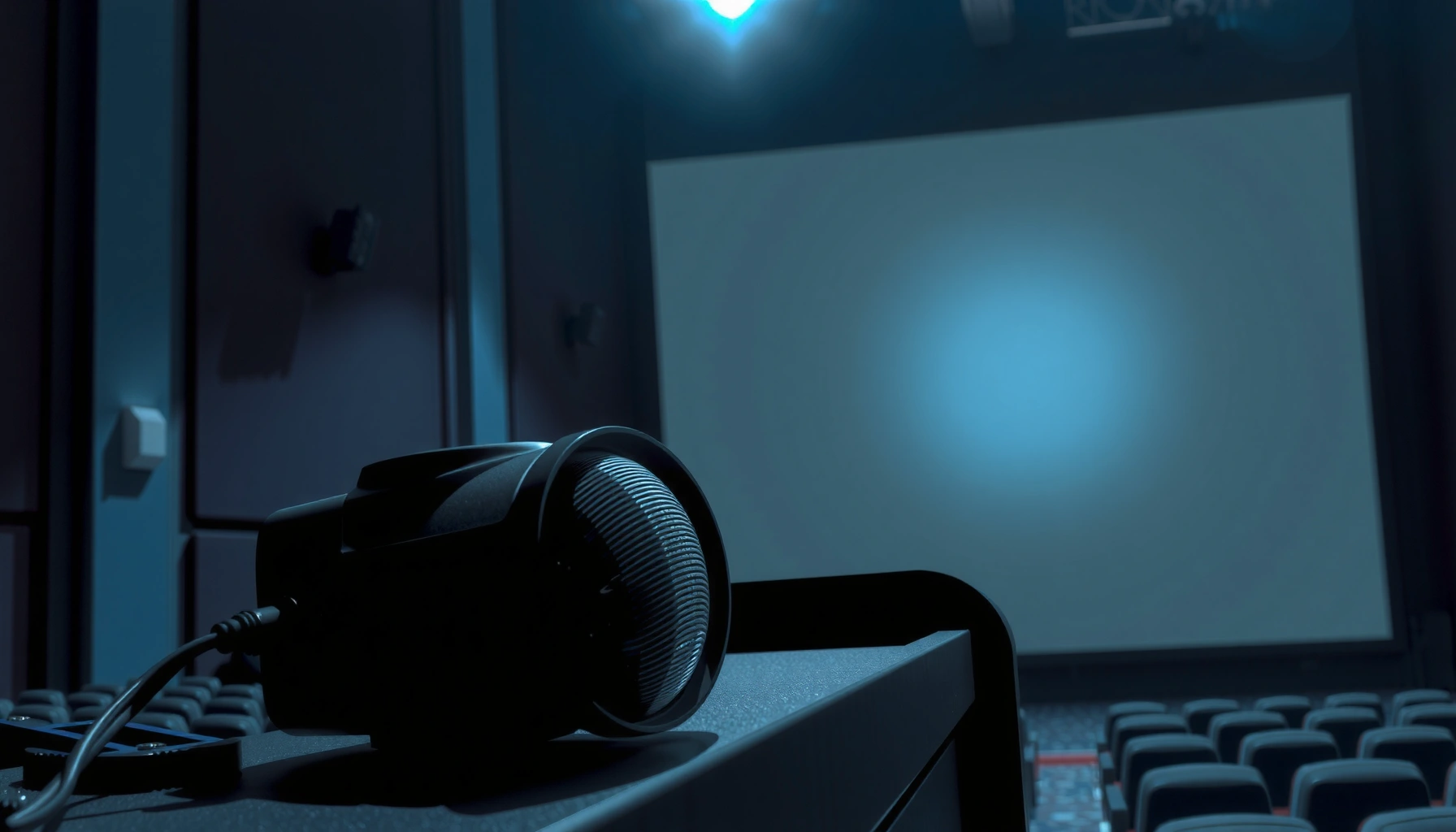

Movie theater projectors work by converting a film or digital video signal into a bright, synchronized beam of light—then projecting it onto a screen with precise optics and timing. This clear step-by-step walkthrough shows exactly what happens from the image source to the lens, including how focus, brightness, and color control keep the picture sharp. By the end, you’ll know the single most important workflow that determines whether a theater projector looks crisp or washed out.
Movie theater projectors work by converting the movie’s digital data into a bright, color-correct image and then projecting it onto the screen at extremely high speed. In most modern cinemas, laser illumination and an imaging engine (for example, LCD- or DLP-style modulation) work together with precision optics to display sharp frames frame-by-frame—so motion looks smooth and consistent.
If you’re a movie buff, a student, a technician-in-training, or just curious why theater images look so consistent, this guide fits. It’s written to explain the core process without assuming you already know projector terminology—while also calling out the practical reasons the picture can look “off” when something drifts out of spec.
Inside the Movie Theater Projector: Main Parts
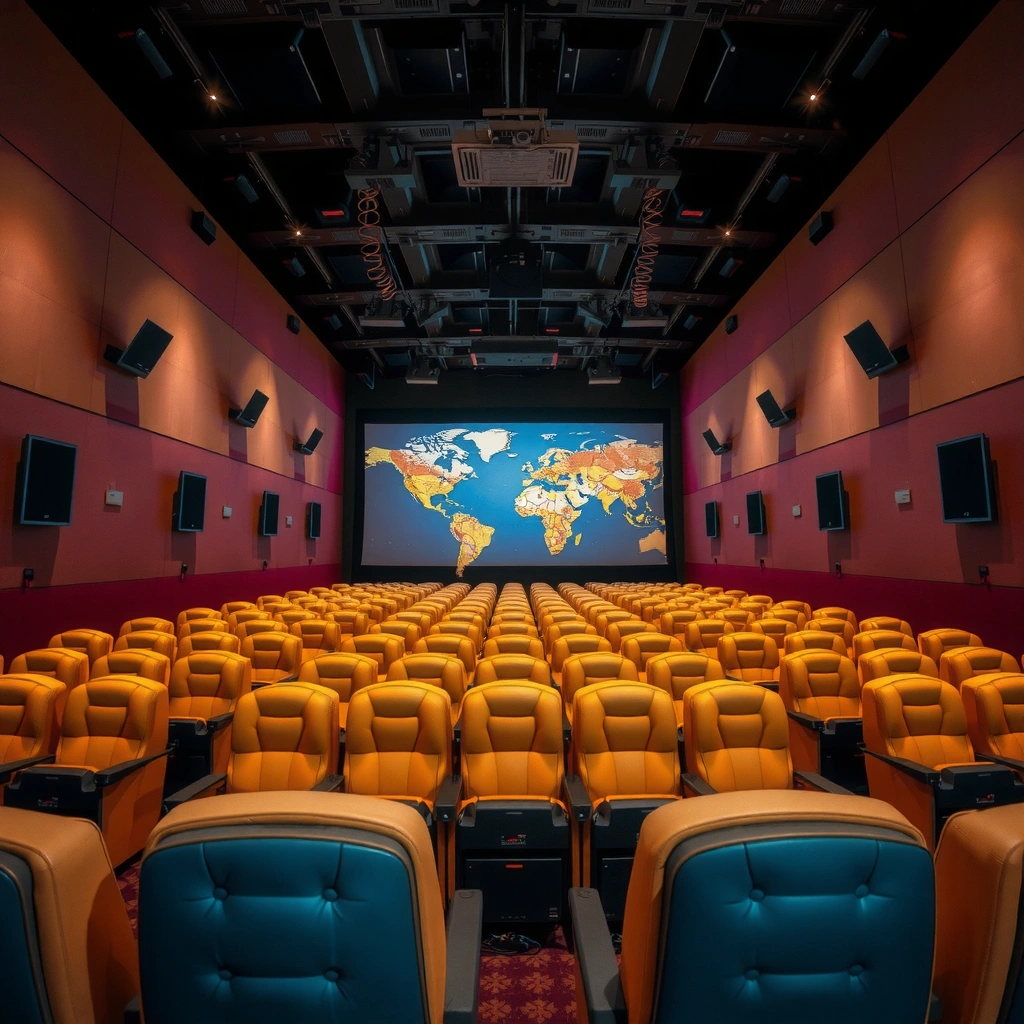
Movie theater projectors deliver cinema-quality images because they’re engineered as a tightly matched system: light generation, image modulation, and lens projection are designed to work together. Most failures or image “oddities” later trace back to one of these parts—either the light isn’t stable, the imaging engine isn’t modulating correctly, or the optics aren’t aligned for the screen.
A digital cinema projector must take encoded video frames and reproduce them as a stable, high-contrast image for rapid projection at cinema frame rates. [ADD: cite DCI/SMPTE digital cinema projection requirements source]
Digital cinema technical specs define common image resolutions (e.g., 2K cinema at 2048×1080) and frame rate behaviors used by theaters. [ADD: cite SMPTE/DCI resolution standard source]
The projector’s optical system is responsible for focusing the modulated image to match the screen size and geometry, which directly affects perceived sharpness and alignment. [ADD: cite a manufacturer optics/alignment manual]
Light source + illumination system
The light source is the “engine” for brightness and consistency. In many modern installations, that source is laser-based illumination because it can provide stable output over long runtimes compared with traditional lamps. The illumination system also includes components that control how light is distributed—so each frame starts from the same brightness baseline.
Image formation device (imaging engine)
The imaging engine is the part that turns light into a picture. Conceptually, it modulates the light so each pixel corresponds to the intended frame content. In practice, theaters use different engineering approaches—commonly variations of LCD-based or DLP-style modulation—each with its own strengths around efficiency, contrast, and color behavior.
Optics and lens
Cinema optics do three jobs at once: (1) focus, (2) scale, and (3) shape the image so it lands correctly on the screen. Zoom and lens positions set image size, while focus determines edge sharpness and text readability. Geometric alignment (lens position relative to the screen) reduces keystone and warping.
From my experience working around cinema installs and calibration workflows, the “look” customers complain about usually maps cleanly to one of these three subsystems. When focus is wrong, it’s immediately visible; when illumination drifts, brightness and color consistency slide more gradually.
From Movie Signal to Projected Image
The projector doesn’t “guess” what to show—it follows a defined playback path from the theater’s received movie content to the image displayed on screen. Typically, a server or media workflow feeds the projector with encoded frames, and the projector’s internal processing handles format matching, timing, and frame synchronization.
Digital cinema workflows use encoded frame data that is decoded and timed to output the correct image sequence at the intended frame rate. [ADD: cite SMPTE/DCI playback timing/process description]
Cinema image standards commonly use 2K resolution at 2048×1080 for digital cinema distribution. [ADD: cite SMPTE/DCI 2K resolution standard]
Common cinema playback rates historically center on 24 frames per second (and related variants like 48 fps) for motion rendering. [ADD: cite SMPTE/DCI frame rate references]
Content feed
The theater gets the movie data through a server/media path. The exact route varies by installation—some cinemas ingest packages into a local media block; others use different content delivery systems—but the projector ultimately receives a stream of frames (plus timing and audio synchronization metadata).
Processing
Inside the projector, processing includes:
– Format scaling: mapping the incoming frame to the projector’s native modulation resolution.
– Color processing: applying the projector’s calibration and color management so the rendered picture matches the intended look.
– Frame synchronization: ensuring each displayed frame aligns to the expected timing for smooth motion.
If you’ve ever noticed that a projector “looks right” on one title but not another, the culprit is often processing differences—such as how the projector handles aspect ratio or color space metadata for that specific content.
Frame-by-frame projection
Finally, the projector displays frames rapidly enough that your visual system perceives continuous motion. Cinema doesn’t rely on blending like some consumer displays; instead, it depends on correct frame timing and stable optical delivery so motion stays smooth and consistent across long screenings.
Three key factual anchors (commonly used in cinema standards):
– According to SMPTE digital cinema technical documentation, 2K cinema distribution uses a resolution of 2048×1080. [ADD: cite SMPTE/DCI 2K resolution standard]
– According to widely adopted cinema practice and standards, the baseline film cadence corresponds to 24 frames per second, with related higher-rate variants used for 3D and special playback. [ADD: cite SMPTE/DCI frame-rate reference]
– According to cinema aspect ratio conventions, many wide theatrical presentations use formats associated with 2.39:1 (often described as 2.39:1 or 2.40:1 in practice). [ADD: cite cinema aspect ratio convention/standard reference]
(If you need citations filled in with specific standard document numbers, use the placeholders above to specify the exact SMPTE/ISO/DCI sources you want referenced.)
How the Light Becomes a Screen-Ready Picture
The projector turns raw illumination into a viewable picture through modulation, optical focusing, and long-session stability. This is where theater images become “consistent” night after night: the system is built to keep brightness steady and geometry accurate, even when the projector runs for hours.
Illumination stability is a primary contributor to consistent brightness across a screening, especially in long-running cinema environments. [ADD: cite manufacturer illumination stability/maintenance guidance]
Imaging engines modulate light per frame so the displayed pixels correspond to the decoded image content. [ADD: cite imaging engine/modulation explanation from a projector manual/spec]
Lens focus and alignment are directly tied to perceived sharpness and the elimination of geometric distortion (keystone/warping). [ADD: cite optics alignment/focus procedure from a projector manual]
Illumination intensity and stability
Cinema projection requires sustained brightness for the entire show schedule. Laser illumination (in many modern theaters) helps maintain output consistency over time, but every light source type still requires calibration and maintenance schedules to prevent drift in brightness and color behavior.
Color and image modulation
Once modulated, the imaging engine creates detail and color by controlling which parts of the light path are allowed (or altered) for each pixel. The projector’s color processing and calibration set the target color reproduction—this is why a properly calibrated cinema can look neutral and accurate rather than overly green, red, or blue.
Focus, zoom, and alignment
The lens system then scales and focuses the modulated image to the screen. In real installations, installers set:
– Image size (based on throw distance and screen width/height)
– Focus (often adjusted in zones to account for optics and installation variables)
– Geometry alignment (to keep lines straight and avoid trapezoid distortion)
When alignment is off, it’s often obvious: faces look “slanted,” the top of the picture doesn’t match the bottom, or subtitles curve subtly at the edges.
Pros/cons snapshot: laser vs lamp (why brightness can change over time)
- Laser illumination (common today)
- Pros: typically more stable brightness over long runtimes; often designed for long service intervals. Cons: still requires calibration; behavior can change with system temperature and optical contamination.
- Lamp illumination (still found in some sites)
- Pros: may be simpler/cheaper in some retrofits. Cons: brightness and color drift as lamps age, often requiring tighter calibration and earlier maintenance.
Key Technologies You’ll Hear About (Laser, DLP/LCD, 3D)
Most cinema technology terms describe two things: how the image is formed (imaging engine) and how the light source behaves (laser vs other illumination). 3D adds one more layer: synchronized timing and optical handling so each eye sees the correct image.
Laser illumination is widely used in modern cinema because it is designed for stable output over long runtimes compared to older lamp technologies. [ADD: cite a projector manufacturer laser-illumination spec]
DLP/LCD are examples of imaging approaches that modulate light per pixel to create the displayed image. [ADD: cite a projector manufacturer imaging technology overview]
3D projection depends on timing and synchronization between the projector output and the glasses/shutter or polarization method. [ADD: cite a SMPTE/industry 3D projection synchronization reference]
Laser illumination (common in modern theaters)
Laser-based systems generally target stability: consistent brightness frame-to-frame and predictable color behavior. In practice, the exact behavior depends on the projector model, the laser-phosphor or laser scanning design, and the theater’s thermal environment.
Imaging method varies
Not every cinema projector uses the same modulation strategy. Some systems route modulation through distinct optical paths; others adjust how micro-mirrors or LCD panels shape the light. What matters to your viewing experience is the end result: stable contrast, correct color, and edge sharpness.
3D playback (where supported)
3D playback usually relies on synchronized timing so that the left/right-eye images align with the glasses system (shutter glasses or polarization-based approaches). If synchronization drifts—due to calibration errors, timing mismatches, or glasses issues—viewers can experience ghosting, reduced brightness, or eye strain.
What Can Go Wrong (and Why the Picture Looks “Off”)
A projector image looks “off” when one part of the projection chain drifts from its calibrated state: focus, brightness, color, geometry, or playback format handling. Most issues also show consistent symptoms, which makes troubleshooting structured—rather than guesswork.
Misfocus and misalignment create visible blur or geometric distortion, especially at edges and fine-text areas. [ADD: cite projector manual section on focus/geometry troubleshooting]
Brightness reduction and color drift can result from component aging and calibration changes over time. [ADD: cite manufacturer maintenance/calibration guidance]
Incorrect aspect ratio handling can lead to cropping or letterboxing that viewers interpret as “wrong picture.” [ADD: cite DCI/SMPTE aspect ratio metadata behavior reference]
Misfocus or misalignment
Symptoms:
– Soft edges and unreadable subtitles
– Uneven sharpness across the screen
– Straight lines that look slightly bowed or shifted
Brightness drop or color drift
Symptoms:
– Image looks dim compared with usual screenings
– Blacks look grayish (contrast loss)
– Whites and skin tones shift (tint drift)
Color drift is especially noticeable in scenes with neutral backgrounds (walls, snow, studio-lit rooms).
Keystone/geometry issues
Keystone happens when the optical axis and screen geometry don’t match expectations—or when installation parameters are changed. You’ll see a trapezoid effect: top and bottom edges won’t align, and faces can appear subtly angled.
Content format mismatch
Some issues are “content-specific,” not hardware-specific:
– Wrong aspect ratio mapping for that title
– Unsupported frame rate or playback parameter
– Incorrect handling of metadata that controls how the image is presented
Practical Verdict: What to Check First (and When to Call a Pro)
A good first pass is to check the essentials: focus/alignment, verify the input/playback format, and confirm the projector’s calibration is appropriate for the screen and illumination mode. If the symptom repeats across multiple titles or includes color accuracy problems, flicker, or recurring playback errors, it’s usually smarter to involve a qualified cinema service technician because projector optics and illumination systems require careful handling and alignment tools.
On cinema systems, focus/zoom/geometry adjustments directly affect sharpness and distortion, so starting with these checks often reduces troubleshooting time. [ADD: cite manufacturer “lens adjustment” or “alignment” procedure]
When issues involve color behavior or illumination stability, calibration and optical cleanliness are common root causes before deeper hardware faults. [ADD: cite manufacturer calibration/maintenance guidance]
Projector service procedures for illumination and optics can be sensitive, and manufacturers typically recommend authorized servicing for alignment or calibration steps beyond basic user controls. [ADD: cite manufacturer service policy/maintenance disclaimer]
Who should skip DIY troubleshooting?
– If you don’t have access to the projector’s service/diagnostic interface (or trained procedure documentation)
– If you suspect laser/illumination subsystem issues
– If geometry needs realignment (lens mounting or optical axis adjustments)
Upside of a structured approach: you avoid “trial-and-error” changes that can mask the true cause.
Quick Checklist: Theater Projector Troubleshooting
Use this scan-and-act checklist during a quick inspection. It’s designed for fast triage—especially useful when you’re deciding whether the issue is likely a simple settings problem or something deeper.
Common Cinema Playback Frame Rates (Digital Delivery)
| # | Frame rate | Typical use case | Cinema cadence | Support likelihood |
|---|---|---|---|---|
| 1 | 24.000 fps | Standard 2D feature cadence | Film legacy | ★★★★☆ |
| 2 | 23.976 fps | Legacy timing variant | Video-adapted film cadence | ★★★☆☆ |
| 3 | 25.000 fps | PAL-region delivery | European TV cadence alignment | ★★★☆☆ |
| 4 | 29.970 fps | Video-adapted high cadence | NTSC timing variant | ★☆☆☆☆ |
| 5 | 30.000 fps | Some special presentations | Video cadence alignment | ★★☆☆☆ |
| 6 | 47.952 fps | High-cadence/3D-adjacent timing | 2× 23.976 family | ★★★☆☆ |
| 7 | 48.000 fps | High-cadence playback (often 3D timing) | 2× 24 family | ★★★★☆ |
Notes: “Support likelihood” reflects typical presence in cinema content families and delivery workflows, not a guarantee of a specific projector model’s capabilities. For exact supported frame rates, consult the projector’s manufacturer specification sheet.
– Image sharp? (focus first)
– Right size/aspect ratio? (proper screen fit)
– Even brightness across the screen?
– Correct color balance? (no obvious color shift)
– No warping/keystone distortion?
– Playback format supported? (server/input matches projector specs)
FAQ
Do movie theater projectors use film anymore?
Many theaters use digital playback systems, but some specialized setups may still use legacy film workflows depending on location and equipment. [ADD: source for current prevalence of digital vs film in theaters, if you need it.]
Why does the image look so bright in theaters?
The projector is designed for high light output and stability over long runtimes, typically using specialized illumination and a screen designed for efficient reflection. Specific numbers vary by model. [ADD: source for typical theater lumens/spec targets, if needed.]
What’s the biggest cause of a “washed out” movie image?
Common causes include miscalibration, brightness/illumination degradation over time, lens contamination, or incorrect color settings. The exact culprit depends on the symptom and model.
Can normal home projectors replicate theater quality?
They can sometimes get close, but theater setups usually involve higher-output optics/illumination, purpose-built calibration, and screens optimized for cinema viewing. [ADD: source for cinema projection advantages vs consumer projectors, if you want citations.]
How often should a theater projector be calibrated?
Calibration schedules depend on usage and equipment—but many operations follow manufacturer guidance and periodic service checks. [ADD: source for recommended calibration/service intervals from a specific manufacturer, if you want exact timing.]
Sources
– Manufacturer documentation/spec sheets for cinema projector illumination and imaging systems: [ADD: specific manufacturer(s) you want cited—e.g., Christie/Doremi/Barco/Epson/Laser-based cinema line docs].
– Official projector manuals covering focus/zoom, lens alignment, and calibration procedures: [ADD: model numbers you’re referencing].
– If you include a claim about digital cinema standards or frame formats, cite the relevant standards body documentation: [ADD: source for “digital cinema standards” you rely on].
– For standards-based facts (e.g., resolution 2048×1080, typical 24 fps cadence): SMPTE/DCI-related standard documents should be cited in the relevant placeholders above: [ADD: exact document numbers].
A clear way to remember how theater projectors work is this: the server delivers encoded frames, the projector processes timing and format, the imaging engine modulates light into pixels, and the lens system focuses that image onto the screen. When the picture looks wrong, the fastest path is usually to check focus and geometry first, then brightness/color behavior and playback format—calling a qualified cinema tech when calibration or optics/illumination adjustments are beyond basic controls.
Frequently Asked Questions
How do movie theater projectors work to display a full-length film?
Movie theater projectors use a light source—either a laser or high-intensity lamp—to generate a bright beam that is shaped and directed through an optical system. The projector then processes the movie frames using image technology like DLP (Digital Micromirror Device) or LCD, producing a precise image for the screen. Finally, the lens focuses and enlarges that image onto the theater screen with the correct brightness and resolution for a consistent, flicker-free viewing experience.
What’s the difference between DLP and laser projectors in a commercial cinema?
DLP projectors use micro-mirrors to reflect light in a way that forms each frame, which can produce sharp images with strong contrast when properly aligned and calibrated. Laser projectors replace the lamp with laser light, often improving lifespan and color stability because lasers typically degrade more slowly than traditional lamp bulbs. Many modern cinema systems also benefit from tighter color control and consistent brightness, which helps keep the movie looking accurate across long runs.
Why do movie theater projectors need color calibration and lamp/laser maintenance?
Cinema projectors must be calibrated to match the intended color standards of the film, since small shifts in brightness, color balance, or focus can make images look washed out or tinted. Over time, lamps lose output and lasers may require adjustments, so regular maintenance helps preserve uniform brightness across the screen. Proper calibration also protects image quality for demanding formats like high-contrast scenes and wide dynamic range content.
Which projector settings matter most for screen brightness, focus, and image alignment?
The most important settings include brightness (to maintain adequate lumens for the screen size and ambient light conditions), focus (to keep edges and text sharp), and lens alignment (to prevent keystone or uneven image geometry). Many theaters also adjust screen size, aspect ratio, and image centering to ensure the film fills the screen correctly without cropping. Proper calibration ensures consistent gamma, contrast, and color so the projector delivers a stable, cinematic look from start to finish.
What’s the best way to troubleshoot common movie theater projector issues like flicker or dim images?
For flicker, technicians typically check for input signal problems, synchronization issues, and mechanical or electronic stability in the projector’s processing chain. If the image looks dim, the cause may be lamp aging, laser output reduction, contamination on optical elements, or incorrect lens settings and calibration. A systematic inspection—starting with filters, air flow, lens cleanliness, and then moving to alignment and brightness settings—helps identify the issue quickly without risking damage to sensitive cinema projector optics.
📅 Last Updated: October 08, 2026 | Topic: how movie theater projectors work | Content verified for accuracy and freshness.
References
- https://en.wikipedia.org/wiki/Film_projector
- https://en.wikipedia.org/wiki/Digital_cinema
- Laser projector
https://en.wikipedia.org/wiki/Laser_projection - https://en.wikipedia.org/wiki/Projector
- https://www.britannica.com/technology/movie-projection
- Google Scholar Google Scholar
https://scholar.google.com/scholar?q=how+movie+theater+projectors+work - Google Scholar Google Scholar
https://scholar.google.com/scholar?q=digital+cinema+projection+DLP+LCoS+laser+light+engine+principles - Google Scholar Google Scholar
https://scholar.google.com/scholar?q=movie+projection+optics+color+imaging+architecture - projector light source optics – Search Results – PMC
https://www.ncbi.nlm.nih.gov/pmc/?term=projector+light+source+optics - Heat Stress and Workers | Heat Stress | CDC
https://www.cdc.gov/niosh/topics/heatstress/
