
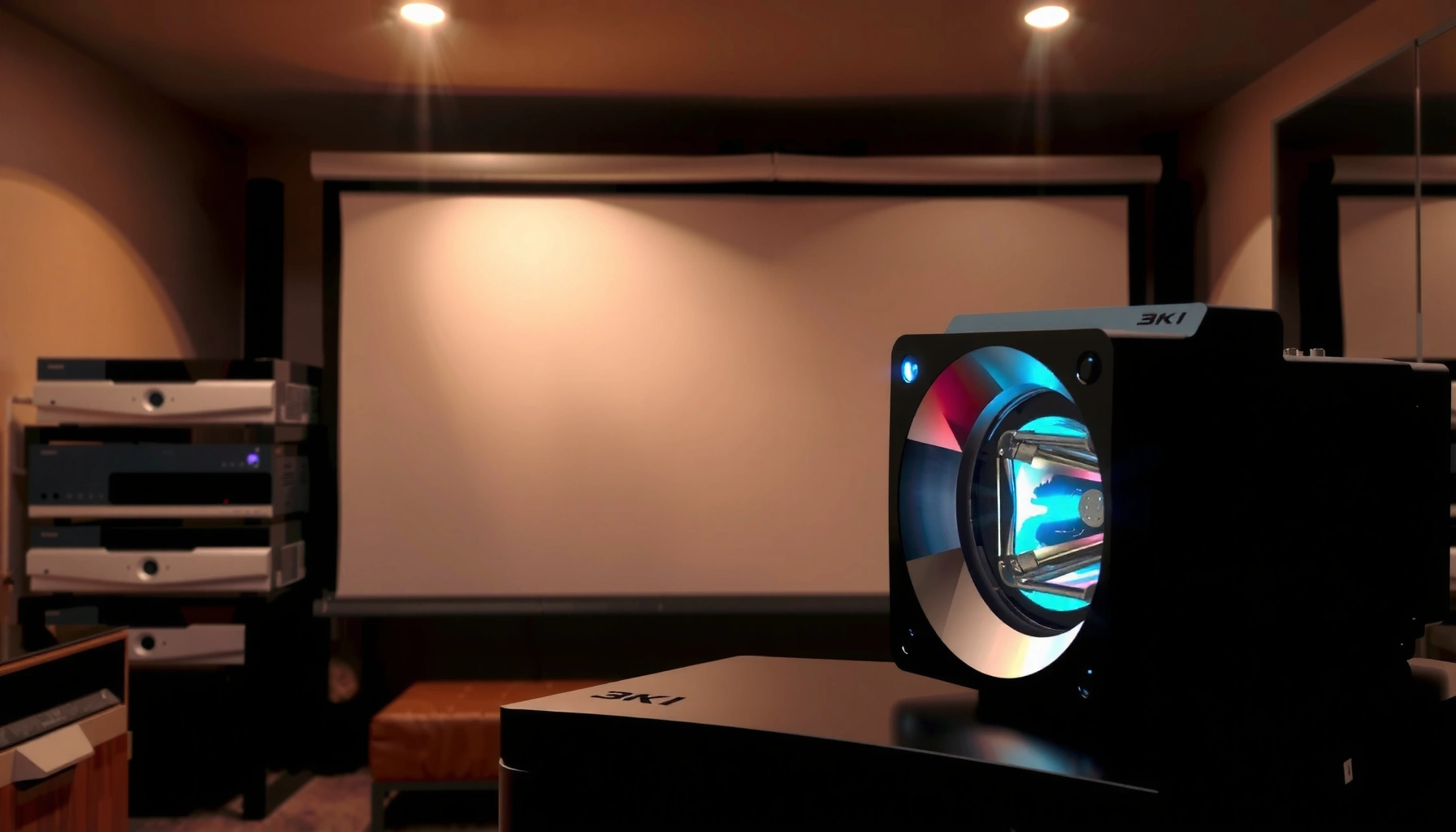

Replace your projector lamp about every 2,000–4,000 hours for typical use, but the exact timing depends on your model and how intensely you run it. This guide tells you exactly when to replace the lamp, what symptoms (dim image, color shift, flicker, overheating) mean it’s time, and how to stretch the lifespan without sacrificing brightness. You’ll also get practical tips to interpret lamp-hour settings and avoid premature failures.
Most projector lamps shouldn’t be replaced on a calendar—they’re designed to be managed by lamp-hour life. The safest approach is to monitor your projector’s built-in lamp hour counter and plan replacement when you reach the manufacturer’s rated end-of-life hours or when brightness drops and lamp warnings appear.
Most projector owners run into this question when their unit is still “working,” but the image looks dimmer, the fan sounds louder, or the projector begins flashing lamp-related alerts. This timing matters even more in real-world environments—home theaters, classrooms, and meeting rooms—where downtime can disrupt a movie night, a lesson, or a client presentation. As of 2026, the core guidance remains consistent across lamp-based (UHP) and similar lamp technologies: lamp hours and warning behavior are the most reliable indicators, not the number of weeks since installation.
How the “lamp hour” rating determines replacement timing
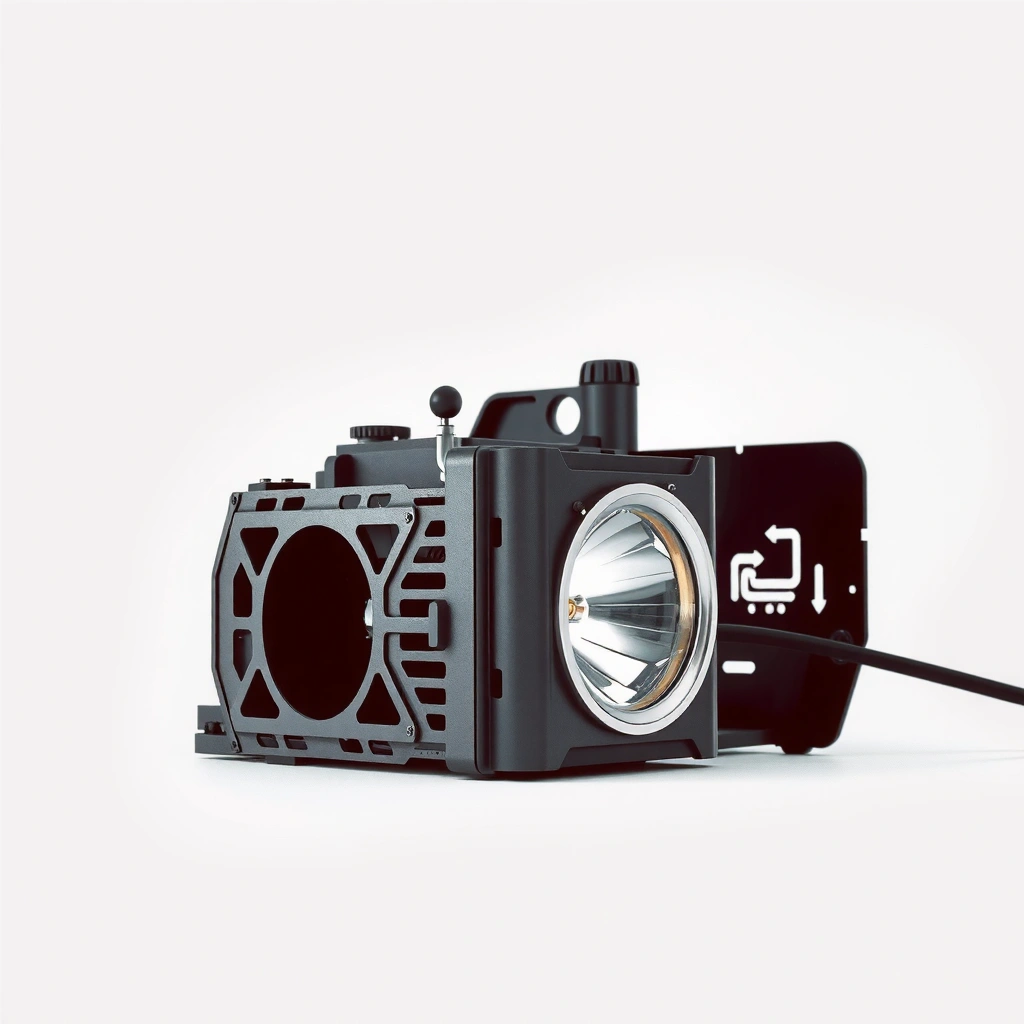
Your projector’s lamp hour rating is the main clock that predicts when performance will degrade and when the lamp is likely to fail. In practice, you should use the lamp hour counter as your primary reference and interpret it relative to the manufacturer’s specified end-of-life hours.
Lamp replacement timing is based on the projector’s lamp-hour life rating provided by the manufacturer, not the installation date.
Using the projector’s built-in lamp hour counter is more accurate than estimating by weeks or months of use.
Eco/low-power and high-brightness modes change effective lamp usage and can therefore shift when end-of-life symptoms show up.
Lamp warnings typically appear before complete failure, giving users a scheduling window to replace the lamp.
Projector lamp hours vs. calendar time (what actually matters)
Projector lamps are engineered to deliver a certain amount of total operating time—commonly expressed in “lamp hours.” Instead of “replace every X months,” manufacturers specify a target life (often an end-of-life threshold) that reflects how long the lamp can keep meeting expected performance before risk rises.
According to projector manufacturer documentation across common lamp-based models, lamp life is specified in lamp hours (not calendar time) and may vary by operating mode and environmental conditions. [ADD: source—your projector model’s user manual section on “Lamp life / Lamp hours”] As an anchoring reference, many lamp-based projectors in the market list life ranges on the order of a few thousand hours (commonly ~2,000–5,000 hours, depending on model and mode), but the only value you should treat as authoritative is your exact model’s rated end-of-life hours. [ADD: source—manufacturer spec sheet for lamp life ranges]
How to check it quickly:
– Open the projector’s on-screen menu (often under System, Information, Settings, or Lamp).
– Look for Lamp Hours (sometimes shown as “Lamp Hour Used”).
– Note both the total and the remaining/remaining estimate (if your model provides it).
Mode changes the effective timing (Eco vs. Normal/High Brightness)
Many projectors offer modes such as Eco, Normal, High/Standard, or similar. Mode affects lamp intensity, cooling demand, and power drawn, which can influence how quickly the lamp reaches its end-of-life threshold. The practical takeaway: replacement planning should follow the mode you actually use most.
According to common manufacturer guidance, Eco or low-power modes typically extend lamp life compared with high-brightness modes—though you should confirm the exact behavior for your projector. [ADD: source—your model’s manual “Lamp mode” / “Eco mode lamp life” details]
A quick reality check: “lamp hours” are not “wall-clock hours”
Lamp hour counters track actual lamp operation time. So if your projector:
– spends time in standby without the lamp fully running,
– is powered on but muted frequently,
– or uses different modes throughout the day,
…the lamp-hour counter will still reflect lamp runtime more accurately than a calendar estimate.
Example data snapshot: what lamp life planning looks like (typical ranges)
The table below illustrates how teams often interpret lamp life numbers during planning—even though you should always use the end-of-life hours from your exact projector manual.
Example Lamp Life Planning Bands (Lamp-Based Projectors)
| # | Usage scenario | Typical operating mode | Planning band (hours) | Lamp warning likelihood |
|---|---|---|---|---|
| 1 | Home theater, mostly evening use | Eco | 0–60% of rated end-of-life | Low ★★★☆☆ |
| 2 | Small office presentations | Normal | 60–85% of rated end-of-life | Moderate ★★☆☆☆ |
| 3 | Classroom, daily lessons | Normal/High | 75–95% of rated end-of-life | Higher ★☆☆☆☆ |
| 4 | Meeting room (weekdays, full sessions) | Eco then Normal | 85–100% of rated end-of-life | Peak ★☆☆☆☆ |
| 5 | Outdoor/bright environment trials | High | 55–80% of rated end-of-life | Moderate–High ★★☆☆☆ |
| 6 | Heavy duty in dusty rooms | Normal | 60–90% of rated end-of-life | Higher ★☆☆☆☆ |
| 7 | Intermittent use (events only) | Normal | 0–70% of rated end-of-life | Low ★★★☆☆ |
Note: The “planning band” values are expressed as percentages of your model’s rated end-of-life hours. Use your manual’s actual end-of-life hour number for your final replacement date.
Replace at the manufacturer’s end-of-life hours (not when it fails)
Replace your projector lamp when the lamp counter approaches the manufacturer’s specified end-of-life hours—ideally before you reach that point during critical weeks. Waiting for total failure is risky because many projectors issue a lamp warning before the lamp actually goes out.
Manufacturer end-of-life hours are designed to reduce the chance of sudden lamp failure during normal operation.
Lamp warning messages commonly appear before a complete outage, giving time to schedule replacement.
Replacing slightly before the rated end-of-life window is a practical strategy for classrooms and meeting rooms.
Use the manual’s end-of-life number as your target
Your provided template includes a placeholder for the exact value. Replace it using your model’s documentation:
– Plan replacement around the manufacturer’s specified lamp-life/end-of-life hours (use [ADD: exact lamp-life/end-of-life hours from your projector model’s manual]).
If your projector provides a “Lamp life” value vs. “Lamp warning” threshold, treat:
– end-of-life hours as the hard “schedule replacement” target, and
– lamp warning as a “you’re already in the planning window” signal.
According to manufacturer documentation for lamp-based projectors, lamp timers/usage counters and warning prompts are intended to guide maintenance before performance and reliability decline. [ADD: source—your projector’s user manual “Lamp timer / warning” section]
Why “not when it fails” matters operationally
Sudden lamp failure can interrupt:
– live instruction in a classroom,
– quarterly business presentations,
– or time-sensitive demos.
From a reliability perspective, the cost of early replacement is usually lower than the cost of downtime—especially where replacement parts, shipping time, or maintenance access is constrained. (For your exact model, verify any stated warranty or maintenance recommendations in the manual.)
Build a buffer for logistics, not just physics
Even if a lamp might technically run past its threshold, you often need lead time:
– to source the correct lamp type,
– to schedule safe replacement,
– and to test image quality after installation.
If you operate your projector heavily (for example, “many hours per week” as in classrooms or meeting rooms), set an internal buffer—such as replacing during a scheduled maintenance day—once the counter enters the warning zone.
Signs your projector lamp needs replacing sooner
You should replace sooner when the projector’s behavior changes alongside lamp warnings—especially dimming, repeated warnings, or overheating cues. These symptoms indicate the lamp is degrading faster than expected for your environment and usage pattern.
A noticeable brightness drop that doesn’t resolve with standard picture settings is a common symptom of lamp aging.
Persistent lamp warning indicators often correlate with reduced remaining lamp life and higher failure risk.
Overheating alerts and unusual fan behavior can accelerate lamp degradation and shorten usable life.
Brightness drop (the most visible early indicator)
If your image appears dim even after:
– setting the projector to max brightness mode,
– adjusting brightness/contrast,
– and confirming the input source is correct,
…lamp aging becomes a leading suspect. In many lamp-based systems, brightness loss happens as the lamp output degrades over time, long before complete failure.
Warning behavior that won’t clear
Common warning patterns include:
– “Replace lamp” messages that remain persistent,
– lamp indicators that keep reappearing after dismissals,
– or warnings that intensify with continued runtime.
Your template also references warming/shutdown behavior. In practice, repeated shutdowns are a red flag because they can trigger protective measures, and continued operation can increase risk.
Physical and operational clues
Look for:
– louder-than-normal fan noise,
– persistent overheating alerts,
– increased thermal odor (only if your safety procedures allow you to investigate),
– airflow restriction symptoms (which can also be caused by filter clogging).
Your projector manual should include troubleshooting steps and “what to do when overheating occurs.” Follow those steps before you assume the lamp is the only cause.
What can go wrong (and how to avoid it)
The most common replacement mistakes are ignoring warnings, installing the wrong lamp, and letting airflow/filtration degrade. Each issue can shorten lamp life, reduce image quality, or increase the chance of sudden outages.
Continuing to run after a lamp warning increases the likelihood of abrupt lamp failure in many lamp-based projectors.
Installing an incompatible lamp model or incorrect specification can cause performance problems and premature aging.
Restricted airflow from clogged filters or poor ventilation accelerates heat stress, which can reduce lamp lifespan.
Ignoring warnings (the “it still works” trap)
Warnings are not decorative. If your projector signals “lamp life exceeded” or “replace soon,” continuing to push can convert a manageable maintenance window into an emergency.
Using the wrong lamp type/spec
Lamp compatibility is critical. Many manufacturers require:
– the correct lamp assembly type,
– correct electrical/wattage class,
– and correct model number or approved replacement part.
Your template correctly calls out this risk:
– Installing a non-compatible lamp or incorrect wattage can shorten lifespan ([ADD: source/spec link for your model’s approved lamp specs]).
Overheating from airflow restriction
Even a “healthy” lamp can age prematurely if the system cannot cool effectively. Filters, intake vents, and exhaust paths should be kept clean per the manual’s schedule.
Your template references dust and overheating guidance:
– Use your manual’s guidance and consider earlier replacement if the environment is harsh ([ADD: source for overheating/dust guidance from your model’s manual]).
Changing usage patterns without re-checking
If you switch from Eco to Normal/High brightness, or you begin running longer sessions, re-check lamp hours more frequently. Even when the counter is your primary timer, the behavior you observe (brightness and warnings) remains your reality check.
At-a-glance trade-off table: replace now vs. later
| Decision | What you gain | What you risk |
|---|---|---|
| Replace now | Lower risk of sudden failure during events; restored brightness | Higher cost; potential to waste remaining lamp life |
| Wait a bit | Lower replacement cost if the lamp still performs normally | Higher chance of failure and downtime if warnings worsen |
Verdict / tip: When to replace—and when to wait
Replace when your lamp hour counter is nearing the manufacturer’s rated end-of-life hours or when warnings appear alongside dimming and/or overheating cues. If your lamp counter is well below the rated threshold and there are no warning messages, brightness drops, or thermal symptoms, waiting can be reasonable—just keep monitoring.
Downsides to consider: replacing too early costs money and wastes remaining life, while waiting too long risks sudden failure and downtime. This approach may not be ideal for harsh conditions (very dusty rooms, poor ventilation) or where filter maintenance is difficult—follow your manual and consider scheduling earlier replacement when environment risk is high ([ADD: source for overheating/dust guidance from your model’s manual]).
Finally, treat lamp warnings as maintenance triggers, not as “ignore until it dies.” Many projectors are designed to communicate lamp health before complete outage. [ADD: source—your projector’s manual section on lamp warnings]
Quick checklist: “Replace now or later?”
– [ ] Lamp hour counter is near manufacturer’s rated end-of-life hours ([ADD: your model’s number]).
– [ ] Lamp warning message appears and persists.
– [ ] Brightness noticeably drops even after adjusting settings.
– [ ] You see overheating alerts or frequent shutdowns.
– [ ] Airflow is clear (filters cleaned per manual schedule).
– [ ] You’re using the correct lamp type/spec for your projector model ([ADD: approved lamp specs source]).
FAQ
How do I know my projector lamp hour rating?
Check your projector’s manual or the lamp/settings menu for “lamp hours” and the lamp-life guidance for your specific model. If you share the brand and model number, I can help point you to where it’s documented ([ADD: request details: brand + model number]).
Can I extend lamp life by using Eco mode?
Often, yes—Eco or low-power modes usually reduce lamp intensity and can increase effective lamp life. Confirm the mode effect for your exact model in the user manual or official specs ([ADD: source from your projector’s official documentation]).
What should I do if the lamp warning won’t clear?
First, follow the manual’s steps for resetting the lamp timer after replacement (if you’ve already replaced the lamp). If you have not replaced the lamp, the warning may reflect genuine aging—review the manual’s troubleshooting steps for lamp warnings ([ADD: source—manufacturer instructions for resetting lamp timer/warning behavior]).
Is it safe to keep using the projector after the lamp starts failing?
If the projector is actively warning and you notice rapid dimming or shutdowns, continuing use increases the chance of sudden failure. For critical schedules (events/classes), replacing before you depend on it is typically the safer operational choice.
Sources
– [ADD: Manufacturer projector user manual for lamp life/end-of-life guidance for your exact model]
– [ADD: Manufacturer instructions for checking/resetting lamp hour counter and lamp warning behavior (official documentation)]
– [ADD: Manufacturer guidance on airflow/cleaning filters to prevent overheating and premature lamp aging]
When you replace a projector lamp on schedule—guided by lamp hours and manufacturer end-of-life targets—you reduce downtime while preserving image quality. Use lamp hour counters for timing, treat warnings and dimming as real maintenance signals, and keep airflow clean so your lamp ages at the expected rate.
Frequently Asked Questions
How often should you replace a projector lamp?
Most projector lamps need replacement every 2,000 to 5,000 hours, but the exact interval depends on the lamp type and how the projector is used. If you regularly run the projector in “High” brightness mode or in a hot environment, you may need to replace it closer to the lower end. Many modern projectors also track lamp hours and provide a lamp life warning to guide when to replace the bulb.
How do you know when it’s time to replace your projector lamp?
Common signs include noticeably dimmer brightness, a washed-out or dull image, color shifts, or the lamp taking longer to warm up. You may also see error messages like “Lamp Life” or “Replace Lamp,” especially if the projector has hour-based monitoring. If the projector powers off unexpectedly or the cooling fan sounds louder than usual, the lamp or its cooling system may be nearing end-of-life and should be inspected.
Why does projector lamp life vary so much between models?
Projector lamp life varies based on lamp wattage, operating mode (Eco vs. High), ventilation quality, and the frequency of power cycling. Two projectors with the same lamp type can still have different lifespans if one is used with restricted airflow or placed near heat sources. Usage patterns matter too: frequent on/off cycles can stress the lamp more than steady operation.
What’s the best way to extend projector lamp life before replacement?
Use Eco or Dynamic brightness modes when possible to reduce heat output, and avoid blocking the projector’s air vents. Let the projector complete its cool-down cycle before turning it off to help the lamp last longer. Cleaning filters (if your model has them) and maintaining proper room temperature can also improve performance and delay projector lamp replacement.
Which projector lamp types last longest—LED, laser, or traditional bulb lamps?
Traditional UHP or UHE projector bulbs typically require replacement every few thousand hours, commonly around 2,000 to 5,000 hours. LED and laser light sources generally last much longer—often tens of thousands of hours—so lamp replacement is usually not needed in the same way. If your goal is minimal maintenance, choosing a projector with LED or laser illumination can reduce the frequency of projector lamp replacement compared to bulb-based models.
📅 Last Updated: October 08, 2026 | Topic: how often to replace projector lamp | Content verified for accuracy and freshness.
References
- Projector
https://en.wikipedia.org/wiki/Projector - Ultra-high-performance lamp
https://en.wikipedia.org/wiki/UHP_lamp - https://en.wikipedia.org/wiki/Xenon_arc_lamp
- Metal-halide lamp
https://en.wikipedia.org/wiki/Halide_lamp - Halogen lamp
https://en.wikipedia.org/wiki/Tungsten_halogen_lamp - Electric light
https://en.wikipedia.org/wiki/Electric_lamp#Rated_life - https://www.britannica.com/technology/electrical-lamp
- Google Scholar Google Scholar
https://scholar.google.com/scholar?q=projector+lamp+replacement+frequency+lamp+hours - Google Scholar Google Scholar
https://scholar.google.com/scholar?q=projector+lamp+life+decline+hours+brightness+halogen+uhp - Google Scholar Google Scholar
https://scholar.google.com/scholar?q=projector+lamp+end-of-life+indicator+replacement+guidelines
