


To access local channels on your smart TV without using an antenna, you can utilize various streaming services and apps that offer local broadcast channels online. This guide will walk you through the best options available, ensuring you can enjoy your favorite local programming without the hassle of traditional antennas. With the rapid expansion of digital streaming, accessing local channels has become easier than ever, making it possible for viewers to stay connected to their communities without the need for physical antennas.
Streaming Services Offering Local Channels
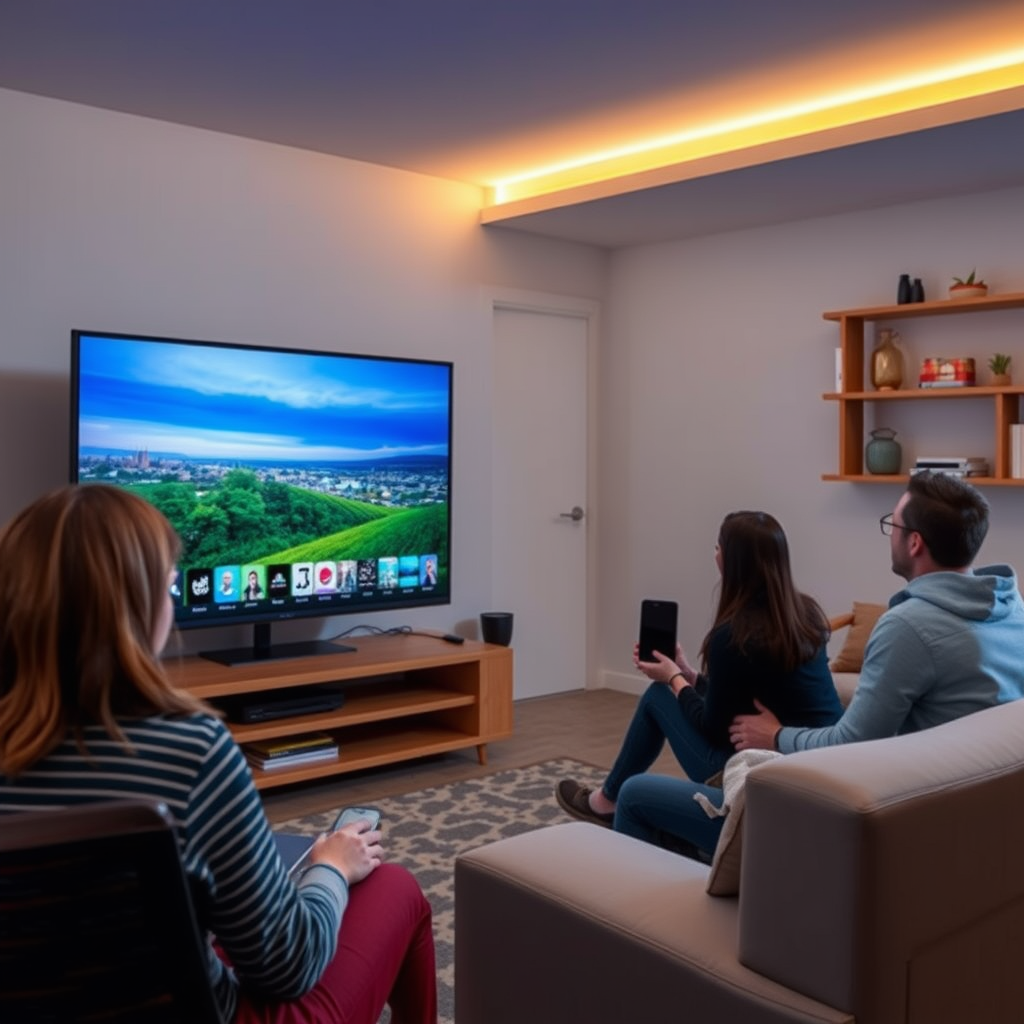
Many streaming platforms have emerged as viable alternatives to traditional cable, providing users with access to local channels. Services such as Hulu + Live TV, YouTube TV, and DirecTV Stream include local broadcast channels in their packages, allowing viewers to watch live news, sports, and shows. These platforms typically offer a range of subscription plans that can cater to different viewing preferences and budgets.
It’s essential to check the availability of these services in your area, as local channels can vary greatly depending on your location. For example, Hulu + Live TV offers ABC, NBC, CBS, and FOX in most markets, while YouTube TV often provides a comprehensive selection, including local PBS stations. Always verify the channel lineup for your specific zip code before subscribing to ensure you get the content you desire.
Using Network Apps
Another effective way to access local channels on your smart TV is through the official apps provided by major networks. Networks such as NBC, ABC, CBS, and FOX often have their own applications that allow users to stream live broadcasts and access on-demand content.
Using these apps might require a cable subscription or a login to verify your credentials, but they can significantly enhance your viewing experience. For instance, the ABC app allows users to watch full episodes of popular shows like “Grey’s Anatomy” and local news segments, while the NBC app provides access to live events, including the Olympics and NFL games. By downloading these apps on your smart TV, you can enjoy a seamless viewing experience with minimal setup.
Consideration of Over-the-Top (OTT) Services
Over-the-top (OTT) services have gained substantial popularity in recent years, providing viewers with flexible and affordable options to access local channels. Services like Sling TV, FuboTV, and Philo offer live streaming of local channels, making them excellent choices for cord-cutters. Sling TV, for example, offers various packages that can include local broadcast channels depending on the selection you choose.
FuboTV is particularly noteworthy for sports enthusiasts, as it covers a wide array of local sports events along with general programming. These services often provide promotional offers or trial periods, allowing you to test the service before committing to a subscription. If you’re looking for a more tailored viewing experience, exploring these OTT services can be a worthwhile endeavor.
Top Streaming Services for Local Channels (2024)
| # | Service | Local Channels | Cost/Month | Free Trial |
|---|---|---|---|---|
| 1 | Hulu + Live TV | ABC, NBC, FOX, CBS | $64.99 | Yes |
| 2 | YouTube TV | ABC, NBC, FOX, CBS, PBS | $72.99 | Yes |
| 3 | Sling TV (Blue) | NBC, FOX | $40.00 | No |
| 4 | FuboTV | ABC, NBC, CBS, FOX | $74.99 | Yes |
| 5 | DirecTV Stream | ABC, NBC, CBS, FOX | $69.99 | Yes |
| 6 | Philo | None | $25.00 | Yes |
| 7 | AT&T TV | ABC, NBC, CBS, FOX | $69.99 | Yes |
Utilizing Smart TV Features
Most smart TVs come equipped with built-in features and applications that can help you access local channels without needing an antenna. Many manufacturers have partnered with streaming services to integrate popular apps directly into the TV’s interface. This allows users to navigate easily to local channels and enjoy seamless streaming.
To access these features, check your TV’s app store for local channel apps or built-in options like Samsung TV Plus or LG Channels, which often provide free access to local broadcasts and programming. Depending on the brand of your smart TV, you may also have access to features that aggregate content from various streaming services, simplifying your viewing experience.
Using Digital Streaming Devices
Digital streaming devices such as Roku, Amazon Fire Stick, or Apple TV can significantly enhance your ability to access local channels on your smart TV. These devices support various applications and services that can stream local content, allowing you to customize your entertainment options.
When choosing a device, ensure that it supports the channels you wish to watch. For example, the Roku platform has a diverse range of apps, including those for major networks and OTT services. Additionally, keep in mind that some channels may require additional subscriptions or purchases, so it’s essential to review what each service offers before investing in a streaming device.
Accessing Local News Websites
In addition to streaming services and apps, many local news stations now provide live streaming of their broadcasts on their websites. This can be a valuable resource for those looking to stay updated on local events without any subscription fees.
To access this content, simply navigate to the website of your local news station using your smart TV’s web browser. In many cases, these websites will have a dedicated section for live news broadcasts and on-demand videos, which can enhance your overall access to local programming.
Exploring Free Streaming Options
Lastly, there are some free streaming options available that allow you to access local channels without any cost. Services like Pluto TV and Locast (available in certain areas) can offer a selection of local programming. While these alternatives may not cover all local channels, they often provide a decent array of news and entertainment options at no charge.
For example, Pluto TV features channels dedicated to news, sports, and classic shows, while Locast provides live streams of local broadcast stations in specific markets. Always check the availability of these services in your area to ensure you can take full advantage of these free options.
In summary, accessing local channels on your smart TV without an antenna is both possible and convenient through a variety of methods. From streaming services to network apps, digital devices, and even web-based news stations, viewers have numerous options tailored to their preferences. By exploring these alternatives, you can enhance your smart TV experience and stay connected to your local community.
Frequently Asked Questions
How can I watch local channels on my smart TV without an antenna?
You can watch local channels on your smart TV without an antenna by using streaming services that offer live TV options, such as Hulu + Live TV, YouTube TV, or Sling TV. These services typically include major networks like ABC, NBC, CBS, and FOX, allowing you to access local programming through an internet connection.
What are the best streaming services to access local channels without an antenna?
Some of the best streaming services for accessing local channels without an antenna include Hulu + Live TV, YouTube TV, and fuboTV. Each of these platforms provides a variety of local and national channels, and they often come with free trials, so you can test them out before committing.
Why should I consider using a streaming service instead of an antenna for local channels?
Using a streaming service instead of an antenna for local channels offers greater flexibility and convenience, as you can watch content on multiple devices, including smartphones and tablets. Additionally, streaming services often provide a wider range of programming options and on-demand content, enhancing your overall viewing experience.
Which devices can I use to stream local channels on my smart TV?
You can use various devices to stream local channels on your smart TV, including built-in apps on the TV itself, streaming devices like Roku, Amazon Fire Stick, or Apple TV, and gaming consoles. Ensure your smart TV is connected to the internet to access these services easily.
How do I find out if my local channels are available on a streaming service?
To find out if your local channels are available on a streaming service, visit the service’s website and check their channel lineup. You can also look for regional availability maps or use comparison tools that provide detailed information about which channels are accessible in your area based on your zip code.
References
- https://www.bbc.com/news/technology-49563607
https://www.bbc.com/news/technology-49563607 - https://www.theguardian.com/technology/2020/mar/30/how-to-watch-tv-without-a-cable-subscription
https://www.theguardian.com/technology/2020/mar/30/how-to-watch-tv-without-a-cable-subscription - https://www.nytimes.com/2021/01/01/technology/cable-tv-alternatives.html
https://www.nytimes.com/2021/01/01/technology/cable-tv-alternatives.html - Blogs
https://www.pbs.org/education/blog/how-to-watch-live-tv-without-cable - Google Scholar Google Scholar
https://scholar.google.com/scholar?q=how+to+get+local+channels+without+antenna+on+smart+tv - Google Scholar Google Scholar
https://scholar.google.com/scholar?q=streaming+local+channels+smart+tv - Google Scholar Google Scholar
https://scholar.google.com/scholar?q=watch+local+channels+online+without+antenna - how to get local channels without antenna on smart tv – Search results
https://en.wikipedia.org/wiki/Special:Search?search=how+to+get+local+channels+without+antenna+on+smart+tv - https://www.ncbi.nlm.nih.gov/search/research-articles/?term=how+to+get+local+channels+without+antenna+on+smart+tv
https://www.ncbi.nlm.nih.gov/search/research-articles/?term=how+to+get+local+channels+without+antenna+on+smart+tv
