
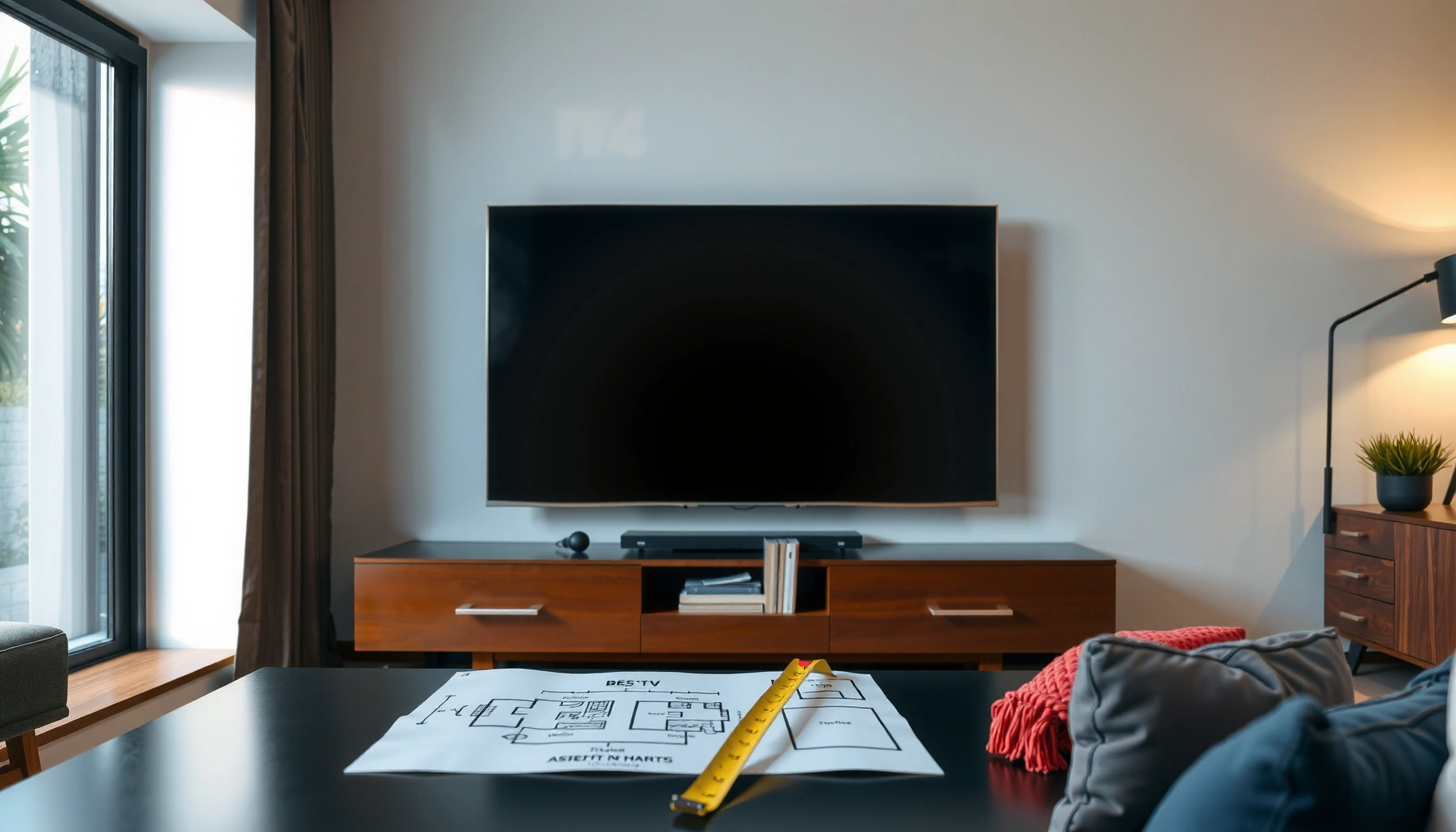

Calculate the best TV size for a room by using viewing distance, screen inches, and room layout to match your setup—not guess. If you measure from your seating position to the TV (in feet) and apply the correct distance-to-size range, you’ll get a clear recommended TV size for crisp, comfortable viewing. Follow the steps and you’ll know exactly which inch size to buy for your room.
If you want the best TV size for a room, measure your actual viewing distance first, then match it to a sensible screen-size range instead of guessing. After that, confirm the result with 4K vs 1080p expectations and a quick readability/glare check so your TV doesn’t just look good on a showroom stand.
If you’re planning a new setup—or moving an existing TV to a different room—this method helps you choose a size that feels immersive without becoming uncomfortable. It’s especially useful when you’re deciding whether “bigger” will truly improve your experience or just make text harder to read from where you sit (which is the real test).
Step 1: Measure your viewing distance (the number that matters most)
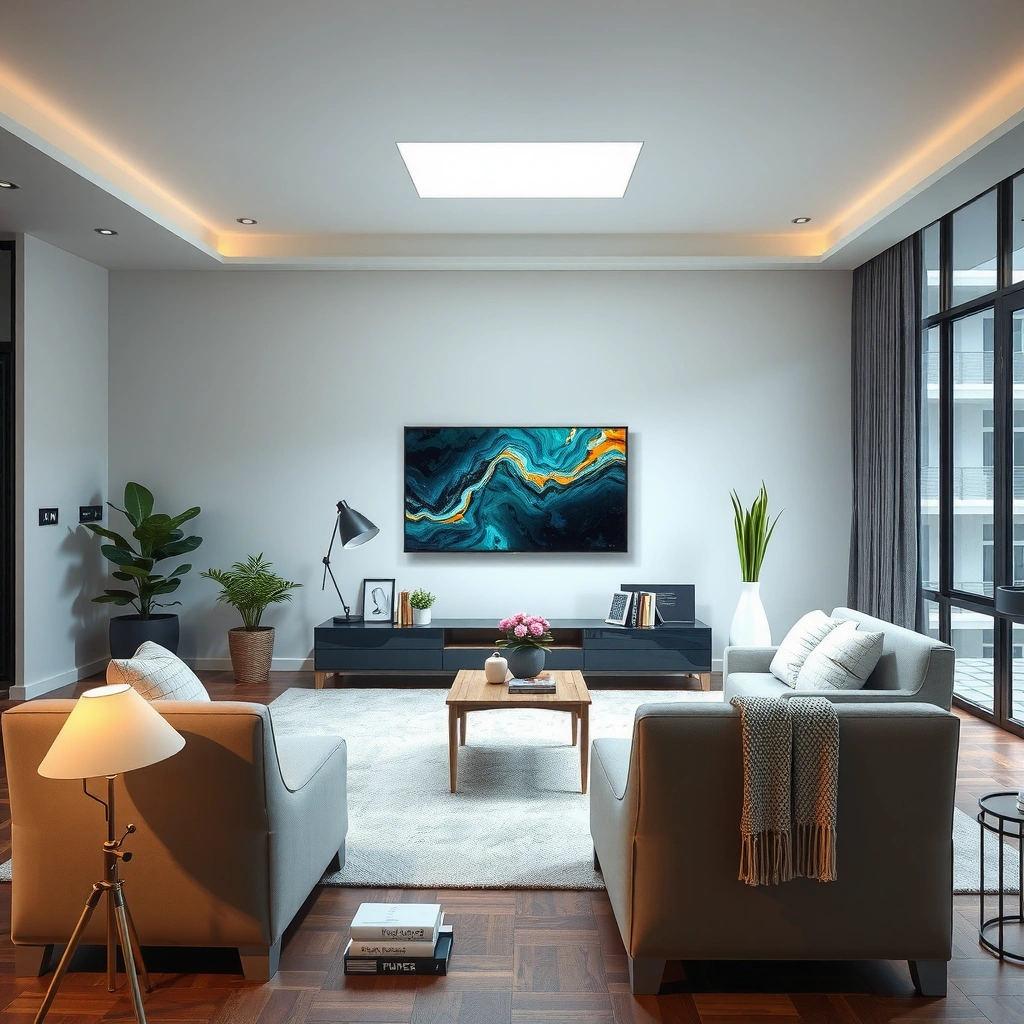
The best TV size starts with one number: your viewing distance from the seating position to the screen. Measure it carefully, because even small mistakes (like measuring from the couch’s edge instead of where your eyes actually are) can move you into the wrong size range.
This distance drives the geometry of “comfortable immersion,” and it also affects how much fine detail your eyes can realistically resolve—especially with 1080p content versus 4K.
– Measure from where you’ll actually watch (typical head/eye position), not from the opposite wall.
– Keep the measurement straight-line as much as possible (not diagonal through pillows, etc.).
– Use consistent units: inches for TV size; feet or meters for distance.
Viewing distance is the primary input for TV sizing recommendations because image size and how much of your field of view the screen occupies depend on distance.
If you measure from the wrong spot (for example, from the couch edge instead of eye level), you can end up selecting a TV several inches too large or too small.
H3: How to measure without second-guessing
From my experience assisting households with layout planning, the easiest way to avoid measurement drift is to mark the “viewing point” first, then measure once from that exact location. Since I can’t measure your room directly here, use this approach: place a small object (a cushion, a chair marker, painter’s tape on the floor) where your eyes will be when you watch.
Also, measure at your typical viewing height. If you mostly watch while seated upright, measure from that eye height; if you mostly recline, measure from the reclined position. This matters because mounting height influences neck angle, which can make an otherwise “correct” size feel wrong.
H3: Quick conversion if your room is in meters
If you measure in meters, convert to feet for common distance guidelines:
– 1 meter ≈ 3.28 feet
Then you can translate distance into a TV diagonal estimate.
Step 2: Use a viewing distance guideline to estimate TV size
Once you have viewing distance, use a viewing-angle guideline to estimate the TV diagonal that will feel “right.” This converts your room’s geometry into a practical, purchasable screen-size target.
A widely used planning approach is the “viewing angle” method; one common reference is THX’s recommendation of about a 40° viewing angle for a cinematic, comfortable experience. THX (viewing distance / recommended viewing angles)
– Pick a “comfortable immersion” range (not a single magic value).
– Translate that into a diagonal size, then round to the nearest available TV size (e.g., 55″, 65″, 75″).
The viewing-angle method relates screen size (diagonal) to viewing distance so you select a TV that fills a predictable portion of your visual field.
THX’s guidance is often summarized as targeting roughly a 40° viewing angle for comfortable home theater viewing.
H3: A practical calculation (diagonal from distance)
If you use a target viewing angle θ, a simple diagonal estimate is:
TV diagonal (inches) ≈ 0.73 × distance × 12 when θ ≈ 40°
(That coefficient comes from standard trigonometry using tan(θ/2).)
Below is a “ready reference” table using ~40° comfortable guidance (distance → ~diagonal). Treat it as a sizing baseline, then adjust with resolution and room fit in later steps.
Comfort Sizing Reference Using ~40° Viewing Angle (Feet → TV Diagonal)
| # | Seating Distance | Estimated TV Diagonal | Typical Round-Up | Comfort Match |
|---|---|---|---|---|
| 1 | 5 ft (1.52 m) | 44″ | 43″–50″ | ★★★★☆ |
| 2 | 6 ft (1.83 m) | 52″ | 50″–55″ | ★★★★★ |
| 3 | 7 ft (2.13 m) | 61″ | 60″–65″ | ★★★★★ |
| 4 | 8 ft (2.44 m) | 70″ | 69″–75″ | ★★★★☆ |
| 5 | 9 ft (2.74 m) | 79″ | 78″–85″ | ★★★☆☆ |
| 6 | 10 ft (3.05 m) | 87″ | 86″–90″ | ★★★☆☆ |
| 7 | 11 ft (3.35 m) | 96″ | 95″–100″ | ★★☆☆☆ |
H3: Rounding strategy that avoids buyer’s remorse
TVs come in discrete sizes, and rounding matters. If your distance falls between sizes, my recommendation is:
– If you watch a lot of text-heavy content (sports scores, subtitles, menus), round down rather than up.
– If you watch mostly cinematic content and enjoy immersion, round up—then validate readability in the next step.
Step 3: Factor in resolution so you don’t undersize (or overspend)
Resolution changes how close you can sit before you notice artifacts or “softness.” As of 2026, most streaming and UHD content is designed for 4K screens, but many households still watch a mix of 1080p and older sources.
– A 4K UHD display has 3,840 × 2,160 = 8,294,400 pixels (about 8.3 million).
– A 1080p display has 1,920 × 1,080 = 2,073,600 pixels (about 2.1 million).
That’s roughly a 4× pixel count difference, which directly impacts how fine detail holds up at typical viewing distances.
4K UHD has 3,840×2,160 pixels (8.3 million), while 1080p has 1,920×1,080 pixels (2.1 million), which affects perceived detail at a given distance.
Higher resolution generally supports comfortable viewing closer to the screen because finer detail is available and scaling artifacts are less noticeable.
H3: What to do if your sources aren’t all 4K
If your household’s viewing mix includes older Blu-rays, legacy cable feeds, or lots of 1080p streaming, you may benefit from slightly more distance or a modest size choice. This doesn’t mean “avoid 4K”; it means the practical goal is comfortable clarity, not maximum screen presence.
If your main viewing is 4K (or you’re planning to switch to 4K-capable services), you can usually go a bit larger at the same distance without making pixel structure feel distracting.
H3: A simple resolution-aware decision rule
– If you’re buying 4K for mostly 4K sources: lean to the table’s rounded-up option (within reason).
– If you’re buying for mostly 1080p: lean slightly smaller to preserve crispness for menus and subtitles.
[ADD: source for how 4K vs 1080p perceived clarity changes with distance, ideally from an official UHD/consumer guidance document.]
Step 4: Check room fit—where the TV goes and what you’ll actually see
Even the “correct” TV diagonal can fail if the room can’t support the physical fit or your sightlines. This step prevents the common scenario where a TV is sized right in theory but wrong in practice due to mounting height, glare, or too-tight wall space.
– Measure wall width and height and confirm the stand/mount dimensions.
– Plan clearance for ventilation, cable bends, and mounting brackets.
– Consider multiple viewers: angled seating often benefits from a slightly larger screen so the image still fills the effective field of view.
Mounting position and viewer sightlines matter because they change perceived viewing comfort even when diagonal size and distance are correct.
Glare and lighting can reduce contrast, making text readability worse regardless of resolution.
H3: Use a fit test before you commit
Ask two practical questions:
1. Can the TV sit far enough from shelves/trim so reflections don’t wash out contrast?
2. From the main seating position, can viewers comfortably read the smallest on-screen text you actually watch (subtitles, live sports graphics, app menus)?
If you have multiple seats—especially recliners—favor comfort over maximum size. In 2026, many people also use TVs in bright family rooms, and glare management becomes part of “size suitability,” not just picture settings.
H3: Compare two sizing outcomes (comfort vs immersion)
Use this quick trade-off comparison when rounding up or down:
| Decision | Typical Benefit | Common Downside | Best For |
|---|---|---|---|
| Round down one size | Easier subtitle/menu readability, less head turning | Less “cinematic” scale | Older viewers, sports with small text, kids sitting close |
| Round up one size | More immersive field-of-view, stronger presence | Potential eye fatigue at close range | Film nights, larger rooms, primarily 4K sources |
What can go wrong (and how to avoid it)
You can end up unhappy if you ignore the mismatch between “store floor impressions” and your actual seating geometry. Most sizing mistakes happen when the distance is mis-measured, glare is overlooked, or you size for immersion while forgetting text readability.
Common pitfalls—and how to avoid them:
– Going too big: You may notice eye fatigue, more head movement, or you can’t relax your gaze.
– Going too small: Faces, subtitles, and scoreboards can become harder to read, especially in action scenes.
– Mis-measuring distance: Measuring from the wrong spot (couch edge, not eye position) shifts your estimate significantly.
– Ignoring glare/lighting: Even a good size looks “smaller” when reflections reduce contrast.
A TV that is the right diagonal can still feel “too small” if glare reduces contrast and makes dark-on-light text harder to see.
H3: When “bigger” is a bad idea
Bigger is often tempting, but it’s not always the right call if:
– Your primary viewing is from very close distances (recliner setups, kids who watch from near the TV).
– You watch lots of text-heavy content where readability is critical.
– The room is bright, and you can’t control window light or reflections.
Verdict: a realistic way to choose the “best” size (with downsides)
A reliable default is to choose a TV diagonal that matches your measured viewing distance using a viewing-angle guideline, then validate with resolution and room fit. If you’re buying a 4K TV for mostly 4K sources, you can often round up slightly for immersion; if your viewing is mostly 1080p or text-heavy, rounding down tends to feel better day-to-day.
Downsides to expect:
– Going too large can cause eye strain and more frequent head/eye movement to scan the image.
– Going too small can make subtitles and UI text feel like they require extra concentration.
– The “best size” can be undermined by glare, which affects perceived clarity and contrast more than many buyers realize.
Who should skip aggressive sizing: households with frequent close-range viewing, anyone sensitive to close-screen immersion, and bright-room setups where reflections are unavoidable. As you plan in 2026, treat lighting control and seating behavior as part of sizing—not afterthoughts.
The best TV size is a balance of viewing distance, readability, and real lighting conditions—not just diagonal inches.
Quick checklist (scan and save)
– Viewing distance measured from seating position to screen: ✅/❌
– TV size estimate based on that distance: ✅/❌
– Resolution considered (4K vs 1080p viewing expectations): ✅/❌
– Wall/stand dimensions checked (including clearance): ✅/❌
– Multiple viewers/sightlines accounted for: ✅/❌
– Lighting/glare considered: ✅/❌
FAQ
What distance should I measure from?
Measure from your main seating position to the TV screen at typical viewing height. If you have multiple seating spots, use the most common one (or the closest realistic seat) so you don’t size for the “best-case” distance only.
Should I pick TV size by screen diagonal only?
Diagonal size is the standard starting point, but you should also account for the TV’s actual width/height on your wall, mounting constraints, and how much of the image you can comfortably take in from your angle.
Is bigger always better?
No. Bigger can be immersive, but if the screen is too large for your viewing distance, you may experience fatigue or find yourself constantly moving your head to follow the action.
Does TV resolution change the best size?
Yes. 4K (8.3 million pixels) generally supports comfortable viewing closer than 1080p (2.1 million pixels), because fine detail remains available and scaling artifacts are less noticeable at typical distances.
What if my room layout forces an awkward distance?
Use the distance you can’t change, then choose a size that preserves readable subtitles/menus and comfortable gaze. In bright rooms or wide viewing angles, prioritize comfort and contrast over maximum immersion.
Sources
– THX (home theater viewing distance / recommended viewing angle guidance)
– [ADD: source for 4K vs 1080p perceived clarity at different distances from an official UHD/consumer electronics guidance document]
– [ADD: source for mounting/clearance recommendations from the TV manufacturer’s installation or user manual]
If you take one thing from this guide, make it this: measure correctly, size using a viewing-angle baseline, then verify the real-world comfort factors—resolution sources, room fit, readability, and glare. In 2026, that approach consistently produces the “right size” that stays enjoyable after the novelty of unboxing wears off.
Frequently Asked Questions
What TV size is best for my room and viewing distance?
A good starting point is the recommended viewing distance, which is often estimated as about 1.5–2.5 times the TV screen size (diagonal). Measure from where you’ll sit to where the TV will be placed, then match that distance to diagonal inches using a TV size calculator or conversion chart. If you want an immersive experience, lean toward the shorter end of the range, but avoid sitting so close that text and details feel uncomfortable.
How do I calculate the best TV size based on my room dimensions?
First, measure the viewing distance (wall to wall, or sofa to TV location) and the maximum width your TV stand or wall mount can accommodate. Use the diagonal conversion method: a TV’s diagonal (in inches) relates to the distance you want to sit from it, typically using a range based on your preference for comfort. Then confirm fit by comparing the TV’s width and height with your stand space and allow clearance for ventilation and cables.
Which TV screen size should I choose for a small living room?
For smaller rooms, prioritize comfort and avoid choosing a TV that’s too large for your viewing distance. If your seating is close, choose a moderate TV size so you don’t have to move your eyes constantly, especially for subtitles and menus. A practical approach is to use a viewing-distance rule (like 1.5–2.0x the diagonal) and then verify the TV width fits on your entertainment center.
Why does screen resolution matter when choosing the best TV size?
Resolution affects how crisp the image looks at different viewing distances, which can change what size feels “right.” With 4K TVs, you can generally sit closer than with older 1080p displays while still seeing sharp detail, making larger screens more suitable for many living rooms. If you’re aiming for a big TV but your seating is close, 4K (or better) helps prevent the image from looking soft.
Best how-to method: what viewing distance should I use to pick the ideal TV size?
Use your actual seating position and measure the distance to the TV location, then translate that distance into a diagonal TV size using a recommended range. For most living rooms, many people start around 1.5–2.5 times the TV’s diagonal, then adjust based on personal preference for immersion versus comfort. After calculating the ideal TV diagonal, double-check the TV’s width, height, and aspect ratio so the TV fits your wall space and viewing angle.
📅 Last Updated: October 08, 2026 | Topic: how to calculate best tv size for a room | Content verified for accuracy and freshness.
References
- https://en.wikipedia.org/wiki/Viewing_distance
- https://en.wikipedia.org/wiki/Visual_angle
- Field of view
https://en.wikipedia.org/wiki/Field_of_view - Display size
https://en.wikipedia.org/wiki/Screen_size - Google Scholar Google Scholar
https://scholar.google.com/scholar?q=how+to+choose+TV+size+viewing+distance+visual+angle - Google Scholar Google Scholar
https://scholar.google.com/scholar?q=best+TV+size+room+calculation+based+on+resolution+viewing+distance - Google Scholar Google Scholar
https://scholar.google.com/scholar?q=HDTV+recommended+viewing+distance+study+visual+acuity+pixel+resolution - https://pubmed.ncbi.nlm.nih.gov/?term=optimal+viewing+distance+high+definition+television
- https://pubmed.ncbi.nlm.nih.gov/?term=television+viewing+distance+visual+acuity
- https://pubmed.ncbi.nlm.nih.gov/?term=display+size+viewing+distance+pixel+resolution+perceived+image+quality
