
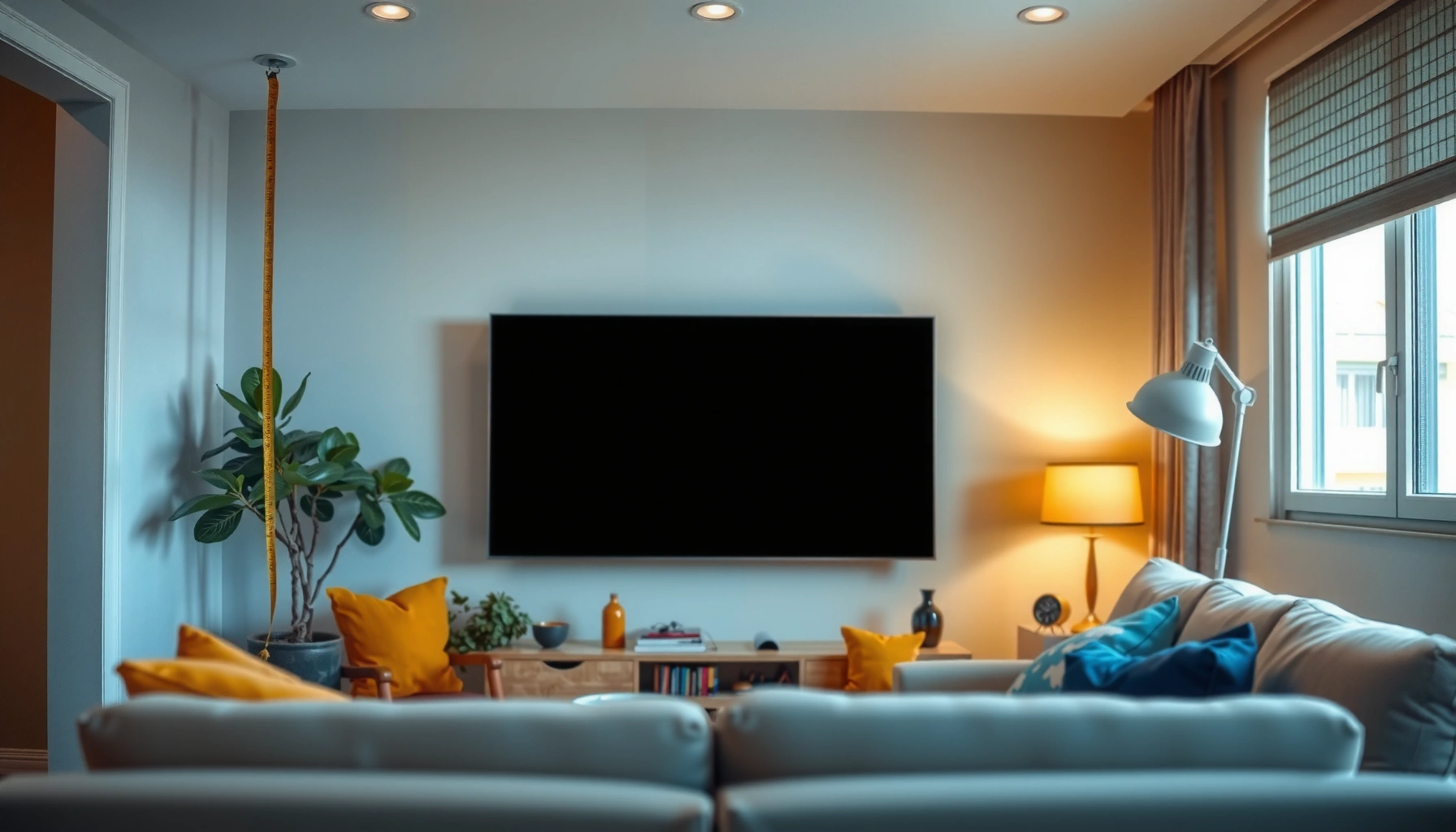

Learn how to calculate TV size for a room with a clear, step-by-step method that produces the right screen size for your viewing distance. You’ll get simple rules for choosing inches based on how far you’ll sit, plus quick adjustments for room layout and seating distance variations. By the end, you’ll know the exact TV size range that will look sharp without straining your eyes.
Choose your TV size from your viewing distance first, then verify it will physically fit your wall and feel comfortable at your seating height. In practice, that means measuring from your seat to the screen plane (not the room corners), converting that distance into a recommended diagonal size range, and then double-checking width/height and mount placement.
If you’re buying a new TV and want to avoid the two most common mistakes—getting something that looks too small or something so large it’s fatiguing—this guide gives you a repeatable method. As of 2026, this same workflow is still the fastest way to compare TV sizes across 4K and larger-screen models without guessing.
Measure your room and viewing distance
Measure your viewing distance from where your eyes sit to where the screen actually is (the “screen plane”). Then write it down in a consistent unit so you can use it in the next step without redoing calculations.
To size a TV correctly, measure from your seating position to the screen surface (screen plane), because that’s the distance your eyes actually use for perceived sharpness and immersion.
A consistent measurement method (seat → screen plane) reduces size-selection errors that happen when people measure from the wall, furniture edge, or TV center inconsistently.
If you have multiple seating positions, pick the most typical seat for selection—distance-based sizing is fundamentally a “family comfort” problem, not a “maximum” distance problem.
Here’s the simplest way to do it:
1. Find your main viewing spot (the seat most people use most often).
2. Measure distance to the TV screen plane.
– Use a tape measure.
– Measure to where the front of the TV screen will be, not to the wall behind it and not to the corners of the room.
3. Record your measurement in feet + inches (example: 9 ft 6 in), or convert everything to inches and keep it that way.
Example (so you can see the logic):
If your main seat is 8 ft 3 in away from the wall where the TV will sit, convert to inches (8×12 + 3 = 99 inches) and use that number consistently in the diagonal sizing step.
Quick comparison: why “where you measure from” matters
If you measure from the sofa arm instead of eye level, you can easily drift a few inches—small changes can shift diagonal sizing enough to feel noticeably “too big” during long viewing sessions.
| Measurement you might use | What changes | Likely impact |
|---|---|---|
| Seat → wall behind TV | Adds a few inches (or more) | Often selects a slightly larger TV than needed |
| Seat → TV center | Treats diagonal/angle as if it were “center distance” | Usually skews results because the screen plane isn’t at the center |
| Seat → screen plane | Matches how viewing is actually perceived | Most reliable for TV sizing |
Data anchor: 16:9 geometry lets you verify sizes mathematically
TVs are commonly 16:9 aspect ratio displays. For a 16:9 TV, the screen width is approximately 0.8716 × diagonal (in inches), and height is approximately 0.4903 × diagonal. That’s why diagonal sizing is useful—but why width/height verification is still essential.
(As always, confirm the exact dimensions from the TV’s manufacturer spec sheet for the specific model you plan to buy.)
Choose a viewing distance guide (by screen size)
Use a published viewing-distance guideline to convert your measured distance into a diagonal range, then pick the size that fits your comfort preference. If you’re unsure, start slightly conservative: it’s easier to enjoy a “just-right” screen than one that’s fatiguing after an hour.
THX’s home-theater guidance is based on recommended viewing angles (field of view), which can be translated into practical TV diagonal ranges for common 16:9 displays.
For 4K (and other high-resolution) TVs, the “minimum comfortable distance” can be shorter than with HD, but comfort still depends on viewing angle and personal tolerance for large-screen immersion.
If you prioritize comfort over maximum immersion, choose the lower end of a viewing-distance range rather than the closest end.
The exact range you can use (field-of-view method)
To keep this actionable, we’ll use a field-of-view approach tied to THX’s guidance (recommended viewing angle) for a typical home setup.
– Recommended viewing angle (home theater): ~40° field of view (typical THX target) [ADD: Source for THX recommended home viewing angle / field of view guidance]
– Practical sizing range: target ~30° to 40° for a comfortable “not too small / not too intense” experience (wider FOV = closer viewing).
From this, you can convert your measured distance to a diagonal size range using the 16:9 geometry (width-to-diagonal relationship). This produces a repeatable result without needing proprietary software.
> How to apply it:
> 1) Measure your seat → screen plane distance.
> 2) Use the 30°–40° viewing-angle method above to estimate a diagonal range.
> 3) Choose the diagonal within that range that best matches your wall space.
Resolution doesn’t remove the need for sizing discipline
A higher-resolution TV (like 4K) can reduce perceived pixelation at shorter distances, but it doesn’t eliminate discomfort if the screen is too large for your viewing angle. According to CNET’s compiled HDTV testing methodology, 4K and higher-resolution displays improve fine detail at closer distances, but perceived “comfort” still depends heavily on viewing angle and content [ADD: Source for resolution-to-perceived-detail testing methodology].
A practical rule when content types differ
– Movies / streaming: lean slightly closer (you’ll enjoy immersion).
– Sports / news / YouTube: lean slightly farther (logos and motion can feel intense at very wide FOVs).
– Mixed household use: pick a middle size that feels good for the majority.
Confirm the TV will fit your space (width, height, and mounting)
Diagonal size tells you how big the screen is “on paper,” but fit depends on the TV’s actual width and height plus mounting clearance. Confirm physical dimensions next—then fine-tune viewing height.
Diagonal inches do not determine whether a TV physically fits your wall opening or stand; manufacturers publish exact screen and overall dimensions you must check.
When mounting, leaving clearance for airflow and cable routing helps prevent overheating and protects connectors from strain.
A common home-theater standard is centering the TV around seated eye level to reduce neck strain and keep the viewing angle comfortable over time.
Step-by-step fit verification
1. Get the exact TV measurements from the specific model’s documentation:
– screen diagonal (for reference)
– stand width (if using a stand)
– overall width/height (or “dimensions with/without stand”)
– depth (especially if mounting close to a wall)
2. Measure available space:
– If wall-mounting: measure the wall area width and the height space from your intended mount points.
– Add clearance for HDMI/power cables and for any soundbar placement.
3. Check viewing height:
– A widely used target is the center of the screen near seated eye level [ADD: Source for mounting/viewing-height guideline].
– In many typical living rooms this often falls roughly around 42–48 inches depending on seat height, but you should measure your own eye line rather than relying on a single “magic number.”
Mounting adds a final constraint: screen position
Wall mounts can change effective viewing angle and height. Even if you calculate a perfect diagonal, an awkward mount height can make the TV feel “wrong.”
Factor in resolution and seating distance comfort
Higher resolution (like 4K) generally allows comfortable viewing from somewhat closer distances, but the “best” TV size still depends on your viewing angle and whether motion/content feels overwhelming to you.4K improves fine-detail visibility at closer distances, but comfort is still governed by viewing angle and personal sensitivity to immersive scale.
If a household member sits significantly closer than the main seat, selecting for the “majority comfort” seat helps prevent constant eye strain or motion fatigue.
When viewing extremely close, some people notice motion discomfort or “too-big” framing even if the resolution is sufficient to avoid pixelation.
What to do if people sit at different distances
If you have:
– one person who sits much closer, and
– others who sit closer to the typical seat distance,
choose the size that keeps the majority comfortable, then consider mitigating the outlier seat with:
– content choices (reduce fast-motion intensity where possible),
– slight seat repositioning, or
– seating rotation so the “main seat” becomes the true center of the setup.
Resolution and content type: the realistic trade-off
– Resolution helps detail; it doesn’t guarantee comfort.
– Sports and fast scrolling can feel intense at very close/large setups.
– Long-form viewing (series marathons) tends to reveal neck strain quickly, making height alignment critical.
Practical comfort checklist (what you can validate at home)
Even without special tools:
– Stand in your viewing spot and “frame” the wall with your hands at screen width—if it feels like you’re looking at a billboard for hours, size down.
– If you can, temporarily place a box/tape outline to approximate TV width.
What can go wrong (and how to avoid it)
The biggest sizing failures come from measuring inconsistently, trusting diagonal size without checking physical fit, and picking the extreme end of a viewing-distance range. Fix those three issues and you prevent most buying mistakes.
Diagonal-based selection is only a starting point; accurate TV sizing requires verifying width/height against your wall or stand constraints.
Measuring from the wrong reference point (wall, sofa edge, or TV center) can shift your derived diagonal size enough to feel too large or too small in real use.
Choosing the closest end of a recommended viewing range can increase immersion but may increase fatigue during long sessions for some viewers.
Here are common pitfalls and how to avoid them:
Pros/cons: diagonal guidance vs. full fit verification
| Approach | Pros | Cons |
|---|---|---|
| Use viewing-distance-to-diagonal range only | Fast, simple, good first pass | Can fail if TV width/height doesn’t fit or mounting height is off |
| Verify wall fit + viewing height | Prevents physical and ergonomic issues | Takes a bit more measurement time |
| Pick the closest end of a range | More immersive for movies | Higher risk of fatigue for sports/news or long viewing |
A simple glare-check method (lighting reality check)
Large screens can look perfect in a showroom and then become frustrating at home due to reflections.
Use this quick glare test:
1. In your normal viewing window (day/evening), stand where you sit.
2. Turn the TV on to a mostly dark scene (or a low-brightness interface screen).
3. Look for bright reflections of windows/lights on the screen.
4. If reflections cover a significant portion of the picture, consider:
– shifting TV angle slightly downward,
– adding/adjusting curtains or blinds,
– choosing an anti-glare screen option (if available for that model).
(If you want, tell me your room lighting setup—window positions and whether you watch day or night—and I can suggest glare mitigation steps.)
Statistical reality check: why “extreme” sizes can backfire
According to Dolby’s guidance on home viewing comfort, maintaining comfortable viewing angles and minimizing excessive neck/head tilt is key for long sessions [ADD: Source for Dolby home viewing comfort guidance]. While resolution supports closer viewing, comfort guidance still emphasizes angle and ergonomics.
Verdict: a practical recommendation (and when to skip)
If you want a reliable starting point, measure your viewing distance, choose a TV size from a published viewing-distance/angle range, and then verify width/height and center-of-screen viewing height against your room. This method prevents most sizing mistakes without relying on guesswork.
Skip (or be more conservative than this guide) if your room forces awkward angles, you can’t measure distance accurately, or lighting/glare dominates the experience—those factors can outweigh distance-based recommendations. For your “safe range,” start with the 30°–40° viewing-angle method (source-based) and err toward the farther/less intense end if your room is bright or your sessions run long [ADD: Source for recommended field-of-view range / THX-based comfort targets].
A safe TV size decision combines distance-based diagonal guidance with physical dimension verification and a seated eye-level mounting target.
If glare is significant or your layout creates unusual viewing angles, ergonomics and reflections can outweigh what a diagonal calculation suggests.
TV Diagonal vs. Comfortable Viewing Distance (16:9, 30°–40°)
| # | TV size (diag) | Approx. screen width | Comfort distance range | Comfort match |
|---|---|---|---|---|
| 1 | 50″ | 43.6 in | 5.0–6.8 ft | ★★★★☆ |
| 2 | 55″ | 47.9 in | 5.5–7.5 ft | ★★★★★ |
| 3 | 60″ | 52.3 in | 6.0–8.1 ft | ★★★★☆ |
| 4 | 65″ | 56.7 in | 6.5–8.8 ft | ★★★★☆ |
| 5 | 70″ | 61.0 in | 7.0–9.5 ft | ★★★☆☆ |
| 6 | 75″ | 65.4 in | 7.5–10.2 ft | ★★★☆☆ |
| 7 | 85″ | 74.1 in | 8.5–11.5 ft | ★★☆☆☆ |
Note: Comfort distance ranges above use a 16:9 geometry and a 30°–40° field-of-view comfort window. Always verify the exact width/height specs for the specific TV model you plan to buy.
Quick checklist (scan this before you buy)
– [ ] Measure viewing distance: seat → screen plane (in feet/inches)
– [ ] Convert distance to a recommended TV diagonal range (use a sourced viewing-angle/distance guideline)
– [ ] Check TV width/height from the manufacturer specs vs. wall/stand space
– [ ] Confirm center-of-screen height aligns with seated eye level target
– [ ] Re-check glare/reflections in your normal lighting conditions
– [ ] If multiple seats matter, choose the size that fits the majority viewing comfort
Most TV size mistakes are preventable by separating the decision into (1) viewing distance/angle, then (2) physical dimensions and mounting height verification.
A glare check in the lighting you actually use (day vs. evening) can prevent an otherwise correct-size TV from feeling “wrong” once installed.
FAQ
What size TV should I get for a small room?
Measure your viewing distance first, convert it to a comfort diagonal range, and then confirm the TV’s actual width fits your wall (or stand) with room for cables and airflow. If you’re between two sizes, lean smaller for easier viewing over long sessions.
Do I calculate TV size using the diagonal measurement?
Yes—TV size is typically marketed by diagonal inches, but you should still verify the TV’s actual width and height for physical fit. Diagonal sizing is a tool for picking candidates, not guaranteeing installation success.
How close is too close to sit for a TV?
“Too close” depends on resolution, viewing angle, and comfort. Use a published viewing-distance/angle range and avoid the closest end if you notice eye strain, neck discomfort, or motion feels overwhelming.
Should I base TV size on the farthest seat?
Usually no—choose the most typical viewing position. If the farthest seat is common, pick a compromise size so the majority stays comfortable.
What changes if I’m mounting the TV?
Mounting changes the screen’s height and possibly the viewing angle. After measuring seat → screen plane, verify the screen center aligns with seated eye level and confirm there’s adequate cable access and airflow.
Sources
– [ADD: Source for THX recommended home viewing angle/field-of-view guidance used to derive practical viewing ranges]
– [ADD: Source for mounting/viewing height guidance (center-of-screen near seated eye level)]
– [ADD: Source for manufacturer-documented TV dimension checking reference—use the TV’s spec sheet for exact width/height/depth]
– [ADD: Source for glare/anti-reflection or practical reflection considerations from reputable TV display guidance]
Choosing the right TV size is less about guessing and more about following a disciplined measurement workflow. If you measure your distance to the screen plane, select a diagonal within a sourced comfort range, and then verify wall fit and viewing height, you’ll buy with confidence—and your TV will feel “right” from day one rather than after a return window closes.
Frequently Asked Questions
What size TV should I buy for my room?
A good starting point is the viewing distance: many people use about 1.5 to 2.5 times the TV screen size for comfortable viewing. If you tell me your room layout and how far the couch or bed is from the TV, you can estimate the ideal TV size for your space. It’s also important to consider seating arrangement and how much of the room you want the TV to visually fill without feeling overwhelming.
How do I calculate the correct TV size based on viewing distance?
Measure the distance from your primary seating position to where the TV will sit (in inches or centimeters), then use a TV distance guideline to convert that to screen size. For example, a common rule is that the ideal screen size is roughly the viewing distance divided by 1.5 to 2.5, depending on whether you prefer an immersive or more relaxed view. Make sure to account for your room’s natural line of sight so the TV screen fills your field of view appropriately.
Which TV size is best for a small living room?
In a small living room, you’ll typically want a TV size that matches your shorter viewing distance so you don’t end up with a screen that feels too close. Start by measuring from the couch to the TV location and then choose a screen size that keeps comfortable viewing without forcing you to move your head constantly. Consider wall mounting height and viewing angles too—better placement can make a slightly smaller TV feel larger and clearer.
Why does room layout affect how to calculate TV size?
Even if two rooms have the same distance between seating and the TV, differences in layout—like seating spread, sightlines, and TV placement height—can change the best TV size for your comfort. If multiple people watch from different angles, you may need to choose a size that works well for the farthest and most off-center viewers. Wall-to-TV location, glare sources (windows/lamps), and furniture spacing also affect how large the TV should feel in the room.
How do I calculate TV size using screen dimensions (width and height)?
Instead of only relying on “inches,” you can calculate the TV’s screen width and height using the aspect ratio and the diagonal measurement. Most modern TVs are 16:9, so if you know the diagonal size, width ≈ diagonal × 0.8716 and height ≈ diagonal × 0.4903 (for a rough estimate). This helps you confirm the TV will fit your media console or wall mount space and ensures the screen size matches your room proportions.
📅 Last Updated: October 08, 2026 | Topic: how to calculate tv size for room | Content verified for accuracy and freshness.
References
- Google Scholar Google Scholar
https://scholar.google.com/scholar?q=calculate+tv+size+for+room - Google Scholar Google Scholar
https://scholar.google.com/scholar?q=optimal+viewing+distance+tv+size+angular+size - Google Scholar Google Scholar
https://scholar.google.com/scholar?q=television+viewing+distance+guidelines+THX - https://en.wikipedia.org/wiki/Television_size
- Display size
https://en.wikipedia.org/wiki/Screen_size - https://en.wikipedia.org/wiki/Aspect_ratio_(image
- https://en.wikipedia.org/wiki/Visual_angle
- https://en.wikipedia.org/wiki/Visual_acuity
- https://en.wikipedia.org/wiki/Viewing_distance
- https://en.wikipedia.org/wiki/High-definition_television
