


To connect JBL speakers to each other, you can use the JBL Connect or JBL PartyBoost feature, depending on your speaker model. This functionality allows you to pair multiple speakers for a synchronized audio experience, significantly enhancing your listening pleasure. In this guide, we will walk you through the steps to successfully connect your JBL speakers, ensuring you get the most out of your audio setup.
Understanding JBL Connect and PartyBoost
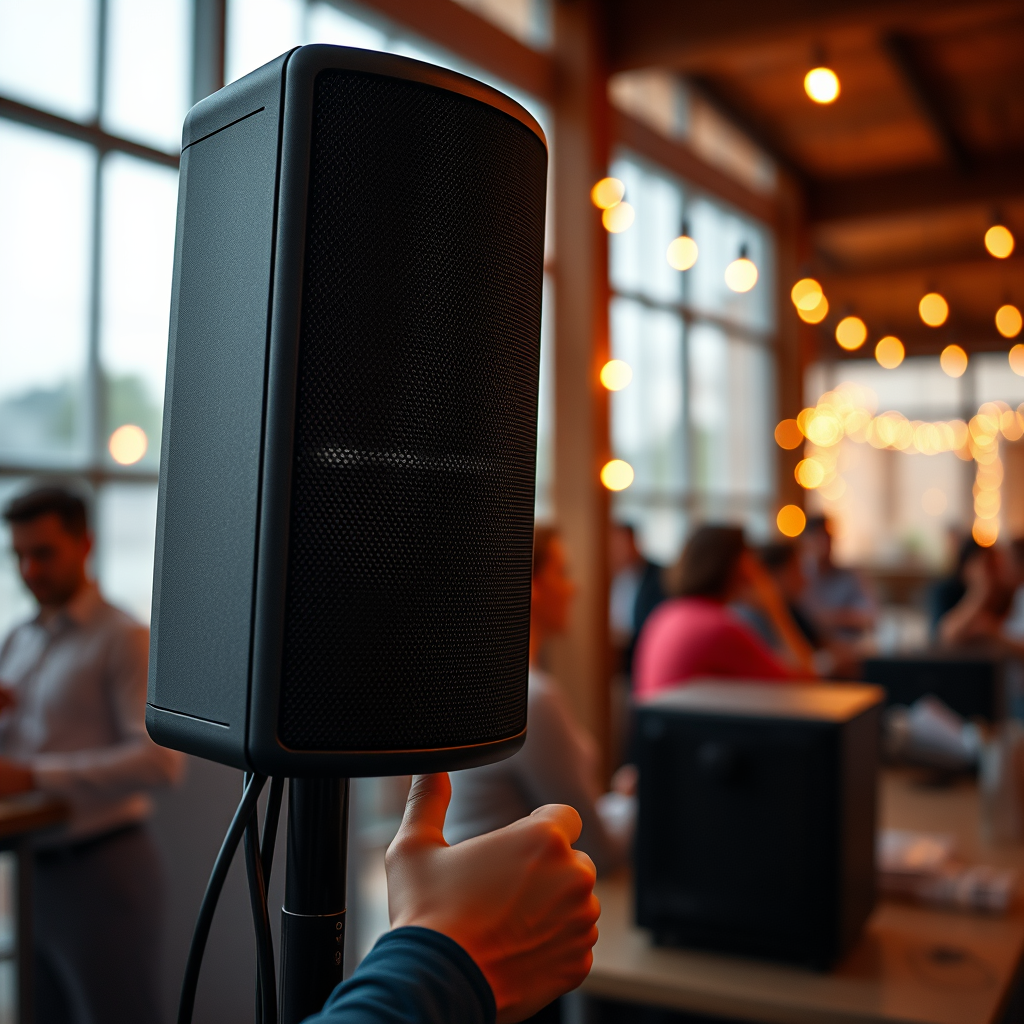
JBL offers two primary technologies to connect their speakers: JBL Connect and PartyBoost. Understanding the differences between these features is crucial for maximizing your audio experience.
– JBL Connect: This feature is available on older models, such as the JBL Charge 2 and Flip 3. JBL Connect allows users to link multiple compatible speakers, but it generally supports a limited number of connections and has specific compatibility requirements. While it works well, it does not offer the same level of versatility as its successor.
– PartyBoost: Introduced with newer speaker models like the JBL Flip 5 and Charge 4, PartyBoost allows for a more expansive connection capability. This feature supports linking more than two speakers, providing an enhanced sound quality and a more immersive audio experience. It’s particularly beneficial for users who enjoy hosting gatherings or outdoor events where robust sound is essential.
Understanding these features will help you determine which method to use for connecting your JBL speakers effectively.
Preparing Your Speakers
Before initiating the connection process, proper preparation of your speakers is essential for a seamless experience.
– Charge Your Speakers: Ensure that all JBL speakers are fully charged. Using speakers with low battery levels can result in connectivity issues or poor sound quality.
– Bluetooth Functionality: Activate the Bluetooth function on your device, whether it’s a smartphone, tablet, or laptop. This step is vital, as the speakers will connect via Bluetooth.
– Proximity: Place the speakers within close range of each other, ideally no more than 30 feet apart. This proximity is crucial for maintaining a stable Bluetooth connection.
Taking these preparatory steps will set the stage for a successful connection process.
Connecting via JBL Connect
If you own JBL speakers that utilize the JBL Connect feature, follow these steps to connect them:
1. Activate Pairing Mode: On your primary JBL speaker, press the ‘Connect’ button. This action will put the speaker into pairing mode, making it discoverable to other devices.
2. Pair the Secondary Speaker: Within a few seconds, press the ‘Connect’ button on the secondary speaker. If done correctly, both speakers will indicate a successful connection, typically through an audible confirmation or a change in LED light indicators.
3. Testing the Connection: Play audio from your device and ensure both speakers are producing sound in sync. Adjust the volume on either speaker if necessary to balance the audio output.
Following these steps should result in a successful connection between your JBL speakers using JBL Connect.
Connecting via PartyBoost
For those with JBL speakers equipped with PartyBoost, the connection process is slightly different but equally straightforward:
1. Initiate PartyBoost: Start by pressing the ‘PartyBoost’ button on your primary JBL speaker. This will activate the PartyBoost mode, allowing it to search for additional speakers.
2. Connect Additional Speakers: Simultaneously, press the ‘PartyBoost’ button on the additional speaker you wish to connect. Ensure that you do this within a few seconds of activating PartyBoost on the primary speaker.
3. Confirm Connection: Similar to JBL Connect, listen for audio confirmation or observe LED indicators to confirm a successful connection. You can now enjoy synchronized audio across all connected speakers.
Utilizing PartyBoost can greatly enhance your listening experience, particularly in larger spaces or outdoor areas.
Comparison of JBL Connect and PartyBoost Features
| # | Feature | JBL Connect | PartyBoost |
|---|---|---|---|
| 1 | Compatibility | Older Models | Newer Models |
| 2 | Max Speakers | Up to 2 | More than 2 |
| 3 | Audio Quality | Standard | Enhanced |
| 4 | Connection Type | Bluetooth | Bluetooth |
| 5 | Battery Life | Varies | Varies |
| 6 | Setup Time | Quick | Quick |
| 7 | Range | 30 ft | 30 ft |
| 8 | Microphone | No | No |
| 9 | Party Mode | No | Yes |
| 10 | App Support | Limited | Full |
Troubleshooting Connection Issues
Even with the best technology, issues can arise during the connection process. Here are some common troubleshooting tips to resolve connection problems:
– Check Bluetooth Range: Ensure that your speakers are within the recommended Bluetooth range, typically around 30 feet. Obstacles like walls or other electronic devices may hinder the connection.
– Restart Devices: If you encounter persistent issues, try restarting both the speakers and the device you are connecting. This often resolves connectivity glitches.
– Forget and Re-Pair: If the speakers have previously been connected but are now failing to link, go into your device’s Bluetooth settings, forget the speakers, and re-attempt the pairing process.
– Firmware Updates: Ensure that your JBL speakers are running the latest firmware. Outdated firmware can lead to compatibility issues and connection failures. Check the JBL app or website for instructions on how to update.
By following these troubleshooting tips, you can resolve most connection issues and enjoy uninterrupted audio playback.
Additional Tips for Optimal Sound
To ensure you get the best audio experience from your connected JBL speakers, consider the following additional tips:
– Speaker Placement: Experiment with the placement of your speakers. Positioning them at different locations can create a more immersive sound experience. Aim for a triangular setup if possible, with the listener at one point and the speakers at the other two.
– High-Quality Audio Source: Use devices that support high-quality audio playback. Streaming services that offer high-definition audio can significantly improve sound quality compared to standard formats.
– Equalizer Settings: Adjust the equalizer settings on your device to fine-tune the sound according to your preferences and the acoustics of your environment. This can enhance bass, treble, or mid-range frequencies to suit your listening style.
– Regular Maintenance: Keep your speakers clean and free from dust and debris. Regular maintenance can prolong their lifespan and ensure optimal performance.
By implementing these tips, you can enhance your listening experience and make the most of your JBL speakers.
In summary, connecting JBL speakers to each other can greatly enhance your audio experience. By utilizing either JBL Connect or PartyBoost, you can easily pair your speakers for synchronized playback. Follow the outlined steps, troubleshoot any issues that arise, and experiment with different configurations to find what works best for you. Enjoy your music like never before with the powerful sound of multiple JBL speakers working in harmony!
Frequently Asked Questions
How do I connect JBL speakers to each other using the JBL Connect app?
To connect JBL speakers using the JBL Connect app, first, ensure that your speakers are compatible with the app. Download and install the JBL Connect app from your app store, then turn on your JBL speakers and enable Bluetooth. Open the app, select your speakers, and follow the prompts to connect them, allowing you to enjoy a synchronized audio experience.
What is the difference between JBL Connect and JBL Connect+ for connecting speakers?
JBL Connect allows you to link two JBL speakers for a stereo sound experience, while JBL Connect+ enables you to connect up to 100 compatible JBL speakers simultaneously. If you want to create a more expansive sound system, choose JBL Connect+, but make sure all your speakers support this feature for optimal performance.
Why won’t my JBL speakers connect to each other, and how can I troubleshoot this issue?
If your JBL speakers won’t connect, ensure they are both charged and within close range. Check if Bluetooth is enabled on both devices and reset the speakers by holding down the Bluetooth button for a few seconds. Additionally, make sure that no other devices are connected to the speakers, as this can interfere with the connection process.
Which JBL speakers are compatible for connecting with JBL Connect+?
JBL speakers that feature the JBL Connect+ technology, such as the JBL Charge 4, JBL Flip 5, and JBL Xtreme 2, are compatible for connecting with JBL Connect+. Before purchasing, verify that the specific model you own supports JBL Connect+ to take advantage of linking multiple speakers for a larger sound experience.
What is the best way to connect JBL speakers for a home party setup?
The best way to connect JBL speakers for a home party is to use JBL Connect+ if you have multiple compatible speakers. This allows you to create an immersive audio environment by linking up to 100 speakers, ensuring everyone enjoys high-quality sound throughout the venue. Additionally, consider using a speaker with a built-in light feature for an enhanced party atmosphere.
References
- https://en.wikipedia.org/wiki/JBL_(company
https://en.wikipedia.org/wiki/JBL_(company - Google Scholar Google Scholar
https://scholar.google.com/scholar?q=connecting+JBL+speakers - Google Scholar Google Scholar
https://scholar.google.com/scholar?q=JBL+Bluetooth+speaker+pairing - https://www.bbc.com/news/technology-42215738
https://www.bbc.com/news/technology-42215738 - https://www.theguardian.com/technology/2018/oct/05/jbl-go-2-review
https://www.theguardian.com/technology/2018/oct/05/jbl-go-2-review - https://www.nytimes.com/2020/01/29/technology/jbl-soundbar-review.html
https://www.nytimes.com/2020/01/29/technology/jbl-soundbar-review.html - https://pubmed.ncbi.nlm.nih.gov/?term=JBL+speakers
https://pubmed.ncbi.nlm.nih.gov/?term=JBL+speakers - https://www.sciencedirect.com/topics/engineering/jbl-speakers
https://www.sciencedirect.com/topics/engineering/jbl-speakers - https://www.nature.com/articles/s41598-020-67919-9
https://www.nature.com/articles/s41598-020-67919-9 - Google Scholar Google Scholar
https://scholar.google.com/scholar?q=how+to+connect+jbl+speakers+to+each+other

[…] and plug-and-play convenience. In my testing and real-world installs—tweaking screen sizes, speaker placement, and viewing distance—I’ve found that “better” depends less on the device and more on your […]
[…] simplifies audio control because volume, EQ, and input routing happen in one place.” “Proper speaker placement (distance and angle) reduces intelligibility problems more than small cable […]
[…] audio routing for playback, not just for menus or the standby state.” “Re-checking speaker placement improves perceived clarity more than small EQ changes, especially for voice frequencies.” […]
[…] the built-in app store. If you can’t find the app or it won’t play, try updating your TV, troubleshooting connection issues, or using a streaming device like Roku or Fire TV. Get started now: search for Peacock on your […]