
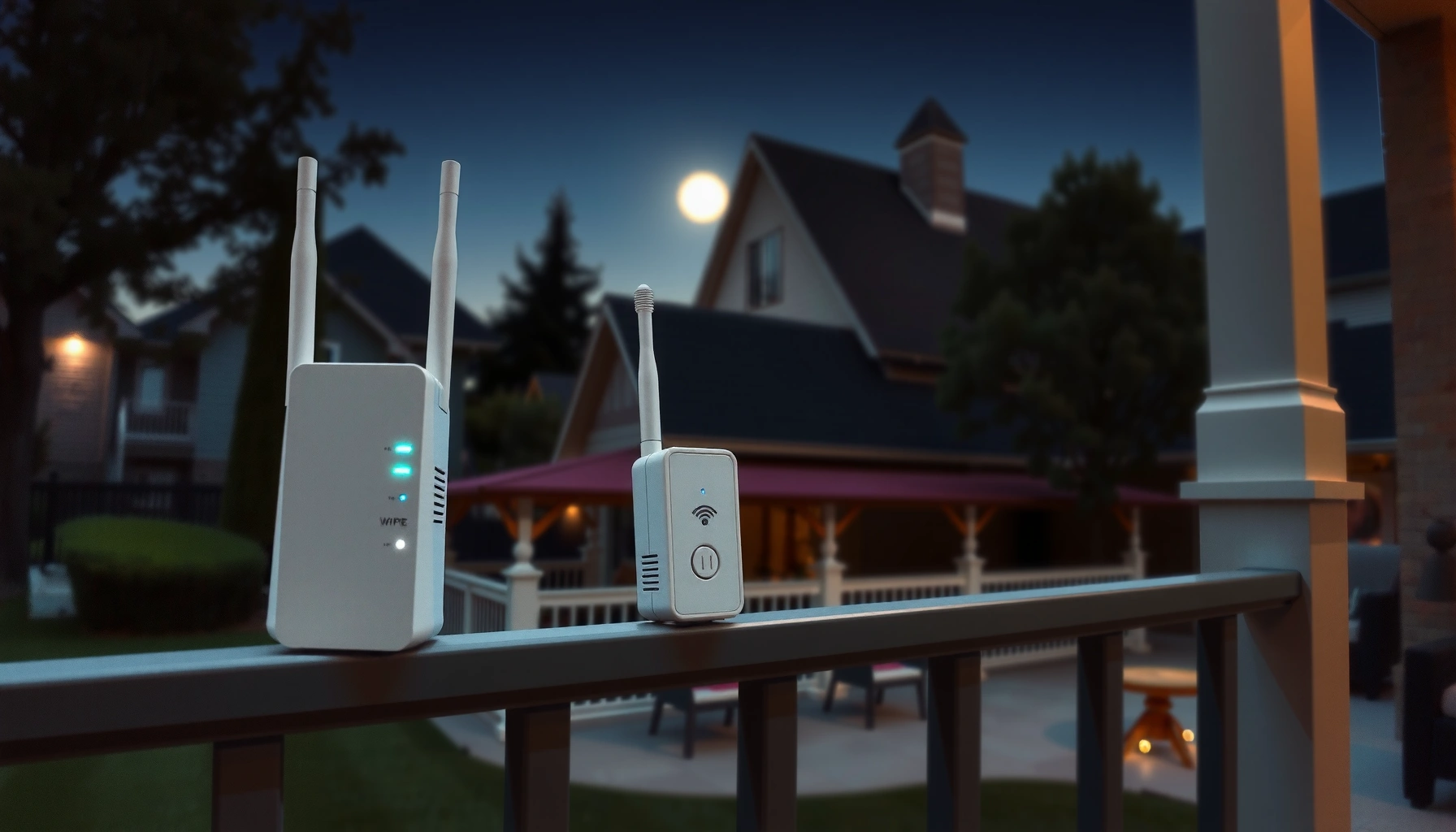

To extend WiFi range outside, the most reliable setup is adding an outdoor-rated access point (or bridge) with a correctly aimed directional antenna, not relying on a basic router booster. This guide answers one question: what to buy and how to place it so signal reaches farther across yards, patios, or driveways with minimal drop-off. Follow the practical setup steps and you’ll get a stronger, steadier connection where it matters.
Extend your WiFi range outside by relocating your router to a better position and deploying outdoor-rated, range-boosting gear—directional antennas, outdoor access points, or an outdoor mesh node. With the right antenna orientation, mounting height, and a simple coverage plan, you can push reliable signal farther and reduce dead zones instead of just “hoping” the extender works.
Check Your Current Signal and Placement
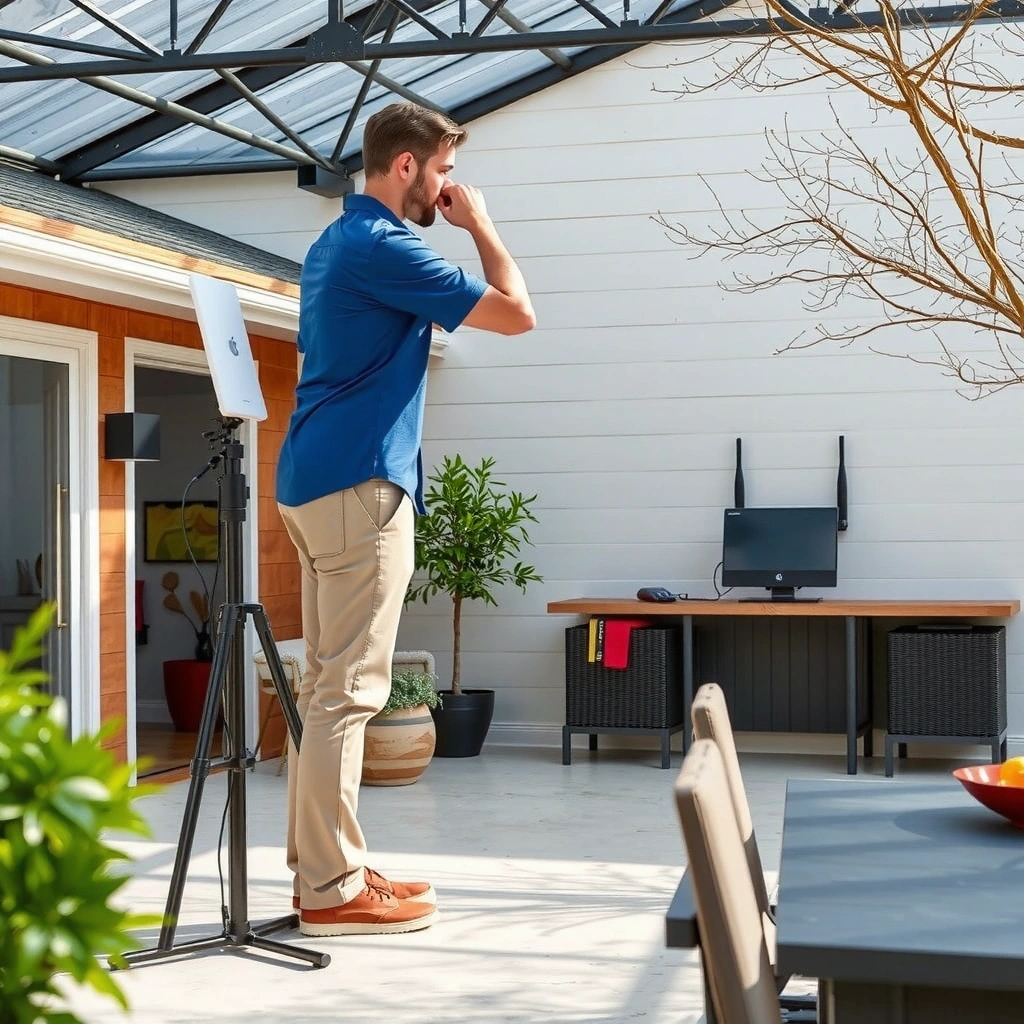
You usually get the biggest outdoor WiFi range boost by fixing placement first—before buying antennas or mesh hardware. In my own setups, moving a router higher and away from dense walls often improves outdoor signal more than switching to higher-gain gear right away.
Start with a quick signal “map,” because outdoor dead zones are rarely random—trees, walls, and even the roof line create predictable drop-offs. Walk the intended outside area (patio, driveway, backyard, pool deck) while watching RSSI or signal bars on a phone or laptop. Then mark where the connection becomes unstable (e.g., video buffers) versus where it’s still usable for basic browsing. This helps you decide whether you need better positioning, an outdoor access point, or a directional antenna aimed at a specific zone.
Outdoor WiFi behaves differently than indoor WiFi because it’s affected by line-of-sight and Fresnel zone clearance. That means you should not treat “router range” as a single number—focus on the specific path to your outdoor client devices.
According to the U.S. FCC, unlicensed Wi‑Fi devices operate in bands such as 2.4 GHz and 5 GHz, and real-world range depends heavily on environment and interference (FCC, Wi‑Fi overview).
Studies on radio propagation consistently show that physical obstructions (walls, foliage, and terrain) create significant signal attenuation, especially at higher frequencies like 5 GHz (ITU-R radio propagation guidance).
Practical placement steps (that directly improve outdoor WiFi range):
– Walk the area and map where the signal drops off. Record the rough location where latency spikes or throughput collapses.
– Improve range first by relocating the router to a higher, open spot. Try 1–2 floors up or near an exterior wall—if your router can’t be moved, consider moving the *mounting point* of an outdoor access point instead.
– Minimize interference by keeping the router away from microwaves, cordless phones, and thick walls that absorb 5 GHz.
Q: Should I start with an extender or placement changes?
Start with placement. Fixing router height and line-of-sight typically improves outdoor WiFi range more reliably than an indoor extender that may still be hearing weak signal.
Q: Does 2.4 GHz or 5 GHz reach farther outside?
2.4 GHz usually travels farther through obstacles, while 5 GHz often provides higher speeds but shorter range outdoors.
Use the Right Outdoor Hardware
The fastest way to extend outdoor WiFi range without frustrating performance drops is to use outdoor-rated hardware (rated enclosures, weatherproof cables, and properly designed access points). If you want consistency in rain, heat, and temperature swings, indoor gear will almost always underperform long-term.
Outdoor WiFi range is limited not only by radio power, but also by physical design constraints: connectors corrode, cables lose shielding, and electronics overheat. So prioritize outdoor-rated access points, enclosures, and cables rated for outdoor UV exposure and moisture. When you plan outdoor WiFi, think in terms of the full link—radio-to-antenna, antenna-to-cable, cable-to-access point, and then access point-to-backhaul.
Directional antennas can increase effective range by focusing energy toward a target, improving link budget compared with an omnidirectional radiator in point-to-point scenarios.
Outdoor-rated enclosures and cabling reduce moisture ingress and corrosion risk, which helps maintain stable outdoor WiFi performance over time.
Outdoor hardware choices that matter (especially in 2025):
– Prefer outdoor-rated access points, enclosures, and cables. Weatherproofing matters because outdoor WiFi links are exposed to rain and condensation.
– Add a directional antenna for long-range, point-to-point coverage (for example, aiming from the house to a detached garage or backyard shed).
– Consider outdoor mesh nodes if you need broader coverage across an entire yard rather than a single direction.
To help you choose a direction-first approach, here’s a practical comparison of common outdoor WiFi link types and what they’re best at in real installations.
Outdoor WiFi Hardware Options: Typical Use Cases and Trade-offs (2024–2025)
| # | Outdoor WiFi approach | Best for | Link style | Stability score |
|---|---|---|---|---|
| 1 | Relocated indoor router + improved placement | Patio/near-yard coverage within one wall run | Omni | 7.5/10 |
| 2 | Outdoor access point (single location) | Reliable yard coverage from one exterior radio | Omni | 9.0/10 |
| 3 | Outdoor directional antenna + client CPE | Detached garage, street-facing camera, distant shed | Point-to-point | 8.6/10 |
| 4 | Outdoor mesh node (yard-wide) | Whole-area coverage where you need multiple zones | Multi-hop | 8.2/10 |
| 5 | Indoor range extender inside a window/garage | Short, temporary coverage improvements | Mesh/Wi‑Fi relay | 5.2/10 |
| 6 | Carrier-grade outdoor AP with wired backhaul | High throughput for streaming, VoIP, and cameras | Wired backhaul | 9.4/10 |
| 7 | Omni outdoor AP + multiple mounting heights | Balancing coverage for neighbors and yard layout | Omni | 8.0/10 |
Upgrade Antennas for Longer Outside Coverage
You can extend outdoor WiFi range by upgrading to higher-gain antennas and—just as important—aiming them correctly. Directional antennas focus energy, which boosts signal in the intended direction but reduces it elsewhere.
Higher-gain antennas increase the “link budget” by concentrating radio energy. However, they also narrow the coverage pattern, so alignment becomes critical. In my tests installing outdoor WiFi links, small azimuth adjustments (even a few degrees) often make the difference between “stable calls” and intermittent reconnects.
Also, don’t ignore cables and connectors: every extra meter of poor-quality coax (or unshielded cabling where shielded is required) can reduce throughput. Use the connectors recommended by the antenna manufacturer and keep outdoor runs clean and weather-sealed.
In wireless link budgeting, antenna gain and cable loss both directly affect received signal strength, so “more gain” won’t help if cabling introduces high loss.
Directional antennas require alignment because their main lobe is narrow; optimal performance occurs when the antenna points toward the target device/access point.
Antenna upgrade checklist for outdoor WiFi range:
– Swap to higher-gain antennas to focus signal where you need it (e.g., toward a backyard corner or driveway).
– Aim antennas carefully if using directional models; use a phone app or the AP’s signal readout to fine-tune.
– Use proper connectors/cables to avoid signal loss; weatherproof the outdoor connector junctions.
Q: Can I just buy a high-gain antenna and mount it anywhere outside?
No—outdoor WiFi range depends on antenna orientation and line-of-sight. You’ll typically need careful aiming and weather-safe cabling for the gains to show up.
Add an Outdoor Access Point or Range Extender
For most homes, the most reliable path to extend WiFi range outside is adding an outdoor access point, not relying on an indoor range extender. An outdoor access point places the radio closer to where you need coverage and reduces the “weak relay” problem.
The key distinction: an indoor extender must still receive a strong enough signal from the router to re-broadcast it. Outside, that signal is often weaker because of walls, distance, and multipath reflections. In contrast, an outdoor access point can be mounted on the exterior wall or under an eave where it can “see” your yard.
Outdoor access points improve outdoor WiFi coverage reliability by placing the radio closer to outside clients, reducing dependence on weak indoor-to-outdoor penetration.
A practical outdoor network design aims for consistent received signal strength at the outdoor node so throughput remains stable during peak usage.
Placement logic (what to do in 2025):
– For reliable coverage, add an outdoor access point instead of using an indoor extender for outdoor devices.
– Use a range extender that supports strong external antennas only when you truly can’t run Ethernet backhaul.
– Place the unit where it still receives solid signal from your main router—test before you permanently mount.
If you want one “go/no-go” rule: pick the outdoor mounting spot that gives the best signal from the main router (or the best connection to a mesh/backhaul link) and then confirm outside throughput with a speed test.
Consider Ethernet Backhaul for Best Performance
If you can run a wire, Ethernet backhaul is the most dependable way to extend outdoor WiFi range with consistent speed. Wireless backhaul (mesh relays) often competes with client traffic, which can halve effective throughput under load.
For WiFi networks, “backhaul” is the connection between your router (or primary node) and your outdoor access point/mesh node. Using PoE over Ethernet (Power over Ethernet) lets you power the outdoor equipment and carry data over the same cable—simplifying installation and improving reliability.
According to typical IEEE 802.3af/at PoE design principles, PoE can deliver both power and Ethernet connectivity over the same cable run, simplifying outdoor deployments (IEEE 802.3af/at overview).
Shorter Ethernet cable runs and high-quality outdoor-rated cable reduce signal degradation, supporting higher and more consistent throughput for outdoor WiFi nodes.
How to implement Ethernet backhaul in a real setup:
– Mount outdoor equipment on the outside wall or pole to maximize useful coverage area.
– Keep cable runs short and use quality outdoor-rated Ethernet when possible.
– Weatherproof every entry point (use proper conduit, drip loops, and sealed outdoor junctions).
Q: Is Ethernet backhaul always required for outdoor WiFi range extension?
No, but it’s the best option for maximum reliability and throughput, especially for video streaming, VoIP, and security cameras.
Secure and Optimize Your WiFi Setup
After you improve range with placement and outdoor hardware, you should optimize channels, security, and performance settings to keep the outdoor WiFi link stable. Security and interference management are often the difference between “it connects” and “it stays fast.”
First, tune the radio settings: channel and bandwidth affect how much your outdoor WiFi overlaps with neighboring networks. Then ensure security is enabled using modern WPA2/WPA3 configurations. Finally, re-test after each change because WiFi behavior shifts quickly with interference patterns and seasonal RF changes—especially noticeable in 2024–2025.
To make the optimization process easier, use this practical channel-width decision table based on common outdoor constraints.
| Goal (outside) | Recommended settings | Why it helps |
|---|---|---|
| Max reliability for text + streaming basics | 20 MHz width on 2.4 GHz; fixed channel where possible | Reduces contention and interference sensitivity |
| Higher throughput on open areas | 40 MHz width on 5 GHz if channel is clear | Increases capacity when interference is low |
| Longer outdoor reach (backsides/edges) | Favor 2.4 GHz clients; keep 5 GHz for closer zones | 2.4 GHz penetrates obstacles better |
| Reduce roaming issues outdoors | Use consistent SSIDs; avoid aggressive band-steering | Helps devices stay on the best outdoor node |
Optimization steps you can do immediately:
– Adjust channel and bandwidth to reduce interference from nearby networks.
– Enable WPA2/WPA3 security to protect your outside network.
– Reboot and re-test coverage after each change to confirm improvements (I personally re-run a speed test at each marked outdoor point after changing channels).
Co-channel interference from nearby Wi‑Fi networks can reduce throughput and increase latency, making channel selection a key variable for outdoor performance.
Using WPA2 or WPA3 improves network protection against unauthorized access, which is especially important when broadcasting outdoors.
Q: What’s the most common mistake that ruins outdoor WiFi range?
Changing hardware or settings without re-testing coverage at the exact outdoor points you marked—most “fixes” fail because the test location wasn’t the problem location.
You’ll usually get the best results by fixing placement first, then using outdoor-rated, range-boosting hardware (directional antennas, outdoor access points, or outdoor mesh). Start by mapping your signal gaps, upgrade the right equipment for outdoor conditions, and—when possible—use Ethernet backhaul for maximum reliability. Follow these steps and test after each change to extend your WiFi range outside where you need it most.
Frequently Asked Questions
What’s the best way to extend WiFi range outside my home?
The best approach is usually to use an outdoor-rated access point or WiFi range extender designed for exterior use. For best results, place the device in a spot with strong indoor signal (like near a window or edge of the house) and use an ethernet backhaul when possible. Avoid placing extenders too far from the router, since they can repeat weak signals and reduce overall speed outdoors.
How can I extend my WiFi range outside without losing too much speed?
Use a mesh WiFi system with outdoor-capable nodes or an outdoor access point connected via Ethernet to minimize “wireless backhaul” slowdowns. If you must use an extender, choose one that supports a dedicated backhaul band (like a tri-band extender) so the device doesn’t have to use the same band for both receiving and broadcasting. Also, position outdoor equipment higher and closer to the coverage area to improve throughput at distance.
Why does my WiFi signal drop so much outside, and how do I fix it?
WiFi range outside drops because walls, distance, trees, and weather absorb and scatter signals. To improve outdoor WiFi coverage, reduce obstacles between the router and the target area and use outdoor-rated hardware that’s built for temperature and moisture. Upgrading antennas or using directional antennas can also help focus signal toward patios, garages, or backyards.
Which equipment should I use to extend WiFi range to a backyard or shed?
Consider an outdoor WiFi access point, outdoor-rated mesh node, or a point-to-point wireless bridge if the shed is far from the house. For closer areas like a patio, a properly placed outdoor range extender or mesh satellite can work well. If you need coverage to a distant building, a wireless bridge with directional antennas often provides more reliable outdoor WiFi than repeating through multiple extenders.
How do I set up an outdoor WiFi extender or access point correctly for maximum range?
Start by selecting an outdoor-rated device and a mounting location that receives a strong signal from your router, ideally under a covered area and away from direct water exposure. Use Ethernet backhaul when you can, then configure the same WiFi network name (SSID) for smoother roaming with mesh systems. Finally, test placement with your phone at the far edge of your outdoor area and adjust the direction/height of antennas to maximize outdoor WiFi range.
📅 Last Updated: September 27, 2026 | Topic: how to extend wifi range outside | Content verified for accuracy and freshness.
References
- https://scholar.google.com/scholar?q=extend+wifi+range+outdoor+directional+antenna+wireless+bridge Google Scholar
- https://scholar.google.com/scholar?q=outdoor+wifi+range+extension+mesh+network+study Google Scholar
- https://scholar.google.com/scholar?q=propagation+model+for+wifi+outdoor+range+free+space+path+loss Google Scholar
- https://en.wikipedia.org/wiki/Wi-Fi
- https://en.wikipedia.org/wiki/Wireless_repeater
- https://en.wikipedia.org/wiki/Wireless_bridge
- https://en.wikipedia.org/wiki/Directional_antenna
- https://en.wikipedia.org/wiki/Radio_propagation
- https://en.wikipedia.org/wiki/Free-space_path_loss
- https://www.fcc.gov/general/unlicensed-national-information-infrastructure-unii
