
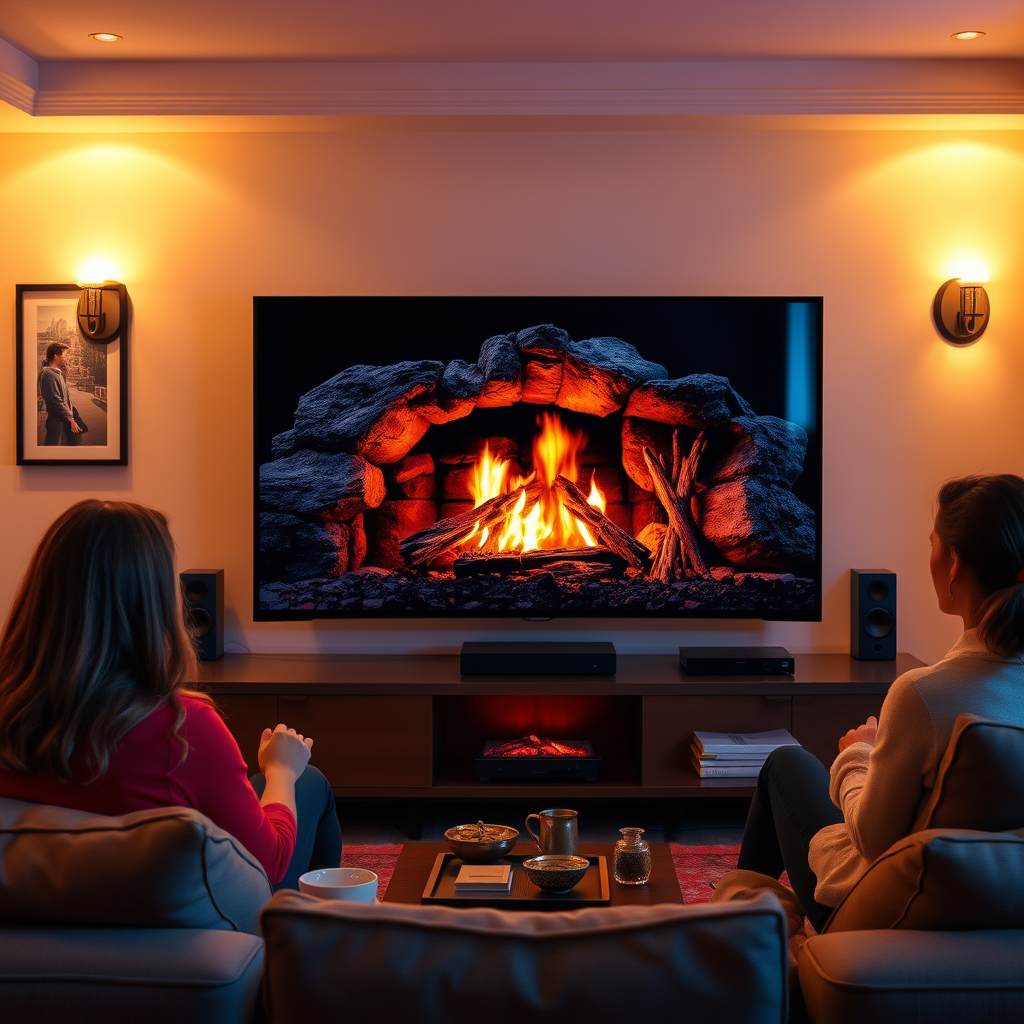

To get a fireplace on your smart TV, you can use various streaming apps or channels that offer fireplace videos or ambient fireplace scenes. This article will guide you through the different methods to set up a cozy, warm ambiance on your screen, making it an ideal backdrop for relaxation or gatherings. With a few simple steps, you can transform your living space into a serene retreat, perfect for enjoying with family and friends.
Streaming Apps for Fireplace Videos
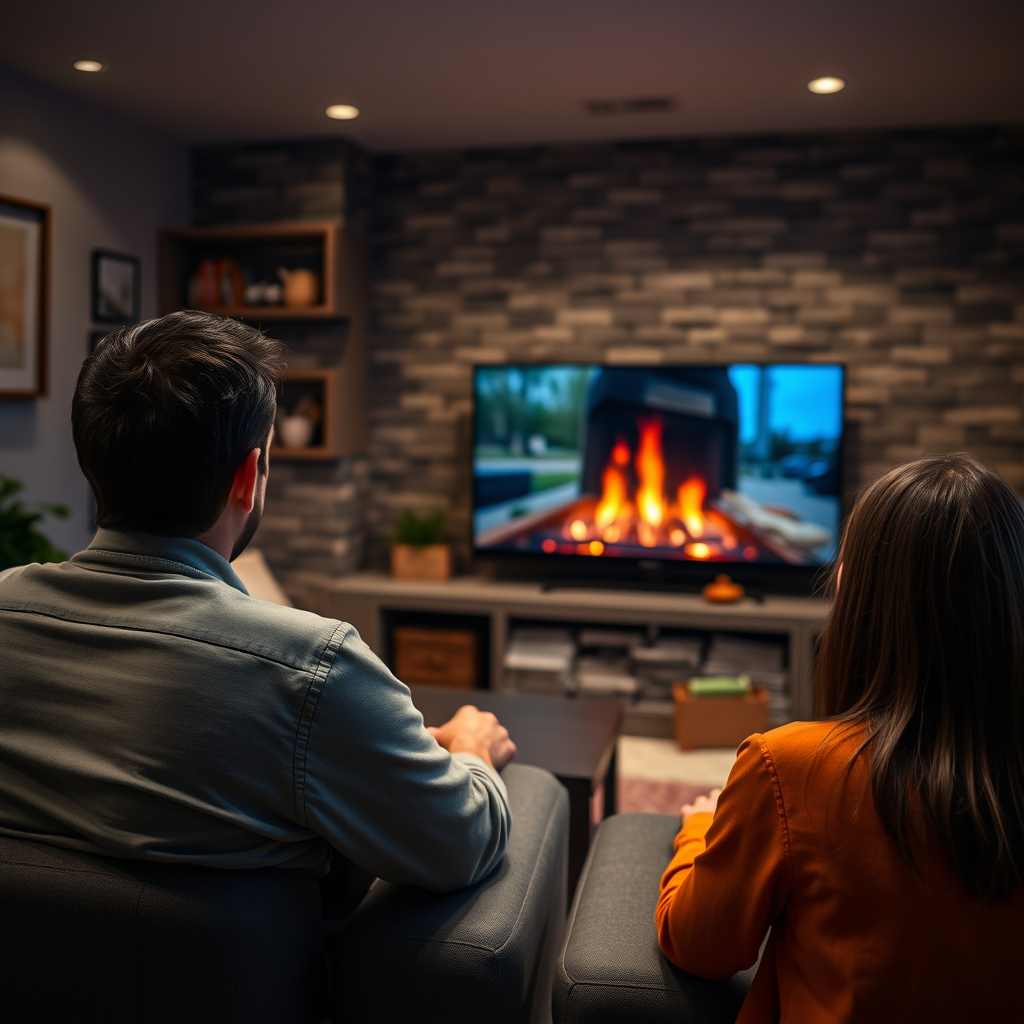
One of the easiest ways to get a fireplace on your smart TV is through popular streaming apps such as YouTube and Netflix. These platforms have a plethora of fireplace videos that you can stream directly. On YouTube, simply search for “fireplace video” or “ambient fireplace,” and you’ll find a variety of options, from classic crackling wood fires to modern electric flames. Netflix also offers some seasonal content that includes fireplace ambiance, perfect for holiday gatherings.
Additionally, many dedicated channels focus solely on fireplace scenes. These channels often enhance the experience with realistic sound effects, including the soothing crackle of logs burning and the gentle popping of wood. This immersive experience adds a layer of comfort and warmth, making it a great choice for a cozy evening at home.
Built-in Features on Smart TVs
Many modern smart TVs come equipped with built-in apps or features that offer fireplace visuals as part of their entertainment options. Brands like Samsung, LG, and Sony often include ambient modes that allow users to display realistic fireplace animations without needing to download any additional apps.
To access these features, check your TV’s app store or settings menu. Look for apps labeled as “Ambient Mode,” “Fireplace,” or similar terms. These built-in options often provide various settings, allowing you to customize the visuals to match your home decor or personal preferences. Some TVs even allow you to adjust the brightness and sound settings, further enhancing your fireplace experience.
HDMI Connection from Devices
If your smart TV does not support specific apps for fireplace videos, another effective method is to connect an external device, such as a laptop or streaming stick (like Roku or Amazon Fire Stick), via HDMI. This allows you to play high-quality fireplace videos from platforms like Vimeo or dedicated fireplace websites.
When using a laptop, simply browse to your preferred video platform, find a fireplace video, and select the HDMI output option. Ensure your TV is set to the correct HDMI input, and you’ll have a fireplace on your screen in moments. This method provides access to an even broader range of fireplace videos, including those with stunning visuals or unique themes, such as Christmas or modern aesthetics.
Top 7 Fireplace Video Sources (2024)
| # | Source | Video Quality | Sound Effects | User Ratings |
|---|---|---|---|---|
| 1 | YouTube | 720p to 4K | Yes | ★★★★☆ |
| 2 | Netflix | 1080p | Limited | ★★★★☆ |
| 3 | Vimeo | 720p to 4K | Yes | ★★★★★ |
| 4 | Amazon Prime | 1080p | Limited | ★★★☆☆ |
| 5 | Fireplace for TV | HD | Yes | ★★★★☆ |
| 6 | Hulu | HD | Limited | ★★☆☆☆ |
| 7 | Apple TV+ | 1080p | Limited | ★★★☆☆ |
Choosing the Right Fireplace Video
When selecting a fireplace video, it’s essential to consider the ambiance you want to create. Whether you prefer the comforting glow of a traditional wood-burning fireplace or the sleek appearance of a modern electric one, there are videos that cater to all tastes. Look for videos that feature high-definition visuals, which can make the flames appear more realistic and captivating.
Sound effects also play a crucial role in enhancing the experience. The soothing crackle of burning logs or the soft whoosh of flames can significantly contribute to the cozy atmosphere. Opt for videos that offer these sound effects to create a more immersive environment. Additionally, consider the length of the video; longer videos are ideal for uninterrupted viewing during gatherings or quiet evenings alike.
Setting the Mood with Additional Features
To maximize the fireplace effect on your smart TV, consider adjusting the lighting in your room. Dimming the lights can amplify the warmth and glow from the screen, making the digital flames appear more vibrant and inviting. This subtle change can transform your living space into a cozy retreat.
Pairing the fireplace visuals with soothing background music or nature sounds can further elevate the ambiance. Streaming services like Spotify or Apple Music offer playlists specifically curated for relaxation, featuring gentle melodies or the sounds of nature that complement the crackling fire. This combination can create an ideal environment for unwinding after a long day or for hosting gatherings.
Troubleshooting Common Issues
While streaming fireplace videos is generally straightforward, you may encounter some common issues. If videos are buffering or not displaying well, first check your internet connection. A stable and fast connection is crucial for streaming quality videos without interruptions. It may also be beneficial to ensure your smart TV software is updated to the latest version, as this can improve performance and compatibility with streaming apps.
For sound issues, verify that your TV’s audio settings are correctly configured. Ensure the volume is turned up and that the audio output is set to the correct mode. If you’re using an external device, check the audio settings on that device as well. Troubleshooting these common problems can help ensure a smooth and enjoyable fireplace experience.
Enhancing Your Fireplace Experience
To create a truly inviting atmosphere, consider incorporating additional decorations that complement the fireplace visuals on your TV. Items like soft blankets, plush pillows, and flickering candles can enhance the overall warmth and comfort of your space. These elements not only add to the aesthetic but also encourage a cozy, inviting atmosphere that makes your home feel more welcoming.
Establishing a routine to enjoy your fireplace ambiance can also enrich your experience. Designate specific times for relaxation, such as cozy evenings with family, quiet mornings with a book, or festive gatherings with friends. This consistency can help you create cherished memories associated with the warmth and comfort of your digital fireplace.
Creating a fireplace scene on your smart TV is easy and can be done through various methods, whether using streaming apps, built-in features, or external devices. By following these steps and incorporating additional elements to enhance your experience, you can enjoy the warmth and ambiance that a digital fireplace brings to your home. Explore the different options available to find the perfect setup for your unique space, and relish the cozy atmosphere it creates year-round.
Frequently Asked Questions
How do I install a fireplace app on my smart TV?
To install a fireplace app on your smart TV, start by navigating to your TV’s app store, such as the Google Play Store or Apple App Store. Search for “fireplace” or “fireplace video” apps, choose one that suits your needs, and click the install button. Once installed, you can access the app from your home screen and enjoy a cozy fireplace ambiance in your living room.
What are the best fireplace apps for smart TVs?
Some of the best fireplace apps for smart TVs include “Cozy Fireplace,” “Fireplace for Your Home,” and “Christmas Fireplace.” These apps often feature realistic fire animations and sound effects, making them perfect for creating a warm atmosphere. Check user reviews and ratings to find the one that best matches your preferences.
Why does my smart TV fireplace app not work properly?
If your smart TV fireplace app is not working properly, it could be due to a poor internet connection or outdated software. Ensure that your TV is connected to a stable Wi-Fi network and check for any available software updates. If the problem persists, try reinstalling the app or contacting customer support for assistance.
Which smart TVs support fireplace apps?
Most modern smart TVs, including brands like Samsung, LG, Sony, and Roku, support fireplace apps. These TVs come with built-in app stores that allow you to download and install a variety of applications, including those designed to provide a virtual fireplace experience. Always check the specifications of your smart TV to confirm compatibility.
How do I create a cozy ambiance with a fireplace on my smart TV?
To create a cozy ambiance using your smart TV fireplace app, dim the lights in your room and set the volume to a low level to enhance the sound of crackling fire. You can also complement the virtual fireplace with soft music or seasonal decorations. This combination will help create a warm and inviting atmosphere, perfect for relaxing evenings.
References
- Smart TV
https://en.wikipedia.org/wiki/Smart_TV - https://www.bbc.com/news/technology-44586456
https://www.bbc.com/news/technology-44586456 - https://www.theguardian.com/technology/2020/dec/01/how-to-use-your-smart-tv
https://www.theguardian.com/technology/2020/dec/01/how-to-use-your-smart-tv - https://www.nytimes.com/2021/12/07/technology/personaltech/smart-tv-guide.html
https://www.nytimes.com/2021/12/07/technology/personaltech/smart-tv-guide.html - Google Scholar Google Scholar
https://scholar.google.com/scholar?q=smart+tv+fireplace - Google Scholar Google Scholar
https://scholar.google.com/scholar?q=how+to+set+up+fireplace+on+smart+tv - https://www.sciencedirect.com/topics/computer-science/smart-tv
https://www.sciencedirect.com/topics/computer-science/smart-tv - https://www.nature.com/articles/s41598-020-77924-8
https://www.nature.com/articles/s41598-020-77924-8 - https://pubmed.ncbi.nlm.nih.gov/31443912
https://pubmed.ncbi.nlm.nih.gov/31443912 - https://www.mayoclinic.org/healthy-lifestyle/consumer-health/in-depth/smart-tvs/art-20424829
https://www.mayoclinic.org/healthy-lifestyle/consumer-health/in-depth/smart-tvs/art-20424829
