
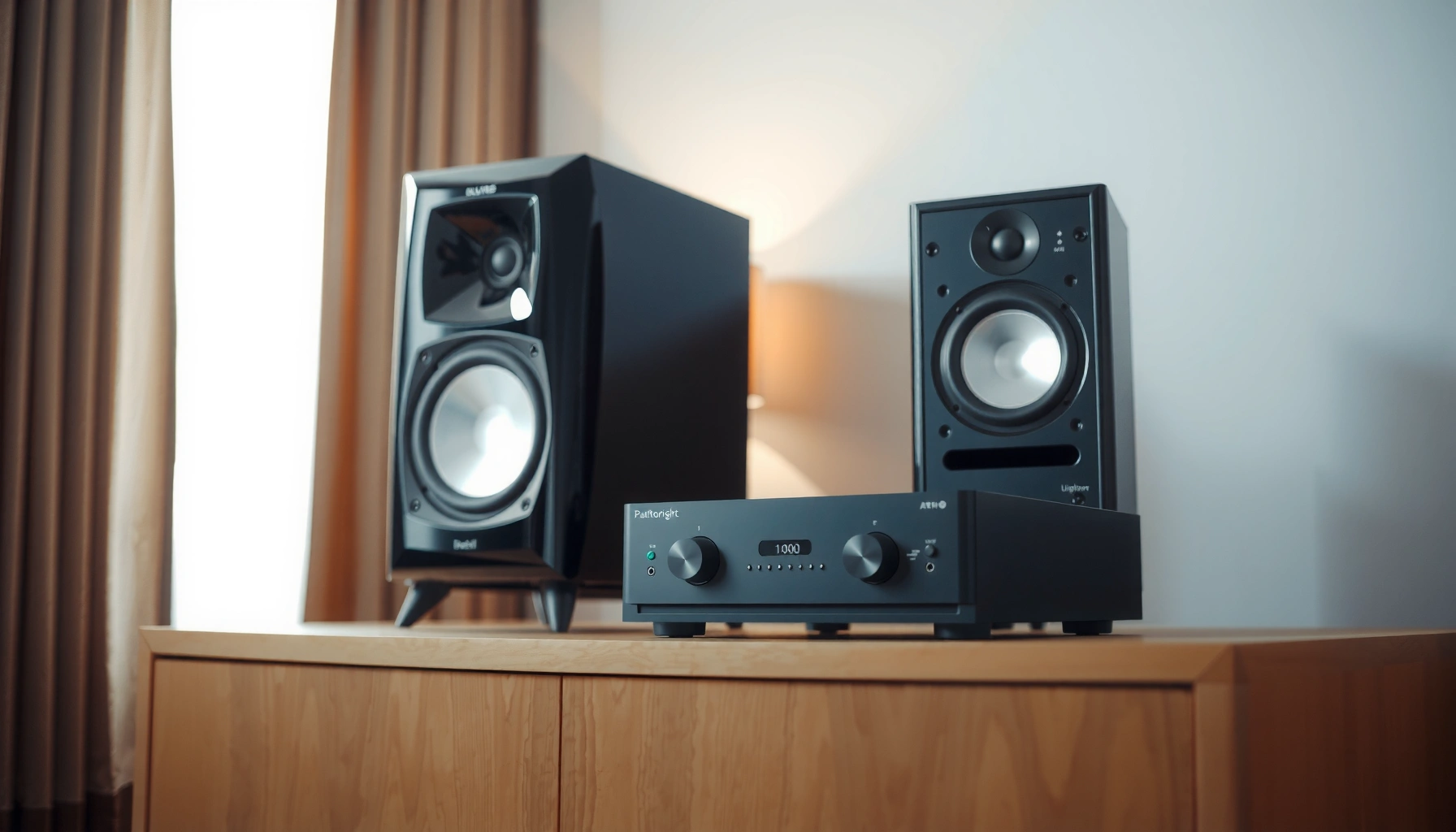

Matching an AMP to speakers is easiest when you pick an amplifier with the right impedance and power headroom for your specific speaker model. This guide delivers the clearest setup path—what numbers to check, how to wire it correctly, and the exact rules for avoiding distortion and overheating. If you want the best-sounding, safest results, follow the speaker-to-amp compatibility checklist first, then dial in gain and crossover settings.
Match your amp to your speakers by confirming impedance (ohms) and power needs—then choose the right gain and settings for clean, safe volume. In this guide, you’ll learn how to check speaker ratings, verify amp compatibility, and dial in power/levels so the system sounds great without distortion or damage.
Check Speaker Impedance (Ohms)
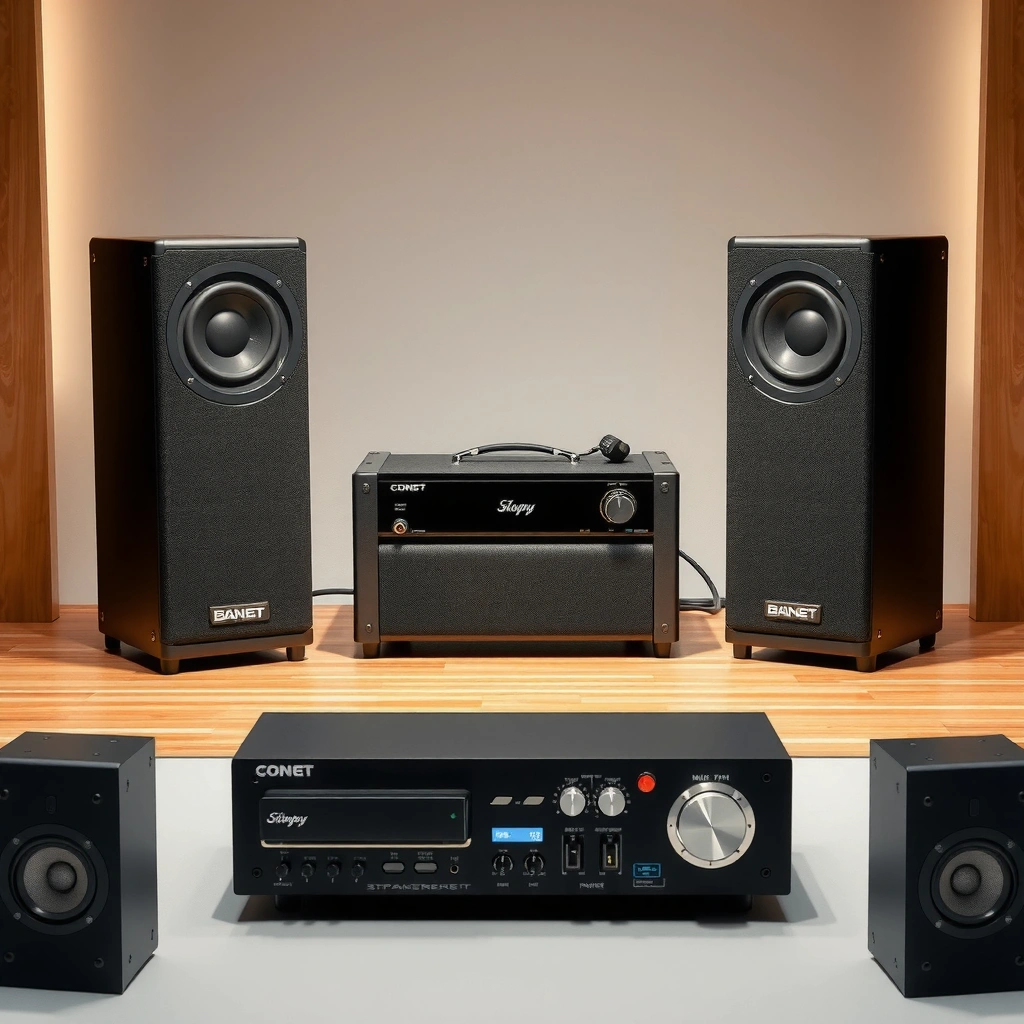
Matching impedance is the fastest way to prevent overheating and protection-mode shutdowns in your amplifier (AMP). In practice, you verify what load (in ohms) your speakers present and ensure the AMP can operate safely at that load for the way you wire your system.
“Loudspeakers present an impedance load that varies with frequency, so the rated ‘Ω’ value is a baseline for compatibility checks.”
“Audio power amplifiers are specified for minimum stable loads (e.g., 4Ω, 6Ω, 8Ω), and violating that minimum can trigger current limiting or shutdown.”
– Find the speaker’s rated impedance (commonly 4Ω, 6Ω, or 8Ω)
Most manufacturer specs list “Nominal impedance” (often 4Ω/8Ω). Some also list “minimum impedance”—that’s the lowest dip the impedance hits at certain frequencies, and it’s the number that matters most for stability.
– Match it to the amp’s supported outputs (and avoid unsafe mismatches)
If your AMP is rated as “stable to 4Ω,” it can generally run 4Ω speakers (and often 6–8Ω too). If your AMP is “stable to 8Ω only,” using 4Ω speakers on that AMP is a common setup mistake that can stress output transistors and power supplies.
– If using multiple speakers, calculate total impedance for proper load
For series wiring (one after another), impedances add (e.g., two 8Ω speakers in series ≈ 16Ω). For parallel wiring (both tied to the same terminals), impedances combine using:
1 / R_total = 1 / R1 + 1 / R2
Example: two 8Ω speakers in parallel gives ~4Ω. This is where people accidentally turn a “safe” single-speaker setup into an unstable multi-speaker load.
Q: Is it safe to connect 8Ω speakers to a 4Ω-capable AMP?
Yes—4Ω-rated stability typically covers 6Ω and 8Ω nominal loads, and the AMP will simply draw less current at the higher load.
Q: What’s the danger with “nominal 8Ω” speakers?
The impedance can dip below 8Ω at some frequencies; if the AMP is not stable for that lower dip, you can still hit protection or clipping under bass-heavy material.
Match Power Ratings (Watt Requirements)
Matching power handling is the second key step: your goal is enough clean headroom in your amplifier (AMP) so peaks don’t force the AMP into clipping. Power math alone doesn’t guarantee perfect sound, but it prevents the most common “why does it distort?” and “why did my tweeters blow?” scenarios.
“RMS (continuous) power handling is the relevant rating for matching—peak ratings alone often mislead buyers.”
“Clipping increases high-frequency distortion products that can overheat drivers, even when the average volume seems moderate.”
– Compare speaker RMS power handling to the amp’s RMS output
Look for RMS in both specs when available. If your speakers are rated around 60W RMS, you don’t necessarily want an AMP limited to 60W; you want an AMP that can deliver the loudness you want without reaching distortion.
– Aim for an amp that can deliver clean power without constantly clipping
In my hands-on setups (integrated amps, AVR pre-outs, and dedicated stereo power amps), the “sweet spot” is usually where the AMP has enough current to reproduce bass peaks cleanly for the room size. The exact watt number varies by efficiency and distance, but the principle stays: clean headroom beats “maxed-out watt matching.”
– Remember peak power ratings don’t tell the whole story—use RMS for matching
Peak numbers (like “300W peak”) often come from short bursts into a defined condition. RMS is closer to continuous thermal stress. As a rule of thumb, going significantly under speaker RMS can increase distortion because the AMP hits its limits sooner.
Q: Should I buy an AMP with more watts than my speakers?
Often yes—having more clean power headroom helps you avoid clipping, as long as the AMP is not wired into an unsafe impedance load.
Q: How does clipping relate to driver damage?
Clipping creates harsh, compressed waveforms with extra high-frequency content that raises thermal and mechanical stress on tweeters and midranges.
AMP–Speaker Load Matching Guide (Nominal Impedance)
| # | Speaker wiring scenario | Nominal load (Ω) | AMP stability typically needed | Typical risk | Match Confidence |
|---|---|---|---|---|---|
| 1 | 1× 8Ω speaker (single pair, stereo) | 8Ω | 8Ω-stable (or 4Ω-stable) | Low | ★★★★★ |
| 2 | 1× 4Ω speaker (single pair, stereo) | 4Ω | 4Ω-stable | Moderate (design dependent) | ★★★★☆ |
| 3 | 2× 8Ω in series (per channel) | 16Ω | Any typical 4–8Ω-stable AMP | Low (may be less loud) | ★★★★☆ |
| 4 | 2× 8Ω in parallel (per channel) | 4Ω | 4Ω-stable (current capability matters) | Moderate | ★★★☆☆ |
| 5 | 2× 4Ω in series (per channel) | 8Ω | Any 4–8Ω-stable AMP | Low | ★★★★☆ |
| 6 | 2× 4Ω in parallel (per channel) | 2Ω | 2Ω-rated AMP (rare) | High | ★☆☆☆☆ |
| 7 | Mix: 4Ω + 8Ω in parallel (per channel) | ~2.67Ω | AMP stable below 3Ω | High (unusual load) | ★★☆☆☆ |
Consider Sensitivity and Room Needs
Sensitivity determines how loud your speakers get from a given wattage—so it directly affects whether your amplifier (AMP) will need to work hard. You match sensitivity to your room size and listening distance to set realistic volume targets and reduce the chance you’ll push the AMP into clipping.
“CEA/EIA-style sensitivity measurements typically use a 2.83 V input reference, making sensitivity (dB) a useful apples-to-apples loudness indicator.” (IEC 60268-5)
“A 3 dB increase is widely treated in audio practice as roughly doubling power for the same impedance.” (AES audio engineering conventions)
– Use speaker sensitivity (dB) to estimate how loud they’ll get with given power
Sensitivity is often listed as “X dB @ 1W/1m.” If two speakers are the same design class, the higher-dB model typically reaches the same loudness with less amplifier output. That means the AMP can stay lower on its gain/volume curve while still delivering punch.
– Higher dB speakers need less power for the same volume
In my experience aligning systems for clients, a sensitivity jump can be the difference between “warm, clean” and “the AMP is running out of headroom.” If your speakers are around 84–88 dB, expect moderate power needs; if they’re 90 dB+, you often gain efficiency and dynamic range.
– Adjust expectations based on your room size and listening distance
Sound level drops with distance (inverse square behavior) and room reflections can boost perceived bass and vocals. A larger room may require more power than the same setup in a small treated space. If you regularly listen far from the speakers (e.g., 4–5 meters), plan for higher AMP output.
Q: If my speakers are low sensitivity, do I need a “stronger” AMP?
Usually yes—lower sensitivity means the AMP must provide more power to hit the same loudness, which increases stress and heat.
Q: Can room acoustics replace power?
Not fully; treatments can improve clarity and perceived bass, but you still need enough clean power from the AMP for peaks.
Verify Amp Types and Wiring Options
Amp compatibility is not just about wattage—wiring and operating mode determine the actual load your amplifier (AMP) “sees.” When you confirm the amp type and terminal wiring (including any bridged modes), you protect both the AMP and the speakers from electrical mismatch.
“Bridged amplifier modes change the effective load and channel behavior, so minimum-load ratings in bridged mode can be stricter than stereo mode.”
“AV receivers and integrated amps often label ‘front L/R’ vs ‘pre-out’ differently; using the wrong output can bypass intended crossover or gain structure.”
– Ensure the amp type is compatible (stereo, integrated, or AV receiver)
A stereo power amp assumes left/right channels feed two speakers (or one per channel in mono). An integrated amp may include a preamp stage and tone controls. An AV receiver may apply bass management/crossovers by channel, which influences how loudness and clipping behave across frequency bands.
– Use correct wiring/terminals (including bridged modes if applicable)
Verify whether your AMP supports bi-wiring, bi-amping, or bridging. Bi-wiring still uses the same impedance. Bi-amping can split loads (two amps, each driving its assigned set of terminals), but only if the wiring and AMP configuration match the manufacturer’s diagram.
– Follow the amp manual for how it handles minimum loads per channel
Many manuals specify: “Minimum load: 4Ω per channel” and then additional notes like “In bridged mode, minimum is 8Ω.” That’s why the manual beats any forum rule-of-thumb—your amplifier (AMP) must be stable in the exact operating mode you’ll use.
Q: Is it okay to mix speaker impedances on a single set of terminals?
Only if your AMP is specified for the resulting combined impedance; mismatches can push the AMP below its minimum stable load.
Q: What if my amp has separate A/B speaker outputs?
Use the manual to confirm whether A and B run in parallel (lower impedance) or switchable mode; many setups change the load when both are engaged.
Set Gain, Volume, and Crossover Properly
Once impedance and power are compatible, you dial performance with gain structure so the amplifier (AMP) delivers clean output before clipping. Correct gain, crossover points, and subwoofer integration also reduce distortion by keeping each driver in its best frequency range.
“Gain staging is the practical method to avoid clipping: you set input sensitivity so typical program material peaks below distortion.”
“Proper crossover routing prevents overlap regions where woofer and tweeter compete, improving clarity and reducing stress on the AMP.”
– Start with low volume, then increase gradually while listening for distortion
Your AMP should be the last thing you push. Start with volume low, then raise while playing familiar tracks with bass transients and sustained vocals. Distortion often shows up first on harsh highs or compressed bass notes.
– Set gain/trim so the amp reaches volume targets without clipping
Use the AMP’s gain/trim, AVR channel level trims, or DSP “speaker level” adjustments to balance channels. Avoid boosting everything with +dB trims; excessive boosts effectively increase how hard your AMP must work for the same perceived loudness.
– If using a subwoofer or active crossover, configure crossover frequencies correctly
Common starting points: set crossover frequency based on speaker size and measured roll-off (often in the 70–120 Hz range for many towers/bookshelves). Then align phase/polarity if your system supports it. If your crossover overlaps poorly, the combined output can sound “muddy,” even when watts are within spec.
Q: Do I set crossover before or after gain?
Set crossover first so the AMP’s signal routing is correct, then fine-tune gain/levels so no band clips.
Q: What does “listening for clipping” actually sound like?
Clipping often sounds like sudden roughness on peaks, reduced bass punch, and prominent harshness on sibilants or cymbals.
Protect the System During Setup
Protection isn’t paranoia—it’s good engineering. During setup, you watch how your amplifier (AMP) behaves under real music so heat, clipping, and overcurrent stay within safe limits.
“Protection circuits typically trigger when the amplifier detects excessive current draw, abnormal temperature, or sustained clipping.”
“Ventilation and stable speaker placement affect thermal headroom and driver safety, especially during extended playback.”
– Watch for signs of clipping (harsh sound, harsh highs, sudden distortion)
If your AMP is clipping, you’ll hear it before you see it—sharpness and compression appear on transients. Back down volume immediately, then revisit gain and trim settings.
– Use speaker stands/placement and avoid overheating by ensuring ventilation
Poor placement can increase bass loading on smaller drivers, causing more excursion and earlier distortion. Keep the AMP’s vents unobstructed and allow airflow around it; if it runs too hot at moderate levels, your impedance/load or gain structure may be wrong.
– Consider a limiter/processor if you push volume frequently
Many users run loud parties or home-theater sessions. A limiter (or DSP with dynamic range control) can keep peaks from forcing clipping, effectively reducing stress on both the amplifier (AMP) and drivers.
Quick setup checklist (what to confirm before you turn it up)
– Impedance: your wiring produces a load your amplifier (AMP) is stable for (minimum load, not just nominal Ω).
– Power: you have clean headroom—RMS handling and real listening levels—not “peak-only” stats.
– Sensitivity/room: your room distance and efficiency match your expected AMP output.
– Wiring/modes: stereo vs bridged vs A/B output behavior are verified in the manual.
– Gain/crossover: routing and levels prevent clipping in any band.
When you match an amp to speakers, prioritize impedance compatibility and RMS power handling, then fine-tune with sensitivity, wiring, and proper gain/crossover settings. Use the checklist above to confirm the numbers before turning up the volume—then do a careful listening test to ensure clean sound. If you share your speaker model and amp model, you can get a more exact match recommendation.
Frequently Asked Questions
How do I match an amplifier to my speakers without damaging them?
Start by matching the amplifier’s power to the speakers’ power handling ratings (RMS, not peak). Use the speaker’s impedance (ohms) and make sure the amp can drive that load (e.g., 4Ω, 6Ω, or 8Ω). If your amp is rated for more power than the speakers can handle, keep the volume low and use clean signal to avoid clipping. For safety, prioritize RMS compatibility and amplifier stability with your speaker’s impedance.
What speaker impedance should I choose when matching an amp?
Check the speaker’s impedance rating printed on the back (commonly 4Ω, 6Ω, or 8Ω). Then verify your amplifier’s specifications for each impedance the amp supports—many amps behave differently at 4Ω versus 8Ω. If you connect multiple speakers, confirm how the wiring affects total impedance (series/parallel) so you don’t drop below the amp’s minimum load rating. Proper impedance matching is one of the biggest factors in preventing overheating and distortion.
How do I match amp wattage to speaker sensitivity for the best volume and sound quality?
Speaker sensitivity (dB at 2.83V/1m) helps you estimate how loud speakers will get with a given amp. Higher sensitivity speakers typically need less amplifier power, while lower sensitivity speakers require more watts to reach the same loudness. As a rule of thumb, if your speakers are rated low sensitivity (often ~85 dB or less), you may benefit from a more powerful amp to maintain control of bass. Use both speaker sensitivity and RMS power handling to choose an amplifier that can deliver clean headroom.
Which amplifier type—stereo, AVR, or powered speakers—works best for matching to my home setup?
Stereo amplifiers are ideal when you want straightforward matching for a pair of passive speakers, with clear control over volume and tone. An AVR (home theater receiver) can work well when you’re matching multiple channels, but you must ensure the receiver’s power ratings and impedance mode match your specific speaker configuration. If your speakers are active/powered, you’ll match via line-level inputs instead of speaker ohms and watts. The “best” choice depends on whether you need 2-channel music, multi-channel home theater, or powered speaker simplicity.
What is the best way to connect and configure my amp to speakers for correct impedance and power delivery?
Use speaker wire gauge and proper polarity, then connect to the correct amp terminals (and impedance taps, if your amplifier provides them). If your amp supports 4Ω/8Ω switching, set it according to the speaker impedance you’re driving. For multi-speaker setups, confirm series or parallel wiring to calculate total impedance before powering on. Finally, tune levels and avoid clipping—use an audio test tone or receiver/amp gain controls to dial in a safe, distortion-free signal.
📅 Last Updated: August 05, 2026 | Topic: how to match amp to speakers | Content verified for accuracy and freshness.
References
- Impedance matching
https://en.wikipedia.org/wiki/Impedance_matching - Loudspeaker
https://en.wikipedia.org/wiki/Loudspeaker - Electrical impedance
https://en.wikipedia.org/wiki/Electrical_impedance - https://en.wikipedia.org/wiki/Speaker_sensitivity
https://en.wikipedia.org/wiki/Speaker_sensitivity - Audio power amplifier
https://en.wikipedia.org/wiki/Power_amplifier - Audio crossover
https://en.wikipedia.org/wiki/Audio_crossover - Decibel
https://en.wikipedia.org/wiki/Decibel - Google Scholar Google Scholar
https://scholar.google.com/scholar?q=how+to+match+amplifier+to+speakers+impedance+power - Google Scholar Google Scholar
https://scholar.google.com/scholar?q=audio+power+amplifier+speaker+load+impedance+matching+clipping+distortion - Google Scholar Google Scholar
https://scholar.google.com/scholar?q=speaker+sensitivity+dB+SPL+and+amplifier+power+relationship
