


To pair your Vizio soundbar to a subwoofer, start by ensuring both devices are powered on and within range. Typically, the pairing process involves using the Bluetooth feature or a direct connection, depending on your soundbar model. This guide will walk you through the detailed steps to establish a seamless connection, enhancing your audio experience and ensuring optimal sound quality.
Establishing a connection between your Vizio soundbar and subwoofer is crucial for achieving a rich audio landscape, whether you’re watching movies, playing video games, or listening to music. Understanding the features of your devices, preparing them for pairing, and knowing the specific steps for both wireless and wired connections are essential for a successful setup.
Understanding Your Vizio Soundbar and Subwoofer
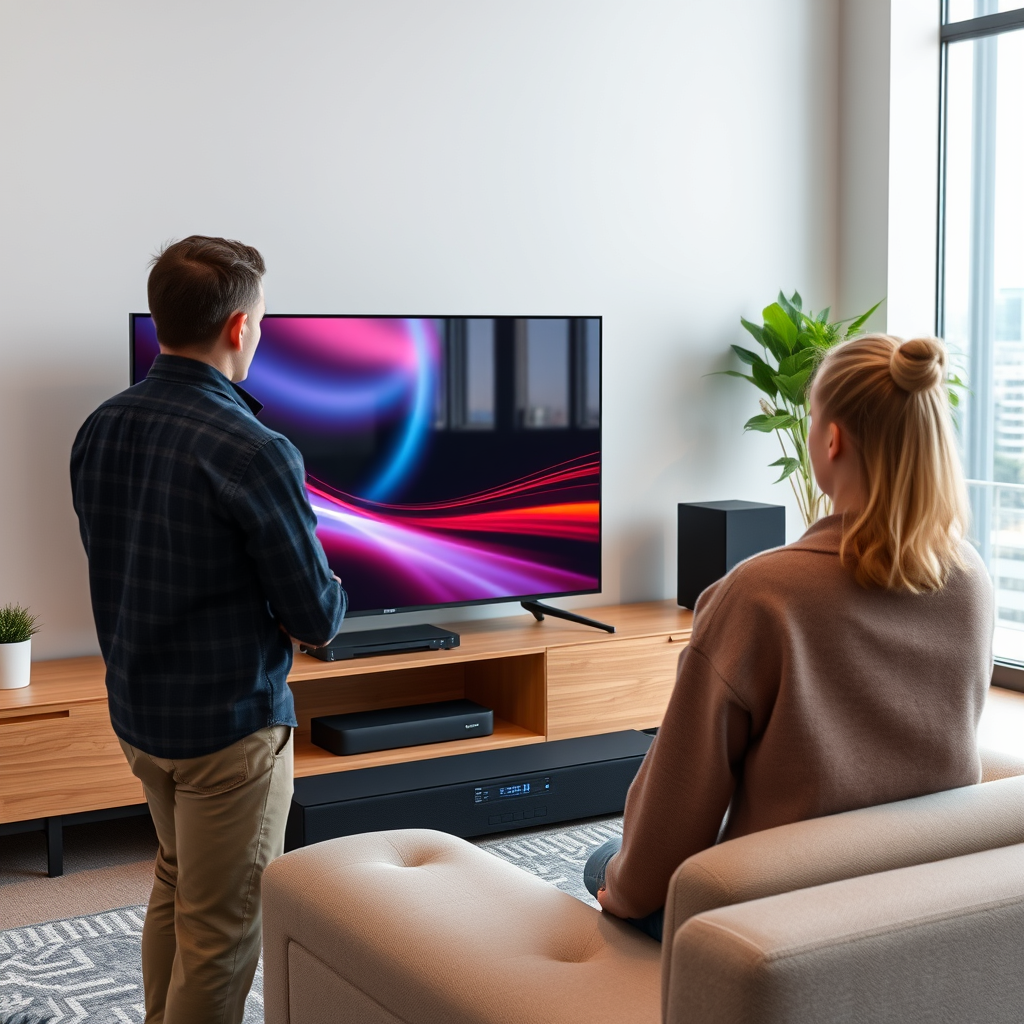
Before you commence the pairing process, it’s important to familiarize yourself with the specific model numbers and specifications of your Vizio soundbar and subwoofer. Vizio offers a range of soundbars, some of which support wireless connectivity via Bluetooth or Wi-Fi, while others may require a wired connection to pair with a subwoofer. Knowing your device’s capabilities will help streamline the pairing process.
For instance, Vizio’s popular models like the V-Series and the SB362An-F6 soundbar are designed to work seamlessly with corresponding Vizio subwoofers. Conversely, if you have an older model or a different brand of subwoofer, compatibility may vary, so checking the user manuals is recommended.
Preparing for Pairing
Preparation is key to a successful pairing. First, ensure that both the soundbar and subwoofer are plugged into a power source and turned on. It’s best to place the subwoofer within close proximity to the soundbar, as this can enhance the stability of the connection, particularly for wireless setups.
Additionally, ensure that there are no obstructions between the soundbar and subwoofer, which can impede signal transmission. Removing other electronic devices from the immediate vicinity can also minimize potential interference, allowing for a smoother pairing experience.
Pairing via Bluetooth
If your Vizio soundbar and subwoofer support Bluetooth pairing, follow these steps:
1. Access Bluetooth Settings: Using the remote control for your soundbar, press the “Input” button until you reach the Bluetooth mode. You may see an indication on the display showing that Bluetooth is activated.
2. Put the Subwoofer in Pairing Mode: Locate the pairing button on your subwoofer. This is typically a small button or switch that you need to press and hold until an LED light indicates that it is in pairing mode.
3. Initiate Pairing: On your soundbar, look for an option to search for devices. It should begin scanning for nearby Bluetooth devices, including your subwoofer.
4. Complete Pairing: Once your subwoofer appears on the soundbar’s display, select it to establish a connection. You may hear a confirmation sound indicating that the pairing was successful.
Pairing via Wired Connection
For soundbars lacking Bluetooth support or for users preferring a wired connection, follow these steps:
1. Locate Input/Output Ports: Identify the appropriate ports on both the soundbar and the subwoofer. Common connections include RCA or optical inputs.
2. Use the Correct Cables: Connect the soundbar to the subwoofer using the appropriate cables. For instance, if you are using RCA cables, plug the red and white connectors into the corresponding ports on both devices.
3. Secure the Connection: Ensure that the cables are securely connected to avoid any interruptions in audio transmission.
4. Select the Correct Input Source: On the soundbar, make sure to select the correct input source that corresponds to the connection type you used.
Testing the Connection
After pairing your devices, it’s crucial to test the connection to ensure they are functioning as expected. Start by playing audio through your soundbar—this could be a music track, a movie, or any sound output from your connected device.
Listen carefully to determine whether the subwoofer is producing sound. You may want to adjust the volume settings on both the soundbar and the subwoofer to achieve a balanced output. If the subwoofer is working correctly, you should notice enhanced bass response, enriching your overall audio experience.
Troubleshooting Common Issues
Despite following the steps, you may encounter issues during the pairing process. Here are some common problems and their solutions:
– Failure to Connect: If the devices fail to connect, try resetting both the soundbar and subwoofer. This can be done by unplugging them from the power source, waiting a few seconds, and plugging them back in.
– Interference: Ensure that there are no obstructions or interference from other electronic devices like Wi-Fi routers or microwaves that might affect the Bluetooth signal.
– Compatibility Checks: If problems persist, double-check that both devices are compatible. Sometimes, firmware updates may be required to enable connectivity.
Enhancing Your Audio Experience
Once your Vizio soundbar and subwoofer are successfully paired, consider exploring additional sound settings available on your soundbar to optimize performance. Many Vizio models come equipped with various sound modes that can enhance dialogue clarity or boost bass performance.
Moreover, the placement of your subwoofer can significantly influence sound quality. Experiment with different locations in your room to find the optimal spot for rich bass response. Corner placements often yield better results, but testing various positions will help you find the best acoustic setup for your space.
Comparison of Vizio Soundbars and Subwoofers (2023)
| # | Model | Bluetooth | Wired Connection | Subwoofer Type |
|---|---|---|---|---|
| 1 | Vizio SB3651-E6 | Yes | Yes | Wireless |
| 2 | Vizio SB3821-C6 | Yes | Yes | Wireless |
| 3 | Vizio SB362An-F6 | Yes | No | Wireless |
| 4 | Vizio SB2920-C6 | Yes | No | Wired |
| 5 | Vizio SB4031-D5 | Yes | Yes | Wireless |
| 6 | Vizio SB36512-F6 | Yes | Yes | Wireless |
| 7 | Vizio SB3831-D0 | Yes | Yes | Wireless |
In summary, pairing your Vizio soundbar with a subwoofer can significantly enhance your audio experience, providing deeper bass and clearer sound quality. By following the outlined procedures for both Bluetooth and wired connections, you can ensure a seamless setup. Should you encounter any issues, the troubleshooting tips provided will help you resolve common problems. Finally, don’t forget to explore additional sound settings and optimal subwoofer placement to fully enjoy the capabilities of your audio system.
Frequently Asked Questions
How do I pair my Vizio soundbar with a subwoofer?
To pair your Vizio soundbar with a subwoofer, first ensure that both devices are powered on. Then, on the soundbar remote, press the “Pairing” button or the “Subwoofer” button, depending on your model. The soundbar will enter pairing mode, and you should see a status light blinking. Once the subwoofer is discovered, it will automatically connect, and the status light will become solid.
Why won’t my Vizio soundbar connect to the subwoofer?
If your Vizio soundbar won’t connect to the subwoofer, check that both devices are powered on and within range. Additionally, ensure that the subwoofer is in pairing mode, which may require pressing a specific button on the subwoofer itself. If they are still not connecting, try resetting both devices to factory settings and attempt the pairing process again.
What should I do if my Vizio soundbar and subwoofer are connected but the subwoofer isn’t producing sound?
If your Vizio soundbar and subwoofer are connected but no sound is coming from the subwoofer, first check the volume levels on both devices. Ensure that the subwoofer is not muted, and try adjusting the bass settings on the soundbar. If issues persist, reset the soundbar and subwoofer to factory settings and pair them again.
Which Vizio soundbars are compatible with external subwoofers?
Most Vizio soundbars that come with a wireless subwoofer are compatible with additional external subwoofers. Popular models like the Vizio SB36512-F6 and Vizio SB3851-D0 support pairing with extra subwoofers. Always consult the user manual or Vizio’s official website for compatibility information regarding specific models.
What is the best way to troubleshoot pairing issues between my Vizio soundbar and subwoofer?
To troubleshoot pairing issues between your Vizio soundbar and subwoofer, start by ensuring both devices are updated to the latest firmware. Check for any physical obstructions between them that might interfere with the wireless signal. Additionally, power cycle both devices and try to pair them again. If problems continue, consider checking online forums or contacting Vizio customer support for further assistance.
References
- https://www.vizio.com/en/support/faq/how-do-i-pair-my-sound-bar-to-my-subwoofer
https://www.vizio.com/en/support/faq/how-do-i-pair-my-sound-bar-to-my-subwoofer - https://www.lifewire.com/how-to-connect-a-soundbar-to-a-subwoofer-4682363
https://www.lifewire.com/how-to-connect-a-soundbar-to-a-subwoofer-4682363 - https://www.pcmag.com/how-to/how-to-set-up-a-soundbar
https://www.pcmag.com/how-to/how-to-set-up-a-soundbar - Google Scholar Google Scholar
https://scholar.google.com/scholar?q=pair+Vizio+soundbar+to+subwoofer - Google Scholar Google Scholar
https://scholar.google.com/scholar?q=soundbar+subwoofer+connection - https://scholar.google.com/scholar?q=soundbar+setup+guide Google Scholar
https://scholar.google.com/scholar?q=soundbar+setup+guide - Google Scholar Google Scholar
https://scholar.google.com/scholar?q=how+to+pair+vizio+soundbar+to+subwoofer - how to pair vizio soundbar to subwoofer – Search results
https://en.wikipedia.org/wiki/Special:Search?search=how+to+pair+vizio+soundbar+to+subwoofer - https://www.ncbi.nlm.nih.gov/search/research-articles/?term=how+to+pair+vizio+soundbar+to+subwoofer
https://www.ncbi.nlm.nih.gov/search/research-articles/?term=how+to+pair+vizio+soundbar+to+subwoofer
