
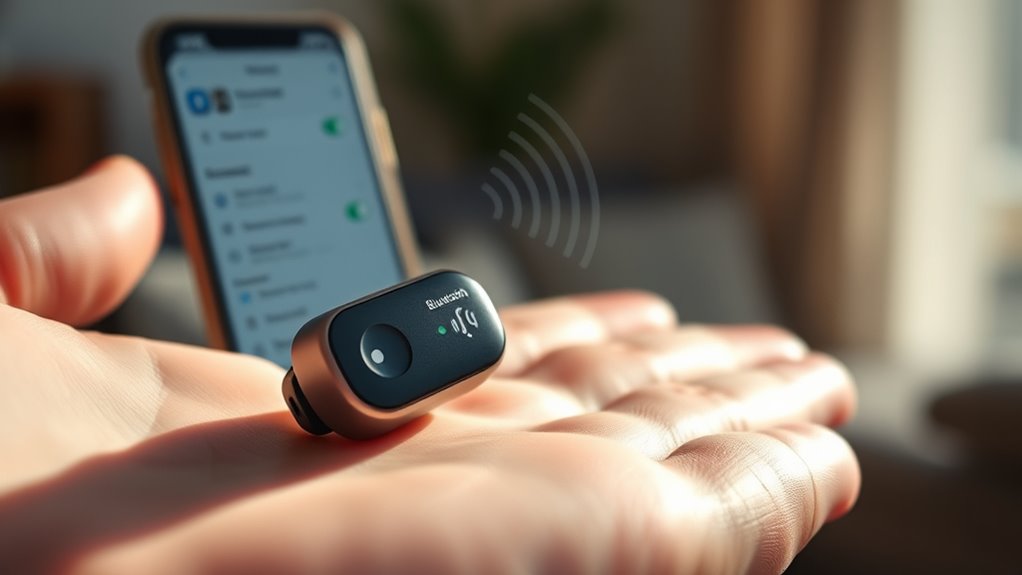

To pair your Soundcore earbuds, make sure they’re fully charged and remove them from the charging case to enter pairing mode. On your device, turn on Bluetooth and find the earbuds in the list of available devices. If they don’t appear automatically, try pressing and holding the touch controls on the earbuds. Once connected, you’ll hear a confirmation sound. For tips on troubleshooting connection issues and enhancing your audio experience, check out the additional insights.
Preparing Your Soundcore Earbuds for Pairing
Before you can enjoy your Soundcore earbuds, you’ll need to prepare them for pairing. Start with the initial setup by making sure your earbuds are fully charged. Plug them into their charging case and let them juice up for a bit. A solid battery charge will not only enhance performance but also guarantee a smoother connection during pairing. Once charged, take your earbuds out and put them in your ears; they should automatically enter pairing mode. If they don’t, you may need to press the button on the earbuds for a few seconds until you see the indicator light flashing. With these steps, you’re ready to connect them to your device and experience the freedom of great sound!
Enabling Bluetooth on Your Device
To connect your Soundcore earbuds, you’ll need to enable Bluetooth on your device. Start by heading to your device settings. Look for the Bluetooth settings option; it’s usually found under “Connections” or “Wireless & Networks.” Once you find it, tap to open. Make certain Bluetooth is switched on—this allows your device to discover nearby Bluetooth devices, including your Soundcore earbuds.
Additionally, verify your device is compatible with the earbuds. Most modern smartphones, tablets, and laptops support Bluetooth, but checking compatibility can save you time and frustration. Once Bluetooth is activated, you’re ready for the next step in your Soundcore pairing journey. Enjoy the freedom of wireless listening!
Pairing Your Soundcore Earbuds
Now that Bluetooth is enabled on your device, it’s time to pair your Soundcore earbuds. Start by taking the earbuds out of their case; they should automatically enter pairing mode. If they don’t, press and hold the touch controls for a few seconds until you see a blinking light. Next, go to your device’s Bluetooth settings and look for your Soundcore earbuds in the list of available devices. Once you see them, tap to connect. You’ll hear a confirmation sound, indicating a successful pairing. Enjoy your favorite music with exceptional sound quality, and don’t worry about battery life; these earbuds are designed to last. Now you’re ready to experience freedom like never before!
Troubleshooting Connection Issues
If you encounter issues while trying to connect your Soundcore earbuds, don’t worry—troubleshooting these problems is usually straightforward. Start by checking for Bluetooth interference; devices like microwaves or Wi-Fi routers can disrupt the connection. If that doesn’t help, you might need to reset your earbuds.
Here’s a quick guide:
| Issue | Solution |
|---|---|
| Can’t find earbuds | Turn off/on Bluetooth |
| Frequent disconnections | Move away from interference |
| No sound from earbuds | Reset earbuds and reconnect |
Just follow these steps, and you should be back to enjoying your music in no time! If problems persist, consider consulting the user manual for more detailed troubleshooting options.
Enjoying Your Soundcore Earbuds
Experiencing your Soundcore earbuds can elevate your listening experience like never before. With impressive sound quality, you’ll hear every note and beat as if you’re right there in the studio. Whether you’re jamming to your favorite playlist or diving into a podcast, these earbuds bring your audio to life.
Don’t forget about battery life; you can enjoy hours of uninterrupted listening. With quick charging options, you won’t be tethered to a power source for long. Customize your audio settings through the app to suit your mood and preferences. So, slip them on, immerse yourself in your favorite tunes, and embrace the freedom that comes with quality sound. Your ears deserve this treat, and the world of music is waiting for you!
Frequently Asked Questions
Can I Use Soundcore Earbuds With Multiple Devices Simultaneously?
No, you can’t use Soundcore earbuds with multiple devices simultaneously. They support multi-device connectivity for quick switching, but not simultaneous use. For audio sharing, consider other features or models designed specifically for that purpose.
How Do I Reset My Soundcore Earbuds?
To reset your Soundcore earbuds, press and hold the touch control for 10 seconds until the LED flashes red and white, restoring factory settings. This simple reset procedure can resolve most connectivity or performance issues.
Are Soundcore Earbuds Waterproof or Water-Resistant?
Soundcore earbuds are water-resistant, not fully waterproof. Think of them like a trusty raincoat—great protection but not meant for a swim. With impressive sound quality and features, they’ll keep you jamming through light showers.
What Is the Battery Life of Soundcore Earbuds?
Soundcore earbuds typically offer impressive battery longevity, lasting up to 24 hours with the charging case. To maximize their life, keep ’em charged regularly and avoid full discharges—simple charging tips can enhance your listening experience!
Can I Customize the Sound Settings of Soundcore Earbuds?
You can absolutely customize the sound settings of your Soundcore earbuds! With equalizer settings and sound profiles, you can tweak your audio experience to fit your personal taste, giving you the freedom to enjoy your music.
