
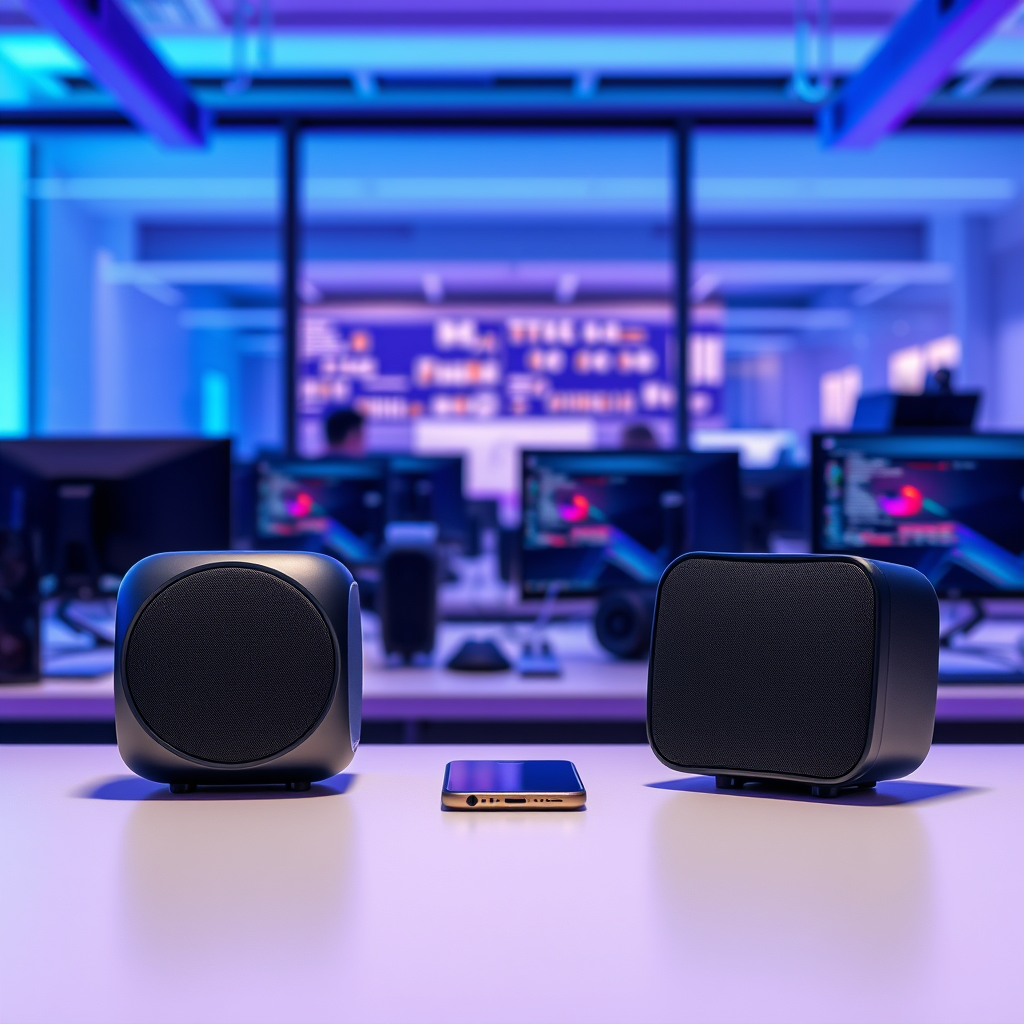

To pair two Bluetooth speakers, you typically need to utilize the dual pairing functionality offered by many modern speakers or use a compatible device that supports this feature. This straightforward guide will walk you through each step, ensuring you can effortlessly enjoy stereo sound from your Bluetooth speakers, enhancing your audio experience for music, movies, and more.
Understanding Bluetooth Pairing Options
Bluetooth speakers come with varying features and functionalities, so it’s essential to first check if your particular models support dual pairing. This capability allows you to connect two speakers simultaneously, creating a more immersive audio experience. The two most common modes for dual pairing are “stereo” and “party.”
In stereo mode, one speaker acts as the left channel while the other serves as the right channel, delivering a rich, spatial sound that enhances music listening. Conversely, party mode plays the same audio through both speakers, making it perfect for gatherings or outdoor events where you want the same music to be heard from multiple angles.
Understanding these options will not only help you select the correct pairing mode but also optimize the way you use your speakers depending on the situation.
Preparing Your Speakers
Before pairing your Bluetooth speakers, ensure they are ready for connection. Here are key steps to prepare both speakers:
1. Charge the Speakers: Ensure both speakers are fully charged to avoid any interruptions during the pairing process.
2. Power On: Turn both speakers on. Typically, there will be an audible beep or an LED light indicating that the speaker is active.
3. Factory Reset: If your speakers have been paired with other devices in the past, it may be beneficial to reset them to factory settings. This action clears previous connections, reducing the likelihood of pairing issues.
Refer to the user manual of your speakers for specific instructions on how to reset them, as the process may vary by brand and model.
Pairing the Speakers Together
Now that your speakers are prepared, you can proceed to pair them. The steps may vary slightly based on the manufacturer, but the general process is as follows:
1. Activate Pairing Mode on the First Speaker: Typically, this involves pressing and holding the Bluetooth button until an LED light blinks, indicating that the speaker is discoverable.
2. Pair the Second Speaker: Once the first speaker is in pairing mode, activate the pairing mode on the second speaker. This often involves pressing a specific button or following a sequence outlined in the user manual.
3. Confirmation: Listen for audible confirmation tones from both speakers indicating they are successfully paired. Some models may also display a visual confirmation through LED indicators.
4. Dual Connection: Some speakers may automatically connect to each other once both are in pairing mode, while others may require you to select the first speaker’s name from your device’s Bluetooth settings.
Top Bluetooth Speakers with Dual Pairing Capability (2024)
| # | Speaker Model | Price ($) | Battery Life (Hours) | Rating |
|---|---|---|---|---|
| 1 | JBL Flip 6 | 99.95 | 12 | ★★★★☆ |
| 2 | Bose SoundLink Flex | 149.00 | 12 | ★★★★★ |
| 3 | Sony SRS-XB33 | 149.99 | 24 | ★★★★☆ |
| 4 | Ultimate Ears BOOM 3 | 149.99 | 20 | ★★★★★ |
| 5 | Anker Soundcore 3 | 79.99 | 24 | ★★★★☆ |
| 6 | Marshall Emberton | 149.99 | 20 | ★★★★☆ |
| 7 | Soundcore Motion+ 2 | 89.99 | 15 | ★★★★☆ |
Connecting to Your Device
After successfully pairing your Bluetooth speakers, the next step involves connecting them to your audio source device (smartphone, tablet, or computer). Here’s how to do it:
1. Open Bluetooth Settings: On your device, go to the Bluetooth settings menu. This can typically be found in the settings app or can be accessed from the quick settings menu.
2. Select the Paired Speakers: Look for the names of the speakers you paired earlier. Selecting them will establish a connection, allowing audio to stream directly to the speakers.
3. Test the Connection: Once connected, play some audio to ensure that sound is coming through both speakers. Adjust the volume accordingly to enjoy your content fully.
If you encounter any issues, check that both speakers are charged and within range of your device, as distance can affect Bluetooth connectivity.
Troubleshooting Common Issues
If you experience difficulties during the pairing process or while connecting to your device, consider the following troubleshooting tips:
1. Unpair and Retry: If the speakers fail to connect, try unpairing them from your device and then re-attempt the pairing process. This can often resolve connectivity issues.
2. Interference: Ensure that no other nearby devices are interfering with the connection. Turn off Bluetooth on other devices that may be attempting to connect simultaneously.
3. Update Firmware: Check if there are firmware updates available for your speakers, as manufacturers often release updates to enhance functionality and compatibility.
4. Distance and Obstructions: Keep the speakers and device within close proximity and eliminate any physical obstructions that may interfere with the Bluetooth signal.
5. Consult the Manual: If problems persist, refer to the user manual for specific troubleshooting steps related to your speaker model.
Exploring Sound Settings
To maximize your listening experience, it’s beneficial to explore the sound settings available on your device and speakers. Here are some enhancements you can make:
1. Equalizer Settings: Many devices allow you to adjust the equalizer settings to customize audio output based on your music preferences. Fine-tuning these settings can significantly enhance sound quality.
2. Speaker Apps: Some Bluetooth speakers come with dedicated applications that offer additional sound customization options. These apps may allow you to adjust bass, treble, and overall balance, so be sure to explore them.
3. Multi-Speaker Configurations: If your setup allows it, consider adding more speakers to your configuration for even richer sound. However, ensure that your device supports this feature and that all speakers are compatible.
4. Audio Format: Pay attention to the audio formats your speakers support. High-definition audio files can provide a superior listening experience compared to standard formats.
By taking the time to explore and adjust these settings, you can elevate your audio experience to a whole new level.
Enjoying Your Audio Experience
Now that your Bluetooth speakers are set up and optimized, it’s time to enjoy your audio experience. Here are a few tips to further enhance your listening sessions:
1. Test with Various Content: Play different types of media, such as music, podcasts, and movies, to assess how the speakers perform across genres. This testing helps identify the best settings for each type of content.
2. Optimal Placement: Experiment with the positioning of your speakers within the space. Placing them at ear level and away from walls can improve sound quality and create a more immersive experience.
3. Volume Control: Adjust the volume on both your device and the speakers to find the perfect balance. Avoid cranking the volume too high, as this can lead to distortion and potentially damage the speakers.
4. Battery Management: If you’ll be using the speakers for extended periods, keep an eye on battery life, especially when using them for outdoor events. Consider having a power source handy or using speakers with long battery life.
By following these suggestions, you can maximize your enjoyment and make the most out of your Bluetooth speaker setup.
Summarizing the steps to pair two Bluetooth speakers ensures you can easily enjoy richer audio experiences. From understanding pairing options to troubleshooting, following this guide will enhance your audio enjoyment. Whether you’re setting up for a gathering or simply enjoying a quiet evening at home, being equipped with the knowledge to pair your Bluetooth speakers will undoubtedly elevate your listening experience. Ready to elevate your listening experience? Grab your speakers and start pairing today!
Frequently Asked Questions
How do I pair two Bluetooth speakers together?
To pair two Bluetooth speakers, first, ensure both speakers are in pairing mode. Usually, this involves pressing and holding a specific button until you hear a confirmation sound. Then, on your device, go to the Bluetooth settings and select both speakers, allowing them to connect and sync for stereo sound.
What devices are compatible with pairing two Bluetooth speakers?
Most modern smartphones, tablets, and laptops support pairing two Bluetooth speakers, but compatibility may vary by device. Check your device’s specifications and features, such as Bluetooth version and multi-device pairing capabilities, to ensure it can connect with multiple speakers simultaneously.
Why won’t my Bluetooth speakers connect to each other?
If your Bluetooth speakers won’t connect, it could be due to compatibility issues, outdated firmware, or they may not support simultaneous pairing. Make sure both speakers are the same model or brand if required, and consider resetting them to factory settings to clear any previous connections before trying again.
What is the best way to achieve stereo sound with two Bluetooth speakers?
The best way to achieve stereo sound with two Bluetooth speakers is to use speakers that support true wireless stereo (TWS) technology. This allows for seamless pairing, enabling one speaker to act as the left channel and the other as the right channel, providing an immersive listening experience. Always refer to the manufacturer’s instructions for optimal setup.
Which Bluetooth speakers can be paired for a better audio experience?
Some of the best Bluetooth speakers for pairing include brands like JBL, Bose, and Ultimate Ears, as they often feature multi-pairing capabilities and excellent sound quality. Look for models that explicitly state support for stereo pairing or TWS, as this will enhance your audio experience and provide a richer sound.
References
- Bluetooth
https://en.wikipedia.org/wiki/Bluetooth - https://www.bbc.com/news/technology-50851599
https://www.bbc.com/news/technology-50851599 - https://www.lifewire.com/how-to-pair-two-bluetooth-speakers-4177467
https://www.lifewire.com/how-to-pair-two-bluetooth-speakers-4177467 - Google Scholar Google Scholar
https://scholar.google.com/scholar?q=how+to+pair+2+bluetooth+speakers - Google Scholar Google Scholar
https://scholar.google.com/scholar?q=bluetooth+speaker+pairing+techniques - Google Scholar Google Scholar
https://scholar.google.com/scholar?q=Bluetooth+audio+technology - https://www.sciencedirect.com/topics/computer-science/bluetooth-technology
https://www.sciencedirect.com/topics/computer-science/bluetooth-technology - how to pair 2 bluetooth speakers – Search results
https://en.wikipedia.org/wiki/Special:Search?search=how+to+pair+2+bluetooth+speakers - https://www.ncbi.nlm.nih.gov/search/research-articles/?term=how+to+pair+2+bluetooth+speakers
https://www.ncbi.nlm.nih.gov/search/research-articles/?term=how+to+pair+2+bluetooth+speakers
