

To effectively remove water from your phone speakers, start by gently shaking the device to dislodge any trapped moisture. You can also use a soft cloth to absorb any visible water. This guide will walk you through various methods to ensure your speakers are dry and functioning properly.
Water damage can be a significant concern for smartphone users, particularly when it comes to the device’s speakers. If water infiltrates your phone’s speakers, it can lead to muffled sounds or complete failure. Quick action is essential to mitigate potential damage. This article provides step-by-step methods to effectively remove water from your phone speakers, ensuring that your device continues to perform at its best.
Understanding Water Damage in Phone Speakers
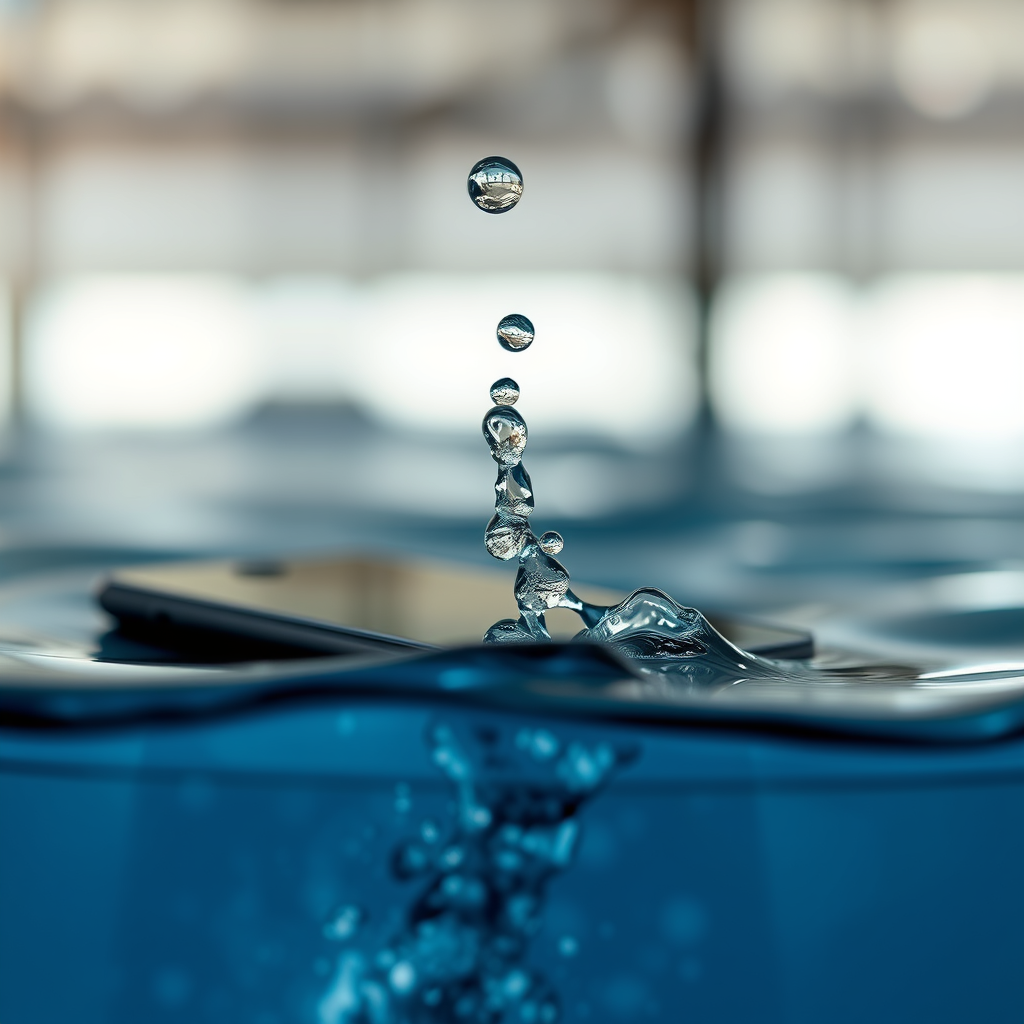
Water can cause both temporary and permanent damage to phone speakers. When moisture enters the speaker housing, it can create a short circuit, potentially frying internal components. In many cases, water damage may initially present as distorted sound or reduced volume. If left unaddressed, however, it can lead to more severe issues, including total speaker failure.
It is essential to act quickly to minimize the risk of long-term issues. The sooner you can get the moisture out, the better the chances are of restoring your phone’s audio quality. Understanding the signs of water damage can also aid in taking the necessary steps before the situation worsens.
Quick Drying Techniques
One of the first steps in addressing water in your phone speakers is to utilize quick drying techniques.
1. Shake Your Phone Gently: Begin by turning your phone upside down and gently shaking it. This movement can help dislodge any trapped water within the speaker openings. Be careful not to shake too vigorously, as this might cause additional internal damage.
2. Use a Soft Lint-Free Cloth: After shaking, take a lint-free cloth and gently wipe around the speaker openings. This can help absorb any visible moisture. It is crucial to avoid using paper towels or rough materials, as these can leave fibers behind or scratch the surface of your device.
3. Positioning: Place your phone in a position that allows gravity to assist in the removal of water. Setting it in an upright position with the speaker facing downward can facilitate drainage.
Using Rice as a Drying Agent
One of the most popular methods for drying out moisture from electronic devices is the use of uncooked rice.
1. The Rice Method: Place your phone in a bowl of uncooked rice for 24 to 48 hours. Rice acts as a desiccant, absorbing moisture from the surrounding environment. Ensure that your phone is completely powered off before placing it in the rice to prevent any electrical damage.
2. Considerations: While rice is widely used, it is essential to note that it may not be the most effective drying agent available. The effectiveness can vary based on humidity levels and the amount of moisture in the device.
Utilizing Silica Gel Packets
If you have silica gel packets available, consider using them as a more effective alternative to rice.
1. Silica Gel Advantage: Silica gel is more effective than rice in absorbing moisture due to its superior desiccant properties. Place several packets around your phone in a sealed container, allowing them to draw out moisture efficiently.
2. Placement: Similar to the rice method, ensure that your phone is powered off during this process. Leave it in the container for 24 to 48 hours for optimal results.
Drying Effectiveness Comparison
Drying Agents Effectiveness Comparison
| # | Drying Agent | Moisture Absorption | Time Required | Effectiveness |
|---|---|---|---|---|
| 1 | Uncooked Rice | Moderate | 24-48 hours | ★★★☆☆ |
| 2 | Silica Gel Packets | High | 24-48 hours | ★★★★★ |
| 3 | Air Drying | Low | 1-2 days | ★☆☆☆☆ |
| 4 | Vacuum Sealer | Very High | 1-2 hours | ★★★★★ |
| 5 | Hair Dryer (Cool Setting) | Moderate | 10-15 minutes | ★★★★☆ |
| 6 | Compressed Air | High | 5-10 minutes | ★★★★★ |
| 7 | None (Leave It Wet) | None | N/A | ☆☆☆☆☆ |
Sound Testing and Troubleshooting
Once you have followed the drying methods, it’s time to test your phone’s speakers to see if the audio quality has been restored.
1. Play Audio at Low Volume: Start by playing a sound or music track at a low volume. This allows you to listen for any distortions or abnormalities in sound. If the audio is clear and undistorted, your speakers may be functioning well.
2. Check for Residual Moisture: If you still hear muffled sounds or crackling, it’s possible that some moisture remains trapped within the speaker. In such cases, allow your phone to air dry further or repeat the drying methods.
3. Troubleshooting Options: If problems persist, consider troubleshooting options such as resetting your phone, checking volume settings, or ensuring that no software issues are affecting audio playback. A factory reset may be necessary if software is suspected to be the culprit.
When to Seek Professional Help
If your speakers still do not work properly after attempting the above methods, it may be time to consult a professional repair service.
1. Internal Damage: Water damage can lead to various internal issues that may require expert attention. A professional can inspect your device thoroughly and determine if there is irreversible damage to the speaker or other internal components.
2. Warranty Considerations: If your device is still under warranty, check to see if water damage is covered. Some manufacturers offer repair services for water-damaged devices, although this varies by brand.
3. Cost-Effectiveness: In some cases, the cost of repair may exceed that of replacing the device. Weigh your options carefully and consider both the monetary and functional value of your phone before proceeding with repairs.
By following these steps, you can effectively remove water from your phone speakers and help restore their functionality. Don’t forget to monitor your device for any signs of ongoing issues, and take preventive measures in the future. Regularly using a phone case with water resistance features can significantly reduce the risk of such incidents.
Frequently Asked Questions
How can I tell if water has gotten into my phone speakers?
You can usually tell if water has entered your phone speakers if you notice muffled sound or distortion during playback. Additionally, if you hear a popping or crackling noise, this could indicate moisture interference. Checking for condensation on the speaker grill can also be a sign of water damage.
What is the best way to remove water from phone speakers?
The most effective way to remove water from phone speakers is to gently shake the device to dislodge the water, then use a vacuum cleaner with a narrow attachment to suck out moisture. Alternatively, placing your phone in a bowl of uncooked rice or silica gel packets can help absorb moisture over time. Remember to avoid using heat sources, as they can damage your phone.
Why is it important to get water out of phone speakers quickly?
It is crucial to remove water from phone speakers quickly to prevent long-term damage to the internal components and sound quality of your device. Prolonged exposure to moisture can lead to corrosion of the speaker parts, which may result in permanent sound issues. Quick action can help minimize these risks and preserve your phone’s functionality.
Which home remedies can I use to dry out phone speakers?
Home remedies to dry out phone speakers include placing your phone in a bowl of uncooked rice or using silica gel packets to absorb moisture effectively. You can also try using a hairdryer on the cool setting from a safe distance—just be cautious not to heat the phone, which could cause damage. Additionally, leaving your phone in a warm, dry area can help evaporate any remaining moisture.
What should I avoid doing when trying to get water out of my phone speakers?
When trying to remove water from your phone speakers, avoid using heat sources like hairdryers on high settings, as this can cause damage to internal components. Do not submerge your phone in water or use excessive force to shake it, as this can push water further inside. Additionally, refrain from using cotton swabs or paper towels that could leave debris in the speaker grill.
References
- https://www.lifewire.com/get-water-out-of-phone-speakers-5071284
https://www.lifewire.com/get-water-out-of-phone-speakers-5071284 - https://www.sciencedirect.com/topics/computer-science/smartphone
https://www.sciencedirect.com/topics/computer-science/smartphone - Google Scholar Google Scholar
https://scholar.google.com/scholar?q=get+water+out+of+phone+speakers - Google Scholar Google Scholar
https://scholar.google.com/scholar?q=phone+speaker+water+removal+techniques - Google Scholar Google Scholar
https://scholar.google.com/scholar?q=smartphone+water+damage+repair - https://www.mayoclinic.org/healthy-lifestyle/consumer-health/in-depth/what-to-do-if-your-phone-falls-in-water/art-20449822
https://www.mayoclinic.org/healthy-lifestyle/consumer-health/in-depth/what-to-do-if-your-phone-falls-in-water/art-20449822 - Google Scholar Google Scholar
https://scholar.google.com/scholar?q=how+to+get+water+out+of+your+phone+speakers - how to get water out of your phone speakers – Search results
https://en.wikipedia.org/wiki/Special:Search?search=how+to+get+water+out+of+your+phone+speakers - https://www.ncbi.nlm.nih.gov/search/research-articles/?term=how+to+get+water+out+of+your+phone+speakers
https://www.ncbi.nlm.nih.gov/search/research-articles/?term=how+to+get+water+out+of+your+phone+speakers

[…] a quick comparison of troubleshooting options for Aftershokz […]