

To stream Beachbody on your smart TV, you can easily access it through the Beachbody On Demand app, available on most smart TV platforms. With just a few simple steps, you can install the app, log in with your Beachbody account, and begin your fitness journey right from your living room. This guide will walk you through the steps to ensure a seamless streaming experience, allowing you to enjoy high-quality workouts whenever you want.
Downloading the Beachbody On Demand App
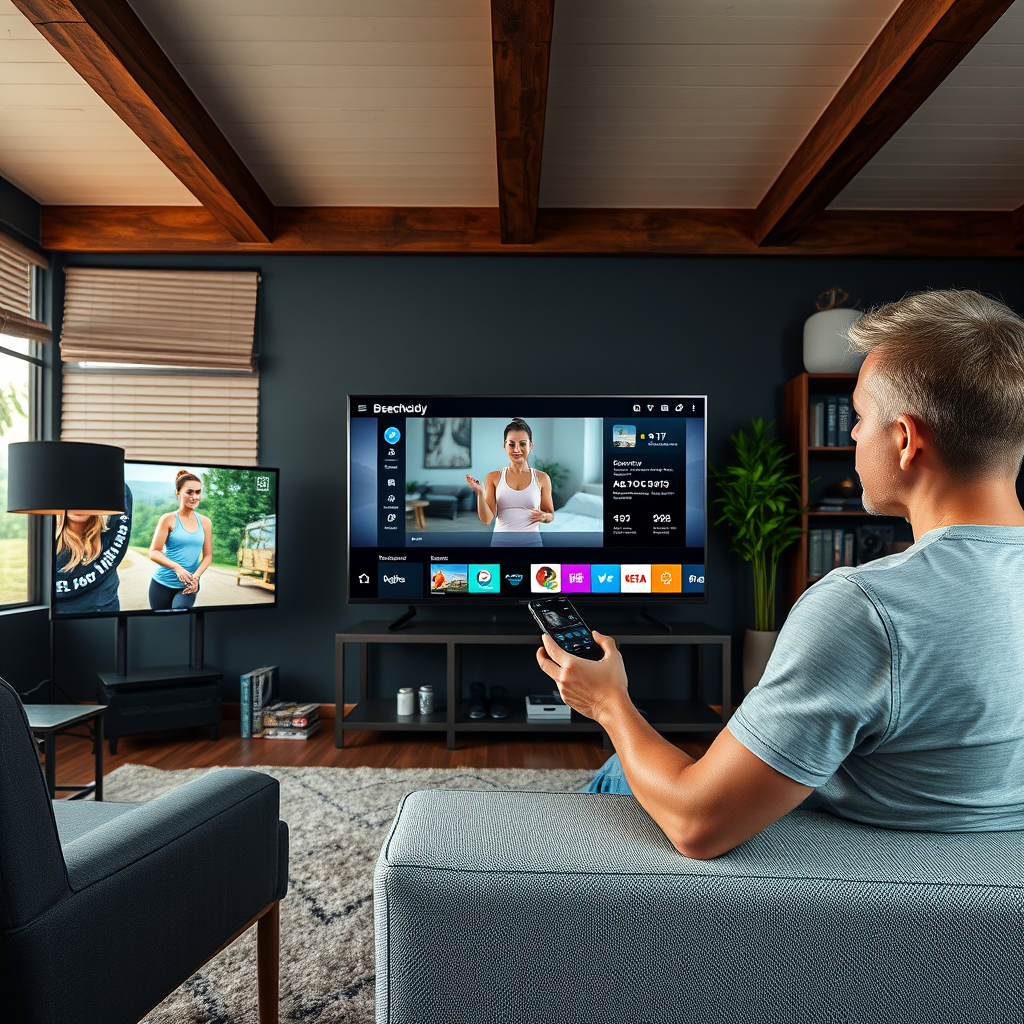
Before you can start streaming, the first step is to download the Beachbody On Demand app on your smart TV. Most modern smart TVs support this app, including popular platforms like Roku, Amazon Fire TV, Apple TV, and select Android TVs. To do this, you should follow these steps:
1. Check Compatibility: Verify that your smart TV is compatible with the Beachbody On Demand app.
2. Open the App Store: Navigate to your TV’s app store. This might be labeled as “Apps,” “Store,” or a similar term, depending on the brand of your TV.
3. Search for the App: In the search bar, type “Beachbody On Demand” to find the app.
4. Download and Install: Click on the app and select the option to download and install it. Once the installation is complete, you can find the app on your home screen.
Following these steps will ensure you have the Beachbody On Demand app ready for your fitness needs.
Logging into Your Beachbody Account
After successfully installing the Beachbody On Demand app, the next step is to log into your Beachbody account. Here’s how to do it:
1. Launch the App: From your smart TV home screen, find and open the Beachbody On Demand app.
2. Enter Your Credentials: Use your Beachbody account email and password to log in. If you’re a new user, the app provides an option to sign up directly, which is quick and user-friendly.
3. Check Your Subscription: To access all the available content, make sure you have an active subscription. Beachbody offers various membership plans, so choose one that suits your workout preferences.
Logging in is a straightforward process, and once completed, you are ready to explore the extensive library of workouts available.
Navigating the App Interface
Navigating the Beachbody On Demand app interface is intuitive, allowing you to find the workouts and nutrition plans that best suit your needs. Here’s what to expect:
1. Familiarize Yourself with the Layout: The app is organized into categories such as workouts, nutrition, and challenges, making it easy to find what you’re looking for.
2. Use the Search Feature: If you have a specific program or trainer in mind, utilize the search feature to quickly locate it. Typing in the name will yield accurate results.
3. Explore Featured Content: The app showcases featured workouts and popular programs, giving you fresh ideas and motivation for your fitness routine. Take time to browse these sections to discover new workouts that might appeal to you.
Understanding the layout will help you maximize your time spent on the app, allowing for a more enjoyable and efficient workout experience.
Top Beachbody Programs by Popularity (2024)
| # | Program | Type | Duration | Rating |
|---|---|---|---|---|
| 1 | 21 Day Fix | Weight Loss | 3 Weeks | ★★★★☆ |
| 2 | P90X | Strength | 90 Days | ★★★★★ |
| 3 | Insanity | HIIT | 60 Days | ★★★★☆ |
| 4 | Core de Force | Kickboxing | 30 Days | ★★★★★ |
| 5 | Body Beast | Bodybuilding | 90 Days | ★★★★☆ |
| 6 | Shift Shop | Weight Loss | 3 Weeks | ★★★★☆ |
| 7 | 21 Day Fix Extreme | Weight Loss | 3 Weeks | ★★★★★ |
Setting Up Your Workout Space
Creating a conducive workout environment can significantly enhance your Beachbody experience. Here are some tips to set up your workout space effectively:
1. Designate a Specific Area: Choose a dedicated space in your home for workouts that is free from distractions. This helps in maintaining focus and commitment to your fitness routine.
2. Gather Necessary Equipment: Depending on the workouts you choose, make sure you have all necessary equipment close at hand. Common items include dumbbells, resistance bands, a yoga mat, and a stability ball.
3. Consider Lighting and Space: Ensure your workout area has adequate lighting and enough space to move around freely. A well-lit area can enhance your mood and motivation, helping you to push through challenging workouts.
By thoughtfully preparing your workout space, you can create an inviting atmosphere that promotes consistency and motivation.
Troubleshooting Common Streaming Issues
Even with the best intentions, you may encounter some technical difficulties while streaming Beachbody on your smart TV. Here are common issues and their solutions:
1. App Doesn’t Load: If the Beachbody On Demand app fails to load, first check your internet connection. A weak or unstable connection can hinder performance. Restarting your smart TV may also help.
2. Slow Performance or Glitches: If you experience lagging or glitches, try clearing the app cache. This can often resolve performance issues.
3. Persistent Issues: If problems continue, don’t hesitate to reach out to Beachbody customer support for assistance. They can provide guidance tailored to your specific situation.
Being aware of these troubleshooting steps ensures you can quickly resolve any issues, allowing you to focus on your workout.
Enhancing Your Streaming Experience
To get the most out of your Beachbody streaming experience, consider these enhancements:
1. Sound System Connection: Connect your smart TV to a quality sound system or external speakers. Better audio quality can elevate your workout experience, making it more enjoyable.
2. Use Smart Device for Guidance: If you prefer to follow along with workouts while casting to your TV, use a smart device like a tablet or smartphone. This allows for easy reference and interaction with the app.
3. Track Progress and Set Goals: Utilize the app’s features to track your progress and set fitness goals. This can help keep you motivated and accountable, ensuring you stay committed to your fitness journey.
By implementing these enhancements, you can significantly improve your Beachbody experience, making it more engaging and effective.
By following these steps, you can successfully stream Beachbody workouts on your smart TV and enjoy a flexible and effective fitness routine right from the comfort of your home. Whether you’re a seasoned user or new to Beachbody, this setup will enhance your workout experience and help you stay committed to your fitness journey.
Frequently Asked Questions
How can I stream Beachbody workouts on my smart TV?
To stream Beachbody workouts on your smart TV, first, ensure your TV is connected to the internet. Download the Beachbody On Demand app from your TV’s app store, or use a streaming device like Roku or Amazon Fire Stick. After installation, log in with your Beachbody credentials to access your favorite workouts directly on the big screen.
What devices are compatible for streaming Beachbody On Demand?
Beachbody On Demand is compatible with a variety of devices including smart TVs (Samsung, LG, Vizio), streaming devices (Roku, Amazon Fire Stick, Apple TV), and game consoles (Xbox, PlayStation). You can also stream workouts on tablets, smartphones, and computers through a web browser, making it easy to access your fitness routine anywhere.
Why is my Beachbody On Demand app not working on my smart TV?
If your Beachbody On Demand app is not functioning on your smart TV, ensure that your internet connection is stable and strong. Try restarting the app or your TV, and check for any available updates for the app or your TV’s software. If problems persist, consider uninstalling and reinstalling the app to resolve any potential glitches.
What should I do if I can’t find the Beachbody On Demand app on my smart TV?
If you can’t locate the Beachbody On Demand app on your smart TV, first check if your TV’s operating system supports the app. If it’s not available, consider using a streaming device like Roku or Chromecast that allows you to access the app. Alternatively, you can cast workouts from your mobile device to your TV using screen mirroring features.
Which smart TVs are best for streaming Beachbody workouts?
The best smart TVs for streaming Beachbody workouts are those that have fast processors and support a wide range of apps, such as Samsung, LG, and Sony models. Look for TVs with high-resolution displays for a better viewing experience, and ensure they are equipped with the latest operating system to easily download the Beachbody On Demand app.
References
- BODi – Fitness & nutrition – At home & on the go | BODi by Beachbody
https://www.beachbody.com/faq/streaming - https://www.lifewire.com/how-to-stream-beachbody-on-smart-tv-5078046
https://www.lifewire.com/how-to-stream-beachbody-on-smart-tv-5078046 - https://support.beachbody.com/app/answers/detail/a_id/2863/~/how-to-stream-beachbody-on-a-smart-tv
https://support.beachbody.com/app/answers/detail/a_id/2863/~/how-to-stream-beachbody-on-a-smart-tv - https://www.pcmag.com/how-to/how-to-stream-beachbody-on-your-tv
https://www.pcmag.com/how-to/how-to-stream-beachbody-on-your-tv - https://www.nytimes.com/2021/01/15/well/move/home-workouts.html
https://www.nytimes.com/2021/01/15/well/move/home-workouts.html - Google Scholar Google Scholar
https://scholar.google.com/scholar?q=how+to+stream+Beachbody+on+smart+TV - Google Scholar Google Scholar
https://scholar.google.com/scholar?q=Beachbody+streaming+services - Google Scholar Google Scholar
https://scholar.google.com/scholar?q=smart+TV+streaming+guides - Everyday Health: Trusted Medical Information, Expert Health Advice, News, Tools, and Resources
https://www.livestrong.com/article/13725335-how-to-stream-beachbody-on-smart-tv/ - Google Scholar Google Scholar
https://scholar.google.com/scholar?q=how+to+stream+beachbody+on+smart+tv
