


If your television can connect to the internet and access streaming services like Netflix or Hulu, then you likely have a smart TV. Smart TVs have transformed how we consume content, offering a wide range of functionalities beyond traditional television viewing. In this article, we’ll explore several ways to identify if your TV is smart, including checking its features, settings, and connectivity options.
Check for Internet Connectivity
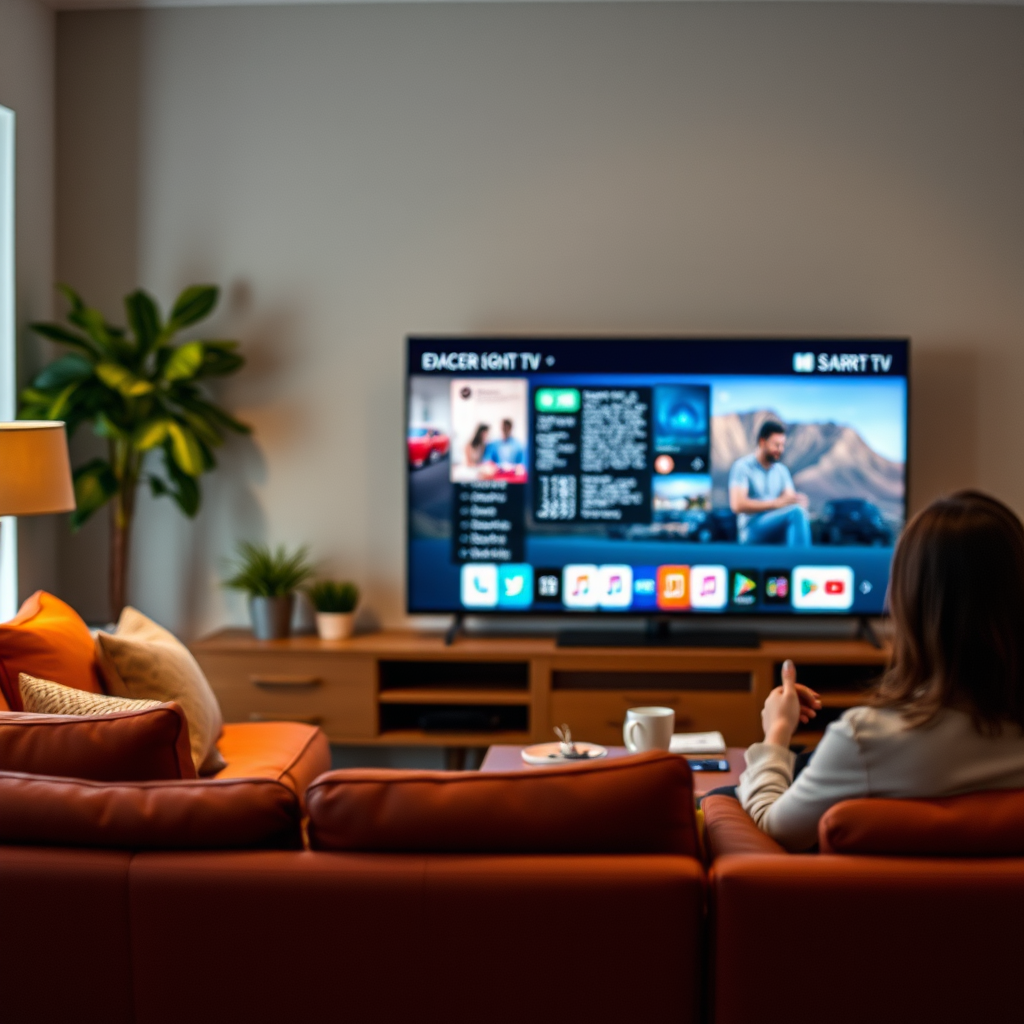
One of the primary indicators that your TV is a smart model is its ability to connect to the internet. To verify this, navigate to the TV menu and look for Wi-Fi settings. If you find an option to connect to a wireless network, this is a strong sign that you have a smart TV.
Additionally, check the back of your television for an Ethernet port. This port allows for a wired connection to your home network, which is another common feature in smart TVs. If you can connect your TV directly to your router, it enhances the viewing experience by ensuring a stable internet connection—essential for streaming high-definition content.
Identify Built-in Apps
Another clear indicator of a smart TV is the presence of built-in applications. Check if your TV has pre-installed streaming applications such as YouTube, Amazon Prime Video, Hulu, or Netflix. These apps enable easy access to a vast library of on-demand content directly from your television.
Furthermore, smart TVs typically offer an app store where you can download additional applications. This feature allows you to customize your viewing experience by adding new apps for news, sports, games, and more. If your television has this functionality, it is a strong indication that you own a smart TV.
Examine the Remote Control
The design and functionality of your TV’s remote control can also provide clues about its smart capabilities. Take note if your remote includes dedicated buttons for popular streaming services. These shortcuts are often found on the remotes of smart TVs, allowing for quick access to your favorite platforms.
In addition, consider whether your remote control features voice control or a touchpad. Many modern smart TVs come with remotes that support voice commands, enabling users to search for content, control playback, and even manage smart home devices. A touchpad can also indicate advanced features, as it provides a more interactive way to navigate menus.
Review the TV’s User Manual
If you’re still unsure whether your TV is smart, the user manual can provide definitive answers. Locate the model number of your television and search for its specifications online. User manuals often detail the features of the TV, including whether it supports internet connectivity or has smart capabilities.
In the manual, look for mentions of smart features, app support, or internet capabilities. If the manual indicates that your TV can connect to online services or includes smart features, then you likely have a smart TV.
Look for Screen Mirroring Options
Smart TVs often support screen mirroring, a feature that allows you to display content from your smartphone or tablet directly on the television. Check if your TV supports technologies like Chromecast, Apple AirPlay, or Miracast.
If your TV has settings that enable you to mirror your device’s screen, this is another strong indication that it is a smart model. Screen mirroring enhances the versatility of your TV, allowing you to share photos, videos, and even presentations with ease.
Assess the Operating System
Another way to determine if your television is smart is to check the operating system it runs on. Smart TVs typically utilize recognized platforms such as Android TV, Roku, or Tizen. Each of these systems provides unique user interfaces and access to a variety of streaming services.
To find out the operating system, navigate to the settings menu and look for system information or software updates. Smart TVs frequently receive updates to improve functionality, enhance security, and add new features. If you find an option for system updates, it often means your TV is a smart model.
Inspect the Settings Menu
Lastly, take a moment to explore the settings menu of your television. Smart TVs usually have advanced settings that allow users to manage apps, adjust network connections, and update software. Look for options related to app management or software updates, which are typical features found in smart TVs.
Additionally, features like parental controls or smart home integration can also be indicators of a smart TV. If you see settings that allow you to link your TV with other smart devices in your home, it is likely that you have a smart television.
Top 7 Smart TV Brands and Features (2024)
| # | Brand | Smart Features | Operating System | App Store |
|---|---|---|---|---|
| 1 | Samsung | Voice Control, SmartThings | Tizen | Yes |
| 2 | LG | ThinQ AI, Screen Share | webOS | Yes |
| 3 | Sony | Google Assistant, Chromecast | Android TV | Yes |
| 4 | TCL | Roku Integration, Voice Search | Roku OS | Yes |
| 5 | Vizio | Smartcast, Voice Control | Smartcast TV | Yes |
| 6 | Hisense | Google Assistant, Streaming Apps | Android TV | Yes |
| 7 | Panasonic | Voice Assistant, App Store | My Home Screen | Yes |
Summarizing the key indicators can help you quickly determine if you have a smart TV. By checking connectivity options, built-in apps, remote features, and operating systems, you can confidently assess your TV’s capabilities. If you find that your TV is not a smart model, consider exploring options for upgrading to a smart TV or using external streaming devices to enhance your viewing experience. Smart TVs not only provide access to your favorite content but also offer a range of interactive features that can enrich your home entertainment setup.
Frequently Asked Questions
How can I tell if my TV is a smart TV?
To determine if your TV is a smart TV, check for built-in internet connectivity options such as Wi-Fi or Ethernet ports. Additionally, look for pre-installed streaming apps like Netflix, Hulu, or Amazon Prime Video in your TV’s menu. If your TV allows you to browse the internet or download apps, it is likely a smart TV.
What features should I look for in a smart TV?
When evaluating a smart TV, consider features like built-in streaming services, voice control compatibility, and a user-friendly interface. Look for additional functionalities such as screen mirroring, multiple HDMI ports, and integration with smart home devices. A smart TV with a high-resolution display, like 4K or OLED, will also enhance your viewing experience.
Why is having a smart TV beneficial?
A smart TV offers numerous benefits, including access to a wide range of streaming platforms, apps, and online content without the need for additional devices. It allows for seamless updates and improvements in software, enhancing your viewing experience over time. Furthermore, smart TVs often support voice assistants, making it easier to control your entertainment.
Which brands are known for producing reliable smart TVs?
Brands such as Samsung, LG, Sony, and TCL are well-known for their reliable smart TVs, offering a variety of features and price ranges. Samsung is praised for its QLED technology, while LG’s OLED displays are highly regarded for picture quality. Sony is renowned for its superior upscaling technology, and TCL is popular for providing excellent value for money.
How can I connect my smart TV to the internet?
To connect your smart TV to the internet, navigate to the settings menu and select the network option. You can choose to connect via Wi-Fi by selecting your network and entering the password or using an Ethernet cable for a wired connection. Once connected, your TV will allow you to access online content and streaming services seamlessly.
References
- Smart TV
https://en.wikipedia.org/wiki/Smart_TV - https://www.bbc.com/news/technology-56512329
https://www.bbc.com/news/technology-56512329 - https://www.lifewire.com/how-to-tell-if-your-tv-is-a-smart-tv-4687635
https://www.lifewire.com/how-to-tell-if-your-tv-is-a-smart-tv-4687635 - Google Scholar Google Scholar
https://scholar.google.com/scholar?q=how+to+tell+if+I+have+a+smart+tv - https://www.pcmag.com/how-to/how-to-know-if-you-have-a-smart-tv
https://www.pcmag.com/how-to/how-to-know-if-you-have-a-smart-tv - Google Scholar Google Scholar
https://scholar.google.com/scholar?q=smart+tv+identification+features - Scott Hanselman – Scott Hanselman’s Blog
https://www.hanselman.com/blog/HowToTellIfYourTVIsSmart.aspx - Google Scholar Google Scholar
https://scholar.google.com/scholar?q=how+can+i+tell+if+i+have+a+smart+tv - how can i tell if i have a smart tv – Search results
https://en.wikipedia.org/wiki/Special:Search?search=how+can+i+tell+if+i+have+a+smart+tv - https://www.ncbi.nlm.nih.gov/search/research-articles/?term=how+can+i+tell+if+i+have+a+smart+tv
https://www.ncbi.nlm.nih.gov/search/research-articles/?term=how+can+i+tell+if+i+have+a+smart+tv
