


If your speakers are producing distorted sound, lack bass, or make unusual noises, they may be blown. Identifying whether your speakers are damaged is crucial to maintaining an optimal audio experience. This article will guide you through the signs of blown speakers and how to confirm whether yours are damaged. By understanding these indicators, you can take appropriate action to repair or replace your audio equipment.
Signs of Distorted Sound
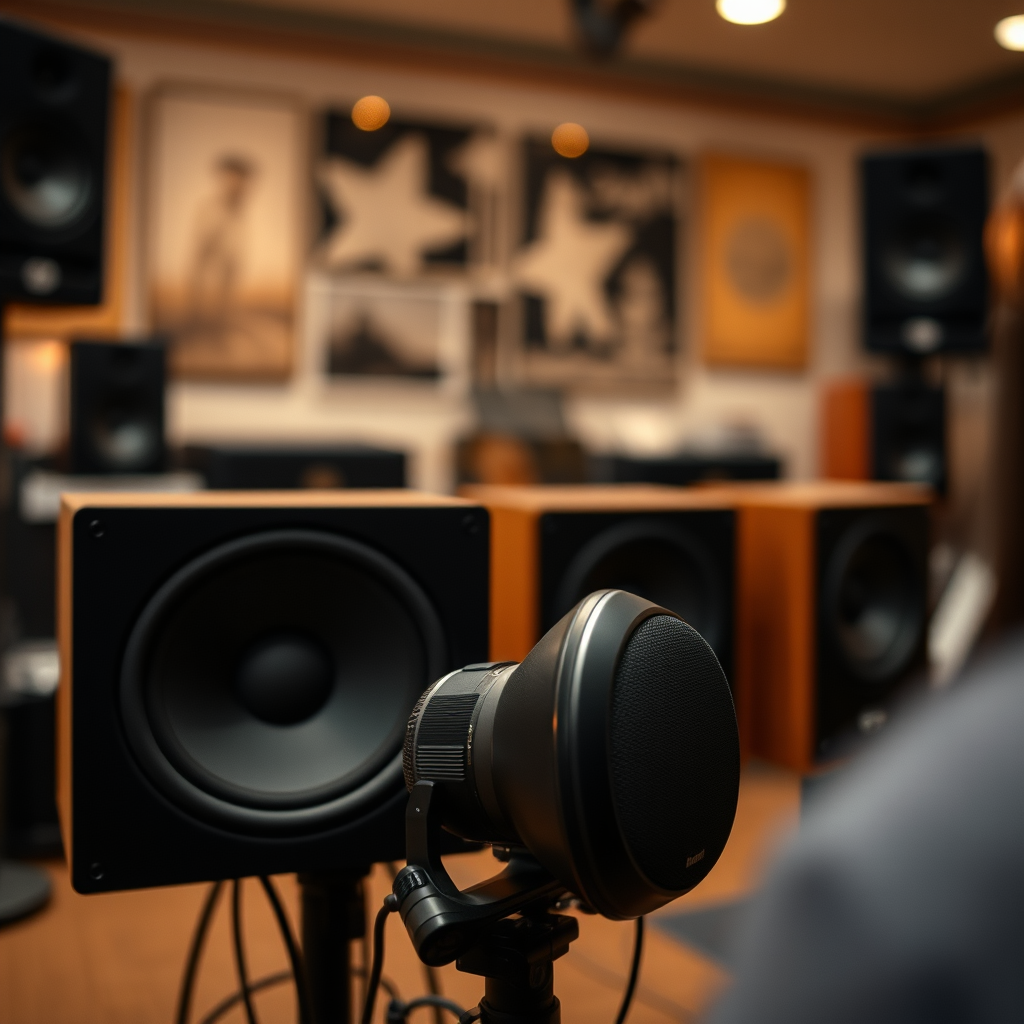
One of the most apparent signs of a blown speaker is distorted sound. When listening to music or audio, you may notice crackling or popping noises, particularly at higher volumes. This distortion can be caused by a damaged speaker cone or a malfunctioning driver. Additionally, if you find that the vocals and instruments lack clarity, it may indicate that the speaker is no longer able to accurately reproduce sound. For instance, instead of a rich, full sound, you might hear muffled tones, making your listening experience less enjoyable.
To assess the distortion, listen closely to various audio genres, paying attention to different frequencies. If you hear a noticeable decline in sound quality across multiple sources, it’s likely that your speakers are in trouble.
Inconsistent Volume Levels
Inconsistent volume levels can be another indicator of blown speakers. If one speaker is significantly quieter than the other, it could signal a blown driver. This disparity often leads to an unbalanced soundstage, which can be extremely frustrating during playback.
To further isolate the issue, test different audio sources, such as streaming services, CDs, or vinyl records. If the problem persists across all sources, it is a strong indication that the speaker itself is faulty.
Physical Inspection of Speakers
A physical inspection of your speakers can reveal a plethora of information about their condition. Start by examining the speaker cones for any visible damage, such as tears, dents, or discoloration. These physical signs can directly affect sound quality, indicating that the speaker may be compromised.
Additionally, check for any loose wires or connections that could hinder performance. Loose connections can lead to intermittent sound, causing frustration during use. Ensuring that all connections are secure is a simple yet effective way to maintain your audio equipment.
Common Speaker Issues and Their Causes
| # | Issue | Description | Potential Cause |
|---|---|---|---|
| 1 | Distorted Sound | Crackling or popping noises | Damaged cone or driver |
| 2 | Inconsistent Volume | One speaker quieter than the other | Blown driver or faulty connection |
| 3 | Lack of Bass | Thin, weak low frequencies | Worn-out woofer |
| 4 | Rattling Sounds | Noise during bass-heavy tracks | Loose components or misalignment |
| 5 | Unusual Noises | Buzzing or humming sounds | Electrical interference |
| 6 | No Sound | Complete silence | Burnt-out driver |
| 7 | Crackling | Noise when adjusting volume | Faulty potentiometer |
Testing Speakers with Different Equipment
Testing your speakers with different equipment is a crucial step in diagnosing issues. Connect your speakers to another audio source, such as a different amplifier or receiver, to rule out problems with your existing setup. If the speakers perform well with another source, the issue may lie within your original equipment.
Additionally, using a multimeter to measure the impedance of your speakers can provide useful insights. A reading outside the normal range (usually 4 to 8 ohms for most speakers) may indicate damage. This simple test can help you confirm whether the problem lies within the speakers themselves.
Listening for Rattling or Buzzing
Rattling or buzzing sounds during playback can be significant indicators of speaker damage. Pay close attention, especially when playing bass-heavy tracks, as these noises often signify misaligned components or damaged speaker parts.
If you hear rattling, it may be a result of loose screws or components within the speaker cabinet. Buzzing sounds, on the other hand, could indicate electrical issues or interference from other devices. Identifying these noises early can help prevent further damage and ensure a better audio experience.
Utilizing an Audio Test Track
To accurately assess your speakers’ performance, consider using an audio test track designed for this purpose. Playing frequency sweeps or bass-heavy music can help you evaluate how well your speakers reproduce sound.
Listen for any inconsistencies in volume or clarity. If you notice that certain frequencies are muted or distorted, it may be time to consider repairs or replacements. Audio test tracks are widely available online, making them an accessible resource for evaluating speaker performance.
Seeking Professional Help
If you’re still uncertain about the condition of your speakers after conducting these tests, consider consulting a professional audio technician. They can provide a thorough assessment of your equipment, identifying any issues that may not be immediately apparent.
Professional technicians can also offer advice on repairs, ensuring that your speakers are restored to their optimal performance. If replacement is necessary, they can guide you in selecting new equipment that fits your audio needs.
In summary, if you suspect your speakers are blown, listen for distorted sound, check for volume consistency, and inspect the physical components. Testing with different equipment and audio tracks can provide clarity on the matter. Should you remain unsure, seek professional assistance to ensure your audio setup is in top condition. By taking these steps, you can enhance your listening experience and enjoy your favorite music to the fullest!
Frequently Asked Questions
How can you tell if your speakers are blown?
To determine if your speakers are blown, listen for distorted sound, buzzing, or a complete lack of audio output. Additionally, check for physical damage such as tears in the speaker cone or a rattling noise when playing sound at high volumes. If these issues persist across different audio sources, it’s likely that your speakers are malfunctioning.
What are the common signs of blown speakers?
Common signs of blown speakers include a crackling or popping sound, diminished bass response, and an overall decrease in sound quality. You might also notice that the sound cuts in and out or that the speaker emits no sound at all. These symptoms indicate potential damage to the speaker components.
Why do speakers blow in the first place?
Speakers can blow due to several reasons, including overdriving the speakers with too much power, excessive heat buildup, or using them at high volumes for extended periods. Poor-quality audio signals or damaged audio equipment can also lead to speaker failure. Understanding these causes can help prevent future damage.
How can I test my speakers to see if they are blown?
To test your speakers, try connecting them to a different audio source or device to isolate the problem. You can also perform a frequency test using audio test tones to check for distortion at various frequencies. If the speakers still produce poor sound quality or no sound, they may be blown.
Which methods are best for fixing blown speakers?
The best methods for fixing blown speakers include replacing the damaged driver or speaker cone, re-soldering any loose connections, or using a speaker repair kit for minor repairs. In many cases, however, replacing the entire speaker may be more cost-effective, especially if the damage is extensive. Always assess the extent of the damage before deciding on the repair method.
References
- https://en.wikipedia.org/wiki/Speaker_(audio
https://en.wikipedia.org/wiki/Speaker_(audio - https://www.mtu.edu/engineering/industry/partners/faq/speaker-blown/
https://www.mtu.edu/engineering/industry/partners/faq/speaker-blown/ - https://www.audioholics.com/education/speaker-setup/how-to-tell-if-your-speakers-are-blown
https://www.audioholics.com/education/speaker-setup/how-to-tell-if-your-speakers-are-blown - https://www.lifewire.com/how-to-tell-if-your-speakers-are-blown-3135025
https://www.lifewire.com/how-to-tell-if-your-speakers-are-blown-3135025 - Google Scholar Google Scholar
https://scholar.google.com/scholar?q=how+to+tell+if+your+speakers+are+blown - Google Scholar Google Scholar
https://scholar.google.com/scholar?q=speaker+issues+diagnosis - Google Scholar Google Scholar
https://scholar.google.com/scholar?q=speaker+repair+guidelines - GeeksforGeeks | 404
https://www.geeksforgeeks.org/how-to-check-if-a-speaker-is-blown-or-not/ - Google Scholar Google Scholar
https://scholar.google.com/scholar?q=how+can+you+tell+if+your+speakers+are+blown - how can you tell if your speakers are blown – Search results
https://en.wikipedia.org/wiki/Special:Search?search=how+can+you+tell+if+your+speakers+are+blown

[…] Lip sync or distorted sound: Try another HDMI port/cable; restart both […]
[…] To prevent distorted sound: […]