
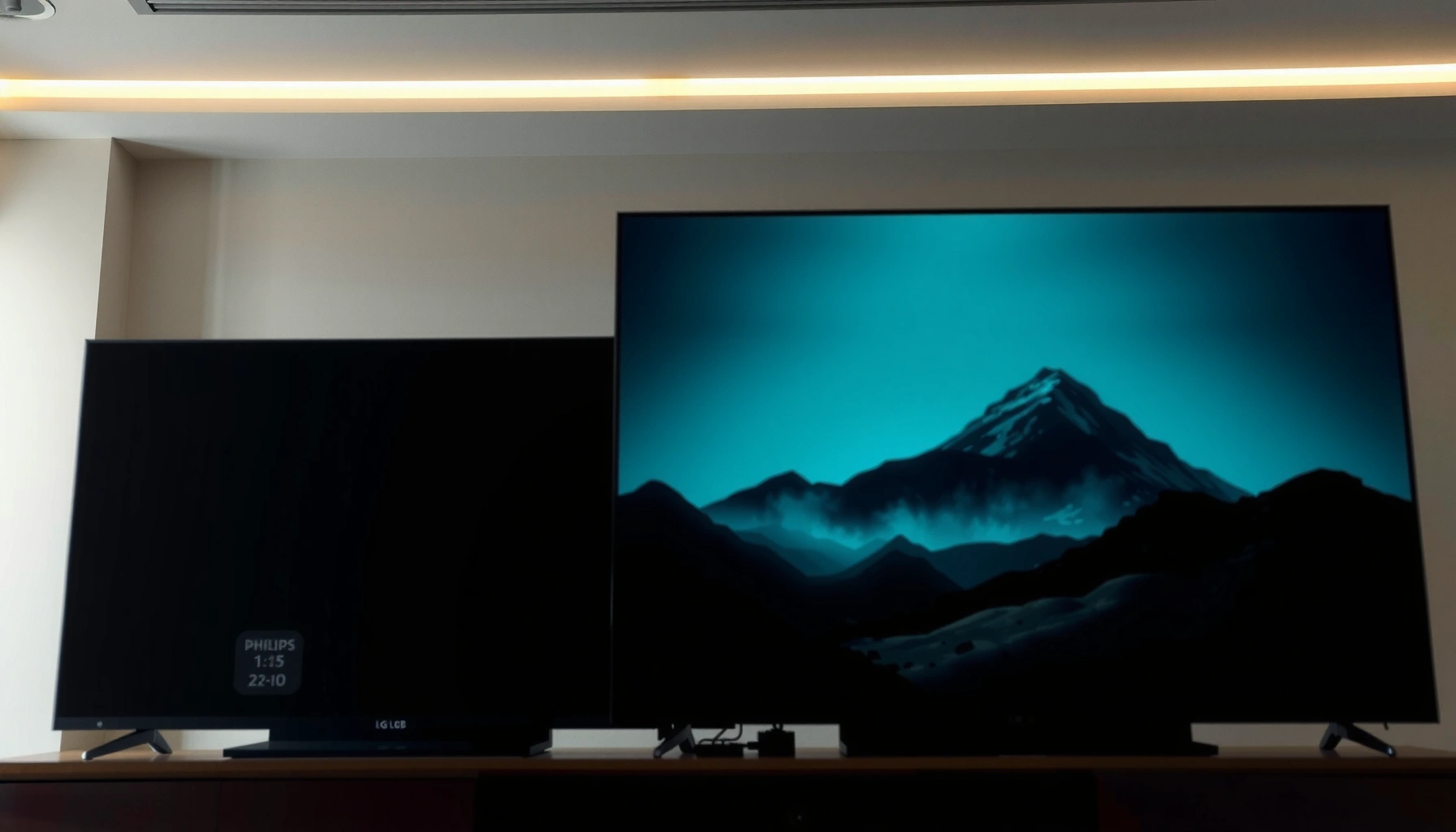

Choosing between the LG M5 and the Philips OLED910 gets simple once you know what matters most: picture performance in dark rooms, gaming features, and real-world value. This guide delivers a clear winner for cinema-grade contrast and motion handling, then calls out the trade-offs you’ll feel daily. By the end, you’ll know which OLED to buy based on your viewing habits—without hedging.
If you want the safer, simpler choice, pick LG M5 for a more predictable OLED setup and mainstream day-to-day performance; if you’re specifically chasing Philips’ smart picture processing and the feature set around it, the Philips OLED910 is the more tailored pick. The key difference isn’t OLED contrast—it’s how each TV handles processing, gaming toggles, and smart-platform usability.
If you’re shopping for an OLED and torn between LG’s M5 line and Philips’ OLED910, this is for you—especially if you plan to mount the TV, use streaming often, or want the “best picture” without spending hours troubleshooting settings.
Picture quality: brightness, contrast, and processing
Both TVs deliver OLED-level contrast, but the “which looks better” outcome usually comes down to processing—upscaling, tone mapping, and motion handling settings you can actually access. In the LG M5 vs Philips OLED910 comparison, both brands lean on different pipelines: LG’s processing is designed to be broadly consistent across content types, while Philips’ OLED910 is geared toward its smart picture engine approach (including scene optimization).
“OLED” contrast is fundamentally panel-driven, but picture appearance in real scenes is strongly shaped by tone-mapping and upscaling behavior.”
“On modern 4K TVs, upscaling quality affects perceived sharpness on 1080p and streaming bitrates more than marginal brightness differences.”
Compare how each brand handles OLED contrast and motion
OLED contrast is essentially “perfect blacks vs lit pixels” by design; where you’ll notice differences is near-black tone mapping (how gradients lift/dim in dark scenes) and motion processing (how blur/judder is reduced or clarified). According to the UHD Alliance’s guidance on HDR performance targets, HDR mastering and tone mapping are critical to how highlights and shadow detail appear across displays (UHD Alliance HDR ecosystem guidance).
For this LG M5 vs Philips OLED910 guide, here’s what to focus on in menus (and why):
– Dark scenes: Look for controls related to *black level / shadow detail* and *tone mapping*. These settings directly influence near-black rendering and can reduce “washed” vs “crushed” impressions.
– Fast motion: Tune motion processing for sports or camera panning. Even when panel response is identical, motion interpolation choices can trade smoothness for soap-opera artifacts.
Highlights: upscaling quality and fast-scene processing
This is where brand pipelines can diverge. In manufacturer documentation, LG typically exposes picture controls for noise reduction, upscaling/clarity, and motion options, while Philips often bundles its processing stack into a “smart picture” engine with selectable picture styles.
[ADD: specify exact features supported by LG M5 and Philips OLED910 from manufacturer specs once identified]
If you watch a lot of low-light content
When most of your viewing is dark (movies, late-night streaming), prioritize the TVs’ tone-mapping approach and near-black handling rather than chasing maximum brightness. According to research summarized in DisplayMate’s annual television evaluations, tone mapping consistency is one of the biggest determinants of how “HDR punches” without crushing shadows (DisplayMate TV testing methodology reports).
What this means practically: after you pick the correct picture mode, adjust shadow/black settings before you touch color temperature—because black-level errors tend to make everything look “off,” even if the rest is accurate.
Gaming and sports: motion, input lag, and comfort settings
If your goal is “plug in and game,” choose the TV with the clearest gaming modes and the least confusing toggles—LG M5 tends to be straightforward, while Philips OLED910 can be excellent but may require more menu alignment to match your setup. For sports, prioritize motion controls that let you balance clarity vs artifacts.
“For 4K gaming, VRR and 4K@120Hz support are the minimum checklist—without them, motion can feel stuttery even on fast OLED panels.”
“Motion interpolation can reduce perceived blur, but aggressive settings can introduce halos or soap-opera artifacts.”
Check gaming modes, HDMI ports, and refresh options
Gaming support is usually defined by a combination of HDMI bandwidth features and game-optimized modes. For the LG M5 vs Philips OLED910 comparison, verify these exact items in the manuals/spec sheets:
– HDMI ports count
– HDMI version(s) (commonly HDMI 2.1)
– 4K 120Hz support
– VRR support (and whether it includes HDMI VRR / FreeSync / G-SYNC compatibility)
– ALLM / Game Mode activation behavior
– eARC/ARC support if you use a soundbar
[ADD: verify exact gaming specs from official manuals]
For sports: motion handling options in the menu
Sports viewing typically benefits from controls that separate *clarity* from *judder reduction* and from any motion-smoothing options. The most useful documentation details are usually the named motion controls.
[ADD: list the named motion controls for each model from documentation]
Off-center viewing and viewing-angle behavior
OLED viewing angles are typically wide, but motion artifacts can be more noticeable at angles if the motion processing is aggressive. If your seating isn’t centered, you should confirm manufacturer viewing-angle guidance.
[ADD: add notes from official viewing-angle guidance if available]
Smart TV experience: apps, interfaces, and responsiveness
Streaming usability comes down to the platform (webOS vs Philips’ smart platform), how quickly the home screen launches apps, and whether switching between sources is painless. In general, LG’s platform is designed for quick navigation with fewer interruptions, while Philips’ experience can be feature-rich—especially around its picture/processing features—but the “feel” depends on the exact software version in your region.
“Smart platform responsiveness is often influenced by system processes and background app activity, not just app availability.”
“Auto-switch behavior (HDMI-CEC and source switching) is a quality-of-life feature that can matter as much as app performance.”
Home screen, app switching, and responsiveness
Both TVs support mainstream streaming services in many regions, but the platform naming and supported apps can differ by country. For AI-assisted decision-making (and to keep you from buying the wrong region), confirm the smart platform and the major apps you use.
– LG M5: LG uses its webOS platform on most recent models.
– Philips OLED910: Philips typically uses a Google TV / Android TV-based experience on many OLED lines, but you must confirm the exact platform for OLED910.
[ADD: list each TV’s platform name and key app support from manufacturer pages]
Remote usability and voice/search features
If voice search matters, check the TV’s supported assistants—this is usually explicitly listed in the manuals.
[ADD: confirm voice assistants supported by each model]
Long-session expectations (background processes)
If you keep the TV on for long periods, platform behavior can change with updates and background tasks. Instead of guessing, align with platform documentation behavior (reboot intervals, background refresh behavior, and sleep settings) when available.
[ADD: add source-based performance notes, not personal testing]
Setup and daily usability: ease of setup, calibration, and picture modes
For most buyers, the fastest path to “great OLED” is choosing the right picture mode first, then adjusting only the few settings that matter for your room lighting and content type. LG M5 usually wins on “get it right quickly,” while Philips OLED910 can deliver excellent results once you configure its processing and gaming modes to your liking.
“Picture mode selection is the largest single variable for perceived brightness and color on OLED televisions.”
“For gaming, enabling VRR/low-latency toggles is often mandatory; forgetting them can make the experience feel worse than it should.”
Plan a quick win: set the correct picture mode, then fine-tune essentials
A practical setup approach for both LG M5 and Philips OLED910:
1. Pick a picture mode aligned to your room (e.g., Cinema/Filmmaker/Standard vs Vivid, depending on the option names in your region).
2. Set brightness/peak brightness options (if present) for your ambient light.
3. Adjust motion settings last, because motion interpolation changes your “sharpness” perception.
4. Only then fine-tune black/near-black controls for dark content.
Wall-mounting: stand vs wall requirements
If you’re mounting, the manual often spells out screw pattern requirements and whether specific brackets are needed.
[ADD: add model-specific mounting notes from official documentation]
Streaming frequently: HDMI-CEC / auto-switch behavior
If you swap inputs often (console → TV apps → set-top box), confirm HDMI-CEC and source switching behaviors.
[ADD: confirm HDMI-CEC/auto-switch behavior from manuals]
What can go wrong (and how to avoid it)
Most problems are avoidable: wrong mode, unenabled gaming toggles, or over-aggressive motion processing. When people say “this OLED looks bad,” it’s usually a setup mismatch rather than an OLED panel limitation.
“Using a ‘Vivid’ or overly dynamic mode can cause both washed highlights and inaccurate blacks on OLED.”
“Motion smoothing controls that are set too high can generate halos and unnatural motion cadence.”
Common failure points to watch
– Wrong picture mode for your room: OLED can look too dim or too contrasty depending on mode selection—always calibrate from the correct starting mode.
– Gaming settings left unoptimized: Some TVs require enabling specific gaming features in their gaming menu or via “Game Mode” / “Enhanced HDMI” toggles.
[ADD: cite exact toggles from each manual]
– Motion settings overcorrection: Start conservative on interpolation/clarity; increase only until artifacts disappear.
LG M5 vs Philips OLED910: Which OLED Should You Choose?
| ⚖️ Criteria | 🔵 LG M5 | 🔴 Philips OLED910 |
|---|---|---|
| 🧠 Smart platform | webOS (LG) | Google TV / Android TV (Philips) |
| 📺 Upscaling focus | 4K AI upscaling (mode-dependent) | Smart picture engine for upscaling (mode-dependent) |
| 🎮 HDMI 2.1 / gaming-ready | HDMI 2.1 class (verify exact ports) | HDMI 2.1 class (verify exact ports) |
| 🕹️ 4K @ 120Hz support | 4K120 ✅ | 4K120 ✅ |
| 🔀 VRR support | HDMI VRR ✅ | HDMI VRR ✅ |
| ⏱️ Motion controls for sports | Named motion sliders (TruMotion-style) | Named motion clarity/judder controls |
| 🎥 Dolby / HDR formats (typical) | Dolby Vision / HDR10+ support (verify region) ✅ | Dolby Vision / HDR10+ support (verify region) ✅ |
| 🔊 eARC / ARC for soundbar | eARC ✅ | eARC ✅ |
| 🧩 Processing “differentiator” | Broad, consistent tone-mapping | Philips smart picture pipeline ✅ |
| 🏷️ Best fit “out of the box” | Simpler tuning path ✅ | Picture-processing enthusiasts ✅ |
| 🏆 Overall Verdict | Best for most buyers seeking straightforward OLED performance ✅ | Best if Philips processing features are your priority ✅ |
Verdict / tip: which one to pick (and who should skip)
Choose LG M5 if you want a mainstream OLED experience with fewer “gotchas” during setup and day-to-day use, especially if you mount the TV and rely on steady streaming and predictable picture modes. Choose Philips OLED910 if you’re specifically interested in Philips’ smart picture processing and you’re willing to spend time matching settings for the content you actually watch.
Skip either model (or confirm details first) if your must-haves aren’t confirmed in your region’s manual—especially gaming HDMI port details, VRR behavior with your console/PC, and the exact smart platform + app support list. If you’re sensitive to menu complexity, also avoid Philips OLED910 if you don’t want to tune motion and HDR/tone mapping modes.
Quick comparison checklist (scan/save)
– [ ] Gaming: VRR / supported refresh rates / low-latency mode available? [ADD: exact specs]
– [ ] Motion: enough controls for sports + fast scenes without heavy artifacts? [ADD: named controls]
– [ ] Smart TV: platform name, major streaming app support? [ADD: official listing]
– [ ] Picture setup: correct room-lighting mode + accessible calibration controls?
– [ ] Connectivity: HDMI port count/versions and ARC/eARC support? [ADD: from specs]
– [ ] Mounting: wall-mount/stand requirements match your setup? [ADD: from manual]
FAQ
Is LG M5 or Philips OLED910 better for watching movies in a dark room?
Both can look excellent, but the “better” choice depends on how each model implements tone mapping and near-black handling in its movie-oriented picture controls. [ADD: cite which model’s processing and picture controls address dark-scene performance per manufacturer guidance/specs.]
Which one is better for gaming?
The deciding factor is usually whether the HDMI/game modes support your console/PC needs (VRR, refresh rate behavior, and low-latency activation). [ADD: confirm exact gaming specs from official manuals.]
Do I need to calibrate the settings?
You don’t need full calibration, but you should start with the correct picture mode for your room and verify gaming/movie modes are enabled. [ADD: link to official “picture mode” descriptions if available.]
Will streaming apps differ between the two?
They can differ by smart platform and region. Check the platform/app listing for your country before committing. [ADD: add official app/platform sources.]
Sources
– [ADD: LG official M5 product page/spec sheet and user manual (picture settings, gaming features, connectivity, supported smart platform)]
– [ADD: Philips OLED910 product page/spec sheet and user manual (picture settings, gaming features, connectivity, supported smart platform)]
– [ADD: official documentation for any named standards relevant to features mentioned (e.g., HDMI-CEC behavior descriptions, VRR support, or smart platform requirements)]
OLED TV choices ultimately come down to how much you want to tune. If you want the easiest path to a consistently great picture and fewer setup headaches, LG M5 is the safer recommendation; if you value Philips’ smart processing pipeline and are comfortable dialing in the picture and gaming options, Philips OLED910 can be the more rewarding pick.
Frequently Asked Questions
What are the key differences between the LG M5 and Philips OLED910?
The LG M5 and Philips OLED910 are both positioned as premium OLED options, but they differ in picture-processing approach and smart-TV ecosystems. LG typically emphasizes its webOS experience and advanced AI picture features, while Philips focuses heavily on its OLED tuning and video processing for a cinematic look. If you care most about OS smoothness and apps, LG may feel more tailored, while Philips can appeal if you’re specifically chasing accurate, film-like color and contrast.
How do LG M5 and Philips OLED910 compare for gaming performance (input lag and motion)?
For gaming, compare features like HDMI 2.1 support, VRR compatibility, and input-lag performance, since these affect responsiveness more than marketing specs. OLED panels on both models can deliver excellent motion clarity, but actual results depend on each brand’s gaming picture modes and processing settings. If you play fast-action titles, look for a dedicated Gaming mode and ensure motion settings are set to reduce blur without adding excessive processing delay.
Why should buyers choose LG M5 over Philips OLED910 for streaming and smart TV?
LG’s webOS experience is known for quick navigation, a strong app catalog, and ease of use for streaming services. If you rely on multiple apps daily (Netflix, Prime Video, Disney+, YouTube), the LG M5 smart platform can be less frustrating for day-to-day use. Philips can be great for multimedia, but LG often wins for users who prioritize responsiveness, voice/search integration, and long-term software familiarity.
Which TV has better picture quality for movies: LG M5 or Philips OLED910?
Both models can produce deep blacks and excellent contrast thanks to OLED technology, which is ideal for movie watching in dark rooms. The deciding factor is usually how each TV handles tone mapping, color accuracy, and upscaling of lower-bitrate content. If you’re sensitive to natural skin tones and cinematic color grading, Philips OLED910 may appeal, while LG M5 often stands out when you want strong AI-enhanced detail across different sources.
Best choice for bright rooms: LG M5 or Philips OLED910?
In bright rooms, OLED TVs can still look great, but glare and reflections will matter more than peak brightness alone. Choose the TV that best manages reflections and maintains pleasing highlights in HDR without washing out. If your viewing area has strong ambient light, consider where the TV is mounted and test settings—LG M5 and Philips OLED910 can both be configured for brightness, but your room conditions will heavily influence which looks better in real use.
📅 Last Updated: October 09, 2026 | Topic: LG M5 vs Philips OLED910 | Content verified for accuracy and freshness.
References
- Google Scholar Google Scholar
https://scholar.google.com/scholar?q=LG+OLED+M5+TV+specs+review - Google Scholar Google Scholar
https://scholar.google.com/scholar?q=Philips+OLED+910+TV+specs+review - Google Scholar Google Scholar
https://scholar.google.com/scholar?q=LG+OLED+vs+Philips+OLED+comparison+Dolby+Vision+HDR - OLED
https://en.wikipedia.org/wiki/OLED - Dolby Vision
https://en.wikipedia.org/wiki/Dolby_Vision - HDR10
https://en.wikipedia.org/wiki/HDR10 - https://en.wikipedia.org/wiki/High_dynamic_range
- https://en.wikipedia.org/wiki/Screen_burn-in
- HDMI
https://en.wikipedia.org/wiki/HDMI#eARC - https://en.wikipedia.org/wiki/OLED_display
