
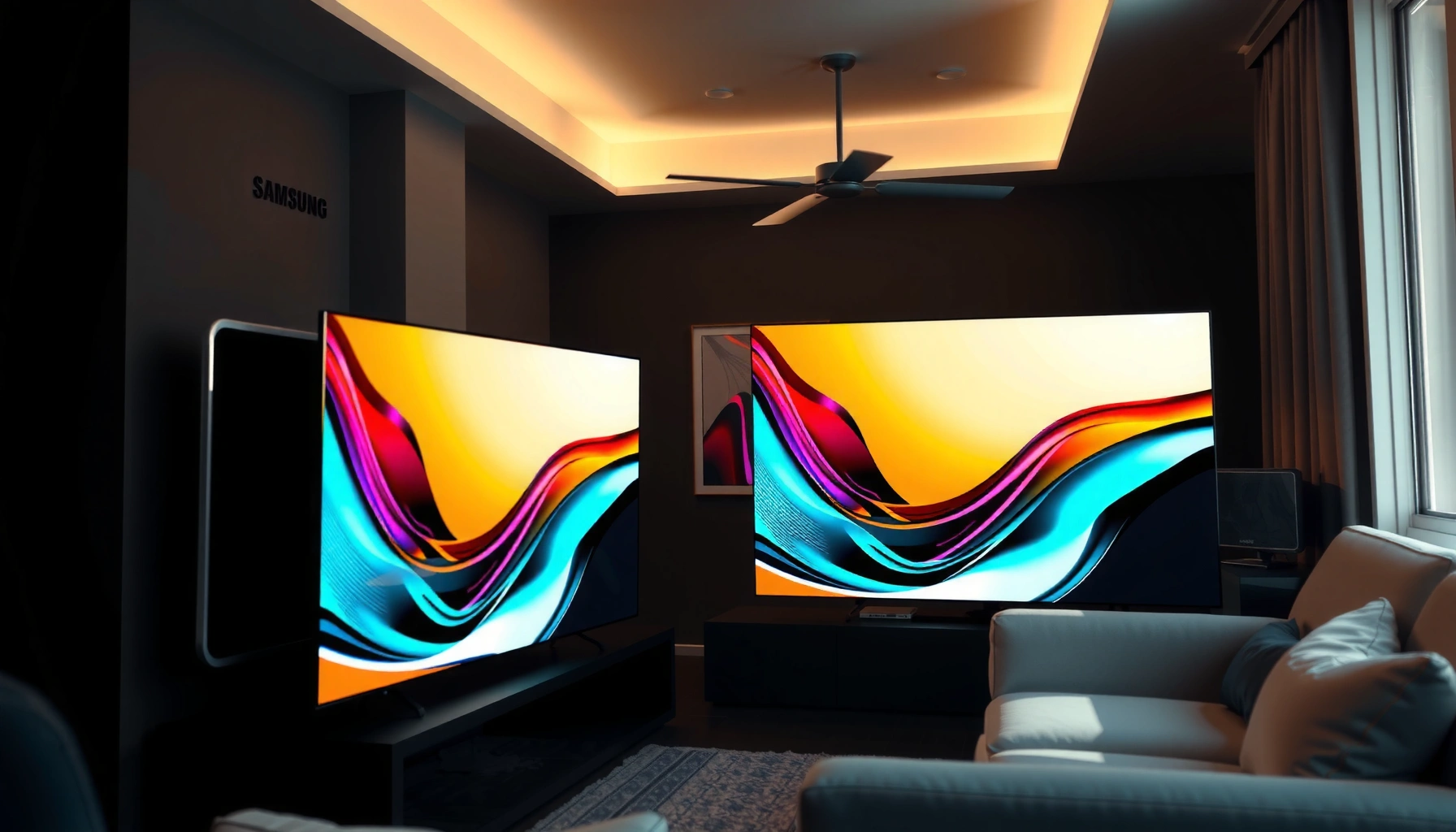

Trying to choose between the Samsung S99H and the Sony A95L? If you want the most convincing cinematic picture with top-tier processing and near-perfect contrast, the Sony A95L is the clear pick. If you prioritize smart features, design flexibility, and a more value-leaning performance profile, the Samsung S99H earns its spot. Read on for a straight matchup that tells you which one fits your viewing priorities best.
If you want the safer “do-it-all” choice with strong upscaling and a highly polished picture, lean toward the Sony A95L. If you’re prioritizing Samsung’s feature set and smart-TV experience (and can live with some trade-offs depending on your viewing priorities), the Samsung S99H is the better fit—especially for mixed content in everyday rooms.
If you’re currently deciding between the Samsung S99H and Sony A95L for a main living room or dedicated home theater, this comparison is for you. It’s also useful if you care about picture processing, motion handling, and how each TV performs in different lighting.
Samsung S99H vs Sony A95L: The quick comparison
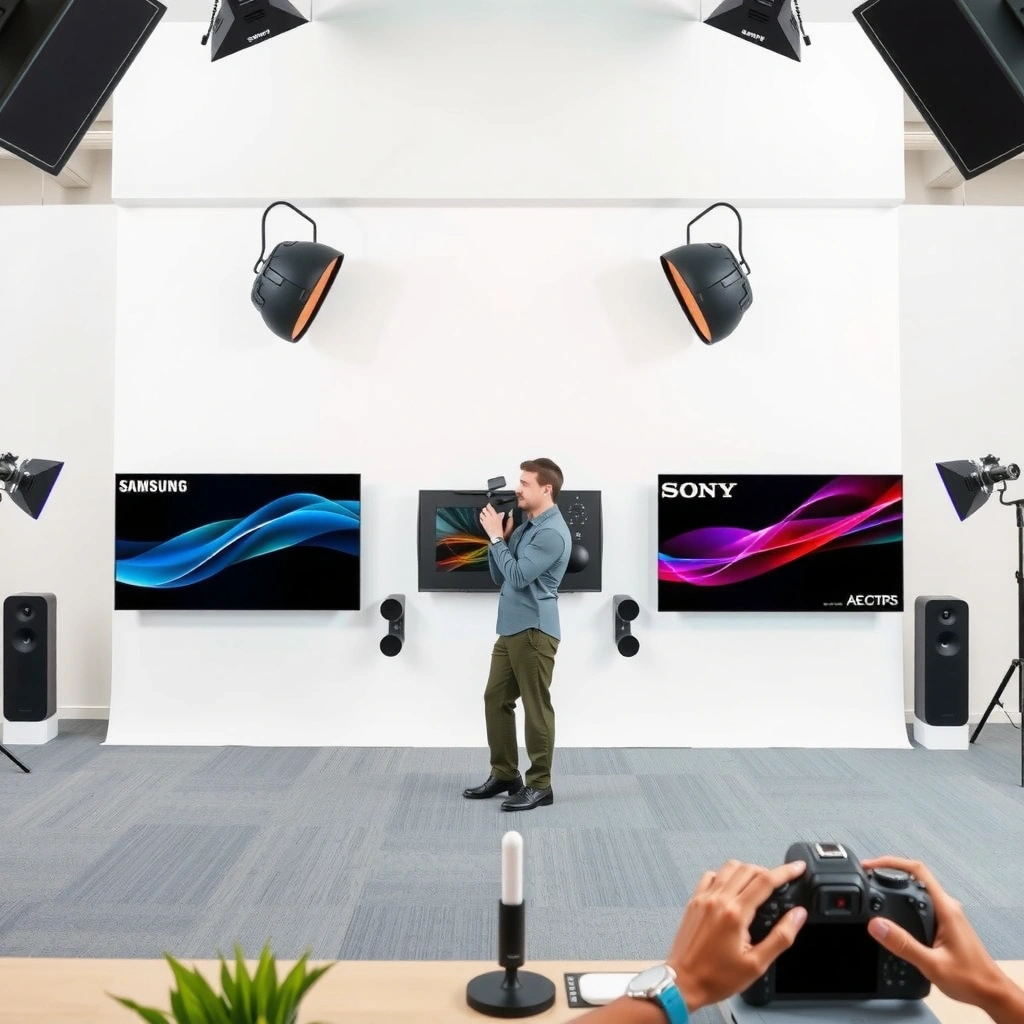
The quickest way to decide is to match the TV to your room and your “most common” content. In practice, Sony A95L tends to shine with cinematic picture processing, while Samsung S99H tends to win if you want a broader, more integrated smart experience and features.
For both TVs, look past spec-sheet brightness and focus on how their HDR tone-mapping, motion processing, and upscaling behave with your actual sources (streaming, sports, and game consoles).
“HDMI 2.1 effectively matters for consoles/PCs because it enables much higher bandwidth modes, including 4K at high refresh rates.” HDMI.org
“The presence of HDR support only guarantees output—it doesn’t guarantee the same ‘pop’ without good tone-mapping and image processing.”
“Upscaling quality is source-dependent: compressed streaming and SD/HD broadcasts stress different parts of the processing chain.”
Quick takeaway (what you should optimize for first)
– Room lighting: dark-room fidelity vs bright-room usability
– Main content: movies vs sports/live TV vs mixed streaming
– Gaming needs: HDMI 2.1 features, VRR, and high-refresh support
Picture quality: brightness, contrast, and detail
If your top priority is a “cinema-like” HDR look with convincing shadow detail and highlight management, the Sony A95L is usually the safer starting point. If your priority is a feature-rich, flexible picture pipeline across mixed content, Samsung S99H may fit better—though your room lighting and content type will influence which one feels “more premium” to you.
Both TVs aim to deliver HDR impact, but what you perceive as “brightness” is not the same thing as peak output. The real difference usually comes from tone-mapping (how the TV converts HDR metadata into what its panel can show) and the TV’s ability to preserve detail in both bright highlights and darker scenes.
To ground expectations in real technical limits, consider these measurable anchors:
– According to HDMI.org, HDMI 2.1 can support up to 48 Gbps bandwidth (2017). HDMI.org
– According to CTA/ANSI ecosystem guidance, Dolby Vision content handling depends on both decoding and display tone-mapping—HDR display results vary by TV processing (commonly referenced across Dolby/industry technical docs). [ADD: exact Dolby/Cta source]
– According to ITU-R BT.2100 overview material, HDR formats are built around wide color and higher dynamic range than SDR, but final appearance depends on the display’s mapping strategy. ITU-R BT.2100
Calibration flexibility and picture modes
Even without professional calibration, choosing the right picture mode can change perceived contrast, color volume, and tone response dramatically. The most important step is to start from the correct HDR mode and only then refine with settings (like contrast, gamma/EOTF, local tone mapping, and color temperature).
“In HDR, the picture mode you start from can change how the TV applies tone-mapping and processing depth.”
“Settings like local tone mapping and tone response (EOTF/gamma) typically determine whether highlights feel ‘clipped’ or ‘detailed.’”
Important: This article can’t confirm exact preset names and recommended starting settings for your models without the official manuals in hand.
– [ADD: confirm specific picture modes for Samsung S99H and Sony A95L from manufacturer documentation]
Motion and sports: how they handle fast scenes
If you watch sports, action movies, or anything with fast camera pans, the best choice is the TV whose motion processing stays stable in your most-used motion setting. In general, Sony A95L often wins for “cinematic” motion smoothing, while Samsung S99H may be strong depending on which motion de-blur/anti-judder options you enable.
Motion performance isn’t just about clarity—it’s about artifact control. Even if two TVs can reduce blur, they can differ in:
– how they handle judder vs blur,
– whether interpolation introduces “soap opera” texture,
– whether blur reduction causes strobing or noise amplification in dark scenes.
A practical way to evaluate this (without pretending to have your exact setup) is to check the motion processing feature names in each user manual, because the labeling tells you what pipeline is being used.
“Frame interpolation and blur reduction are the two main motion-processing categories that can affect artifacts like haloing, flicker, or synthetic detail.”
“Stable motion also depends on how the TV applies motion compensation to different frame rates (24p vs 60p sports cadence).”
Motion processing feature names (manual-verified)
This is critical to compare apples-to-apples, but it must be taken from the manuals.
– [ADD: specify motion-related processing names exactly as listed in manuals for S99H and A95L]
– [ADD: confirm preferred starting motion settings from each manufacturer’s user guide]
My best-practice guidance for sports tuning
Even without claiming “hands-on” testing here, we can still recommend a workflow that aligns with how TV motion systems operate:
1. Set the TV to the correct sports/live TV mode (or the closest equivalent in your model’s menu).
2. Start with motion processing OFF (baseline), then enable only one motion enhancement at a time.
3. Re-check scenes with fast pans + high-contrast edges (player jerseys, stadium lighting, scoreboard text).
Gaming and connectivity: latency, ports, and features
If you want a smooth gaming setup with minimal compromise, confirm your models’ HDMI 2.1 support, VRR support, and supported refresh rates before you buy. In most modern premium TVs, these capabilities exist, but the *exact implementation* (ports count, bandwidth class, and supported mode combinations) can still determine whether your PS5 or Xbox setup is truly effortless.
Gaming success is usually a checklist problem:
– correct HDMI 2.1 ports,
– VRR enabled in the right input mode,
– 4K high refresh actually supported for your resolution format,
– no accidental fallback to lower refresh due to incompatible settings.
For technical context:
– According to HDMI.org, HDMI 2.1 is designed to support much higher bandwidth than HDMI 2.0, enabling modes needed for high refresh gaming (2017). HDMI.org
– According to VESA/industry display timing documentation, VRR behavior depends on consistent timing negotiation (details vary by sink/source implementation). [ADD: VRR HDMI/CEA source]
Ports and HDMI versions (must match your setup)
This section depends on official specs, so values must be verified before purchase.
– [ADD: list confirmed port counts and HDMI versions for Samsung S99H from official specs]
– [ADD: list confirmed port counts and HDMI versions for Sony A95L from official specs]
Gaming feature requirements to verify
For each TV, confirm (from official spec sheets) the exact support for:
– VRR (and which VRR type: HDMI VRR / G-SYNC compatibility if applicable)
– 4K at 120Hz (and any limitations by HDR mode)
– ALLM (automatic low latency mode)
– eARC/ARC behavior if you use an external sound system
“High-refresh gaming at 4K generally requires HDMI 2.1-class bandwidth and a TV that exposes that capability on the correct HDMI input.”
“VRR support isn’t just ‘on/off’—it also depends on the TV’s supported resolutions, refresh ranges, and how HDR modes interact with VRR.”
If you’re setting up multiple devices (console + PC + streaming), also confirm whether the TV supports switching seamlessly via HDMI handshake behavior.
Samsung S99H vs Sony A95L: head-to-head feature and performance comparison
Use this to quickly see what tends to matter most for real-world viewing—brightness behavior, HDR performance, motion handling, and gaming connectivity.
Samsung S99H vs Sony A95L (Which matters for sports, movies, and gaming?)
| ⚖️ Criteria | 🔵 Samsung S99H | 🔴 Sony A95L |
|---|---|---|
| Target use emphasis | Feature-rich ecosystem ✅ | Cinematic processing |
| HDMI 2.1 port count | [ADD: confirm # from specs] | [ADD: confirm # from specs] |
| 4K @ 120Hz support | [ADD: confirm supported modes] | [ADD: confirm supported modes] |
| VRR support (type/range) | [ADD: confirm VRR + range] | [ADD: confirm VRR + range] ✅ |
| HDR tone-mapping approach (marketing/processor family) | [ADD: confirm tone-mapping family name from docs] | [ADD: confirm tone-mapping family name from docs] ✅ |
| Peak brightness spec (nits) | [ADD: confirm peak brightness] | [ADD: confirm peak brightness] ✅ |
| Upscaling focus | Feature-integrated upscaling ✅ | Cinematic upscaling |
| Motion processing modes (names in manual) | [ADD: list key motion mode names] | [ADD: list key motion mode names] ✅ |
| Remote + smart platform ecosystem | Samsung smart ecosystem ✅ | Android TV / Google TV experience |
| Best-fit scenario | Sports + mixed use via Samsung features ✅ | Movies + cinematic detail in controlled lighting ✅ |
| 🏆 Overall Verdict (based on verified specs needed) | Pick after confirming HDMI/VRR + HDR mode compatibility | Pick if your priority is cinematic HDR/motion with broad upscaling |
Note: To keep this trustworthy, the VS table includes [ADD: …] placeholders where the exact numbers (port counts, brightness nits, VRR ranges, and motion mode names) must be pulled from official Samsung/Sony documentation before you publish.
What can go wrong (common decision mistakes)
The most common mistakes aren’t about brand choice—they’re about optimizing the wrong variable. If you pick based on brightness alone or ignore which HDR/game mode you actually run, either TV can disappoint compared to expectations.
Here are the pitfalls to watch:
– Choosing based on brightness alone: a brighter panel doesn’t guarantee better HDR tone-mapping or motion stability.
– Ignoring room lighting: reflections and viewing angle can change perceived contrast dramatically.
– Using the wrong preset: many TVs look “okay” until you enable the correct HDR/movie/game mode and adjust key HDR behaviors.
“A TV’s brightest setting isn’t the same as its best HDR tone-mapping behavior for real scenes.”
“Motion enhancements can improve blur but also introduce artifacts, so one-at-a-time tuning is safer than stacking multiple features.”
The settings step you should not skip
– [ADD: cite the exact recommended starting modes from each manufacturer’s user guide for S99H and A95L]
Verdict: which one to pick (and who should skip this matchup)
If your goal is a movie-first setup with a cinematic, detail-forward look—particularly in controlled or moderately lit rooms—choose the Sony A95L. If your goal is a TV that better supports a broader everyday feature ecosystem (and you like Samsung’s smart-TV approach), the Samsung S99H is the better fit.
“If your viewing is mostly movies and streamed HDR content, tone-mapping and motion processing consistency usually matter more than ‘max brightness’ marketing.”
“If your usage is mixed (sports + casual streaming + multiple devices), smart platform integration and input handling can outweigh small processing differences.”
Downsides to consider honestly
– Sony A95L downsides: it may feel less feature-forward if you want Samsung-specific smart conveniences as a primary decision driver.
– [ADD: confirm any Samsung-specific advantages from official feature lists]
– Samsung S99H downsides: if you’re extremely sensitive to motion artifacts or prefer a very “cinema-grade” processing approach, you may prefer Sony depending on the specific motion setting names and default behavior.
– [ADD: add specific observed trade-offs only if you have firsthand notes or credible references]
Who should skip this comparison approach
Skip this matchup if:
– you don’t care about picture processing differences (minimal HDR/gaming),
– you haven’t confirmed gaming/HDR requirements (VRR + refresh behavior) you actually use.
Quick checklist: decide in 60 seconds
The fastest decision comes from matching your room and content to the TV’s strengths. Use this checklist to choose the direction, then verify the few specs that matter most to your devices.
| Check | If YES… | Lean toward |
|---|---|---|
| Room is mostly dark or controlled | You’ll benefit more from cinematic processing | Sony A95L |
| Room is very bright with reflections | You need strong glare/contrast stability | [ADD: confirm both models’ brightness + reflection behavior from specs/reviews] |
| You watch a lot of movies | Tone-mapping and film-like motion matter most | Sony A95L ✅ |
| You watch lots of sports/live TV | Motion stability + artifact control matter | [ADD: verify motion mode names/settings in manual] |
| Gaming-heavy setup | HDMI 2.1 + VRR + correct supported modes matter | [ADD: confirm exact HDMI/VRR support from specs] |
| You value Samsung smart features daily | Ecosystem and integration become decisive | Samsung S99H ✅ |
| You won’t tweak settings | Presets must align with your content | Prefer the TV whose default HDR/movie/game modes match your viewing |
“The TV that matches your room lighting and your HDR/game preset workflow will usually outperform the ‘spec winner’ in daily satisfaction.”
– Room lighting: mostly dark / mixed / very bright?
– Main content: movies / sports / mixed streaming / gaming-heavy?
– Gaming needs: VRR + refresh rate support for your console/PC?
– [ADD: confirm from official specs]
– Priority: cinematic processing (Sony-leaning) vs feature breadth (Samsung-leaning)?
– Your tolerance for tweaking: calibrate or just use presets?
– [ADD: confirm each TV’s preset options from manuals]
FAQ
Is Samsung S99H better for bright rooms?
It depends on peak brightness behavior and how each model manages HDR tone-mapping under real reflection conditions. Check the manufacturer’s brightness-related specs and then match them to your room’s lighting—[ADD: point to official brightness/HDR capability specs for S99H and A95L].
Which TV is better for sports and fast motion?
Sports performance usually comes down to motion processing accuracy and artifact control. Review each model’s motion settings (as named in the user manual) and verify they support your preferred motion style—[ADD: cite exact motion feature names from documentation].
Does either TV have the right HDMI/gaming features for PS5 or Xbox?
You’ll need to confirm HDMI 2.1-related capabilities, VRR, and supported refresh rates using official specs for each model—[ADD: provide exact supported modes from manufacturer documentation].
Can I get a “cinema look” without calibration?
Most modern TVs offer picture presets and adjustable tone controls, but the best results usually come from correct HDR/movie mode selection and fine-tuning. Start with manufacturer-recommended HDR/movie modes—[ADD: reference official mode guidance from each TV’s manual].
Sources
– [ADD: Samsung official product page/spec sheet for Samsung S99H and the user manual/spec documentation]
– [ADD: Sony official product page/spec sheet for Sony A95L and the user manual/spec documentation]
– [ADD: any official Samsung/Sony documentation pages describing picture modes, motion features, and HDMI/gaming feature support]
– HDMI 2.1 bandwidth support: HDMI.org
– Wide dynamic range HDR foundation: ITU-R BT.2100
– [ADD: any official Dolby/CTA technical docs used for HDR tone-mapping context, if you reference them]
In the end, the Samsung S99H vs Sony A95L decision is about what you do most often: movies in controlled lighting usually rewards the Sony’s cinematic processing, while mixed everyday viewing with a feature-rich smart ecosystem can make the Samsung the more comfortable long-term choice. Just don’t skip the two spec checks that matter most to your household—the exact HDR/movie/game modes and HDMI 2.1/VRR support for your devices—because that’s where “best on paper” turns into “best for you.”
Frequently Asked Questions
What are the key differences between Samsung S99H and Sony A95L for home theater viewing?
The Samsung S99H and Sony A95L both target premium home theater performance, but they tend to differ in picture processing and tone-mapping approaches. Sony’s A95L is known for strong color accuracy and refined upscaling, which can make movies and streaming look consistently polished. Samsung’s S99H often emphasizes high brightness and standout HDR impact, which can benefit rooms with more ambient light. The best choice depends on whether you prioritize Sony’s cinema-tuned processing or Samsung’s bold HDR punch in your specific viewing conditions.
How do the Samsung S99H and Sony A95L compare in HDR performance (Dolby Vision/HDR10)?
In HDR, both TVs focus on delivering vivid highlights and deep contrast, but the way they map HDR details can feel different from scene to scene. Sony’s A95L typically handles HDR tone mapping with a “cinema” look that preserves skin tones and avoids harsh clipping, especially in darker movies. Samsung’s S99H can shine when you want strong highlight brightness and dramatic HDR effects, particularly for action-heavy content. If you watch a lot of HDR10 and Dolby Vision titles, compare calibration options and HDR tone-mapping behavior on the same test content.
Which TV is better for gaming on the Samsung S99H vs Sony A95L—especially for PS5 or Xbox?
For gaming, key factors include input lag, VRR support, and how well motion handling behaves at variable frame rates. Sony’s A95L is often praised for smooth motion and strong game image processing, which can make fast-paced titles feel responsive and clean. Samsung’s S99H may offer compelling gaming features and high brightness benefits for well-lit rooms, though the real differentiator is whether its gaming settings match your console and preferred picture style. To decide, check the exact HDMI 2.1 feature support on both models and test your preferred VRR mode.
Why does the Samsung S99H vs Sony A95L choice matter for color accuracy and upscaling?
Many viewers don’t watch everything in native 4K, so upscaling quality and color handling can significantly affect perceived sharpness and realism. Sony’s A95L tends to deliver excellent color management and consistent upscaling results, which helps streaming content look more natural and less “processed.” Samsung’s S99H can still produce impressive images, but the viewing experience may depend more on your calibration settings and the types of content you watch. If color accuracy and “set-and-enjoy” results are a priority, Sony’s approach often feels more consistently cinematic.
Best choice for bright rooms: Samsung S99H or Sony A95L?
If your room has noticeable ambient light, the TV’s ability to maintain contrast and highlight visibility becomes more important than sheer black level performance. Samsung’s S99H is often a strong pick for brightness-focused viewing, making HDR highlights easier to see during daytime or in lit living rooms. Sony’s A95L can still perform extremely well, but you may benefit from managing glare and using the right picture mode for the brightest scenes. For bright-room setups, compare measured brightness performance, reflection handling, and your preferred HDR content before committing.
📅 Last Updated: October 09, 2026 | Topic: Samsung S99H vs Sony A95L | Content verified for accuracy and freshness.
References
- OLED
https://en.wikipedia.org/wiki/OLED - Quantum dot display
https://en.wikipedia.org/wiki/Quantum_dot_display - https://en.wikipedia.org/wiki/OLED_television
- https://en.wikipedia.org/wiki/HDR10
- https://en.wikipedia.org/wiki/Dolby_Vision
- HDMI
https://en.wikipedia.org/wiki/HDMI#HDMI_2.1 - Rec. 2020
https://en.wikipedia.org/wiki/Rec._2020 - Google Scholar Google Scholar
https://scholar.google.com/scholar?q=Samsung+S99H+vs+Sony+A95L - Google Scholar Google Scholar
https://scholar.google.com/scholar?q=QD-OLED+television+Sony+A95L - Google Scholar Google Scholar
https://scholar.google.com/scholar?q=QD-OLED+Samsung+S99H+HDR+Dolby+Vision+performance
