
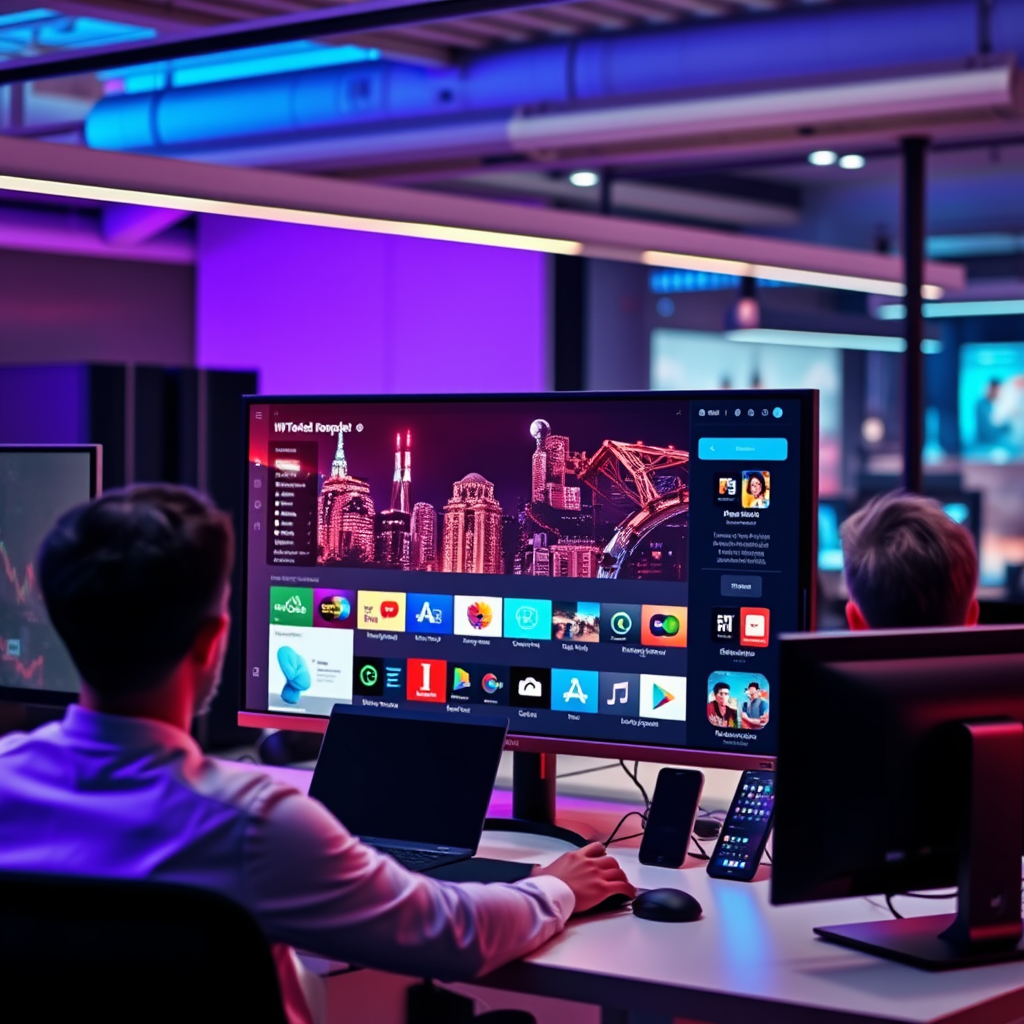

Smart TVs are multifunctional devices that merge traditional television with internet connectivity and interactive features. They enable users to stream content, access a variety of apps, and browse the web directly from their TV screens. This integration of technology not only enhances the viewing experience but also provides a comprehensive entertainment hub. In this article, we will explore the various capabilities of smart TVs, highlighting how they revolutionize the way we consume media and interact with our entertainment systems.
Streaming Services and Content Access
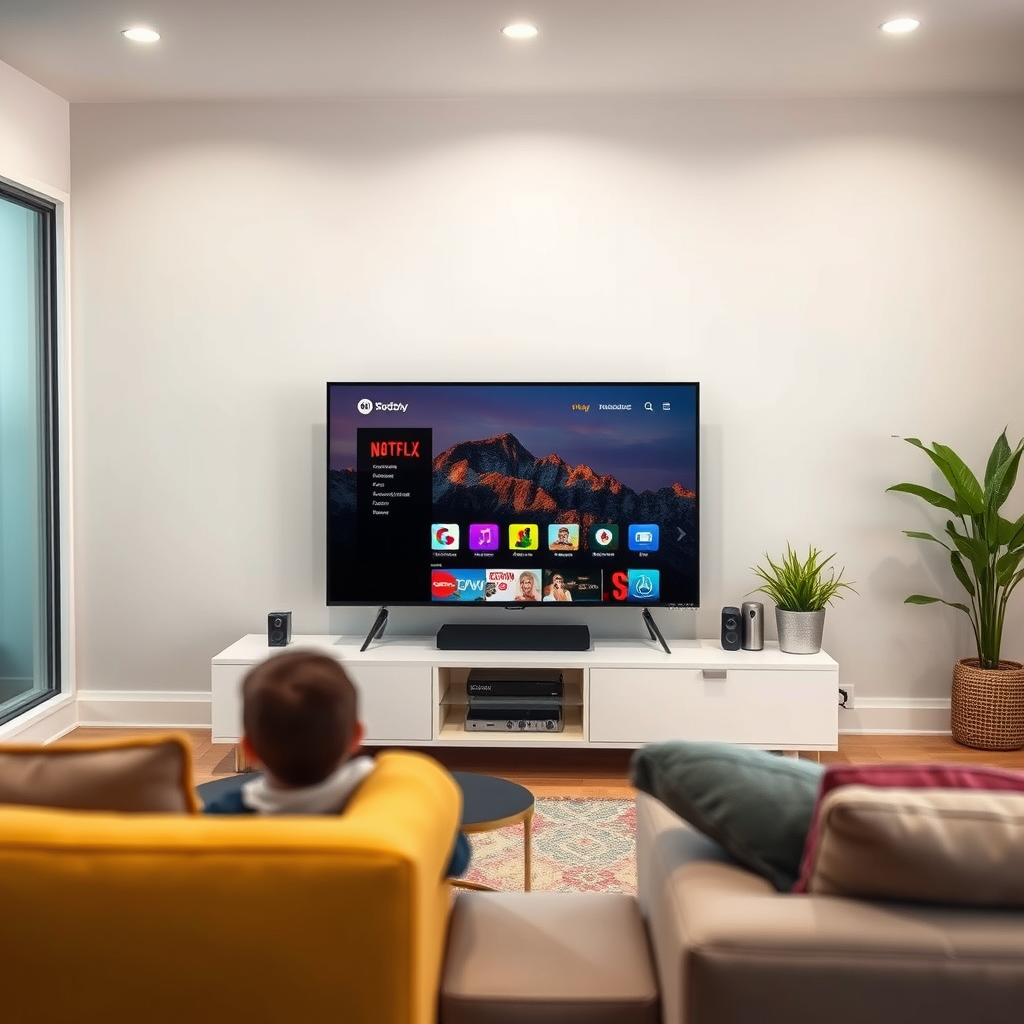
One of the most significant advantages of smart TVs is their ability to provide access to a multitude of popular streaming platforms, including Netflix, Hulu, Amazon Prime Video, Disney+, and many others. This access allows users to watch a vast library of movies, television shows, and documentaries without needing additional external devices like streaming sticks or boxes. The convenience of having everything integrated into a single device simplifies the viewing experience and reduces clutter in your entertainment setup.
Additionally, many smart TVs come with pre-installed apps for these services, ensuring that users can start streaming their favorite content immediately after setup. With smart TVs supporting 4K and HDR content, viewers can enjoy high-quality visuals that enhance their entertainment experience. The ability to create user profiles on these streaming services also allows for personalized recommendations, making it easier to discover new content based on individual preferences.
Internet Browsing Capabilities
Beyond streaming, many smart TVs are equipped with web browsers that allow users to surf the internet directly from their television. This feature opens up a world of possibilities, enabling viewers to check social media, read news articles, or even shop online without leaving their couch. The experience is enhanced by the ability to use a remote control or voice commands to navigate, making it user-friendly.
Some smart TVs also support keyboard and mouse connectivity, providing a more traditional browsing experience similar to that of a computer. This capability is particularly useful for tasks that require more precise control, such as filling out forms or participating in video calls. The integration of internet browsing into smart TVs further consolidates entertainment and online activities into a single device, adding to the appeal of these multifunctional televisions.
App Store and Customization
Smart TVs typically feature an app store where users can download various applications to customize their viewing experience. This allows for a wide range of entertainment options beyond traditional TV viewing. Popular apps include gaming platforms, music streaming services like Spotify and Pandora, fitness programs, and even educational content.
The ability to customize the home screen with preferred apps provides a tailored experience that caters to individual interests. Users can organize their apps for easy access, making it simple to switch between streaming services, games, and other applications. Furthermore, the ongoing development of new apps and updates ensures that users have access to the latest entertainment trends and innovations.
Top 7 Smart TV Brands and Features (2024)
| # | Brand | 4K Support | Smart Features | Voice Control |
|---|---|---|---|---|
| 1 | Samsung | Yes | Tizen OS | Yes |
| 2 | LG | Yes | webOS | Yes |
| 3 | Sony | Yes | Android TV | Yes |
| 4 | TCL | Yes | Roku OS | Yes |
| 5 | Vizio | Yes | Smartcast | Yes |
| 6 | Philips | Yes | Saphi | Yes |
| 7 | Panasonic | Yes | My Home Screen | Yes |
Voice Control and Smart Home Integration
Modern smart TVs often incorporate voice control features, allowing users to navigate through menus, search for content, and control playback using simple voice commands. This hands-free operation is particularly beneficial for multitasking or when the remote is out of reach. Brands like Amazon and Google have integrated their voice assistants—Alexa and Google Assistant—into their smart TVs, enabling seamless interaction with other smart home devices.
Integration with smart home systems allows users to control lights, thermostats, and security systems directly through the TV interface. For instance, viewers can dim the lights or adjust the thermostat while watching a movie, creating a more immersive experience. This capability not only adds convenience but also enhances the smart home ecosystem, allowing for a more integrated living space.
Screen Mirroring and Casting
Screen mirroring is another valuable feature of smart TVs that allows users to display content from their smartphones or tablets directly on the TV screen. This capability is ideal for sharing photos, videos, or presentations during gatherings. Many smart TVs support popular casting protocols like Google Cast and Apple AirPlay, making it easy to connect devices across different operating systems.
The ability to mirror screens also extends to gaming, where users can cast mobile games to the TV for a larger experience. This feature has made smart TVs a popular choice for casual gamers and families looking to enjoy interactive entertainment together. With the rise of remote work and virtual meetings, screen mirroring has also emerged as a practical tool for professionals to present their work directly on a larger screen.
Gaming Features
Smart TVs are becoming increasingly popular among gamers, with many models featuring dedicated gaming modes designed to optimize performance. These modes reduce input lag and enhance graphics, providing a smoother gaming experience for console and PC gamers alike. Brands like Samsung and LG have integrated advanced technologies like Variable Refresh Rate (VRR) and Auto Low Latency Mode (ALLM) to improve gameplay.
In addition to traditional gaming, smart TVs offer access to cloud gaming services such as NVIDIA GeForce NOW and Xbox Cloud Gaming, allowing users to play high-quality games without the need for powerful hardware. This convenience expands the gaming library available to users, enabling them to enjoy console-quality games on their smart TVs. As gaming continues to evolve, smart TVs play a crucial role in shaping the future of interactive entertainment.
Regular Updates and Security
Smart TVs are not static devices; they receive firmware updates to improve performance, add new features, and enhance security. These updates are essential for ensuring that users have access to the latest applications and functionalities offered by their smart TVs. Regularly checking for updates is crucial for maintaining optimal performance and security, as outdated software can expose devices to vulnerabilities.
Many manufacturers provide automatic updates, but users should still be proactive in monitoring their device’s software status. Keeping the operating system and applications up to date not only enhances performance but also ensures a safer viewing experience, protecting users from potential cyber threats.
Smart TVs have revolutionized the way we consume content by blending traditional television with modern technology. They offer diverse features that enhance entertainment, connectivity, and convenience. To make the most of your smart TV, explore its various functionalities and discover new ways to enjoy your favorite shows and movies. By integrating streaming services, internet browsing, voice control, and gaming features, smart TVs stand at the forefront of the home entertainment landscape, making them an indispensable part of contemporary living.
Frequently Asked Questions
What features do smart TVs offer that regular TVs do not?
Smart TVs offer a wide range of features that regular TVs lack, including built-in internet connectivity, streaming apps like Netflix and Hulu, voice control capabilities, and access to social media. They allow users to browse the web, download apps, and even mirror content from mobile devices, enhancing the viewing experience and providing more entertainment options.
How do I connect my smart TV to the internet?
Connecting your smart TV to the internet is typically straightforward. You can do this via Wi-Fi by accessing the settings menu, selecting the Wi-Fi option, and entering your network password. Alternatively, you can use an Ethernet cable for a more stable connection, which involves plugging one end into the TV and the other into your router.
Why should I consider buying a smart TV instead of a regular TV?
Investing in a smart TV can significantly enhance your entertainment options and convenience. With access to a plethora of streaming services, the ability to update software for new features, and the integration of smart home devices, a smart TV provides a more versatile and future-proof solution compared to regular TVs, which may limit your viewing choices.
Which smart TV brands offer the best user experience?
Some of the top smart TV brands known for their user experience include Samsung, LG, and Sony. These brands often feature intuitive interfaces, extensive app selections, and high-quality displays, making them popular choices for consumers looking for seamless navigation and excellent picture quality.
What are the best apps to use on a smart TV for entertainment?
The best apps for entertainment on a smart TV include popular streaming services like Netflix, Amazon Prime Video, Hulu, and Disney+. Additionally, apps like YouTube and Spotify enhance viewing and listening experiences, while gaming apps can provide interactive entertainment. Always check your smart TV’s app store for the latest offerings tailored to your preferences.
References
- Smart TV
https://en.wikipedia.org/wiki/Smart_TV - https://www.bbc.com/news/technology-50575525
https://www.bbc.com/news/technology-50575525 - https://www.theguardian.com/technology/2020/jan/07/smart-tv-privacy-concerns-data-security
https://www.theguardian.com/technology/2020/jan/07/smart-tv-privacy-concerns-data-security - https://www.sciencedirect.com/topics/computer-science/smart-tv
https://www.sciencedirect.com/topics/computer-science/smart-tv - https://www.nature.com/articles/s41598-019-47529-1
https://www.nature.com/articles/s41598-019-47529-1 - https://www.ncbi.nlm.nih.gov/pmc/articles/PMC7721262/
https://www.ncbi.nlm.nih.gov/pmc/articles/PMC7721262/ - https://www.britannica.com/topic/smart-tv
https://www.britannica.com/topic/smart-tv - https://www.reuters.com/technology/smart-tv-sales-surge-pandemic-2021-01-06/
https://www.reuters.com/technology/smart-tv-sales-surge-pandemic-2021-01-06/ - Google Scholar Google Scholar
https://scholar.google.com/scholar?q=what+do+smart+tv+do - Google Scholar Google Scholar
https://scholar.google.com/scholar?q=smart+TV+features+and+capabilities

[…] loading the sign-in page, validating credentials, confirming a two-factor code, or reaching iCloud/App Store services. Because those stages depend on both account state and network reachability, you’ll get […]
[…] your TV model supports the internet app. You can also install additional browsers from the Samsung App Store if available for your region and […]
[…] biggest “make or break” factors are HDMI port capability, correct input selection, and enabling gaming features like Game Mode (and VRR when […]