
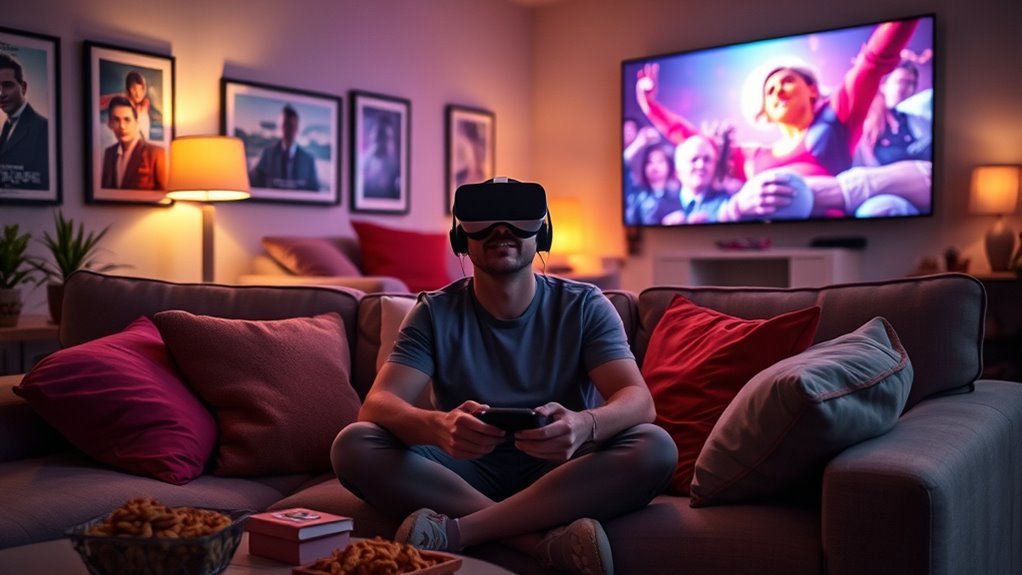

When you use a VR headset to watch movies, you’re stepping into immersive environments that change the way stories are told. You’ll experience enhanced soundscapes that make audio come alive, adding dimension to every scene. Interactive features let you engage with the narrative, influencing the plot and character choices. However, be aware of potential discomfort like motion sickness or eye strain. Choosing the right content can elevate your experience even further, and there’s much more to explore.
Immersive Environments: Stepping Into the Story
When you slip on a VR headset, you’re not just watching a movie; you’re stepping into an entirely new world. Virtual reality transforms storytelling techniques, immersing you in environments that feel incredibly real. As you navigate these spaces, your senses engage in ways traditional films can’t match. You’re not a passive viewer; you become part of the narrative, influencing outcomes and exploring every detail. This immersive experience allows you to feel the emotions of characters and the weight of their choices. The freedom to look around and interact with your surroundings deepens your connection to the story. With VR, you’re not merely observing; you’re living the adventure, making every film an unforgettable journey into the heart of creativity.
Enhanced Soundscapes: A New Dimension of Audio
How can sound elevate your movie-watching experience in virtual reality? With spatial audio and surround sound, you’ll find yourself enveloped in a rich soundscape that complements the visuals. These technologies create a three-dimensional audio environment, making you feel like you’re right in the middle of the action.
| Feature | Spatial Audio | Surround Sound |
|---|---|---|
| Definition | Sound placement based on 3D space | Multi-channel audio setup |
| Experience | Immersive and directional | Broad sound coverage |
| Equipment Needed | VR headset with audio capability | Home theater system |
| Ideal For | Movies, gaming, and simulations | Movies and concerts |
Incorporating these sound elements transforms your viewing into an unforgettable experience, allowing you to hear whispers behind you or explosions all around, enhancing your freedom to engage with the narrative.
Interactive Features: Engaging With the Narrative
As you slip on your VR headset, the narrative unfolds not just in front of you, but around you, inviting you to actively participate in the story. This immersive experience transforms traditional movie-watching into an interactive journey where your narrative choices shape the outcome. You’re not just a passive viewer; your decisions influence character arcs and plot twists, enhancing audience interaction. Imagine standing in a scene, choosing dialogue or exploring hidden paths—each choice deepens your connection to the story. This level of engagement can make you feel more invested, as the characters’ fates rest in your hands. By breaking the fourth wall, VR cinema blurs the line between observer and participant, making each viewing a unique adventure in storytelling.
Potential Discomfort: Motion Sickness and Eye Strain
While the immersive experience of VR cinema can enhance storytelling, it can also lead to discomfort for some viewers. Motion sickness is a common issue, often triggered by a disconnect between what you see and your body’s sense of movement. If you’re sensitive, you might feel dizzy or nauseous during fast-paced scenes. Eye strain is another concern, stemming from prolonged use of VR headsets. The close proximity of the screen can cause discomfort, especially if you’re staring for extended periods. To minimize these effects, take regular breaks, adjust the headset for a comfortable fit, and verify the environment is well-lit. Being aware of these potential discomforts can help you enjoy your VR movie experience without unnecessary interruptions.
Choosing the Right Content: What to Watch in VR
What should you consider when choosing content for your VR movie experience? The right content can elevate your viewing adventure, making it immersive and enjoyable. Here are some key factors to keep in mind:
- Content Genres: Explore different genres like sci-fi, documentaries, or horror. Each offers a unique VR experience.
- Viewing Platforms: Check which platforms provide the best VR content, such as Oculus TV, YouTube VR, or Netflix VR.
- User Reviews: Look at ratings and feedback from other viewers to gauge quality and engagement.
- Length of Content: Consider your comfort level with longer films versus short episodes, especially if you’re new to VR.
Frequently Asked Questions
How Do I Set up My VR Headset for Movie Watching?
To set up your VR headset for an ideal movie viewing experience, adjust the VR headset configuration, ensuring it’s snug and aligned. Next, choose a compatible app or platform, and immerse yourself in cinematic adventures!
Can I Watch Regular Movies in VR Format?
Yes, you can watch regular movies in VR format. Many platforms support VR movie compatibility, transforming standard films into an immersive experience that makes you feel like you’re right in the action. Enjoy the freedom of cinematic adventures!
Will My VR Headset Work With Any Streaming Service?
Your VR headset can’t magically connect to every streaming service. While many support popular platforms, some have service limitations. Check compatibility to guarantee you enjoy a seamless viewing experience without any frustrating setbacks.
How Long Can I Comfortably Watch Movies in VR?
You can comfortably watch movies in VR for about 30 to 60 minutes. However, you might experience eye strain or motion sickness if you go longer, so take breaks to enhance your enjoyment and reduce discomfort.
Are There Age Restrictions for Using VR Headsets?
Age’s just a number, but VR does have age guidelines. Generally, it’s recommended for ages 12 and up. Safety concerns about development and exposure should guide your choices, ensuring a fun, safe experience for everyone.
