

Smart TVs can be easily identified by checking a few key features. If your TV can connect to the internet, stream content from apps like Netflix or Hulu, or has a built-in web browser, it’s likely a smart TV. These functionalities have become standard in modern televisions, allowing users to access a wide range of content and features without the need for external devices. In this article, we’ll explore how to determine if your television is smart and what features to look for.
Check for Internet Connectivity
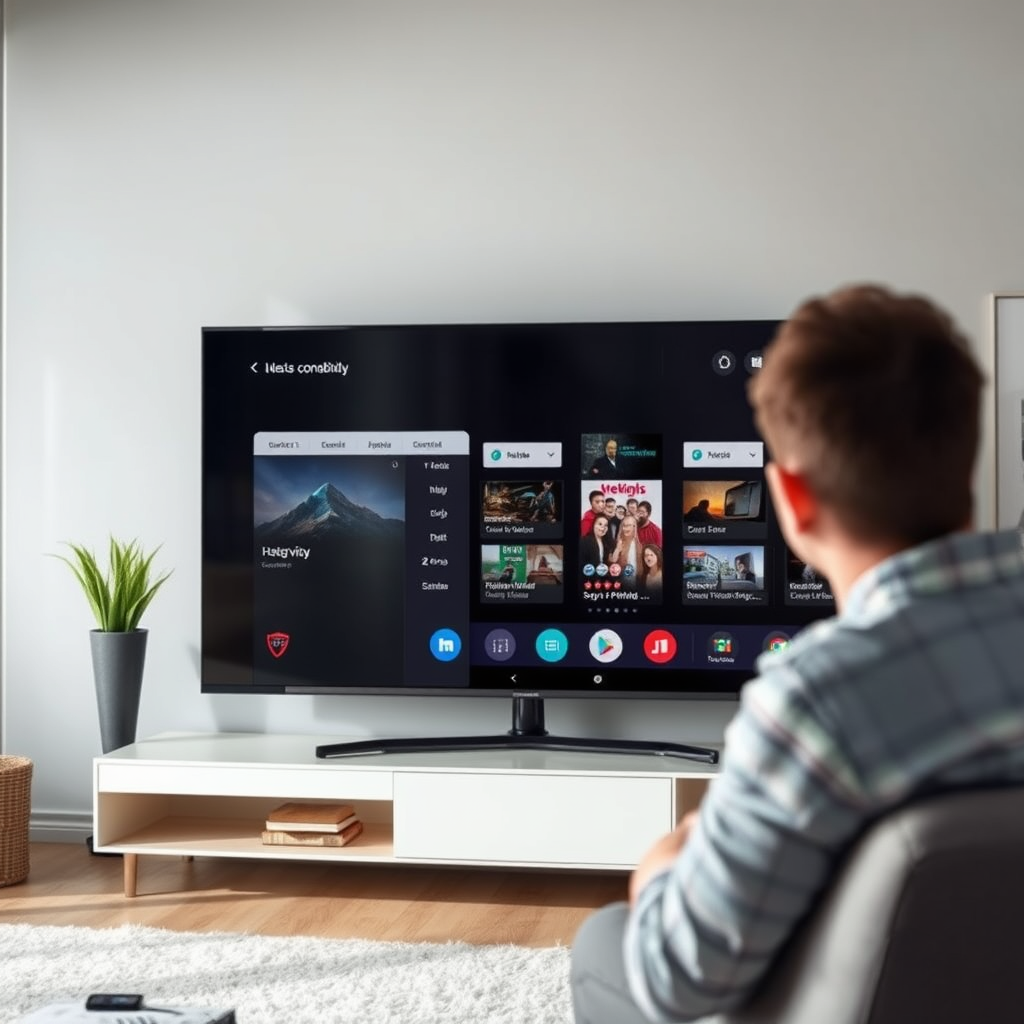
The first step in identifying whether your TV is a smart TV is to check for internet connectivity capabilities. A smart TV will typically have built-in Wi-Fi capabilities or an Ethernet port for wired connections.
– Look for Wi-Fi Settings in the Menu: Navigate through your TV’s settings menu. If you find options for Wi-Fi settings, such as the ability to connect to a wireless network or manage your connection, your TV is likely a smart model.
– See if There are Ethernet Ports on the Back: Check the back of your TV for Ethernet ports. If you see an Ethernet port, it indicates that your TV can connect to the internet via a wired connection, which is a common feature of smart TVs.
Look for Built-in Apps
Another telltale sign of a smart TV is the presence of built-in applications.
– Check for Pre-installed Streaming Apps: Look for applications like Netflix, YouTube, or Amazon Prime Video pre-installed on your TV. If these apps are available on your home screen, it’s a strong indication that your television is a smart TV.
– Review the App Store Availability on Your TV: Many smart TVs come equipped with an app store, allowing users to download additional applications. If you can access an app store or marketplace from your TV, this functionality further confirms its smart capabilities.
Assess the Remote Control Features
The remote control that comes with your TV can provide clues about its smart features.
– Check if the Remote Has Dedicated Buttons for Streaming Services: If your remote includes buttons for popular streaming services, it indicates that your TV is designed for smart functionalities.
– Look for Voice Control Capabilities: Some smart TVs come with advanced remotes that support voice control or smart assistants like Alexa or Google Assistant. If your remote has a microphone or dedicated button for voice commands, it’s likely a smart TV.
Top Smart TV Brands and Their Features (2024)
| # | Brand | Smart Features | Voice Control | App Store |
|---|---|---|---|---|
| 1 | Samsung | Smart Hub, Streaming Apps | Yes | Yes |
| 2 | LG | WebOS, AI Assistant | Yes | Yes |
| 3 | Sony | Android TV, Google Assistant | Yes | Yes |
| 4 | TCL | Roku TV, Voice Remote | Yes | Yes |
| 5 | Vizio | Smartcast, Voice Control | Yes | Yes |
| 6 | Hisense | VIDAA OS, Google Assistant | Yes | Yes |
| 7 | Panasonic | My Home Screen, Voice Assist | Yes | Yes |
Inspect the TV Menu and Interface
An intuitive user interface is another hallmark of smart TVs.
– See if the Interface Allows for App Downloads and Updates: Check if your TV’s interface allows you to download new applications and update existing ones. If you can access an app library and install new apps, this is a strong indicator of a smart TV.
– Look for Features like Screen Mirroring or Casting Options: Many smart TVs offer functionalities like screen mirroring and casting from mobile devices. If your TV supports these features, it enhances its smart capabilities, allowing for a more integrated viewing experience.
Verify the Brand and Model
Sometimes, the simplest way to determine if your TV is a smart TV is to verify its brand and model.
– Research Your TV’s Brand and Model Online: Use the brand and model number to conduct a quick online search. Most manufacturers provide detailed specifications for their televisions, including whether they are smart TVs.
– Find the Specifications on the Manufacturer’s Website: By visiting the official website of the manufacturer, you can often find a dedicated section for your TV model that outlines its capabilities, including smart features.
Check for Software Updates
Keeping your TV’s software up to date is essential for maintaining functionality and security.
– Look for an Option to Update the TV Software in the Settings Menu: A smart TV will typically have an option in the settings menu to check for software updates. If this option exists, your TV is likely smart.
– Regular Updates are a Sign of Smart TV Functionality: Smart TVs receive updates to improve performance, security, and compatibility with new applications. If your TV prompts you to install updates regularly, it’s a strong indication of its smart capabilities.
Explore User Manuals and Specifications
The user manual and online resources can provide valuable insights into your TV’s features.
– Refer to the User Manual That Came with Your TV: The user manual usually contains detailed information about the TV’s features, including whether it is a smart TV.
– Check Online Resources for the Specific Model to Clarify Its Capabilities: If you no longer have the manual, searching the model number online can yield user reviews, specifications, and forums discussing the model’s features.
By following these steps, you can confidently determine whether your TV is a smart TV. If it has internet connectivity, built-in apps, and intuitive features, it’s likely equipped for modern streaming needs. Explore your TV’s functionalities to make the most of your viewing experience, and consider upgrading if needed for enhanced features.
Frequently Asked Questions
How can I tell if my TV is a smart TV?
To determine if your TV is a smart TV, check for built-in internet connectivity options like Wi-Fi or Ethernet ports. Additionally, look for pre-installed apps such as Netflix, Hulu, or YouTube, and a user interface that allows app navigation. If your TV has a web browser or supports streaming services directly, it is likely a smart TV.
What features distinguish a smart TV from a regular TV?
Smart TVs typically offer features such as internet connectivity, access to streaming services, and the ability to download apps. They often come with voice control capabilities, screen mirroring options, and built-in virtual assistants like Amazon Alexa or Google Assistant, setting them apart from regular TVs that only display broadcast channels.
Why should I consider upgrading to a smart TV?
Upgrading to a smart TV can enhance your viewing experience by providing access to a wide range of streaming platforms and content. Smart TVs allow for easy integration with other smart home devices and offer features like personalized recommendations, eliminating the need for separate streaming devices and reducing clutter.
Which brands are known for producing high-quality smart TVs?
Brands like Samsung, LG, Sony, and TCL are renowned for their high-quality smart TVs. Each brand offers various models with advanced features, such as 4K resolution, OLED displays, and user-friendly interfaces, making them popular choices for consumers looking to upgrade their home entertainment systems.
How do I connect my non-smart TV to the internet?
You can connect your non-smart TV to the internet by using streaming devices like Roku, Amazon Fire Stick, or Google Chromecast, which plug into the HDMI port. Alternatively, you can use a game console or a Blu-ray player with smart capabilities to access online streaming services, effectively turning your regular TV into a smart one.
References
- Smart TV
https://en.wikipedia.org/wiki/Smart_TV - https://www.lifewire.com/what-is-a-smart-tv-4688555
https://www.lifewire.com/what-is-a-smart-tv-4688555 - https://www.nytimes.com/2020/07/17/technology/personaltech/smart-tv.html
https://www.nytimes.com/2020/07/17/technology/personaltech/smart-tv.html - https://www.bbc.com/news/technology-48164955
https://www.bbc.com/news/technology-48164955 - Google Scholar Google Scholar
https://scholar.google.com/scholar?q=how+to+identify+smart+TV - Google Scholar Google Scholar
https://scholar.google.com/scholar?q=smart+TV+features - Google Scholar Google Scholar
https://scholar.google.com/scholar?q=smart+tv+definition - Google Scholar Google Scholar
https://scholar.google.com/scholar?q=how+do+i+know+if+my+tv+is+a+smart - how do i know if my tv is a smart – Search results
https://en.wikipedia.org/wiki/Special:Search?search=how+do+i+know+if+my+tv+is+a+smart - https://www.ncbi.nlm.nih.gov/search/research-articles/?term=how+do+i+know+if+my+tv+is+a+smart
https://www.ncbi.nlm.nih.gov/search/research-articles/?term=how+do+i+know+if+my+tv+is+a+smart

[…] TV hardware and tvOS updates, I’ve found the biggest variable isn’t the concept—it’s the user interface you see on your particular device. As of 2024–2026, Apple keeps evolving user-management options, […]
[…] Wireless streaming through built-in apps or screen-mirroring […]
[…] for your phone (with USB‑C/Lightning to HDMI). If you don’t have the right ports, wireless screen mirroring may work, but it’s more hit-or-miss with lag and […]
[…] can project from your iPhone if your TV/projector supports AirPlay or screen mirroring, or if it has an available video input you can reach with HDMI/USB‑C/Lightning accessories. This […]
[…] stable playback. This guide tells you the fastest method for your exact setup and what to do when screen mirroring won’t connect, audio lags, or the display stays black. You’ll have your iPhone showing on your […]
[…] wired HDMI is the fastest, most reliable option with little troubleshooting. No HDMI? Use Wi‑Fi screen mirroring (Miracast/Chromecast-type features) and you’ll still get a solid result, as long as your laptop […]
[…] your iPhone screen to your laptop, but the best method depends on your setup. If you have a Mac, screen mirroring works quickly through Apple’s built-in features. If you’re on a Windows laptop, you’ll need […]
[…] to your laptop, and the fastest method depends on your setup. If you have a Mac, AirPlay makes screen mirroring simple and cable-free. If you’re on Windows, you’ll typically need a compatible app or a […]
[…] methods vary by brand and port type. The core decision is whether your phone supports wireless screen mirroring (Chromecast/AirPlay) or whether it can output video over a wired connection (HDMI via […]
[…] option depends on what you’re trying to display. For a simple, low-lag mirroring setup, use screen mirroring/casting (built-in on most modern devices). If you need a more reliable connection for presentations […]
[…] to HDMI or an MHL adapter for older phones) will deliver the most reliable, lag-free screen mirroring. If you don’t, you’ll need a specific wireless alternative like a Bluetooth or local hotspot […]
[…] and the easiest option is using a Chromecast (Android) or AirPlay (iPhone) for a fast, reliable screen mirroring experience. If your TV doesn’t support those, a streaming stick like Fire TV or Roku plus the […]
[…] can project your phone to a laptop, and the simplest method is usually screen mirroring with a built-in casting feature or a compatible app. This guide tells you exactly how to set it up […]
[…] and video), USB (often used for powering devices or playing media, not always for direct “screen mirroring”), and wireless screen-mirroring features (sometimes branded as AirPlay, Chromecast built-in, […]
[…] smart device; if you just want your photo or image to appear larger on a TV or monitor, screen mirroring (AirPlay) or casting gets you there immediately. In my own setup tests—switching between an Apple […]
[…] iPhone can act like a projector, but it’s not a true built-in projector; you typically need screen mirroring (AirPlay) or wired/compatible output (HDMI adapter or supported screen-projection). In practice, […]
[…] connect a laptop to a projector wirelessly, and it works best when the projector supports built-in screen mirroring (Miracast/AirPlay) or has a compatible wireless display adapter. For most users, that setup […]
[…] and the easiest method depends on your device type. iPhone users get the fastest results with screen mirroring through Apple’s built-in options, while Android users typically have the smoothest experience […]