


Linking JBL speakers is a straightforward process that allows you to enjoy a more immersive audio experience. By following the right steps, you can easily connect multiple JBL speakers for enhanced sound quality. In this guide, we’ll walk you through the necessary steps to link your JBL speakers effectively.
Understanding JBL Connect Features
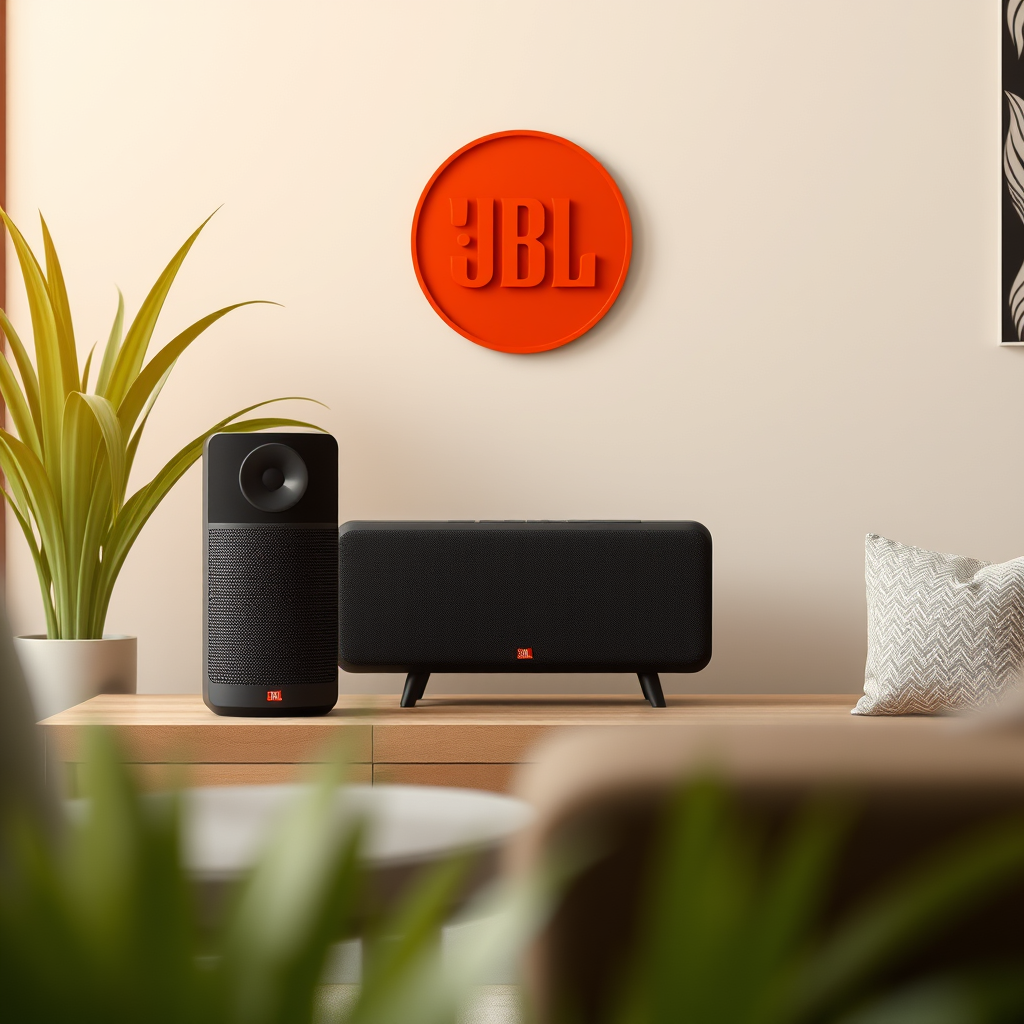
JBL has developed several proprietary technologies designed to facilitate seamless connectivity among its speakers. The main features include JBL Connect, Connect+, and PartyBoost.
– JBL Connect: This technology allows you to connect two JBL speakers, enabling a stereo sound setup that enhances audio quality. It is ideal for smaller gatherings or personal use.
– JBL Connect+: This feature expands on the original JBL Connect by allowing you to link up to 100 compatible JBL speakers. This functionality is perfect for larger events or outdoor parties where extensive sound coverage is needed.
– PartyBoost: Similar to Connect+, PartyBoost allows you to connect multiple JBL speakers but is not backward compatible with earlier versions like Connect and Connect+. This means you can enjoy the benefits of a party setup, but all linked speakers must support PartyBoost.
Understanding these connection technologies is crucial to ensuring you choose the right setup for your needs. Compatibility can influence your decision-making process, especially when considering future speaker purchases.
Preparing Your Speakers
Before you begin the linking process, it’s essential to prepare your JBL speakers to ensure a smooth connection. Start by ensuring that all speakers are fully charged or plugged into a power source. Low battery levels can lead to connection issues and suboptimal performance.
Next, update the firmware of your JBL speakers. This can often be done through the JBL app, and it is crucial for optimal performance and access to the latest features. Regular updates can enhance sound quality, improve connectivity, and resolve bugs that could hinder the linking process.
Using the JBL App
To link your JBL speakers, you will need to utilize the JBL portable app, which is available on both Android and iOS platforms.
1. Download and Install the App: Search for the JBL portable app in your device’s app store and install it.
2. Connect Your First Speaker: Once the app is installed, open it and follow the prompts to connect your first JBL speaker to your smartphone. Ensure that Bluetooth is enabled on your device, as this is the primary method of connection.
The JBL app not only facilitates the linking of speakers but also allows you to customize settings, check battery life, and update firmware directly from your smartphone, making it an invaluable tool for JBL users.
Connecting Multiple Speakers
With your speakers prepared and the app installed, you can now begin connecting multiple JBL speakers.
1. Add Additional Speakers: Within the app, follow the prompts to add additional JBL speakers. The app will guide you through the process, ensuring each speaker is correctly identified and paired.
2. Select Connection Mode: Depending on the number of speakers you are connecting, you can use the “Connect” feature for stereo sound or the “Party” feature to create a dynamic multi-speaker setup. The app will provide options based on the compatibility of your speakers.
By taking advantage of these features, you can create a tailored audio experience that suits your environment, whether it be a quiet evening at home or a lively gathering with friends.
Top JBL Speakers and Their Features
| # | Speaker Model | Max Connection | Battery Life | Water Resistance |
|---|---|---|---|---|
| 1 | JBL Flip 5 | 100 | 12 hours | IPX7 |
| 2 | JBL Charge 5 | 100 | 20 hours | IP67 |
| 3 | JBL Xtreme 3 | 100 | 15 hours | IP67 |
| 4 | JBL Boombox 2 | 100 | 24 hours | IP67 |
| 5 | JBL Pulse 4 | 100 | 12 hours | IPX7 |
| 6 | JBL Link Portable | 100 | 8 hours | IPX7 |
| 7 | JBL Flip 6 | 100 | 12 hours | IP67 |
Troubleshooting Common Issues
Even with the best technology, connectivity problems can arise. Here are some common issues and troubleshooting tips to help you resolve them:
– Bluetooth Connectivity: If your speakers do not connect, ensure that Bluetooth is enabled on your smartphone or tablet. Sometimes, toggling the Bluetooth setting off and back on can help.
– Restart Devices: If you encounter connection problems, try restarting both your JBL speakers and your smartphone. This simple step can often resolve temporary glitches.
– Speaker Compatibility: Ensure that the speakers you are trying to connect are compatible with each other. For instance, if you’re using PartyBoost, make sure all speakers support that feature.
– Distance and Interference: Keep in mind that the distance between your device and the speakers can impact connection stability. Try to minimize physical barriers and reduce the distance to improve connectivity.
By being aware of these common issues and their solutions, you can enhance your experience and enjoy uninterrupted music playback.
Enjoying Enhanced Audio Experience
Once your JBL speakers are successfully linked, it’s time to enjoy an enhanced audio experience. Experiment with different configurations, such as stereo and party modes, to find the setup that best suits your listening preferences.
– Stereo Mode: This configuration pairs two speakers to create a left and right channel, providing a richer sound experience. It’s ideal for personal listening, where clarity and depth are essential.
– Party Mode: In this setting, multiple speakers play the same audio simultaneously, filling larger spaces with sound. Adjust the volume levels on each speaker to achieve a balanced audio output.
Additionally, take advantage of the customization options in the JBL app to explore EQ settings and other sound enhancements. This allows you to tailor the audio output to your liking, ensuring that you get the most out of your JBL speakers.
In summary, linking JBL speakers can significantly enhance your listening experience, whether you’re at home or on the go. By following the steps outlined in this guide, you can easily connect and enjoy your favorite music through multiple speakers. Don’t hesitate to explore all the features your JBL speakers offer for an elevated audio journey!
Frequently Asked Questions
How do I connect my JBL speaker to my smartphone?
To connect your JBL speaker to your smartphone, first ensure the speaker is powered on and in pairing mode. On your smartphone, go to the Bluetooth settings, search for available devices, and select your JBL speaker from the list. Once connected, you’ll be able to play music or other audio directly from your smartphone.
Why won’t my JBL speaker connect to Bluetooth?
If your JBL speaker won’t connect to Bluetooth, it may be due to several reasons such as being out of range, having an outdated firmware, or a low battery. Try turning off the speaker and your device, then restart them. Additionally, ensure that no other devices are connected to the speaker, as this could prevent a new connection.
What is the best way to link multiple JBL speakers together?
The best way to link multiple JBL speakers together is by using the JBL Connect or JBL Connect+ feature, depending on your speaker model. Simply ensure all speakers are turned on, press the Connect button on the first speaker, and then press the Connect button on the other speakers within a few seconds. This allows for synchronized audio playback across all linked speakers.
Which JBL speakers can be linked using the JBL Connect app?
The JBL Connect app allows you to link various models including JBL Flip 4, JBL Charge 3, and JBL Xtreme. To check compatibility, refer to the specifications of your JBL speaker; if it supports JBL Connect or Connect+, you can link it with other compatible speakers using the app for enhanced audio experiences.
How can I reset my JBL speaker to troubleshoot connection issues?
To reset your JBL speaker, press and hold the volume up and Bluetooth buttons simultaneously for about 10 seconds until the speaker turns off. This factory reset clears any existing Bluetooth connections and allows you to start fresh. After resetting, you can attempt to reconnect your device by following the standard pairing process.
References
- https://www.jbl.com/support/faq/how-to-link-jbl-speakers.html
https://www.jbl.com/support/faq/how-to-link-jbl-speakers.html - JBL
https://en.wikipedia.org/wiki/JBL - Google Scholar Google Scholar
https://scholar.google.com/scholar?q=linking+jbl+speakers - https://www.bbc.com/news/technology-56237450
https://www.bbc.com/news/technology-56237450 - https://www.sciencedirect.com/topics/engineering/speaker-linking
https://www.sciencedirect.com/topics/engineering/speaker-linking - Google Scholar Google Scholar
https://scholar.google.com/scholar?q=jbl+speakers+connectivity - https://www.nytimes.com/2020/12/15/technology/jbl-sound-system.html
https://www.nytimes.com/2020/12/15/technology/jbl-sound-system.html - https://www.jbl.com/faq/
https://www.jbl.com/faq/ - https://pubmed.ncbi.nlm.nih.gov/
https://pubmed.ncbi.nlm.nih.gov/ - https://www.theguardian.com/technology/2021/jul/14/jbl-bluetooth-speaker-guide
https://www.theguardian.com/technology/2021/jul/14/jbl-bluetooth-speaker-guide
