

Many users experience connectivity issues with their JBL speakers, often stemming from compatibility problems, incorrect settings, or Bluetooth limitations. If your JBL speakers won’t connect to each other, the root of the issue could range from device compatibility to simple user error. Understanding these common issues and troubleshooting them effectively can help you enjoy the seamless audio experience that JBL is known for.
Common Compatibility Issues
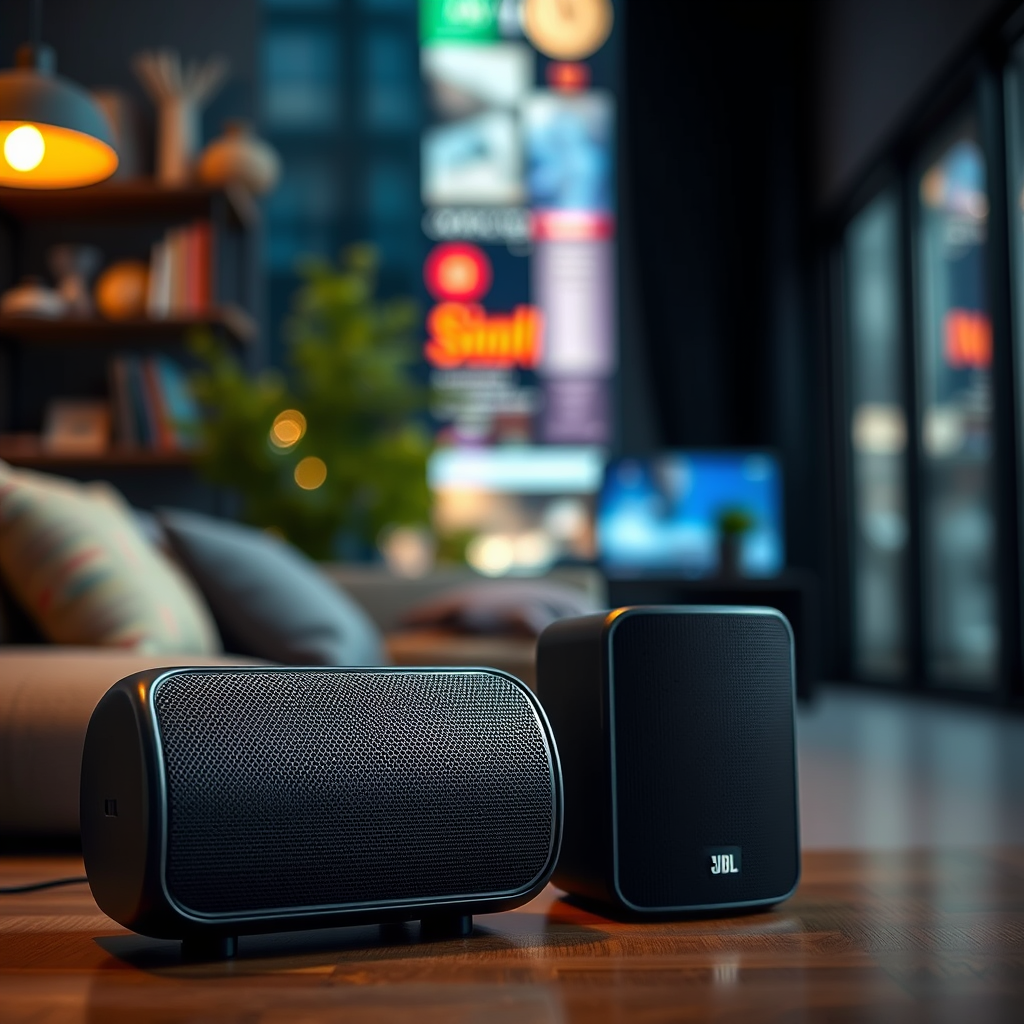
One of the primary reasons JBL speakers fail to connect is due to compatibility issues among different models. Not all JBL speakers are designed to work together, and some models may lack the necessary technology to pair with others. For example, while JBL’s Charge series can connect with other Charge models, they may not pair with the Flip series. Therefore, checking the model specifications before attempting to connect is crucial.
Another critical aspect is ensuring that the speakers support the same Bluetooth profiles. Bluetooth technology is built on various profiles that facilitate specific functionalities—such as audio streaming or calling. If one speaker supports a different profile than the other, they may not be able to communicate effectively. Hence, always refer to the user manuals or JBL’s official website to verify the compatibility of your speakers.
Bluetooth Connection Troubles
Before diving deeper into technical solutions, confirm that Bluetooth is enabled on both the speakers and the device you are trying to connect to. Sometimes users overlook this simple step, leading to frustration. On most devices, this can be checked in the settings menu, where you can also ensure that your JBL speakers appear in the list of available devices.
Additionally, it is essential to check if the speakers are in pairing mode. Many JBL speakers require you to press a specific button to activate pairing mode, which is often indicated by a blinking light. If the pairing mode is not activated, the speakers won’t be discoverable by your device. Therefore, refer to the user manual for specific instructions on how to put each model into pairing mode.
Software and Firmware Updates
Keeping your devices updated is vital for smooth operation. Outdated firmware on either the speakers or the connecting device can lead to connectivity issues. JBL frequently releases firmware updates to fix bugs and improve performance. To check for updates, you can either use the JBL Connect app or visit the JBL website for instructions specific to your model.
Updating the JBL Connect app, if applicable, is equally important. The app not only facilitates speaker connections but also provides access to various features that enhance user experience. An outdated app may not support the latest connectivity options, and updating it can often resolve unexpected issues.
Top 7 JBL Speakers and Their Features (2023)
| # | Model | Bluetooth Range | Battery Life | Water Resistance | Rating |
|---|---|---|---|---|---|
| 1 | JBL Charge 5 | 30 ft | 20 hours | IP67 | ★★★★☆ |
| 2 | JBL Flip 6 | 33 ft | 12 hours | IP67 | ★★★★☆ |
| 3 | JBL Pulse 4 | 30 ft | 12 hours | IPX7 | ★★★★☆ |
| 4 | JBL Boombox 2 | 40 ft | 24 hours | IP67 | ★★★★★ |
| 5 | JBL Xtreme 3 | 30 ft | 15 hours | IP67 | ★★★★☆ |
| 6 | JBL Go 3 | 30 ft | 5 hours | IP67 | ★★★☆☆ |
| 7 | JBL Flip 5 | 33 ft | 12 hours | IPX7 | ★★★★☆ |
Distance and Interference Factors
Distance and interference can significantly affect Bluetooth connectivity. To maintain a stable connection, it is vital to keep your speakers and the connecting device within an appropriate range—generally no more than 30 feet apart in an open area. If you exceed this distance, you might experience audio dropouts or disconnections.
Additionally, physical barriers such as walls or furniture can weaken the Bluetooth signal. Electronic devices, such as microwaves or Wi-Fi routers, can also interfere with Bluetooth connections. If you suspect interference, try moving closer to the speakers or relocating other electronic devices to see if the connection improves.
Resetting Your Speakers
If you’ve tried the above steps and still can’t connect your JBL speakers, resetting them to factory settings may resolve the issue. Resetting clears any connection glitches that may have developed over time. Each JBL model has a specific method for resetting, usually involving holding down certain buttons for a period. Consult the user manual for detailed instructions tailored to your model.
Once reset, you will need to re-pair the speakers with your device, so be prepared to go through the pairing process again. This fresh start often eliminates lingering issues and allows for a new connection.
Troubleshooting Steps to Try
If the connectivity problem persists, try restarting both your JBL speakers and the device you are attempting to connect. This simple action can often resolve many issues by refreshing their connections.
Additionally, testing your speakers with different devices can help diagnose the problem. If the speakers connect to another device without issue, the problem likely lies with the original device. Conversely, if they won’t connect to any device, there may be a fault with the speakers themselves.
Seeking Additional Help
If problems persist despite following the troubleshooting steps, consult JBL’s support resources or user manuals for further assistance. JBL offers a wealth of information on their website, including detailed FAQs that may address specific issues you are encountering.
For more personalized assistance, consider reaching out to JBL customer service. Their representatives can guide you through advanced troubleshooting steps and determine if a repair or replacement is necessary.
By understanding the reasons behind connectivity issues and applying these troubleshooting steps, you’ll be well on your way to enjoying seamless audio from your JBL speakers. If you continue to experience problems, don’t hesitate to seek further assistance from JBL’s customer support or community forums.
Frequently Asked Questions
Why won’t my JBL speakers connect to each other?
There are several reasons why your JBL speakers may not connect to each other. Ensure that both speakers are compatible with the pairing feature, as not all JBL models support this functionality. Additionally, check if they are in pairing mode and within the required Bluetooth range, as obstacles or distance can interfere with the connection.
How can I troubleshoot my JBL speakers that won’t connect?
To troubleshoot your JBL speakers, start by turning off Bluetooth on all devices and restarting both speakers. Make sure they are fully charged and updated with the latest firmware. If the issue persists, try resetting the speakers by holding down the power button and the Bluetooth button simultaneously for about 10 seconds until the LED indicators flash.
What should I do if my JBL speakers are connected but no sound is coming out?
If your JBL speakers are connected but producing no sound, first check the volume levels on both the speakers and the connected device. Ensure that the audio output is set to the JBL speakers in your device settings. If the problem continues, try disconnecting and reconnecting the Bluetooth connection to see if that resolves the issue.
Which JBL speaker models can connect to each other?
Many JBL speaker models support the ability to connect to each other, including the JBL Flip series, Charge series, and Pulse series. Look for models that feature JBL Connect, JBL Connect+, or PartyBoost technology, as these allow for multi-speaker pairing. Always refer to the user manual or the JBL website for specific compatibility details.
Why does my JBL speaker keep disconnecting from each other?
Your JBL speaker may keep disconnecting due to interference from other electronic devices or a weak Bluetooth signal. Ensure that there are no barriers or excessive distance between the speakers. Additionally, check for any software updates or reset the speakers to resolve any underlying connectivity issues that might be causing the disconnections.
References
- JBL
https://en.wikipedia.org/wiki/JBL - https://www.jbl.com/support/faq.html
https://www.jbl.com/support/faq.html - https://www.jbl.com/bluetooth-speakers/faq.html
https://www.jbl.com/bluetooth-speakers/faq.html - Google Scholar Google Scholar
https://scholar.google.com/scholar?q=JBL+speakers+connectivity+issues - Google Scholar Google Scholar
https://scholar.google.com/scholar?q=Bluetooth+speaker+pairing+troubleshooting - https://www.sciencedirect.com/topics/engineering/bluetooth
https://www.sciencedirect.com/topics/engineering/bluetooth - https://www.nature.com/articles/s41598-019-46662-8
https://www.nature.com/articles/s41598-019-46662-8 - https://pubmed.ncbi.nlm.nih.gov/31989835/
https://pubmed.ncbi.nlm.nih.gov/31989835/ - https://www.lifewire.com/jbl-speaker-connection-problems-4687268
https://www.lifewire.com/jbl-speaker-connection-problems-4687268 - Google Scholar Google Scholar
https://scholar.google.com/scholar?q=why+won’t+my+jbl+speakers+connect+to+each+other
