


Connecting speakers to an amplifier is a straightforward process that can significantly enhance your audio experience. By following a few essential steps, you can ensure that your setup is safe, effective, and optimized for sound quality. This guide will walk you through the process of connecting speakers to an amplifier, from understanding compatibility to troubleshooting common issues.
Understanding Speaker and Amplifier Compatibility
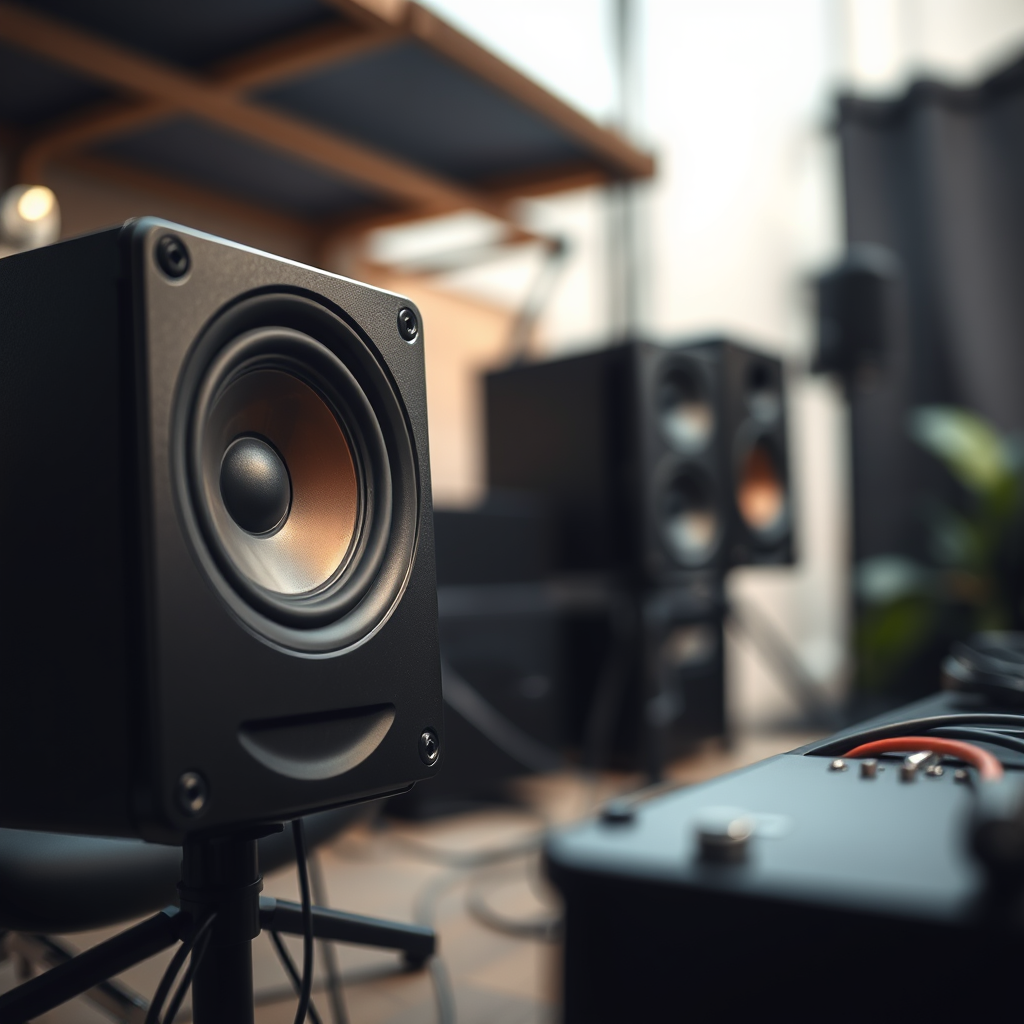
Before attempting to connect your speakers to an amplifier, it is crucial to understand the compatibility between the two. The first step is checking the impedance ratings of both your speakers and amplifier. Impedance, measured in ohms, plays a vital role in how your amplifier drives the speakers. Most home audio speakers operate at either 4, 6, or 8 ohms. It’s essential to match these ratings with your amplifier to prevent damage and ensure optimal performance.
Moreover, be aware of the power handling capabilities of both your speakers and amplifier. Each speaker has a specified power rating that indicates the maximum power it can handle without distortion or damage. Ensure that the amplifier’s power output matches or is less than the speaker’s power handling capabilities to avoid overwhelming the speakers.
Gathering Necessary Tools and Materials
To successfully connect your speakers to an amplifier, you will need the following tools and materials:
– Speaker Cables: Make sure you have high-quality speaker cables with connectors that match your equipment. Common options include banana plugs, spade connectors, or bare wire ends.
– Screwdriver: If your amplifier or speakers have terminal blocks, a screwdriver will be necessary to secure the wire connections.
– Wire Stripper: If you are using bare wire, a wire stripper will help you expose the copper strands needed for connection.
Having these tools ready will streamline the installation process, making it easier and more efficient.
Preparing the Amplifier for Connection
Before you begin making connections, it is essential to prepare your amplifier properly. First and foremost, ensure that the amplifier is turned off and unplugged to prevent any risk of electrical shock. Safety should always be your top priority when working with electrical devices.
Next, locate the speaker output terminals on the amplifier. These are typically labeled as “Speaker A,” “Speaker B,” or may be indicated with positive (+) and negative (-) symbols. Familiarizing yourself with these terminals will make the connection process smoother.
Speaker and Amplifier Compatibility Overview
| # | Component | Impedance (Ohms) | Power Handling (Watts) | Recommended Match |
|---|---|---|---|---|
| 1 | Speaker Model A | 8 | 100 | 50-100 Watts |
| 2 | Speaker Model B | 6 | 80 | 40-80 Watts |
| 3 | Speaker Model C | 4 | 120 | 60-120 Watts |
| 4 | Speaker Model D | 8 | 150 | 75-150 Watts |
| 5 | Amplifier Model 1 | 8 | 100 | Compatible |
| 6 | Amplifier Model 2 | 6 | 80 | Compatible |
| 7 | Amplifier Model 3 | 4 | 120 | Not Recommended |
Connecting the Speakers to the Amplifier
Now that you have prepared the amplifier, it’s time to connect the speakers. Begin by stripping the ends of your speaker wires to expose the copper strands, if you are using bare wire. Ensure that you strip only enough insulation to allow for a good connection, typically about half an inch.
Next, connect the positive (+) wire to the positive terminal on the amplifier and the corresponding terminal on the speaker. The same applies to the negative (-) wires. It is crucial to maintain the correct polarity; failing to do so can result in phase cancellation, leading to diminished sound quality. Ensure that the wires are securely fastened to avoid any disconnections during use.
If using banana plugs or spade connectors, simply insert them into the respective terminals and tighten if necessary. This method often provides a more secure and reliable connection.
Testing the Connection
After making the connections, plug the amplifier back in and turn it on. It is advisable to start with the volume set to a low level to prevent any sudden loud noises that could damage your speakers.
Play a test audio track, preferably one that you are familiar with, to check if both speakers are functioning correctly. Listen for clarity and balance in sound; if one speaker sounds weaker or distorted, double-check the connections and ensure that the amplifier is set to the correct input source.
Troubleshooting Common Issues
If you encounter issues, such as no sound coming from the speakers, troubleshooting is essential. Start by checking all connections. Loose or improperly connected wires can often be the culprit for sound issues. Ensure that both the positive and negative connections are tight and secure.
Additionally, verify that the amplifier is set to the correct input source. Sometimes, amplifiers have multiple input options, and selecting the wrong one can lead to silence. Also, check the volume settings; it may seem obvious, but ensuring the volume is turned up is a common oversight.
Maintenance Tips for Optimal Performance
To ensure the longevity and optimal performance of your audio system, regular maintenance is essential. Here are some tips to consider:
– Inspect Cables Regularly: Over time, speaker cables can wear out. Look for any signs of fraying or damage and replace them as necessary to maintain sound quality.
– Keep Equipment Clean: Dust and debris can accumulate in and around your amplifier and speakers, potentially affecting performance. Regularly clean these surfaces with a soft, dry cloth.
– Check Connections: Periodically inspect the connections to ensure they remain secure and free from corrosion, which can degrade performance over time.
By taking these steps, you can prolong the life of your audio equipment and enjoy a consistently high-quality listening experience.
Summarizing the steps to connect speakers to an amplifier will help you achieve a great audio setup. Follow the outlined process, and don’t hesitate to reach out for further assistance or tips on enhancing your sound system. Enjoy your listening experience!
Frequently Asked Questions
How do I connect passive speakers to an amplifier?
To connect passive speakers to an amplifier, start by ensuring that both the amplifier and speakers are powered off. Use speaker wire to connect the positive terminal of the amplifier to the positive terminal of the speaker, and do the same for the negative terminals. Make sure to maintain the same polarity to avoid phase issues, and securely tighten the connections to ensure good contact.
What type of cables do I need to connect speakers to an amplifier?
The most common cables used to connect speakers to an amplifier are speaker wires, typically 16-gauge or 14-gauge for standard setups. For higher-quality connections, you might consider using gold-plated connectors or banana plugs to ensure a secure and corrosion-resistant connection. Additionally, if you’re connecting via a home theater system, you may need RCA cables for line-level connections.
Why is my amplifier not detecting my connected speakers?
If your amplifier is not detecting your connected speakers, first check that all connections are properly secured and that the speaker wires are not damaged. Ensure the amplifier is set to the correct input source and that the speakers are compatible with the amplifier’s power output. If issues persist, try testing the speakers with another amplifier or checking for blown fuses in the amplifier.
What is the best way to connect Bluetooth speakers to an amplifier?
The best way to connect Bluetooth speakers to an amplifier is to use a Bluetooth receiver that can be connected to the amplifier’s input. Once the receiver is connected, pair it with your Bluetooth speakers, and select the receiver as the source on your amplifier. This allows for wireless audio streaming while maintaining the sound quality typical of wired connections.
Which amplifier should I choose for my speakers?
When choosing an amplifier for your speakers, consider the speakers’ power handling (measured in watts) and impedance (measured in ohms). Match an amplifier that provides enough power without exceeding the speaker’s limit, typically within a range of 70-90% of the speaker’s maximum power rating. Additionally, look for features like built-in equalizers and multiple input options to enhance your audio experience.
References
- Audio power amplifier
https://en.wikipedia.org/wiki/Audio_amplifier - https://www.audioholics.com/education/understanding-audio/how-to-connect-speakers-to-an-amplifier
https://www.audioholics.com/education/understanding-audio/how-to-connect-speakers-to-an-amplifier - Comprehensive IT Asset Taxonomy & Intelligence | Flexera Technopedia
https://www.technopedia.com/what-is-an-amplifier/2/27947 - Call for Papers – IJERT
https://www.ijert.org/research/speaker-amplifier-connection-and-theory-IJERTV8IS06010.pdf - Google Scholar Google Scholar
https://scholar.google.com/scholar?q=how+to+connect+speakers+to+amplifier - Google Scholar Google Scholar
https://scholar.google.com/scholar?q=speaker+amplifier+connections - Google Scholar Google Scholar
https://scholar.google.com/scholar?q=audio+amplifier+speaker+wiring - https://www.sciencedirect.com/topics/engineering/audio-amplifier
https://www.sciencedirect.com/topics/engineering/audio-amplifier - https://www.bbc.com/future/article/20201203-how-to-get-the-best-sound-from-your-speakers
https://www.bbc.com/future/article/20201203-how-to-get-the-best-sound-from-your-speakers - how to connect speakers to amplifier – Search results
https://en.wikipedia.org/wiki/Special:Search?search=how+to+connect+speakers+to+amplifier
