


The LG UltraGear monitors do not come with built-in speakers. Instead, they focus on delivering high-quality visuals and performance for gaming and professional use. This design choice allows LG to prioritize the advanced display capabilities that these monitors are known for. In this article, we’ll explore the audio options available for the LG UltraGear series, the best ways to enhance your audio experience, and more.
Overview of LG UltraGear Monitor Features
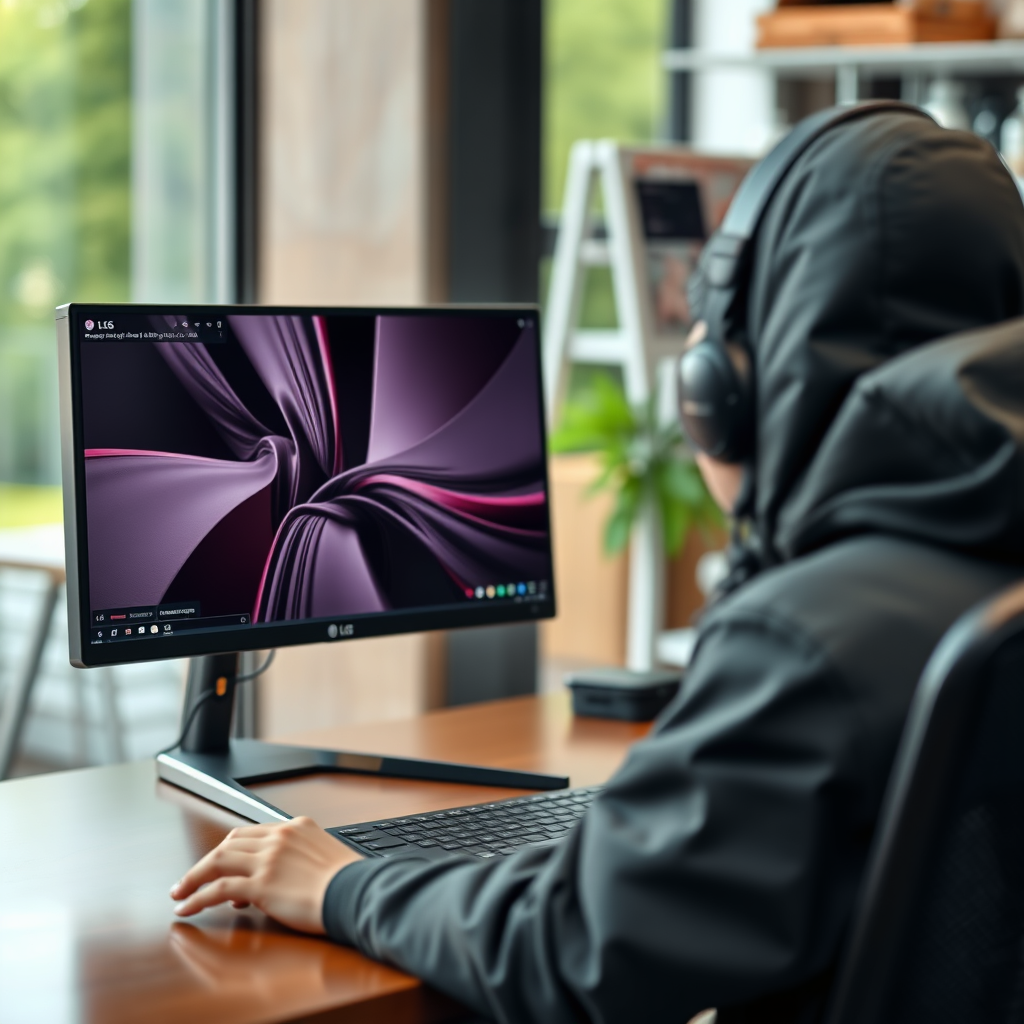
LG UltraGear monitors are celebrated for their cutting-edge specifications, making them a top choice for gamers and professionals alike. One of the standout features is their impressive display technology, which includes high refresh rates and resolutions. For example, many models offer 144Hz to 240Hz refresh rates, ensuring ultra-smooth gameplay and responsiveness, particularly essential for fast-paced gaming genres like first-person shooters or racing games.
In terms of resolution, the UltraGear series typically supports up to 4K (3840 x 2160) and QHD (2560 x 1440), allowing for outstanding clarity and detail in images and graphics. Other notable features include HDR (High Dynamic Range) support, which enhances the color range and contrast in games and videos, and G-Sync or FreeSync compatibility, which eliminates screen tearing and stuttering. These features collectively contribute to an immersive visual experience, which is often deemed more critical than audio in gaming contexts.
Audio Capabilities of the LG UltraGear
While the LG UltraGear series excels in display performance, it lacks built-in speakers. This design choice is intentional, focusing on optimizing the monitor’s visual capabilities rather than integrating audio components, which may compromise overall performance. The absence of built-in speakers means that users looking for high-quality sound will need to invest in external audio solutions.
Despite this limitation, LG UltraGear monitors do offer various audio output options. Most models come equipped with a headphone jack and several have DisplayPort and HDMI outputs that support audio signals. This allows users to connect external speakers or headphones easily, ensuring they can still achieve a robust audio experience while using their monitors.
Recommended External Audio Solutions
For users seeking to enhance their audio experience with LG UltraGear monitors, several external audio solutions are recommended. Here are a few options that pair well with these monitors:
1. Logitech Z623: A powerful 2.1 speaker system that delivers deep bass and clear audio, perfect for gaming and multimedia.
2. Audioengine A2+: Compact yet high-quality speakers known for their exceptional sound clarity, suitable for both gaming and professional use.
3. Bose Companion 2 Series III: Renowned for their rich sound and sleek design, these speakers provide a great balance of performance and aesthetics.
4. HyperX Cloud II Headset: A gamer-centric headset that offers immersive audio and comfort for long gaming sessions.
Using a dedicated sound system not only amplifies sound quality but also provides a more immersive experience. High-quality external speakers or headphones can significantly enhance the auditory aspects of games, movies, or music, making every experience more engaging.
Connecting Audio Devices
Connecting external speakers or headphones to LG UltraGear monitors is a straightforward process. Here are the primary methods of connection:
– Wired Connections: Most LG UltraGear monitors feature a 3.5mm audio-out jack, allowing users to connect standard speakers or headphones directly. This is the most common and reliable way to ensure high-quality audio output.
– HDMI/DisplayPort Connections: Both HDMI and DisplayPort cables can transmit audio along with video. If your speakers support HDMI ARC (Audio Return Channel) or are connected to a receiver that does, you can enjoy audio directly from the monitor without additional cables.
– Bluetooth: Some newer models or external speakers feature Bluetooth connectivity. While LG UltraGear monitors do not support Bluetooth natively, users can connect Bluetooth adapters to the audio-out jack if they prefer wireless audio solutions.
By utilizing these connection methods, users can customize their audio setup to enhance their overall experience, ensuring they have the best sound quality to complement the impressive visuals of their LG UltraGear monitor.
Top External Audio Solutions for LG UltraGear Monitors
| # | Audio Solution | Type | Price | Rating |
|---|---|---|---|---|
| 1 | Logitech Z623 | 2.1 Speakers | $149.99 | ★★★★☆ |
| 2 | Audioengine A2+ | Bookshelf Speakers | $269.00 | ★★★★★ |
| 3 | Bose Companion 2 | 2.0 Speakers | $129.00 | ★★★★☆ |
| 4 | HyperX Cloud II | Gaming Headset | $99.99 | ★★★★★ |
User Feedback on Audio Experience
User feedback regarding the audio experience when using LG UltraGear monitors with external devices generally highlights a high level of satisfaction. Many users appreciate the flexibility that comes with selecting their own audio solutions, expressing that dedicated speakers or headsets can provide superior sound quality compared to built-in options found in other monitors.
Reviews often mention that when paired with quality audio devices, the combination of sound clarity and immersive experience enhances gaming sessions significantly. Users have noted that the deep bass and clear highs provided by systems like the Logitech Z623 or Audioengine A2+ create an engaging atmosphere, especially in action-packed games or cinematic experiences. Overall, the consensus is that while the lack of built-in speakers may initially seem like a drawback, the ability to customize audio setups ultimately leads to a better user experience.
Alternatives to LG UltraGear Monitors
For those specifically seeking gaming monitors with built-in speakers, several alternatives exist. Notable models include:
– ASUS ROG Strix XG27UQ: This monitor offers 4K resolution, a 144Hz refresh rate, and integrated speakers, making it a solid choice for users who prefer an all-in-one solution.
– Acer Predator XB273U: Known for its vibrant colors and fast response times, this monitor also features built-in speakers, catering to gamers who prioritize audio alongside visuals.
– Samsung Odyssey G7: This curved monitor provides a unique gaming experience with its immersive design and includes built-in speakers for convenience.
When considering different options, it is essential to compare not just the built-in audio capabilities but also the overall specifications that impact gaming performance, such as refresh rates, response times, and display quality.
In conclusion, while LG UltraGear monitors do not come with built-in speakers, they offer extensive options for enhancing audio experiences through external devices. By investing in quality audio solutions, users can significantly elevate their gaming and multimedia experiences. For those who prioritize integrated audio, there are alternative monitors available that cater to such needs, highlighting the importance of aligning monitor features with personal preferences.
Frequently Asked Questions
Does the LG UltraGear monitor have built-in speakers?
No, most LG UltraGear monitors do not come with built-in speakers. They are designed primarily for high-performance gaming and multimedia visuals, focusing on screen quality rather than audio. Users typically need to connect external speakers or headphones to get audio output.
How can I connect external speakers to my LG UltraGear monitor?
To connect external speakers to your LG UltraGear monitor, use the audio output jack, usually a 3.5mm port located on the back or side of the monitor. Simply plug in your speakers or headphones, and ensure your computer’s audio settings are configured to output sound through the correct device.
Why do LG UltraGear monitors not include built-in speakers?
LG UltraGear monitors prioritize display performance, refresh rates, and response times, which are crucial for gamers. Including built-in speakers could compromise these features and add to the overall cost. Hence, LG focuses on providing a superior visual experience, while users can choose their preferred audio solutions.
What are the best external speakers to use with an LG UltraGear monitor?
The best external speakers for your LG UltraGear monitor depend on your preferences and budget. Popular options include Logitech Z623 for powerful sound, Creative Pebble 2.0 for compact design, and Bose Companion 2 for high-quality audio. Each provides excellent sound quality, enhancing your gaming or multimedia experience.
Which LG UltraGear models are known for their audio performance when paired with external speakers?
While LG UltraGear monitors don’t have built-in speakers, models like the LG 27GN950-B and LG 34GP83A-B are known for their impressive picture quality and compatibility with high-end external audio systems. These models provide excellent performance for gaming and multimedia, making them ideal for users who value both visuals and sound quality.
References
- Product Support: Support Home | LG USA Support
https://www.lg.com/us/support/product/lg-27gp850-b - Google Scholar Google Scholar
https://scholar.google.com/scholar?q=LG+Ultragear+speakers - Google Scholar Google Scholar
https://scholar.google.com/scholar?q=LG+Ultragear+monitor+audio - AnandTech Forums: Technology, Hardware, Software, and Deals
https://www.anandtech.com/show/16386/lg-ultragear-27gn950-review - Google Scholar Google Scholar
https://scholar.google.com/scholar?q=does+the+lg+ultragear+have+speakers - does the lg ultragear have speakers – Search results
https://en.wikipedia.org/wiki/Special:Search?search=does+the+lg+ultragear+have+speakers - https://www.ncbi.nlm.nih.gov/search/research-articles/?term=does+the+lg+ultragear+have+speakers
https://www.ncbi.nlm.nih.gov/search/research-articles/?term=does+the+lg+ultragear+have+speakers
