


Connecting an amplifier to speakers is a straightforward process that significantly enhances your audio experience. By following a few clear steps, you can ensure that your sound system delivers high-quality sound. In this guide, you’ll learn the essential methods and tips for successfully connecting an amplifier to your speakers.
Understanding Your Equipment
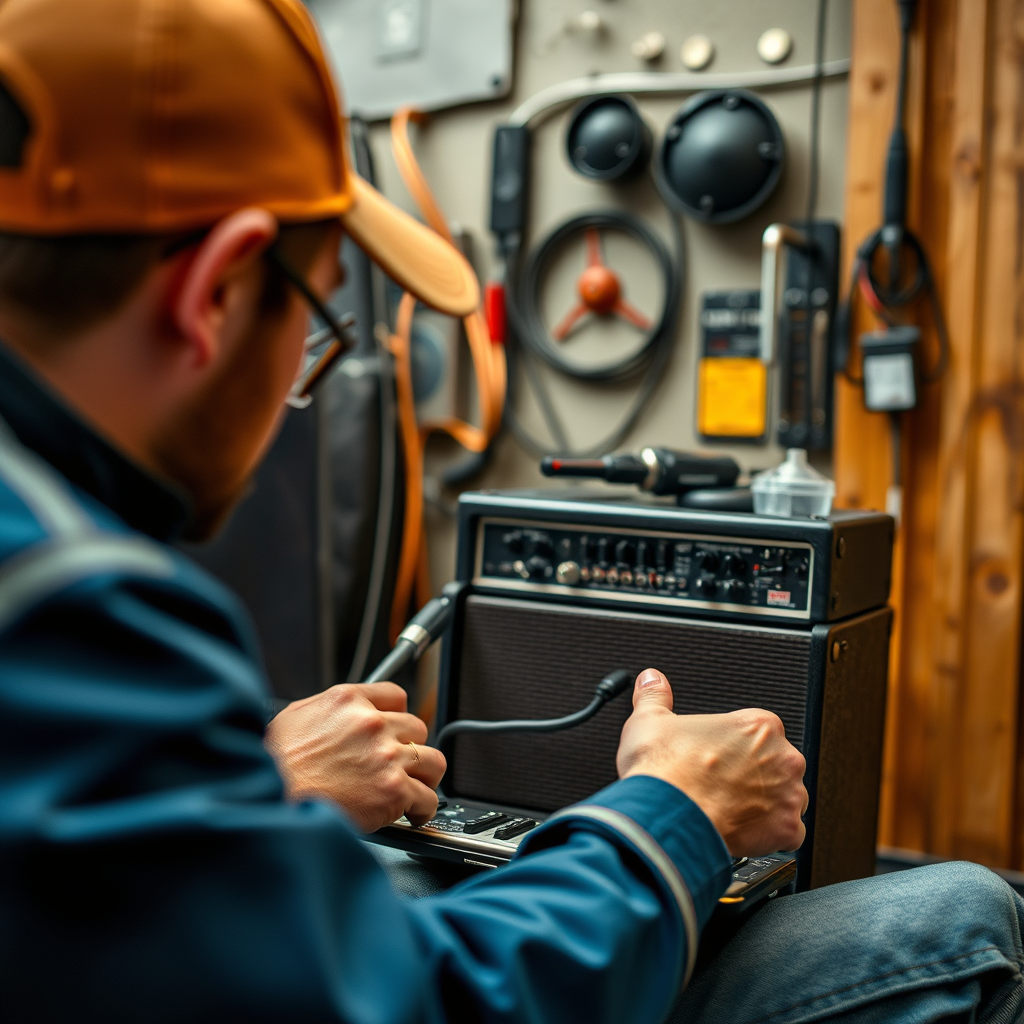
Before diving into the connection process, it’s crucial to understand the equipment you’re working with. The two main types of speakers are passive and active speakers. Passive speakers require an external amplifier to drive the sound, while active speakers have built-in amplifiers and can be connected directly to audio sources.
When it comes to amplifiers, there are various types available, such as stereo amplifiers, which power two channels for left and right speakers, and multi-channel amplifiers, which can support multiple speakers in a home theater setup. Familiarizing yourself with these differences will help you make informed decisions about your sound system configuration.
Required Tools and Materials
To successfully connect your amplifier to speakers, you’ll need the following tools and materials:
– Speaker Wires: These are essential for connecting passive speakers to the amplifier, typically made of copper for optimal conductivity.
– RCA Cables: If you’re using an external audio source, such as a CD player or a streaming device, you will need RCA cables to connect the source to the amplifier.
– Wire Strippers: Optional but useful, wire strippers help you prepare the ends of speaker wires for connection.
– Connectors: Depending on your equipment, you might need banana plugs or spade connectors to facilitate secure connections.
By having these materials ready, you will streamline the setup process and avoid unnecessary delays.
Preparing the Amplifier and Speakers
Before making any connections, ensure both the amplifier and speakers are powered off. This precaution helps prevent any electrical shocks or equipment damage during the setup.
Check the impedance ratings of your speakers, typically measured in ohms (Ω), and ensure they are compatible with your amplifier. Most amplifiers can handle 4, 6, or 8-ohm speakers, but using speakers with a lower impedance than the amplifier’s rating can lead to overheating and potential failure.
Speaker Impedance and Amplifier Compatibility Chart
| # | Speaker Type | Impedance (Ω) | Compatible Amplifier Ratings | Ideal Use Case |
|---|---|---|---|---|
| 1 | Passive Speakers | 8 | 8Ω | Home Audio |
| 2 | Active Speakers | 4 | 4Ω | Studio Monitoring |
| 3 | Bookshelf Speakers | 6 | 6Ω | Compact Spaces |
| 4 | Floor-Standing Speakers | 8 | 8Ω | Home Theater |
| 5 | Subwoofers | 4 | 4Ω | Bass Enhancement |
| 6 | In-Wall Speakers | 8 | 8Ω | Integrated Systems |
| 7 | Ceiling Speakers | 8 | 8Ω | Home Audio |
Making the Connection
Once you have prepared your amplifier and speakers, it’s time to make the connections. Here’s a step-by-step guide:
1. Strip the Speaker Wire: If using bare wire, strip about half an inch of insulation off the ends using your wire strippers.
2. Connect to Speakers: Locate the terminals on your speakers, which are usually marked as positive (+) and negative (-). Insert the stripped end of the speaker wire into the corresponding terminal and secure it. Repeat this for the other speaker.
3. Connect to Amplifier: Similarly, find the speaker output terminals on your amplifier. Connect the other ends of the speaker wire to these terminals, ensuring that the positive and negative connections match those made at the speakers.
4. Using RCA Cables: If you’re using an external audio source, connect the RCA cables from the audio source’s output to the amplifier’s input. The red connector usually corresponds to the right channel, and the white (or black) connector is for the left channel.
5. Double-Check Connections: Before powering on your system, double-check all connections to ensure they are secure and correctly oriented.
Testing the Setup
Before you enjoy your new audio setup, it’s critical to test it. Follow these tips for a safe and effective testing process:
1. Power On: Turn on the amplifier first, followed by the audio source. This sequence helps prevent any loud pops or noises that could damage your speakers.
2. Volume Control: Start with the volume set to a low level. Gradually increase it while listening for any distortion or unexpected sounds.
3. Common Issues: If you experience no sound, check all connections for security and orientation. For distortion, check the volume level on both the amplifier and source.
4. Speaker Placement: Ensure that your speakers are positioned correctly for optimal sound quality. Placement can drastically affect audio performance; avoid corners, and provide some space for sound to disperse.
Maintenance and Care
Maintaining your amplifier and speakers is essential for longevity and performance. Here are some best practices:
– Regular Checks: Periodically inspect all connections to ensure they remain tight and secure. Loose connections can lead to poor audio quality and potential damage.
– Cable Wear: Inspect speaker wires for frays or damage, as these can compromise sound quality and safety.
– Cleaning: Dust and clean your amplifier and speakers regularly. Use a soft cloth for the exterior and avoid harsh cleaners, especially on speaker cones.
By keeping your equipment well-maintained, you can enjoy high-quality sound for years to come.
Upgrading Your Setup
As you become more familiar with your audio system, you may consider upgrades or expansions. When thinking about adding more speakers or upgrading your amplifier, keep the following in mind:
– Speaker Compatibility: Ensure that any new speakers you purchase are compatible with your existing amplifier in terms of impedance and power handling.
– Amplifier Power: If you plan to add more speakers, you may need a more powerful amplifier to drive them effectively.
– Speaker Placement: Consider optimal speaker placement for your upgraded setup. The placement should maximize soundstage and minimize interference from walls or furniture.
By planning your upgrades thoughtfully, you can enhance your audio experience significantly.
Connecting an amp to speakers is crucial for achieving great sound quality. By following the steps outlined in this guide, you can ensure a perfect setup. If you’re ready to enhance your audio experience, gather your equipment and get started today!
Frequently Asked Questions
How do I connect my amplifier to passive speakers?
To connect your amplifier to passive speakers, first ensure that your amplifier is powered off. Use speaker wire to connect the positive terminal of the amplifier to the positive terminal of the speaker, and do the same for the negative terminals. Make sure to match the polarity correctly to avoid phase issues, then power on the amplifier and test the connection.
What type of cables do I need to connect my amp to speakers?
For connecting an amplifier to speakers, you typically need speaker wire, which comes in various gauges. The most common gauge for home audio setups is 16 or 14 AWG, depending on the distance between the amp and the speakers. Additionally, you may need RCA cables if you are connecting to a powered subwoofer or using an external audio source.
Why is my amplifier not producing sound after connecting to speakers?
If your amplifier is not producing sound after connecting to speakers, first check your connections to ensure they are secure and correctly polarized. Additionally, verify that the amplifier is powered on and that the volume is set at an audible level. If everything seems correct, check for any blown fuses or issues with the speakers themselves.
Which type of amplifier is best for my speakers?
The best type of amplifier for your speakers depends on their impedance and power handling capabilities. For most home audio setups, a solid-state amplifier is a popular choice due to its reliability and efficiency. If you have high-efficiency speakers, a tube amplifier can provide a warm sound, but make sure it matches the power requirements of your speakers.
How can I ensure my amplifier and speakers are compatible?
To ensure compatibility between your amplifier and speakers, check the impedance rating of both devices; they should ideally match, commonly at 4, 6, or 8 ohms. Additionally, consider the power ratings: the amplifier should be able to deliver power within the speakers’ recommended range to avoid damage. Reading the specifications and consulting the user manuals will help you confirm compatibility.
References
- https://en.wikipedia.org/wiki/Speaker_(audio
https://en.wikipedia.org/wiki/Speaker_(audio - https://www.hongkongpolyu.edu.hk/
https://www.hongkongpolyu.edu.hk/ - https://www.thebalance.com/how-to-connect-an-amplifier-to-speakers-4175200
https://www.thebalance.com/how-to-connect-an-amplifier-to-speakers-4175200 - https://www.audioholics.com/loudspeaker-design/speaker-impedance-basics
https://www.audioholics.com/loudspeaker-design/speaker-impedance-basics - Google Scholar Google Scholar
https://scholar.google.com/scholar?q=how+to+connect+amp+to+speakers - Google Scholar Google Scholar
https://scholar.google.com/scholar?q=amplifier+speaker+connection+techniques - Home – Northeastern University
https://www.northeastern.edu/ - https://pubmed.ncbi.nlm.nih.gov/
https://pubmed.ncbi.nlm.nih.gov/ - https://www.sciencedirect.com/
https://www.sciencedirect.com/ - https://en.wikipedia.org/wiki/Special:Search?search=how+to+connect+amp+to+speakers
https://en.wikipedia.org/wiki/Special:Search?search=how+to+connect+amp+to+speakers
